

From my experience with ManageArtworks, I found it excels at centralizing digital assets while providing intuitive collaboration tools that fit well within creative and marketing teams. The platform’s focus on rights management and brand governance is particularly valuable for organizations needing to maintain strict control over asset usage. However, the lack of transparent pricing and absence of mobile apps may limit accessibility for some users. Overall, if your team requires a robust, web-based DAM solution with strong workflow features, ManageArtworks delivers reliable and practical results.
ManageArtworks Digital Asset Management Software for Creative Teams
ManageArtworks is a cloud-based digital asset management platform designed to centralize, organize, and streamline collaboration on digital content for creative and marketing teams.
- Best for
- Centralized Asset Storage
- Key capability
- Centralized Digital Asset Repository
Your actions
Save ManageArtworks, follow its updates and vote on it — everything stays in your account.
Sign in or create a free account

What is ManageArtworks?
ManageArtworks is a cloud-based digital asset management (DAM) platform designed to help creative teams and marketing departments organize, manage, and distribute digital content efficiently. It centralizes all digital assets, enabling seamless collaboration, version control, and brand governance.
Key features of ManageArtworks
Key features include centralized asset storage, collaborative workflows, version control, rights management, and marketing campaign support, all accessible through an intuitive web interface.
Centralized Digital Asset Repository
Securely store all types of digital content in one place with easy access controls.
Collaborative Workflow Tools
Facilitate asset reviews, approvals, and feedback with version history and commenting.
Advanced Search and Metadata
Use customizable metadata fields and powerful search filters to quickly find assets.
Rights and License Management
Track asset usage rights to ensure compliance and avoid unauthorized use.
Brand Governance
Maintain brand consistency by controlling asset distribution and usage.
Pros and cons of ManageArtworks
Pros
- Intuitive interface that simplifies asset management
- Strong collaboration and approval workflows
- Robust rights and license tracking features
Cons
- Pricing details are not publicly listed, requiring contact for quotes
- Limited to web platform; no mobile apps currently available
Key use cases for ManageArtworks
Centralized Asset Storage
Store and organize all creative assets such as images, videos, and documents in a single, secure location accessible to your team.
Creative Collaboration
Enable teams to collaborate on assets with version control, commenting, and approval workflows to streamline creative projects.
Marketing Campaign Management
Manage and distribute marketing materials efficiently to ensure brand consistency across all channels.
Brand Asset Management
Maintain brand guidelines and ensure only approved assets are used by internal teams and external partners.
Rights and Usage Tracking
Track asset licenses and usage rights to avoid compliance issues and unauthorized use.
How ManageArtworks works
- 1
Sign Up and Set Up
Create an account and configure your workspace by uploading your digital assets and setting user permissions.
- 2
Organize Assets
Categorize and tag assets for easy search and retrieval using metadata and custom taxonomies.
- 3
Collaborate and Review
Invite team members to review, comment, and approve assets through built-in workflows.
- 4
Distribute and Track
Share approved assets with internal teams or external partners and monitor usage rights and licenses.
Who is using ManageArtworks
Creative agencies
Marketing teams
Brand managers
Media production companies
Corporate communications departments
ManageArtworks pricing
Free Trial
$0 for 14 days
Full access to all features for 14 days to evaluate the platform.
Professional
Custom pricing
Tailored plans based on team size and storage needs with full feature access.
Plans and prices are as published by the vendor and can change. Check the official site before you buy. Open the pricing page (opens in a new tab)
Frequently asked questions about ManageArtworks
Yes, ManageArtworks offers a 14-day free trial with access to all features.
You can store images, videos, documents, audio files, and other digital content.
Yes, you can set granular user roles and permissions to control access to assets.
Yes, ManageArtworks tracks versions of assets to manage changes and revisions.
This tool is designed to help users accomplish its core tasks more efficiently. It is typically used by individuals or teams looking to improve productivity and workflow.
Some tools offer a free plan or trial with limited features. Availability can vary, so confirm on the official website.
Yes, it can help with that use case depending on how you configure it and what features are available. You’ll get the best results with clear inputs and a defined goal.
Sign in to review this tool.
Sign In to ReviewNo reviews yet
Be the first to share how this tool worked for you.
Ask about pricing, limits, or how it compares — or answer someone else.
Sign In to AskNo questions yet
Have a question about using or paying for this tool? Be the first to ask.
Featured on TiorAI



Alternative Tools
Explore similar AI tools that might fit your needs

Contact for pricing
Brandfolder
Brandfolder is a cloud-based digital asset management platform that centralizes brand assets, controls permissions, and facilitates collaboration for marketing and creative teams.
More AI Art Generator tools
Other tools in the same category, for when this one is not quite the fit.
Free
Inkscape
Inkscape is a free and open source vector graphics editor used for creating and editing scalable vector images with advanced tools for illustration and graphic design.
Free
Doodle Collective
Doodle Collective is an AI art generator that transforms text prompts into unique digital images, suitable for creative projects and marketing.
Free Trial
SketchAR
SketchAR is an augmented reality app that projects virtual sketches onto physical surfaces, enabling users to trace and learn drawing interactively on mobile devices.

Pay As You Go
Heurist Imagine
Heurist Imagine is an AI image and video generator that runs models such as FLUX, Stable Diffusion and Veo 3 on decentralized infrastructure, paid pay-as-you-go with crypto.

Free
Story Diffusion Gen | Story Character
Story Diffusion Gen is an AI-powered web platform that generates character-consistent images, videos and comics from text prompts for visual storytelling.

Freemium
Scenario
Scenario is a creative AI platform for building workflows across image, video, audio and 3D, with models trained on your own art bible.
Freemium
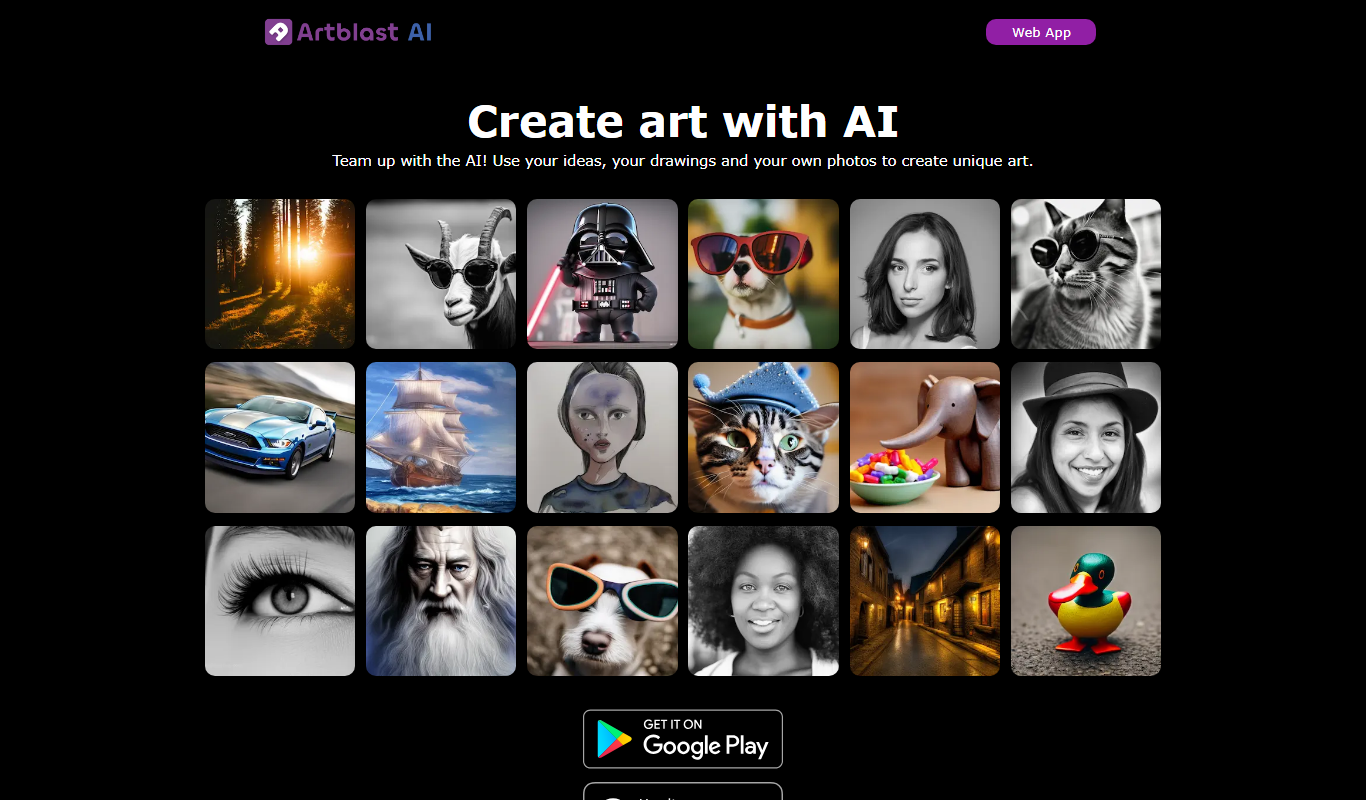
ArtblastAI
ArtblastAI is a web-based AI art generator that creates digital artwork from text prompts with customizable styles and high-resolution downloads.
Freemium
Dream by WOMBO
Dream by WOMBO is an AI art and video generator with apps for iOS and Android.