

Brandfolder Digital Asset Management Platform for Marketing & Branding Teams
Brandfolder is a cloud-based digital asset management platform that centralizes brand assets, controls permissions, and facilitates collaboration for marketing and creative teams.
- Best for
- Centralized Brand Asset Management
- Key capability
- Centralized Asset Library
Save Brandfolder, follow its updates and vote on it — everything stays in your account.
Sign in or create a free account
What is Brandfolder?
Brandfolder is a digital asset management (DAM) platform designed to help organizations centralize, organize, and distribute their brand assets efficiently. It provides a secure, cloud-based environment where marketing teams, creative departments, and external partners can collaborate and access approved content, ensuring brand consistency and streamlined workflows.
Key features of Brandfolder
Brandfolder offers features such as asset organization, metadata tagging, permission controls, collaboration tools, customizable portals, and analytics dashboards to manage and distribute digital content effectively.
Centralized Asset Library
A single source of truth for all brand assets, ensuring easy access and organization.
Advanced Search and Filtering
Robust search capabilities using metadata, tags, and AI-powered image recognition.
Permission and Rights Management
Granular control over who can access, download, or share assets.
Custom Branded Portals
Create tailored portals for different teams or partners with specific asset collections.
Analytics Dashboard
Insights into asset performance and user engagement to inform marketing decisions.
Pros and cons of Brandfolder
Pros
- Intuitive and user-friendly interface
- Strong permission and rights management
- Customizable branded portals for sharing
- Comprehensive analytics and reporting
- Supports a wide variety of file types
Cons
- Pricing is not transparent and requires contact
- Primarily designed for enterprise-level clients
- Limited AI features compared to specialized AI tools
Key use cases for Brandfolder
Centralized Brand Asset Management
Organize, store, and manage all brand assets such as logos, images, videos, and documents in a single secure platform.
Marketing Collaboration
Enable marketing teams and external partners to collaborate efficiently by sharing approved assets and tracking usage.
Digital Rights Management
Control asset permissions and usage rights to ensure brand consistency and compliance across channels.
Content Distribution
Distribute digital assets easily to sales teams, agencies, and other stakeholders with customizable portals and sharing options.
Analytics and Reporting
Gain insights into asset usage and engagement to optimize marketing strategies and asset performance.
How Brandfolder works
- 1
Upload Assets
Users upload brand assets like images, videos, and documents into the Brandfolder platform.
- 2
Organize and Tag
Assets are organized into folders and tagged with metadata for easy search and retrieval.
- 3
Set Permissions
Administrators assign access rights and usage permissions to control who can view or download assets.
- 4
Share and Collaborate
Assets can be shared via branded portals or direct links with internal teams or external partners.
- 5
Analyze Usage
Track asset downloads, views, and engagement to measure impact and optimize content strategy.
Who is using Brandfolder
Brandfolder pricing
Enterprise
Contact for pricing
Custom pricing with advanced features, integrations, and dedicated support.
Plans and prices are as published by the vendor and can change. Check the official site before you buy. Open the pricing page (opens in a new tab)
Frequently asked questions about Brandfolder
Brandfolder supports a wide range of file types including images, videos, audio files, documents, and design files.
Yes, Brandfolder allows you to set detailed permissions and usage rights for different users and groups.
Yes, it offers integrations with popular marketing, creative, and productivity tools to streamline workflows.
While Brandfolder primarily targets enterprise clients, smaller organizations can benefit depending on their asset management needs.
This tool is designed to help users accomplish its core tasks more efficiently. It is typically used by individuals or teams looking to improve productivity and workflow.
Yes, it can help with that use case depending on how you configure it and what features are available. You’ll get the best results with clear inputs and a defined goal.
Integration support depends on the tool and its available connectors or API. Check the official documentation or integrations page to confirm what is supported.
Conclusion
Marketing teams, creative departments and external partners use Brandfolder as a single source of truth for approved brand assets. Images, videos, audio, documents and design files are uploaded, organized into folders and tagged with metadata so they can be found later. Administrators assign access rights and usage permissions to control who can view or download assets. Assets are shared via custom branded portals or direct links, and an analytics dashboard gives insights into asset performance and user engagement.
The platform primarily targets enterprise clients, especially organizations with large digital asset libraries, and it also serves brand managers and sales teams that need approved content. Pricing is not transparent: it is quoted on contact and covers advanced features, integrations and dedicated support.
Sources
Sign in to review this tool.
Sign In to ReviewNo reviews yet
Be the first to share how this tool worked for you.
Ask about pricing, limits, or how it compares — or answer someone else.
Sign In to AskNo questions yet
Have a question about using or paying for this tool? Be the first to ask.
Featured on TiorAI



Alternative Tools
Explore similar AI tools that might fit your needs
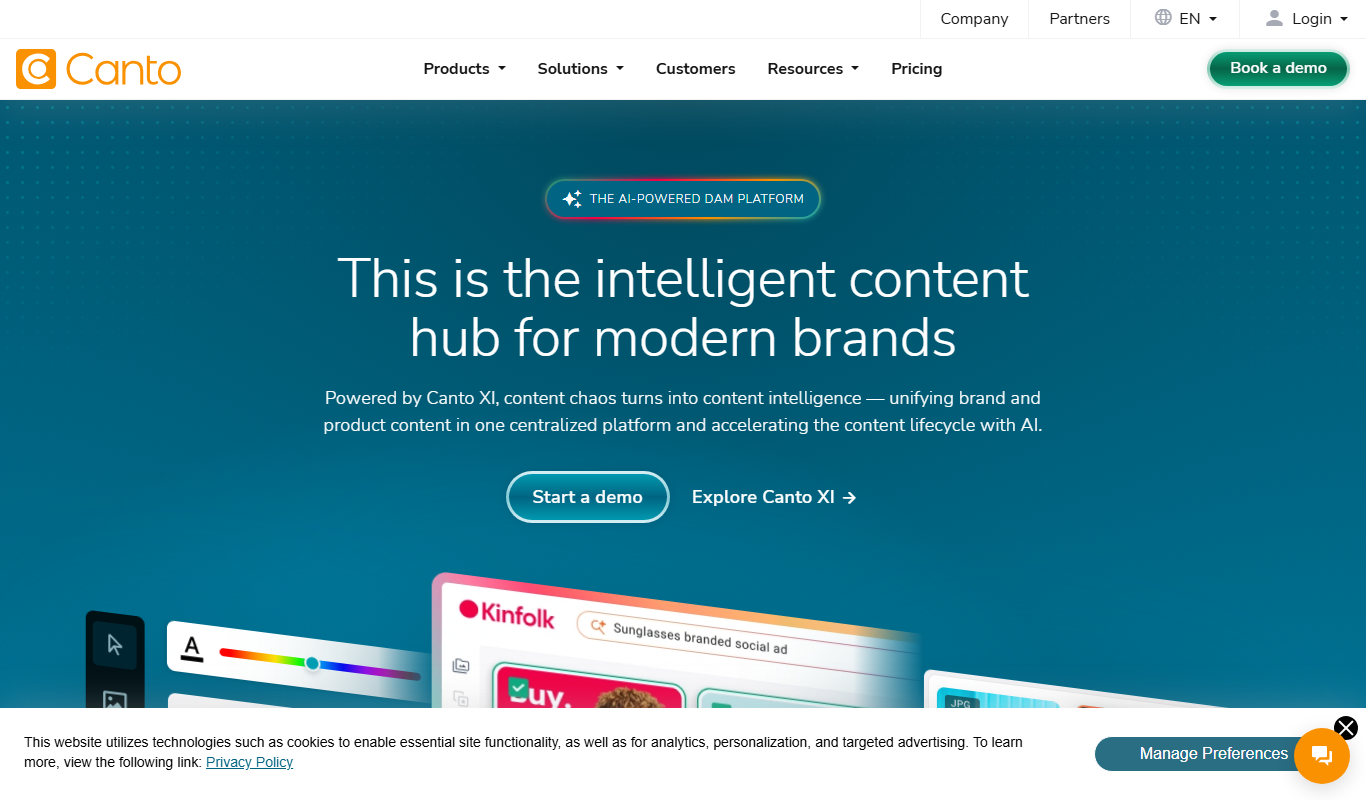
Canto
Canto is a digital asset management platform designed to help marketing and creative teams organize, manage, and share digital content securely and efficiently.
More AI Workflow tools
Other tools in the same category, for when this one is not quite the fit.

Kumu
Kumu is a web-based mapping platform that helps users visualize and analyze complex systems and relationships through interactive maps, supporting collaboration and data import.
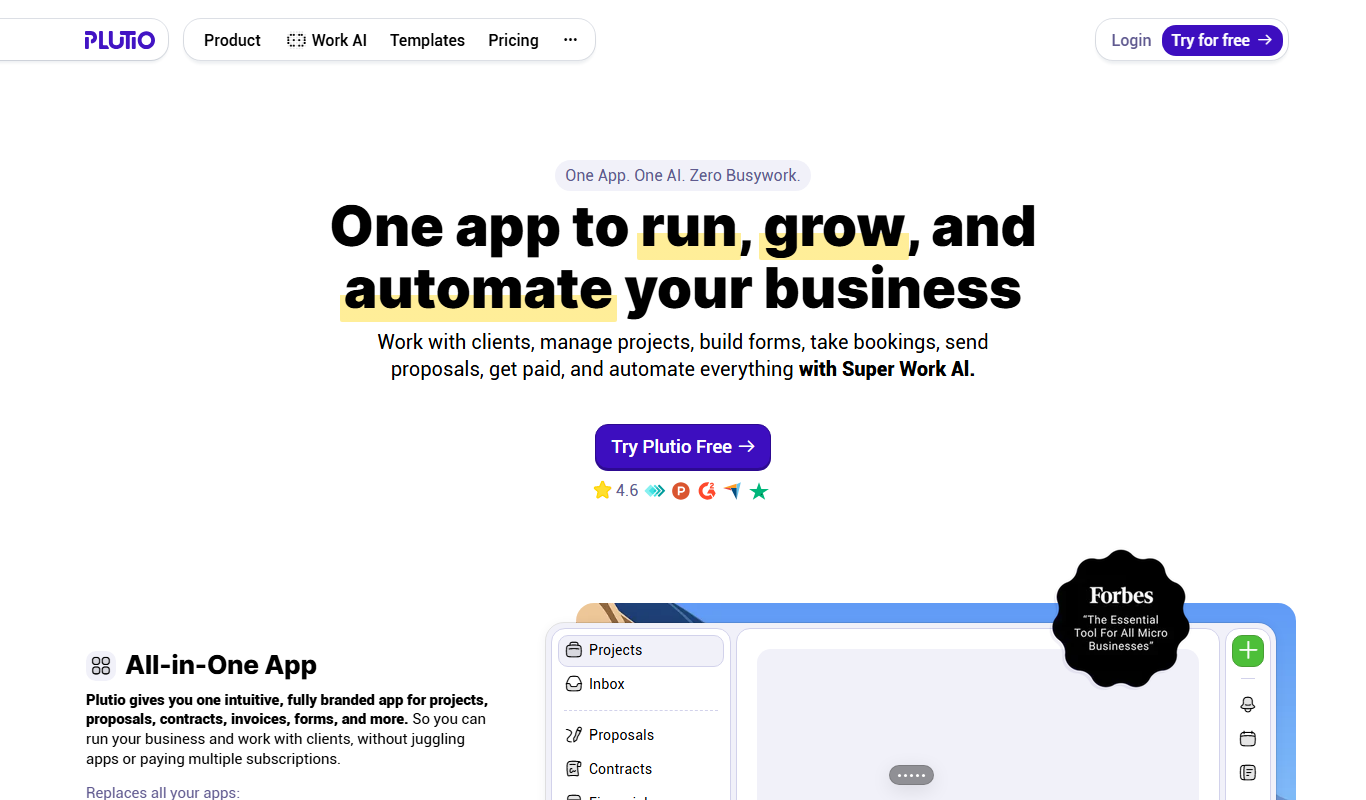
Plutio
Plutio is a comprehensive business management platform designed for freelancers and small teams, combining project management, CRM, time tracking, invoicing, and collaboration tools into one integrated workspace.

MyChart
MyChart is a secure patient portal by Epic Systems that allows patients to access medical records, schedule appointments, message providers, and conduct telehealth visits online.

Practice Better
Practice Better is a client management platform designed for health and wellness professionals, offering scheduling, telehealth, billing, and client communication tools.
Satori
Satori is a data platform that provides secure, real-time access to data across multiple sources with centralized governance, dynamic masking, and auditing to ensure compliance and data security.

IDnow
IDnow is a digital identity verification platform that uses AI and biometric technology to securely verify customer identities for compliance and fraud prevention.
Foundant
Foundant is a cloud-based grant management software designed to help nonprofits and foundations manage grant applications, reviews, awards, and reporting efficiently.
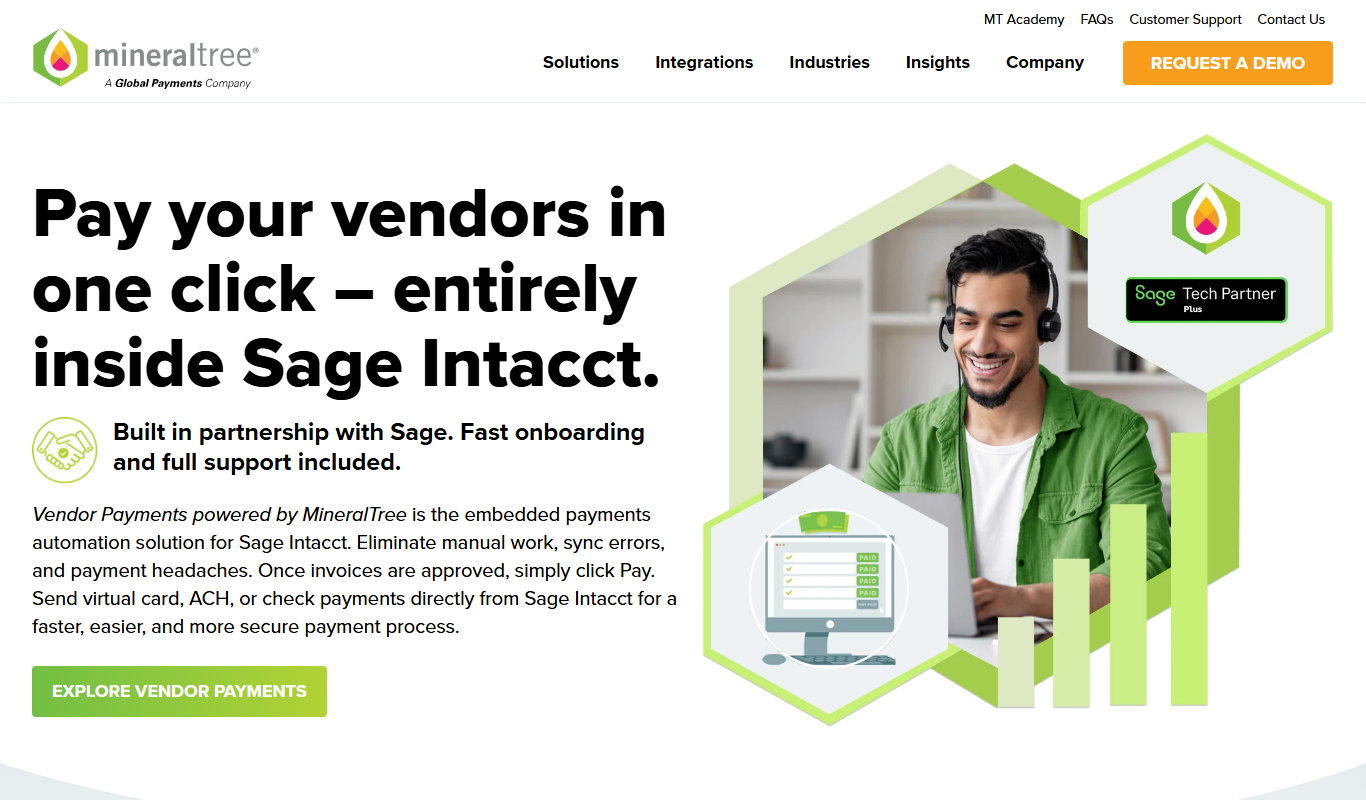
MineralTree
MineralTree is an accounts payable automation platform that streamlines invoice processing, approval workflows, and payment execution to improve efficiency and reduce fraud risk for finance teams.