

From my experience with Doodle Collective, I found it excels at quickly turning simple text prompts into creative and unique digital artwork. The platform’s straightforward interface makes it accessible even for users without design skills, which is a big plus for content creators and marketers needing visual content on demand. However, the free plan limits usage, and customization options are not as extensive as professional graphic design software. Overall, if you want to generate artistic images easily for social media or marketing, Doodle Collective offers a practical and efficient solution.
Doodle Collective AI Art Generator for Creative Visual Content
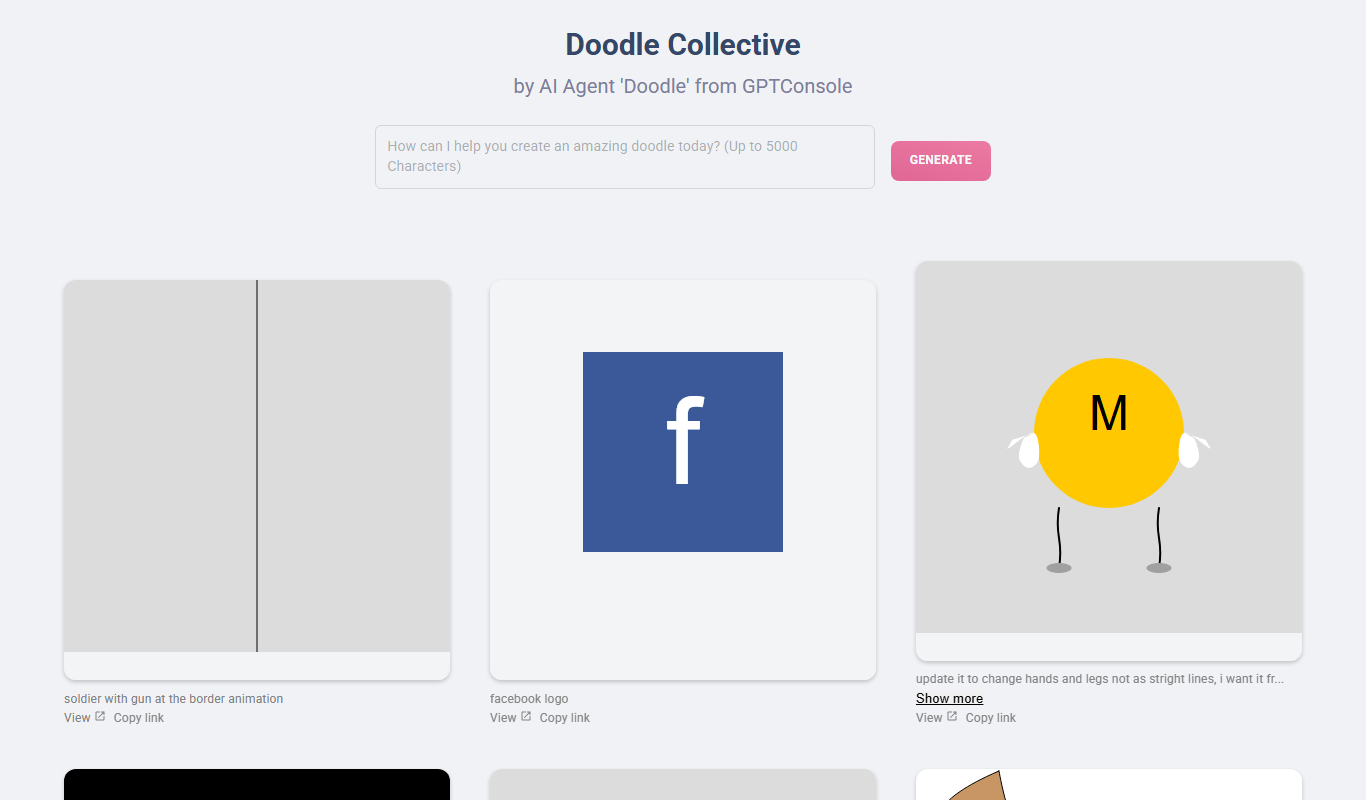
Doodle Collective is an AI art generator that transforms text prompts into unique digital images, suitable for creative projects and marketing.
- Best for
- Creative Visual Content
- Key capability
- Prompt-Based Image Generation
Your actions
Do you recommend this tool?
What is Doodle Collective?
Doodle Collective is an AI-powered art generation platform that enables users to create unique digital artwork through simple prompts. It leverages artificial intelligence to transform text inputs into creative visual content, making art creation accessible to both professionals and enthusiasts.
Key features of Doodle Collective
The tool offers intuitive prompt-based image generation, customization options, and a user-friendly web interface designed to streamline the creative process for digital artists and marketers alike.
Prompt-Based Image Generation
Create artwork by simply describing what you want to see.
User-Friendly Interface
Clean and intuitive design that makes art generation straightforward.
Customization Options
Adjust and refine generated images to better fit your vision.
Fast Processing
Quick turnaround times for generating high-quality images.
Pros and cons of Doodle Collective
Pros
- Easy to use with simple text prompts
- Generates unique and creative artwork quickly
- Offers free tier for casual users
- Supports commercial use of generated images
Cons
- Limited customization compared to professional design software
- Free plan has usage restrictions
Key use cases for Doodle Collective
Creative Visual Content
Generate unique and artistic images for social media, blogs, and marketing materials.
Concept Art and Design
Assist artists and designers in creating concept visuals and inspiration for projects.
Personalized Artwork
Create custom digital art pieces for personal use or gifts.
Marketing and Advertising
Produce eye-catching visuals to enhance advertising campaigns and promotional content.
How Doodle Collective works
- 1
Enter a Prompt
Users input descriptive text or ideas to guide the AI in generating artwork.
- 2
AI Processes Input
The AI interprets the prompt and creates a unique image based on the description.
- 3
Review and Customize
Users can review the generated art and make adjustments or regenerate if desired.
- 4
Download or Share
Finalized images can be downloaded for personal or commercial use or shared directly online.
Who is using Doodle Collective
Digital artists and illustrators
Content creators and marketers
Small business owners
Social media managers
Creative hobbyists
Doodle Collective pricing
Free
$0/month
Limited number of image generations with basic features.
Pro
$15/month
Unlimited image generations, higher resolution downloads, and priority support.
Plans and prices are as published by the vendor and can change. Check the official site before you buy. Open the pricing page (opens in a new tab)
Frequently asked questions about Doodle Collective
Yes, images generated with Doodle Collective can be used for commercial purposes according to their terms of service.
The free plan has a limited number of generations per month, while the Pro plan offers unlimited usage.
No, the platform is designed for users of all skill levels with simple prompt inputs.
It depends on your specific needs and how you plan to use the tool. The official website and documentation are the best sources for the latest details.
Some tools offer a free plan or trial with limited features. Availability can vary, so confirm on the official website.
Yes, it can help with that use case depending on how you configure it and what features are available. You’ll get the best results with clear inputs and a defined goal.
Sign in to review this tool.
Sign In to ReviewNo reviews yet
Be the first to share how this tool worked for you.
Ask about pricing, limits, or how it compares — or answer someone else.
Sign In to AskNo questions yet
Have a question about using or paying for this tool? Be the first to ask.
Featured on TiorAI



More AI Art Generator tools
Other tools in the same category, for when this one is not quite the fit.

Free
Prompt Hero
Prompt Hero is a web platform that provides a marketplace and community for discovering, sharing, and selling AI prompts used in text-to-image generation with popular AI art models.
Paid
MyPetPortrait
MyPetPortrait is an online service that creates personalized pet portraits from your photos, offering various artistic styles and options for digital or printed artwork.
Free
Sketchbook
Sketchbook is a professional digital drawing and painting software by Autodesk that offers customizable brushes, layers, and cross-platform support for artists and designers.
Free
Aggie.io
Aggie.io is a free online collaborative drawing tool that allows multiple users to paint together in real time on a shared canvas without requiring installation or accounts.

Enterprise
Redshift
Redshift is a GPU-accelerated 3D rendering software that enables fast, photorealistic image creation for artists and designers, integrating with major 3D applications.
Free
ThisPersonDoesNotExist
ThisPersonDoesNotExist is a free web tool that uses AI to generate photorealistic human faces that do not belong to real people, useful for creative and privacy-conscious applications.
Free
Sketchpad
Sketchpad is a free web-based drawing application that supports vector and raster graphics, offering tools for digital illustration, graphic design, and creative projects accessible directly in your browser.

Freemium
Microstockr
Microstockr is an AI-powered platform that generates royalty-free stock photos and creative images from text prompts, ideal for marketing and design projects.