

Uberduck AI Voice Generator for Text-to-Speech and Voice Cloning
Uberduck is an AI vocals platform with text to speech, singing and rapping, voice conversion, voice cloning and AI music generation in 70+ languages.
- Best for
- Content Creation
- Key capability
- Extensive Voice Library
Save Uberduck, follow its updates and vote on it — everything stays in your account.
Sign in or create a free account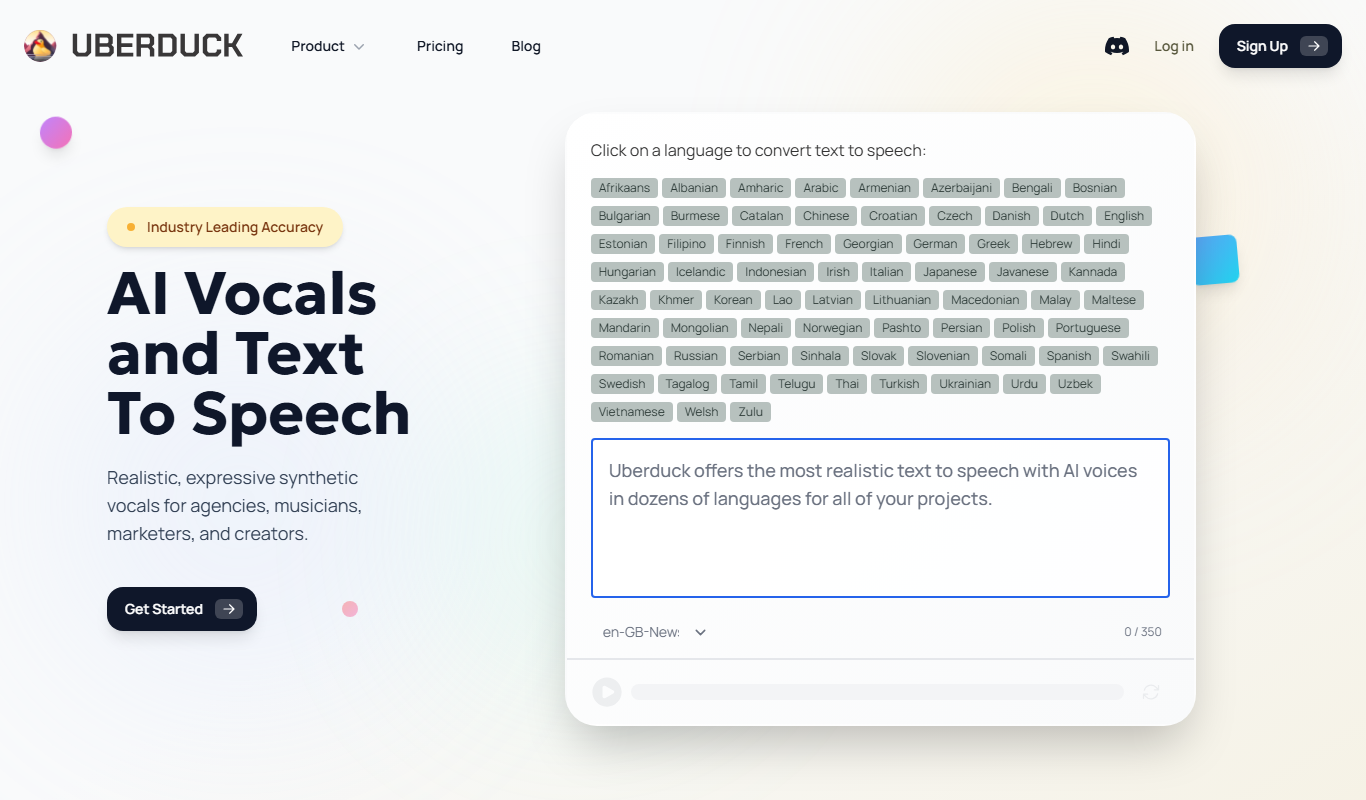
What is Uberduck?
Uberduck is an AI vocals platform for making music, voiceovers and videos. It offers text to speech that can speak, sing and rap, voice conversion, voice cloning and AI music generation, with API access on paid plans.
Key features of Uberduck
Uberduck offers an extensive library of AI-generated voices, voice cloning capabilities, an easy-to-use web interface, and API access for developers. It supports generating speech in different styles and tones, making it versatile for various audio content needs.
Extensive Voice Library
Access hundreds of AI-generated voices including celebrities, fictional characters, and custom voices.
Voice Cloning
Create personalized voice models from audio samples for unique speech synthesis.
Web Interface
User-friendly platform for generating speech without technical knowledge.
API Access
Programmatic access to voice synthesis for developers and businesses.
Downloadable Audio
Export generated speech as audio files for use in projects.
Pros and cons of Uberduck
Pros
- Wide variety of unique and entertaining AI voices
- Easy-to-use web interface for quick voice generation
- Voice cloning adds personalization options
- API available for developers
- Free tier available for casual users
Cons
- Primarily supports English language only
- Free tier has limited usage and voice options
- Voice cloning quality depends on sample input
- Some voices may have licensing restrictions
Key use cases for Uberduck
Content Creation
Generate synthetic voices for podcasts, videos, and audiobooks to enhance multimedia content.
Entertainment
Create custom voiceovers and character voices for games, animations, and fan projects.
Accessibility
Provide realistic speech synthesis for users with visual impairments or reading difficulties.
Prototyping and Development
Integrate voice synthesis into apps or services using Uberduck’s API for rapid prototyping.
Voice Cloning
Clone voices from samples to produce personalized or celebrity-like speech outputs.
How Uberduck works
- 1
Create an Account
Sign up on Uberduck.ai to access the voice generation tools.
- 2
Select a Voice
Choose from hundreds of AI voices, including custom and celebrity clones.
- 3
Input Text
Enter the text you want to convert into speech.
- 4
Generate Audio
Click generate to produce the speech audio, which can be played or downloaded.
- 5
Use API (Optional)
Developers can integrate Uberduck’s voice synthesis capabilities into their own applications via API.
Who is using Uberduck
Uberduck pricing
Starter
$2.00 / month paid yearly
Tools for quick tasks and exploration beyond the free tier: non-commercial license, private voice access and 1,000 monthly credits.
Creator
$5.00 / month paid yearly
For creators making premium content: commercial license, private voice access, API access, AI image generation, custom AI image clones, AI-generated raps and 3,600 monthly credits.
Pro
$30.00 / month paid yearly
For larger creators and fast-growing businesses: commercial license, private voice access, API access, AI image generation, custom AI image clones, AI-generated raps, 25,000 monthly credits and 24 hour support response time.
Plans and prices are as published by the vendor and can change. Check the official site before you buy. Open the pricing page (opens in a new tab)
Frequently asked questions about Uberduck
Uberduck allows voice cloning from provided audio samples, but cloning copyrighted or unauthorized voices may be restricted.
Yes, Uberduck offers an API for integrating voice synthesis into applications.
Uberduck supports 70+ languages, including Arabic, Chinese, Japanese, Spanish, Hindi and Zulu.
Yes, on the Creator and Pro plans, which include a commercial license; the Starter plan has a non-commercial license.
It depends on your specific needs and how you plan to use the tool. The official website and documentation are the best sources for the latest details.
Some tools offer a free plan or trial with limited features. Availability can vary, so confirm on the official website.
Yes, it can help with that use case depending on how you configure it and what features are available. You’ll get the best results with clear inputs and a defined goal.
Conclusion
Typed text can come out as speech, singing or rapping, and custom cloned voices can speak, sing and rap as well. A clone is recorded through the microphone or made from an audio file, and speech to speech conversion changes a voice to someone else’s while preserving the style. A newer model creates complete songs with lyrics, taking care of songwriting, production and vocals.
The language list runs to 70+ languages, from Afrikaans and Arabic to Vietnamese and Zulu. Paid plans come with monthly credits: Starter carries a non-commercial license, while Creator and Pro add a commercial license and API access.
Sources
Sign in to review this tool.
Sign In to ReviewNo reviews yet
Be the first to share how this tool worked for you.
Ask about pricing, limits, or how it compares — or answer someone else.
Sign In to AskNo questions yet
Have a question about using or paying for this tool? Be the first to ask.
Featured on TiorAI



More AI Music & Audio Tools tools
Other tools in the same category, for when this one is not quite the fit.

Soundify
Soundify is a free AI generator that creates sound effects from text descriptions, with 5 free generations a day for signed-in users.

AI Song Generator
AI Song Generator is a web tool that creates original songs and lyrics from your genre, mood and topic, with a limited free plan and paid subscriptions.

A.V. Mapping
A.V. Mapping is an AI platform that analyzes your video or photo, recommends licensed music and sound effects from musicians, and handles the music license in one place.

ampedstudio.com
Amped Studio is an online DAW with AI music tools to create beats, record vocals, mix tracks and produce songs in your browser without installation.

Beatoven.ai
Beatoven.ai is an AI-driven platform that generates custom royalty-free music tracks tailored to your project's mood and style, ideal for content creators and marketers.
Endel
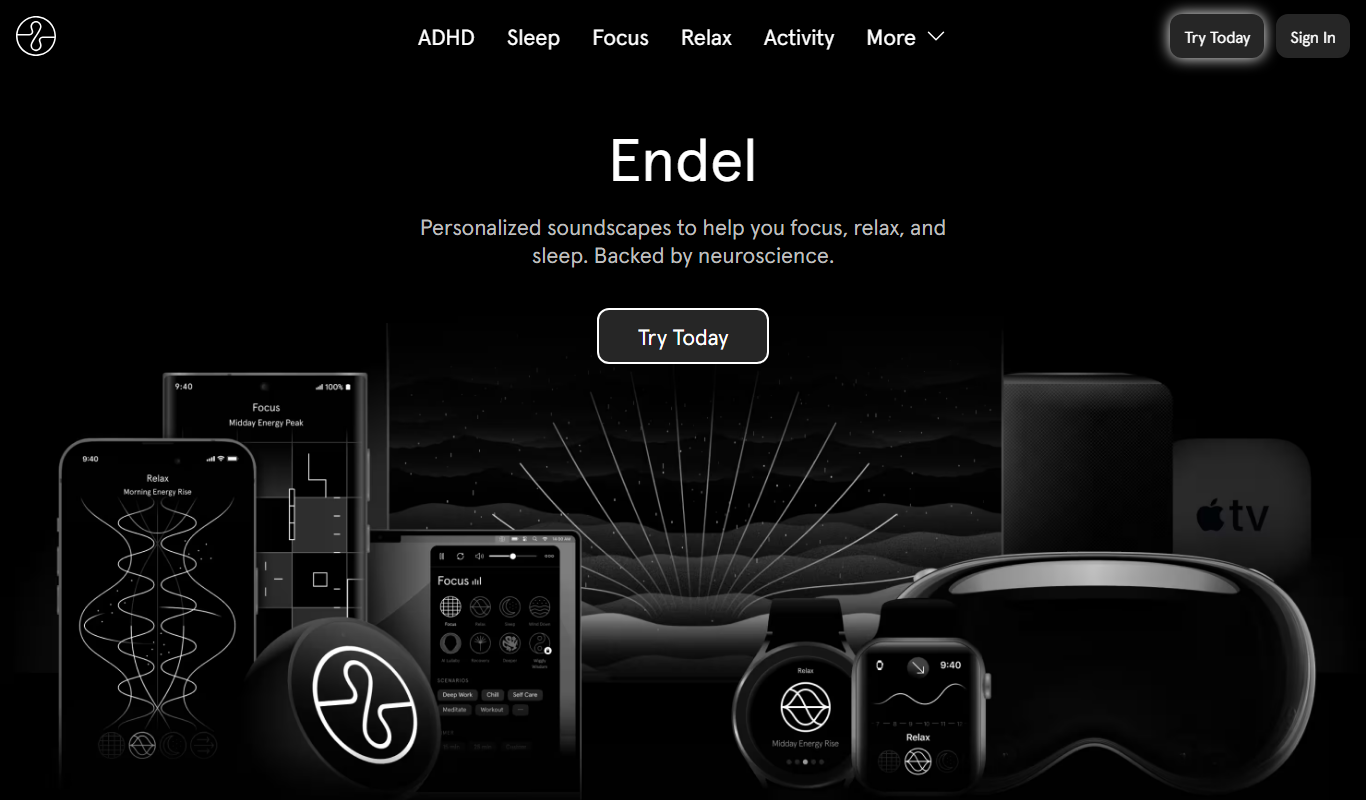
Endel is an AI-driven app that generates adaptive soundscapes tailored to improve focus, relaxation, and sleep by using real-time data such as time, location, and biometric inputs.

SONOTELLER
SONOTELLER.AI is an AI song analyzer that tags lyrics and music (genres, moods, instruments, BPM and key) and autotags music catalogs through its API.

AI Song Generator-Make Song
AI Song Generator-Make Song is an online tool that uses artificial intelligence to create original songs by generating melodies and lyrics based on user inputs such as themes or moods.