

HTTPie AI - User-Friendly API Testing and Automation Tool with AI Features
HTTPie is an API testing client with an open-source command-line tool and a Web & Desktop app in public beta.
- Best for
- API Testing and Debugging
- Key capability
- AI-Assisted Request Generation
Save HTTPie, follow its updates and vote on it — everything stays in your account.
Sign in or create a free account
What is HTTPie?
HTTPie is an API testing client available as an open-source command-line tool, HTTPie for Terminal, and as HTTPie for Web & Desktop, a graphical app in public beta with AI-assisted work. It is built for testing and debugging APIs, HTTP servers and web services.
Key features of HTTPie
HTTPie AI offers a user-friendly interface for sending HTTP requests, AI-assisted request generation, response visualization, scripting capabilities for automation, and seamless integration with developer workflows. It supports RESTful APIs, GraphQL, and WebSocket protocols, enhancing productivity and reducing manual effort.
AI-Assisted Request Generation
Generate HTTP requests from natural language prompts, reducing the need to memorize API specs.
Intuitive User Interface
Clean and accessible UI for both beginners and experienced developers to test APIs efficiently.
Multi-Platform Support
Available as a web app, desktop application, and CLI tool to fit various developer workflows.
Automation and Scripting
Supports scripting to automate API testing and integrate with development pipelines.
Support for Multiple Protocols
Handles REST, GraphQL, and WebSocket protocols, enabling versatile API interactions.
Pros and cons of HTTPie
Pros
- User-friendly interface with AI assistance
- Supports multiple platforms including CLI
- Automation and scripting capabilities
- Handles various API protocols
- Good documentation and community support
Cons
- AI features may require subscription for full access
- Limited language support beyond English
- Some advanced features may have a learning curve
Key use cases for HTTPie
API Testing and Debugging
HTTPie AI simplifies sending HTTP requests and inspecting responses, making API testing more intuitive and efficient.
Automation of API Workflows
Automate repetitive API interactions and workflows using HTTPie AI’s scripting and AI-assisted features.
Learning and Exploring APIs
Developers can use HTTPie AI to explore unfamiliar APIs interactively, with AI assistance to generate requests and understand responses.
Collaboration and Sharing
Teams can share API requests and workflows easily, improving collaboration and reducing onboarding time.
How HTTPie works
- 1
Install or Access HTTPie AI
Download the desktop app, use the web interface, or install the CLI tool to start interacting with APIs.
- 2
Create or Generate API Requests
Manually craft HTTP requests or leverage AI assistance to generate requests based on natural language input.
- 3
Send Requests and View Responses
Execute requests and inspect formatted responses with syntax highlighting and detailed information.
- 4
Automate and Script Workflows
Use scripting features to automate repetitive API calls and integrate with CI/CD pipelines.
Who is using HTTPie
HTTPie pricing
Free
$0/month
Basic access with core features and limited AI usage.
Pro
$12/month
Enhanced AI capabilities, higher usage limits, and priority support.
Team
Custom pricing
Collaboration features, team management, and enterprise integrations.
Plans and prices are as published by the vendor and can change. Check the official site before you buy. Open the pricing page (opens in a new tab)
Frequently asked questions about HTTPie
Yes, HTTPie AI’s intuitive interface and AI assistance make it accessible for developers new to API testing.
Yes, HTTPie AI builds on the popular HTTPie CLI tool, allowing command-line usage alongside the GUI.
Yes, it includes scripting features to automate API workflows and integrate with CI/CD pipelines.
It supports RESTful APIs, GraphQL, and WebSocket protocols.
This tool is designed to help users accomplish its core tasks more efficiently. It is typically used by individuals or teams looking to improve productivity and workflow.
Yes, it can help with that use case depending on how you configure it and what features are available. You’ll get the best results with clear inputs and a defined goal.
Integration support depends on the tool and its available connectors or API. Check the official documentation or integrations page to confirm what is supported.
Some tools offer a free plan or trial with limited features. Availability can vary, so confirm on the official website.
Conclusion
The original product is HTTPie for Terminal, an open-source command-line client for testing APIs, HTTP servers and web services. Its syntax handles custom methods, headers and JSON data, and the output is colorized, with persistent sessions, file uploads and a wget-like download mode. It installs on any OS through package managers such as apt, brew, choco and pip.
The Web & Desktop app, still in public beta, wraps the same approach in a graphical interface for Mac, Windows and Linux. That app organizes work in spaces, collections and tabs, supports variables and environments, and can be used offline without an account. AI-assisted work is part of the app, and HTTPie AI 2.0 with Chat is announced as coming soon. It is designed for backend developers, API testers and QA engineers.
Sources
Sign in to review this tool.
Sign In to ReviewNo reviews yet
Be the first to share how this tool worked for you.
Ask about pricing, limits, or how it compares — or answer someone else.
Sign In to AskNo questions yet
Have a question about using or paying for this tool? Be the first to ask.
Featured on TiorAI



Alternative Tools
Explore similar AI tools that might fit your needs
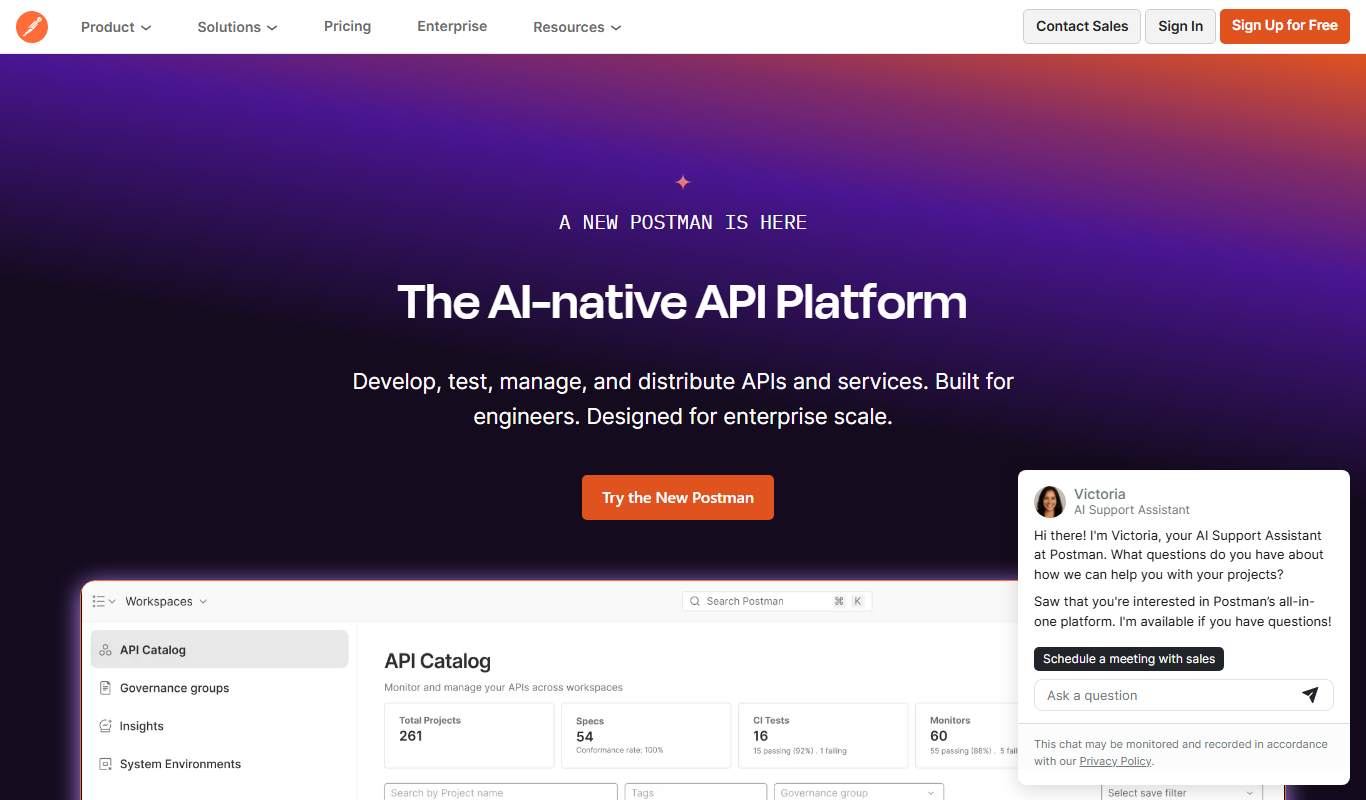
Postman
Postman is a comprehensive API platform that helps developers design, test, automate, document, and monitor APIs efficiently with collaboration tools.

Insomnia
Insomnia is a desktop API client that helps developers design, debug, and test REST, GraphQL, and gRPC APIs with features like environment management and team collaboration.
More AI API Design tools
Other tools in the same category, for when this one is not quite the fit.

Eden AI
Eden AI is a platform that aggregates multiple AI service providers into a single API, enabling developers to access NLP, computer vision, speech, and custom AI models through one interface.

AskYourPdf
AskYourPDF offers an AI chatbot for your website trained on your content, an AI PDF form filler, and chat with any PDF.

EasyFunctionCall
EasyFunctionCall is a SaaS service that converts OpenAPI and Swagger specs into AI model function call parameters, reducing complexity and saving tokens.
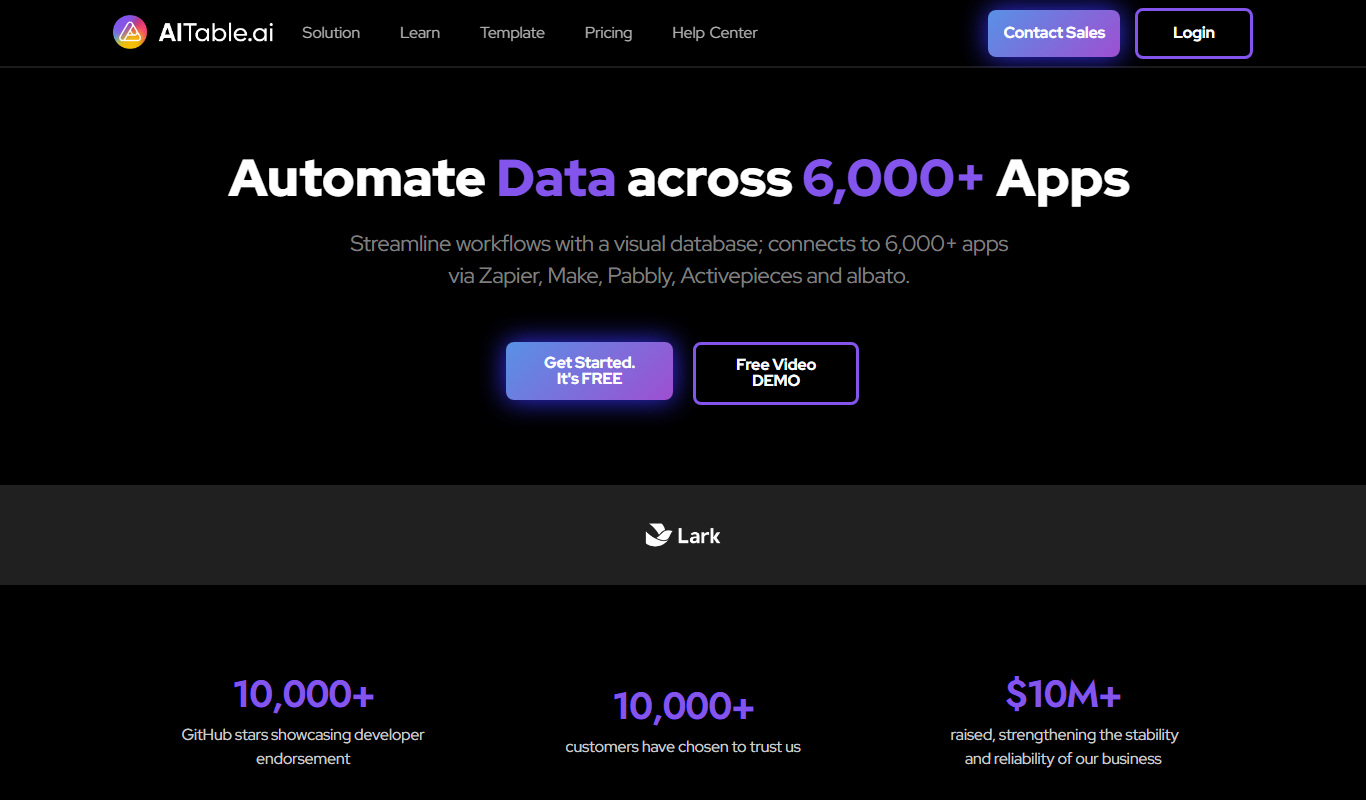
AITable.ai: No-code AI Agents Builder
AITable.ai is a visual database for workflow automation that connects to 6,000+ apps and adds AI agents and chatbot building.

Avaturn ME
Avaturn creates realistic 3D avatars from a selfie, lets users customize and export them as 3D models, and offers an avatar SDK for developers.

Chatwith
Chatwith is an AI chatbot platform that helps businesses automate customer interactions, improve engagement, and generate leads through customizable conversational agents.

Verbatik
Verbatik AI is an all-in-one AI creative platform for text to speech, voice cloning, AI video, music, photo editing and sound effects.

Imagga
Imagga is a cloud-based image recognition platform providing APIs for automated image tagging, visual search, and content moderation, helping businesses organize and analyze images efficiently.