

From my experience with EasyFunctionCall, I found it excels at simplifying API integrations for users without deep coding skills. The no-code interface and function chaining capabilities make it particularly well-suited for small businesses and developers aiming to automate workflows quickly. However, the platform may have limitations when handling highly complex or custom API scenarios, and pricing could become a factor for high-volume users. Overall, if you need to streamline API function calls and automate tasks efficiently, EasyFunctionCall offers a practical and accessible solution.
EasyFunctionCall API Integration Tool for Simplified Function Calls
EasyFunctionCall is a no-code platform that simplifies calling and chaining functions from multiple APIs, enabling automation and integration without complex coding.
- Best for
- Simplify API Function Calls
- Key capability
- No-Code Function Call Setup
Your actions
Save EasyFunctionCall, follow its updates and vote on it — everything stays in your account.
Sign in or create a free account
What is EasyFunctionCall?
EasyFunctionCall is a web-based platform designed to simplify the process of calling and integrating functions from various APIs. It abstracts the complexity of API interactions, allowing developers and businesses to automate workflows and connect services efficiently without deep technical overhead.
Key features of EasyFunctionCall
The tool offers an intuitive interface for managing API function calls, supports chaining multiple calls, and provides automation capabilities to streamline integration tasks. It is designed to boost developer productivity and accelerate project timelines.
No-Code Function Call Setup
Configure API function calls without writing code, using an easy-to-use interface.
Multi-API Integration
Connect and manage multiple APIs simultaneously for complex workflows.
Function Call Chaining
Chain multiple API calls to automate processes and data flows.
Real-Time Monitoring
Track the status and results of your function calls in real time.
Secure API Credential Management
Safely store and manage API keys and credentials within the platform.
Pros and cons of EasyFunctionCall
Pros
- User-friendly no-code interface
- Supports multiple API integrations
- Enables automation through function chaining
- Real-time monitoring of API calls
Cons
- Limited advanced customization for complex API scenarios
- Pricing may be restrictive for high-volume users
Key use cases for EasyFunctionCall
Simplify API Function Calls
Easily call and manage functions across different APIs without complex coding.
Automate Workflows
Integrate multiple services and automate tasks by chaining function calls seamlessly.
Developer Productivity
Reduce development time by abstracting API complexities and focusing on business logic.
Rapid Prototyping
Quickly test and prototype API interactions without writing extensive boilerplate code.
How EasyFunctionCall works
- 1
Sign Up
Create an account on EasyFunctionCall’s website to access the platform.
- 2
Connect APIs
Link your desired APIs by providing necessary credentials and permissions.
- 3
Configure Function Calls
Select and configure the functions you want to call from connected APIs.
- 4
Automate and Chain Calls
Set up sequences of function calls to automate workflows and data processing.
- 5
Deploy and Monitor
Run your integrations and monitor their performance through the dashboard.
Who is using EasyFunctionCall
Developers seeking rapid API integration
Small businesses automating workflows
Non-technical users needing API access
Startups prototyping API-driven applications
EasyFunctionCall pricing
Free
$0/month
Basic access with limited API calls and features.
Pro
$29/month
Increased limits, advanced features, and priority support.
Plans and prices are as published by the vendor and can change. Check the official site before you buy. Open the pricing page (opens in a new tab)
Frequently asked questions about EasyFunctionCall
Yes, the platform is designed for users with no coding background to set up API function calls easily.
EasyFunctionCall supports a wide range of popular APIs and allows custom API integrations.
Yes, the platform uses encryption and secure storage practices to protect your API credentials and data.
Absolutely, the tool supports chaining multiple function calls to automate complex workflows.
This tool is designed to help users accomplish its core tasks more efficiently. It is typically used by individuals or teams looking to improve productivity and workflow.
Integration support depends on the tool and its available connectors or API. Check the official documentation or integrations page to confirm what is supported.
It depends on your specific needs and how you plan to use the tool. The official website and documentation are the best sources for the latest details.
Sign in to review this tool.
Sign In to ReviewNo reviews yet
Be the first to share how this tool worked for you.
Ask about pricing, limits, or how it compares — or answer someone else.
Sign In to AskNo questions yet
Have a question about using or paying for this tool? Be the first to ask.
Featured on TiorAI



Alternative Tools
Explore similar AI tools that might fit your needs
Free
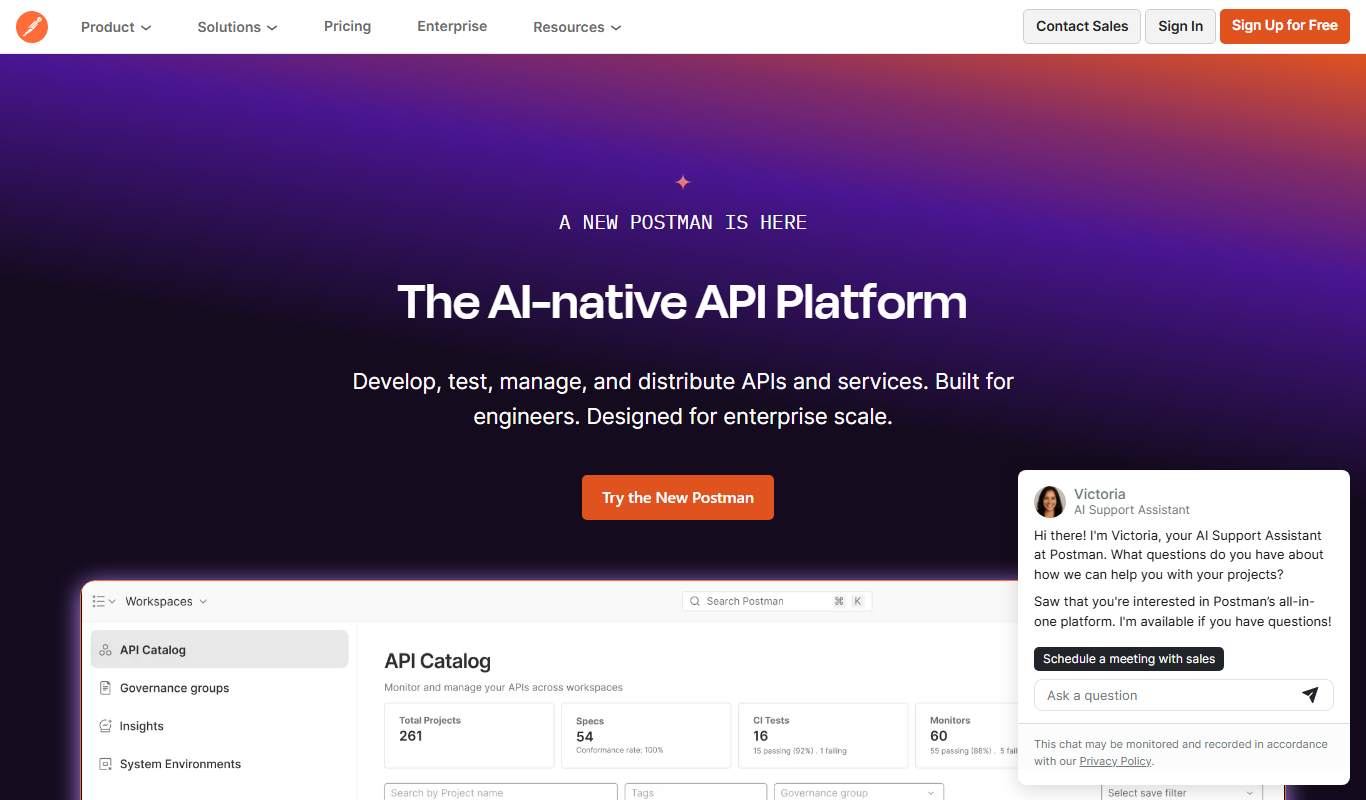
Postman
Postman is a comprehensive API platform that helps developers design, test, automate, document, and monitor APIs efficiently with collaboration tools.
More AI API Design tools
Other tools in the same category, for when this one is not quite the fit.

Free
Swagger
Swagger is a set of tools for designing, documenting, testing, and mocking RESTful APIs using the OpenAPI Specification, widely used by developers and teams to streamline API development.

Freemium
GreenEyes.AI – Image Recog. Tech as API
GreenEyes.AI is an image recognition API platform that provides high-accuracy object detection, customizable models, and scalable API access for various industries including retail, manufacturing, and security.

Custom Pricing
Flagright AI
Flagright AI is a RegTech platform that automates AML compliance, KYC verification, and fraud detection using AI and machine learning to help financial institutions reduce risk and meet regulatory requirements.
Free
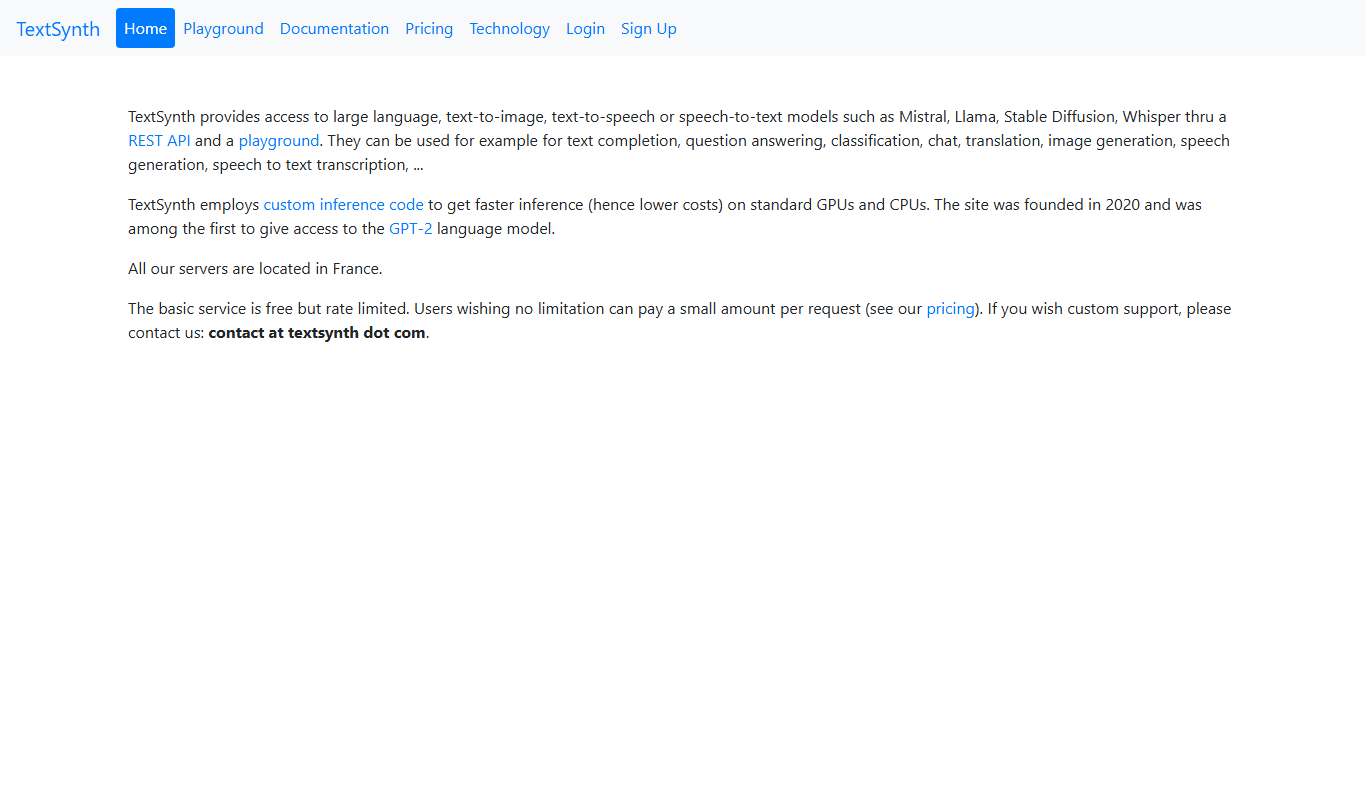
TextSynth
TextSynth is an AI platform for text generation, text-to-image, text-to-speech, speech-to-text, translation and classification.

Free
Stoplight
Stoplight is an API design and development platform that provides visual editing, interactive documentation, mocking, and governance tools to help teams build and manage APIs efficiently.

Free Trial
Boostramp
Boostramp is an AI-driven platform that automates personalized sales email outreach and lead generation, integrating with CRMs to streamline sales workflows.

Free Trial
CRUDERRA
CRUDERRA is a low-code platform that helps users build web and mobile applications quickly using drag-and-drop tools and database integration without needing extensive coding skills.

Free Trial
Aptori
Aptori is a low-code platform that helps businesses quickly build custom applications and automate workflows using a visual drag-and-drop interface and API integrations.