

Stoplight API Design and Development Platform for Modern Software Teams
Stoplight is an API design and development platform that provides visual editing, interactive documentation, mocking, and governance tools to help teams build and manage APIs efficiently.
- Best for
- API Design and Modeling
- Key capability
- Visual API Editor
Save Stoplight, follow its updates and vote on it — everything stays in your account.
Sign in or create a free account
What is Stoplight?
Stoplight is a comprehensive API design, documentation, and governance platform that empowers software teams to build and manage APIs efficiently. It supports OpenAPI and JSON Schema standards, providing a visual editor, mocking capabilities, and collaboration features to streamline API development and improve developer experience.
Key features of Stoplight
Stoplight offers a visual API editor, automatic documentation generation, API mocking and testing tools, and governance features to enforce API standards. It integrates with popular version control systems and CI/CD pipelines to support modern API workflows.
Visual API Editor
Drag-and-drop interface for designing APIs compliant with OpenAPI and JSON Schema.
Interactive Documentation
Automatically generate developer-friendly API docs that update with your API design.
API Mocking
Create mock servers to simulate API endpoints for frontend and integration testing.
Collaboration Tools
Team-based workflows with version control integration and review processes.
API Governance
Enforce API design standards and style guides to ensure consistency across projects.
Pros and cons of Stoplight
Pros
- Intuitive visual editor simplifies API design
- Comprehensive documentation generation improves developer onboarding
- Powerful mocking tools accelerate frontend development
- Strong collaboration and governance features for teams
- Supports industry standards like OpenAPI and JSON Schema
Cons
- Steeper learning curve for users new to API design concepts
- Advanced features require paid subscription
- Limited language support beyond English
Key use cases for Stoplight
API Design and Modeling
Create, edit, and visualize APIs using OpenAPI and JSON Schema standards with an intuitive visual editor.
API Documentation
Generate and maintain interactive, user-friendly API documentation to improve developer experience.
API Mocking and Testing
Simulate API endpoints and test API behavior before implementation to speed up development cycles.
API Governance and Collaboration
Enforce API standards and collaborate across teams to ensure consistent and high-quality API design.
API Lifecycle Management
Manage the entire API lifecycle from design to deployment with integrated tools and workflows.
How Stoplight works
- 1
Create or Import API Specification
Start by creating a new API design using the visual editor or import existing OpenAPI/JSON Schema files.
- 2
Design and Document
Use the intuitive interface to define endpoints, request/response schemas, and generate interactive documentation.
- 3
Mock and Test APIs
Simulate API responses with mocking tools to test client applications before backend implementation.
- 4
Collaborate and Govern
Share API projects with your team, enforce style guides, and review changes to maintain API quality.
- 5
Publish and Manage Lifecycle
Deploy APIs and manage versions seamlessly with integrations to your development pipeline.
Who is using Stoplight
Stoplight pricing
Free
Free
Free plan with a maximum of 1 project.
Basic
$44 / month billed annually, $56 / month billed monthly
Design an API as an individual: first 3 users free, OpenAPI/JSON schema visual designer, interactive docs, instant mock servers, 14-day free trial included.
Enterprise
Custom pricing
Your API program at scale: unlimited projects and teams, custom payment terms, invoicing, priority support.
Startup
$113 / month billed annually, $147 / month billed monthly
Build an API program for small teams: first 8 users free, private projects, multi-branch support, custom domains, theming and favicon, Google Analytics integration, approved email domains, 14-day free trial included.
Pro Team
$362 / month billed annually, $453 / month billed monthly
Govern APIs across your organization: first 15 users free, up to 20 teams, shared style guides, workspace groups, remove Stoplight branding, self-hosted Git providers, activity logs, LDAP and SAML SSO, component libraries, 14-day free trial included.
Plans and prices are as published by the vendor and can change. Check the official site before you buy. Open the pricing page (opens in a new tab)
Frequently asked questions about Stoplight
Yes, Stoplight fully supports OpenAPI 2.0 and 3.0 specifications for API design and documentation.
Yes, Stoplight provides API mocking tools to simulate endpoints and responses for testing purposes.
Yes, Stoplight offers a free plan with basic features suitable for individual developers.
Yes, it integrates with GitHub, GitLab, and other version control platforms to manage API specs.
This tool is designed to help users accomplish its core tasks more efficiently. It is typically used by individuals or teams looking to improve productivity and workflow.
Integration support depends on the tool and its available connectors or API. Check the official documentation or integrations page to confirm what is supported.
Integration support depends on the tool and its available connectors or API. Check the official documentation or integrations page to confirm what is supported.
Some tools offer a free plan or trial with limited features. Availability can vary, so confirm on the official website.
Conclusion
OpenAPI descriptions are the working material: teams create or import OpenAPI and JSON Schema files, define endpoints and schemas in a visual editor, and get interactive documentation that updates with the design. Mock servers are generated from those API descriptions, so frontend and backend teams can develop and test client applications before the backend is built. Each Stoplight project represents a Git repository, with integrations for GitHub, GitLab, Azure DevOps and Bitbucket.
Its intended users range from API developers and architects to technical writers and product managers overseeing API products. Consistency across teams comes from style guides that enforce API design standards, with shared style guides reserved for the higher tiers. A free plan is capped at a single project, while the paid tiers add unlimited projects and each starts with a free trial.
Sources
Sign in to review this tool.
Sign In to ReviewNo reviews yet
Be the first to share how this tool worked for you.
Ask about pricing, limits, or how it compares — or answer someone else.
Sign In to AskNo questions yet
Have a question about using or paying for this tool? Be the first to ask.
Featured on TiorAI



Alternative Tools
Explore similar AI tools that might fit your needs
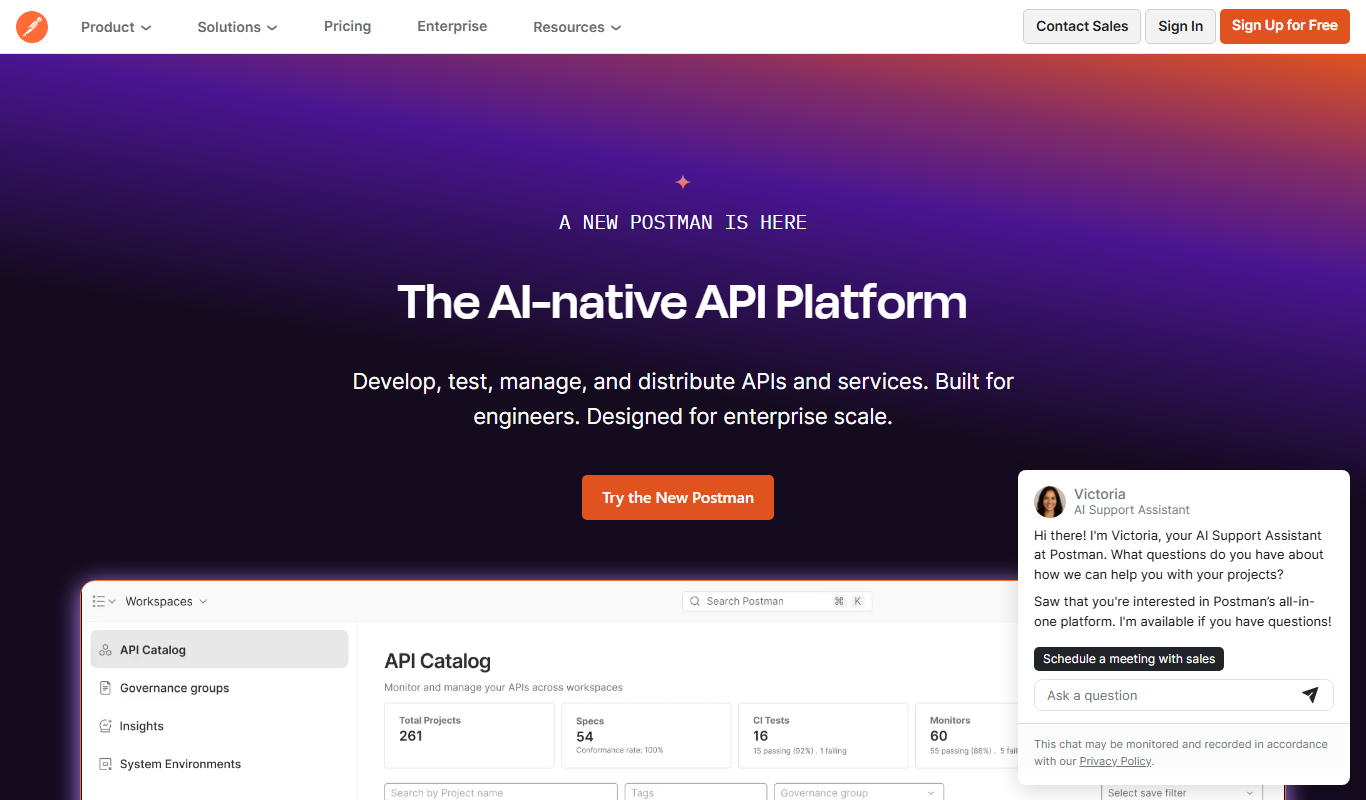
Postman
Postman is a comprehensive API platform that helps developers design, test, automate, document, and monitor APIs efficiently with collaboration tools.
More AI API Design tools
Other tools in the same category, for when this one is not quite the fit.

Theneo
Theneo helps humans and AI agents ship API docs together, with private developer portals, real-time co-editing, changelogs, MCP, llms.txt and Ask AI.

Wisent
Wisent uses representation engineering to give control over AI models, reducing hallucinations and malicious content, through an API with SDK.

Prompteams
Prompteams is an AI prompt management system with prompt versioning, end-to-end LLM testing and an auto-generated API to retrieve prompts.

EnergeticAI
EnergeticAI is TensorFlow.js optimized for serverless functions, with fast cold-start, small module size and pre-trained models for Node.js apps.

ChatterQuant
ChatterQuant tracks social media for finance, offering real-time sentiment and discussion trends to traders and institutions through dashboards and APIs.

ComfyOnline
ComfyOnline lets you run ComfyUI workflows online and deploy them as APIs with one click, paying only for runtime on cloud GPU hardware.
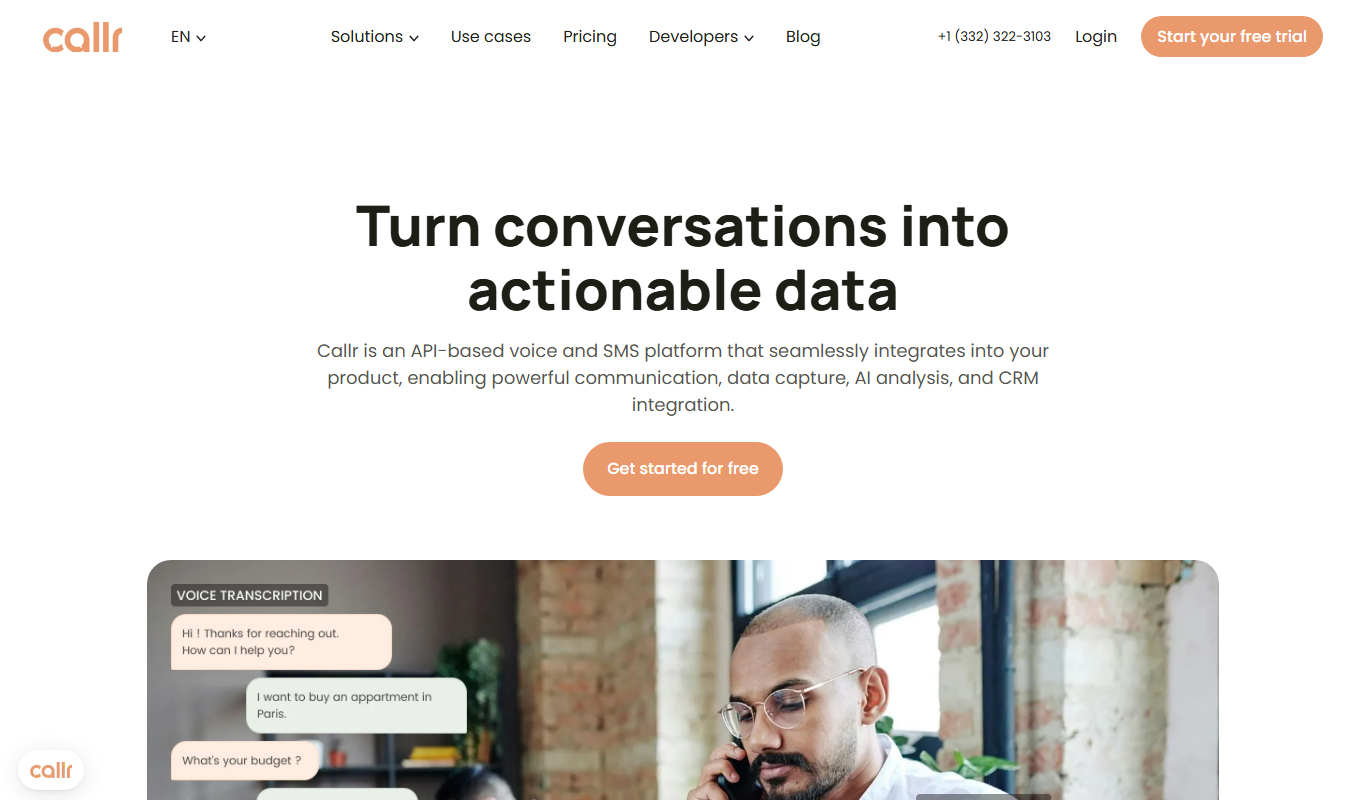
Callr
Callr is an API-first voice platform with its own carrier network, offering voice and SMS APIs, call tracking, AI Voice Agents and Conversation Intelligence across 220+ countries.

ComplyCube
ComplyCube is a cloud-based platform that automates identity verification and KYC/AML compliance using document checks, biometric facial recognition, and watchlist screening.