

GreenEyes.AI Image Recognition API for Advanced Visual Data Analysis
GreenEyes.AI is an image recognition API platform that provides high-accuracy object detection, customizable models, and scalable API access for various industries including retail, manufacturing, and security.
- Best for
- Retail Product Identification
- Key capability
- High-Precision Object Detection
Save GreenEyes.AI – Image Recog. Tech as API, follow its updates and vote on it — everything stays in your account.
Sign in or create a free account
What is GreenEyes.AI – Image Recog. Tech as API?
GreenEyes.AI is a sophisticated image recognition platform offering an API that enables developers and businesses to integrate advanced computer vision capabilities into their applications. It leverages machine learning models to analyze and interpret visual data, providing accurate object detection, classification, and anomaly detection. Designed for scalability and ease of integration, GreenEyes.AI supports a wide range of industries including retail, manufacturing, security, agriculture, and content moderation.
Key features of GreenEyes.AI – Image Recog. Tech as API
The platform provides high-accuracy image recognition through RESTful API access, real-time processing, customizable models, and detailed analytics. It supports multiple image formats and offers tools for training custom models tailored to specific business needs.
High-Precision Object Detection
Detects multiple objects within images with detailed classification.
Custom Model Training
Allows users to train models on proprietary datasets to meet unique requirements.
Real-Time Image Processing
Processes images quickly to support applications requiring immediate results.
Scalable API Access
Handles varying workloads from small projects to enterprise-scale deployments.
Detailed Analytics Dashboard
Provides insights and visualizations of recognition results and system performance.
Pros and cons of GreenEyes.AI – Image Recog. Tech as API
Pros
- High accuracy in object detection and classification
- Customizable models for specific business needs
- Scalable API suitable for various project sizes
- User-friendly analytics dashboard
- Strong support and documentation
Cons
- Limited language support (English only)
- The company does not publish its prices.
- No dedicated mobile app platform
Key use cases for GreenEyes.AI – Image Recog. Tech as API
Retail Product Identification
Automatically identify and classify products on shelves or in images to optimize inventory and merchandising.
Industrial Quality Control
Detect defects or anomalies in manufacturing processes through automated image analysis.
Security and Surveillance
Analyze video feeds for object detection and recognition to enhance security monitoring.
Agricultural Monitoring
Use image recognition to assess crop health and detect pests or diseases from aerial or ground images.
Content Moderation
Automatically detect inappropriate or unwanted visual content in user-generated images.
How GreenEyes.AI – Image Recog. Tech as API works
- 1
API Registration
Sign up on the GreenEyes.AI platform to obtain API credentials.
- 2
Integrate API
Use the REST API endpoints to send images for analysis from your application.
- 3
Receive Results
Get structured data responses with detected objects, classifications, and confidence scores.
- 4
Customize Models
Optionally train or fine-tune models using your own datasets for improved accuracy.
Who is using GreenEyes.AI – Image Recog. Tech as API
GreenEyes.AI – Image Recog. Tech as API pricing
Free
$0/month
Limited API calls per month for testing and development.
Pro
$99/month
Increased API limits, priority support, and access to advanced features.
Enterprise
Custom pricing
Tailored solutions with dedicated support, SLAs, and custom integrations.
Plans and prices are as published by the vendor and can change. Check the official site before you buy. Open the pricing page (opens in a new tab)
Frequently asked questions about GreenEyes.AI – Image Recog. Tech as API
GreenEyes.AI supports common image formats including JPEG, PNG, BMP, and TIFF.
Yes, the platform offers options to train and fine-tune models using your proprietary datasets.
Yes, GreenEyes.AI provides a free plan with limited API calls suitable for testing and development.
Industries such as retail, manufacturing, security, agriculture, and content moderation find it particularly useful.
It depends on your specific needs and how you plan to use the tool. The official website and documentation are the best sources for the latest details.
Yes, it can help with that use case depending on how you configure it and what features are available. You’ll get the best results with clear inputs and a defined goal.
Pricing depends on the plan and included features. For the most accurate and up-to-date details, check the official pricing page.
Conclusion
Images are sent from an application to REST API endpoints, and structured data comes back with detected objects, classifications and confidence scores. Access starts by signing up on the platform to obtain API credentials. Models can also be trained and fine-tuned on proprietary datasets.
Use cases span retail product identification, industrial quality control and agricultural monitoring. Software developers integrating computer vision are the core technical users, alongside retail businesses and manufacturing companies. Prices are not published by the company.
Sources
Sign in to review this tool.
Sign In to ReviewNo reviews yet
Be the first to share how this tool worked for you.
Ask about pricing, limits, or how it compares — or answer someone else.
Sign In to AskNo questions yet
Have a question about using or paying for this tool? Be the first to ask.
Featured on TiorAI



More AI API Design tools
Other tools in the same category, for when this one is not quite the fit.

Flagright AI
Flagright AI is a RegTech platform that automates AML compliance, KYC verification, and fraud detection using AI and machine learning to help financial institutions reduce risk and meet regulatory requirements.
TextSynth
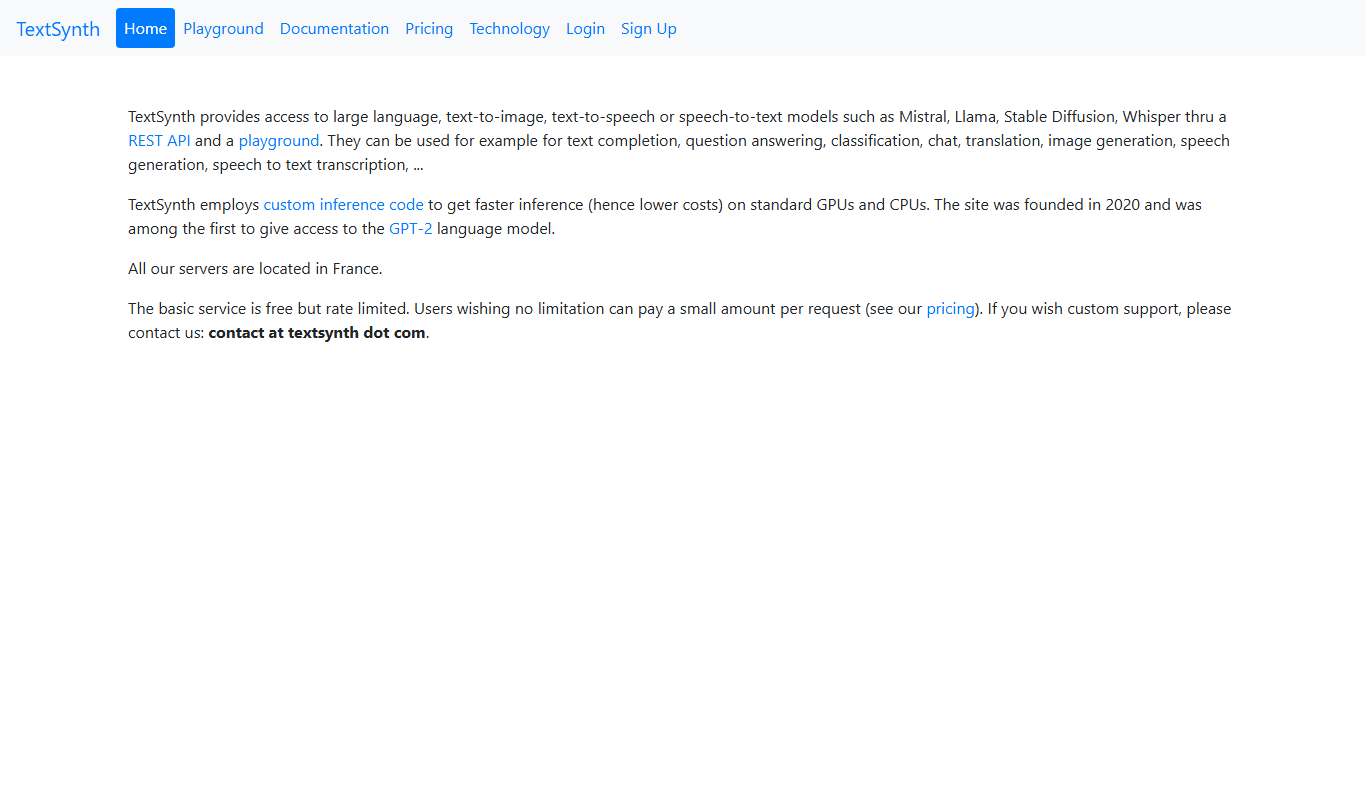
TextSynth is an AI platform for text generation, text-to-image, text-to-speech, speech-to-text, translation and classification.

Stoplight
Stoplight is an API design and development platform that provides visual editing, interactive documentation, mocking, and governance tools to help teams build and manage APIs efficiently.

Swagger
Swagger is a set of tools for designing, documenting, testing, and mocking RESTful APIs using the OpenAPI Specification, widely used by developers and teams to streamline API development.

Boostramp
Boostramp is an AI-driven platform that automates personalized sales email outreach and lead generation, integrating with CRMs to streamline sales workflows.

CRUDERRA
CRUDERRA is a low-code platform that helps users build web and mobile applications quickly using drag-and-drop tools and database integration without needing extensive coding skills.

Aptori
Aptori is a low-code platform that helps businesses quickly build custom applications and automate workflows using a visual drag-and-drop interface and API integrations.

Theneo
Theneo is an AI-driven knowledge base platform that automates customer support by providing a smart, searchable knowledge base and AI chatbot integration to deliver instant, accurate answers.