

From my experience with Swagger, I found it excels at providing a unified environment for API design and documentation that significantly improves developer productivity. The interactive documentation generated by Swagger UI is particularly helpful for both backend and frontend teams to understand and test APIs without confusion. However, the advanced collaboration features require a paid subscription, which might be a barrier for small teams. Overall, if you need a robust, widely adopted tool to streamline your RESTful API development lifecycle, Swagger delivers reliable and comprehensive solutions.
Swagger API Design and Documentation Tool for Developers and Teams
Swagger is a set of tools for designing, documenting, testing, and mocking RESTful APIs using the OpenAPI Specification, widely used by developers and teams to streamline API development.
- Best for
- API Design
- Key capability
- Swagger Editor
Your actions
Save Swagger, follow its updates and vote on it — everything stays in your account.
Sign in or create a free account
What is Swagger?
Swagger is a comprehensive suite of open-source and commercial tools designed to help developers design, build, document, and consume RESTful APIs. It centers around the OpenAPI Specification, enabling teams to create standardized API definitions that can be easily shared and understood. Swagger tools include an editor for designing APIs, a UI for interactive documentation, and utilities for testing and mocking APIs, streamlining the entire API lifecycle.
Key features of Swagger
Swagger offers an integrated environment for API development including a visual editor, auto-generated interactive documentation, API testing capabilities, and mock servers. These features simplify API design, improve collaboration, and accelerate development workflows.
Swagger Editor
A browser-based editor for designing OpenAPI definitions with real-time error feedback and syntax highlighting.
Swagger UI
Automatically generates interactive API documentation that allows users to explore and test API endpoints.
SwaggerHub
A collaborative platform for teams to manage API design, documentation, and versioning in one place.
API Mocking
Create mock servers to simulate API responses, enabling frontend and backend teams to work independently.
Code Generation
Generate client SDKs and server stubs in multiple programming languages based on API definitions.
Pros and cons of Swagger
Pros
- Comprehensive suite covering API design to documentation
- Open-source tools with active community support
- Interactive and user-friendly API documentation
- Supports collaboration and versioning with SwaggerHub
- Facilitates faster API development with mocking and testing
Cons
- Advanced collaboration features require paid plans
- Learning curve for beginners unfamiliar with OpenAPI
- Limited support for non-REST API styles
Key use cases for Swagger
API Design
Create and design RESTful APIs using the OpenAPI Specification with an intuitive editor.
API Documentation
Automatically generate interactive and user-friendly API documentation for developers.
API Testing
Test API endpoints directly within the Swagger UI to validate functionality and responses.
API Mocking
Simulate API responses to enable frontend and backend development in parallel.
API Collaboration
Collaborate with team members on API design and documentation through shared tools.
How Swagger works
- 1
Define API Specification
Use Swagger Editor to write or import an OpenAPI Specification that describes your API endpoints, parameters, and responses.
- 2
Generate Documentation
Swagger UI renders the OpenAPI Specification into interactive, easy-to-navigate API documentation accessible via a web interface.
- 3
Test and Mock APIs
Use Swagger tools to test API endpoints and create mock servers to simulate API behavior during development.
- 4
Collaborate and Share
Share API definitions and documentation with your team or external developers to ensure consistent understanding and integration.
Who is using Swagger
API developers
Software development teams
Technical writers
DevOps engineers
Product managers
Swagger pricing
Free
$0/month
Access to Swagger Editor and Swagger UI open-source tools with basic features.
Team
$25/user/month
Includes SwaggerHub collaboration features, versioning, and private API hosting.
Business
Custom pricing
Advanced enterprise features, integrations, and dedicated support.
Plans and prices are as published by the vendor and can change. Check the official site before you buy. Open the pricing page (opens in a new tab)
Frequently asked questions about Swagger
Swagger is used to design, build, document, and test RESTful APIs using the OpenAPI Specification.
Yes, Swagger Editor and Swagger UI are open-source and free. SwaggerHub offers paid plans for collaboration.
Swagger supports code generation for multiple languages including Java, C#, Python, Ruby, and more.
Yes, Swagger tools can be integrated into automated workflows for API validation and deployment.
Some tools offer a free plan or trial with limited features. Availability can vary, so confirm on the official website.
Integration support depends on the tool and its available connectors or API. Check the official documentation or integrations page to confirm what is supported.
Yes, it can help with that use case depending on how you configure it and what features are available. You’ll get the best results with clear inputs and a defined goal.
Sign in to review this tool.
Sign In to ReviewNo reviews yet
Be the first to share how this tool worked for you.
Ask about pricing, limits, or how it compares — or answer someone else.
Sign In to AskNo questions yet
Have a question about using or paying for this tool? Be the first to ask.
Featured on TiorAI



Alternative Tools
Explore similar AI tools that might fit your needs
Free
Postman
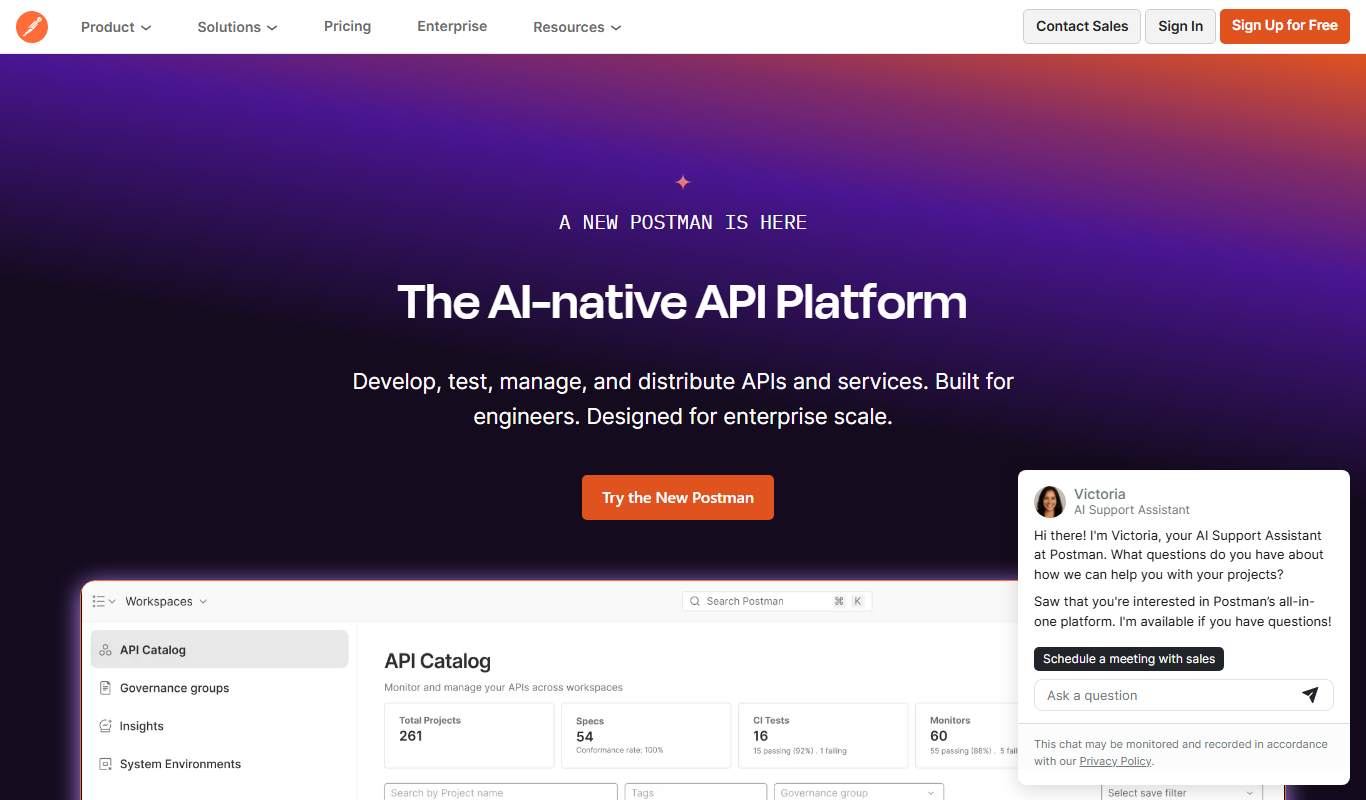
Postman is a comprehensive API platform that helps developers design, test, automate, document, and monitor APIs efficiently with collaboration tools.

Free
Insomnia
Insomnia is a desktop API client that helps developers design, debug, and test REST, GraphQL, and gRPC APIs with features like environment management and team collaboration.
More AI API Design tools
Other tools in the same category, for when this one is not quite the fit.

Free
Stoplight
Stoplight is an API design and development platform that provides visual editing, interactive documentation, mocking, and governance tools to help teams build and manage APIs efficiently.

Free Trial
Boostramp
Boostramp is an AI-driven platform that automates personalized sales email outreach and lead generation, integrating with CRMs to streamline sales workflows.

Free Trial
CRUDERRA
CRUDERRA is a low-code platform that helps users build web and mobile applications quickly using drag-and-drop tools and database integration without needing extensive coding skills.

Free Trial
Aptori
Aptori is a low-code platform that helps businesses quickly build custom applications and automate workflows using a visual drag-and-drop interface and API integrations.

Free Trial
Theneo
Theneo is an AI-driven knowledge base platform that automates customer support by providing a smart, searchable knowledge base and AI chatbot integration to deliver instant, accurate answers.

Freemium
GreenEyes.AI – Image Recog. Tech as API
GreenEyes.AI is an image recognition API platform that provides high-accuracy object detection, customizable models, and scalable API access for various industries including retail, manufacturing, and security.

Free
Suno API
Suno API is an open source AI-powered audio generation API that enables developers to create music and audio content programmatically using text prompts and customizable parameters.

Custom Pricing
Flagright AI
Flagright AI is a RegTech platform that automates AML compliance, KYC verification, and fraud detection using AI and machine learning to help financial institutions reduce risk and meet regulatory requirements.