

From my experience with Boostramp, I found it excels at automating personalized sales outreach with AI, making it easier to engage prospects effectively without manual effort. The platform’s seamless CRM integrations and detailed analytics provide valuable insights that help refine campaigns over time. It’s particularly well-suited for sales teams and startups looking to scale outreach without expanding headcount. However, the current focus on email limits multi-channel engagement options, which might be a drawback for teams seeking broader outreach strategies. Overall, if your priority is efficient, AI-driven email prospecting and lead generation, Boostramp delivers solid, user-friendly results.
Boostramp Review: AI-Powered Sales Outreach and Lead Generation Platform
Boostramp is an AI-driven platform that automates personalized sales email outreach and lead generation, integrating with CRMs to streamline sales workflows.
- Best for
- Automated Sales Outreach
- Key capability
- AI-Powered Email Personalization
Your actions
Save Boostramp, follow its updates and vote on it — everything stays in your account.
Sign in or create a free account
What is Boostramp?
Boostramp is an AI-driven sales outreach and lead generation platform designed to help sales teams automate personalized email campaigns, identify prospects, and streamline their sales workflows. It leverages artificial intelligence to optimize outreach sequences and improve engagement rates, making it easier for businesses to scale their sales efforts efficiently.
Key features of Boostramp
Boostramp offers automated email sequencing, AI-powered lead prospecting, CRM integrations, detailed analytics dashboards, and team collaboration tools. These features collectively enable sales teams to increase productivity, improve lead conversion, and gain actionable insights into their outreach performance.
AI-Powered Email Personalization
Automatically customize emails to increase engagement and response rates.
Multi-Channel Outreach
Combine email with other channels like LinkedIn to maximize prospect touchpoints.
CRM Synchronization
Keep your sales data up-to-date by syncing contacts and activities with popular CRMs.
Analytics and Reporting
Access real-time insights on open rates, replies, and campaign effectiveness.
Team Management
Manage users, share templates, and monitor team performance within the platform.
Pros and cons of Boostramp
Pros
- Intuitive AI-driven email personalization
- Seamless CRM integrations
- Comprehensive analytics dashboard
- Effective automation of follow-ups
- Good team collaboration features
Cons
- Limited multi-channel outreach options at present
- Pricing may be high for very small businesses
Key use cases for Boostramp
Automated Sales Outreach
Create and automate personalized email sequences to engage prospects efficiently.
Lead Generation
Identify and capture high-quality leads through AI-powered prospecting tools.
CRM Integration
Seamlessly connect with popular CRMs to synchronize contacts and track outreach progress.
Performance Analytics
Monitor campaign metrics and optimize outreach strategies based on real-time data.
Team Collaboration
Coordinate sales efforts across teams with shared templates and reporting.
How Boostramp works
- 1
Sign Up and Connect CRM
Create an account and integrate your existing CRM to import contacts and sync data.
- 2
Build Outreach Campaigns
Use AI-assisted templates to craft personalized email sequences tailored to your audience.
- 3
Launch and Automate
Schedule and automate your campaigns, letting Boostramp handle follow-ups and responses.
- 4
Track and Optimize
Analyze campaign performance through detailed metrics and adjust strategies accordingly.
Who is using Boostramp
Sales teams
Marketing agencies
Startups
SMBs
Business development professionals
Boostramp pricing
Starter
$49/month
Basic features suitable for small teams with limited outreach needs.
Professional
$99/month
Advanced automation and analytics for growing sales teams.
Enterprise
Custom pricing
Tailored solutions with dedicated support and enhanced integrations.
Plans and prices are as published by the vendor and can change. Check the official site before you buy. Open the pricing page (opens in a new tab)
Frequently asked questions about Boostramp
Yes, Boostramp supports integrations with major CRMs like Salesforce, HubSpot, and Pipedrive.
Boostramp uses AI to help personalize email content dynamically based on prospect data.
Yes, Boostramp offers a free trial period to test the platform before committing.
Currently, Boostramp primarily focuses on email outreach but plans to expand channels.
This tool is designed to help users accomplish its core tasks more efficiently. It is typically used by individuals or teams looking to improve productivity and workflow.
Integration support depends on the tool and its available connectors or API. Check the official documentation or integrations page to confirm what is supported.
It depends on your specific needs and how you plan to use the tool. The official website and documentation are the best sources for the latest details.
Pricing depends on the plan and included features. For the most accurate and up-to-date details, check the official pricing page.
Sign in to review this tool.
Sign In to ReviewNo reviews yet
Be the first to share how this tool worked for you.
Ask about pricing, limits, or how it compares — or answer someone else.
Sign In to AskNo questions yet
Have a question about using or paying for this tool? Be the first to ask.
Featured on TiorAI



More AI Ai Tools tools
Other tools in the same category, for when this one is not quite the fit.

Free
Pogo Travel
Pogo Travel is an AI-driven platform that generates personalized travel itineraries based on your preferences, travel dates, and interests, offering collaborative planning and offline access.

Freemium
PlaninGo
PlaninGo is an AI travel planning tool that generates personalized trip itineraries and guides based on your preferences, helping you plan efficient and enjoyable trips.

Freemium
TravelBot AI Travel Assistant
TravelBot AI Travel Assistant is a web-based platform that uses artificial intelligence to help users create personalized travel itineraries, book flights and hotels, and receive tailored travel recommendations based on preferences and budget.

Free
AIJOURNEY
AIJOURNEY is an AI-driven career development tool that provides personalized career path recommendations, identifies skill gaps, and offers curated learning resources to help users advance professionally.

Free Trial
AI VYX
AI VYX is an AI-driven video creation platform that automates script generation and video assembly to help marketers and content creators produce professional videos quickly and easily.

Free
Webo.AI
Webo.AI is an AI-powered no-code website builder that automates website design and content creation, enabling users to launch responsive websites quickly without coding skills.

Freemium
Langtail
Langtail is an AI-driven translation platform that automates multilingual content management through machine learning, API integration, and collaborative editing features.
Freemium
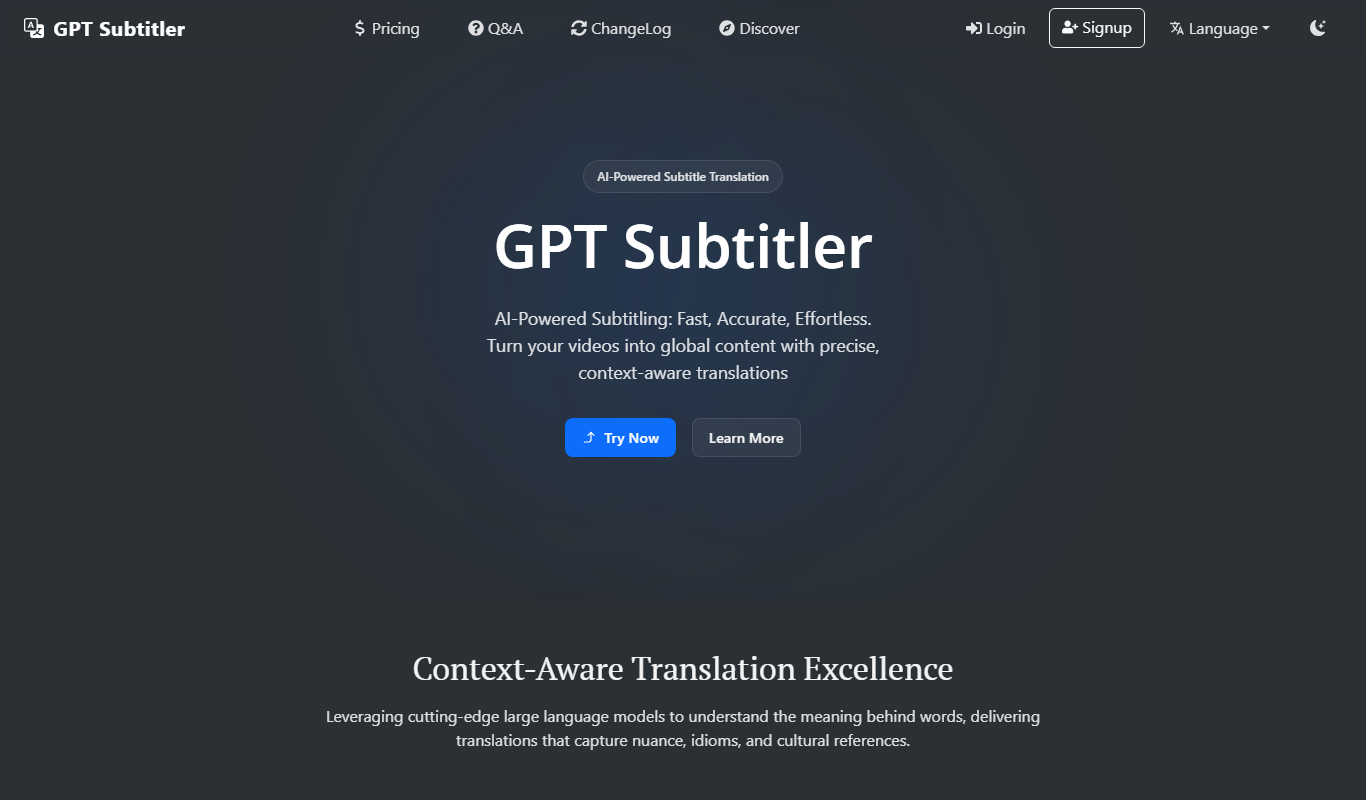
GPT Subtitler
GPT Subtitler is an AI-based tool that automatically generates synchronized subtitles for videos, enabling quick and accurate captioning to improve accessibility and engagement.