

GPT Subtitler - AI-Powered Automatic Video Subtitle Generator Tool
GPT Subtitler translates subtitle files in 100+ languages with context-aware AI, or transcribes audio and video into editable captions.
- Best for
- Automatic Subtitle Generation
- Key capability
- Automatic Speech Recognition
Save GPT Subtitler, follow its updates and vote on it — everything stays in your account.
Sign in or create a free account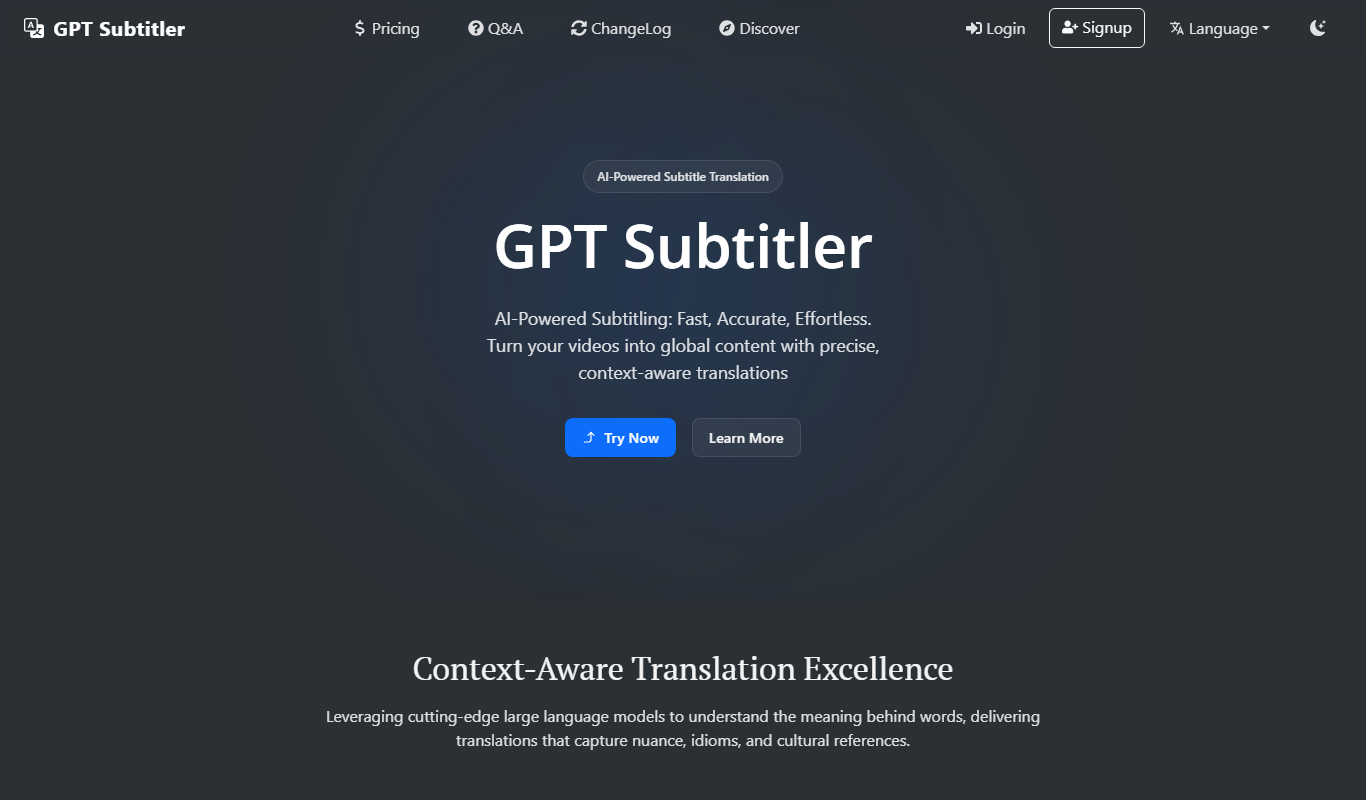
What is GPT Subtitler?
GPT Subtitler is an AI subtitle translator and audio transcriber: it translates SRT, VTT, ASS, JSON, and TXT subtitle files with context-aware AI, or transcribes audio and video into editable captions.
Key features of GPT Subtitler
The tool offers automatic subtitle generation, easy subtitle editing, support for multiple video formats, and export options compatible with popular video players and platforms.
Automatic Speech Recognition
Uses AI to accurately transcribe spoken words into text subtitles.
Subtitle Editing Interface
Allows users to easily edit and adjust subtitles for timing and accuracy.
Multiple Export Formats
Supports exporting subtitles in common formats like SRT and VTT.
Fast Processing
Generates subtitles quickly, enabling efficient video post-production workflows.
Pros and cons of GPT Subtitler
Pros
- Quick and accurate subtitle generation
- User-friendly subtitle editing interface
- Supports multiple export formats
- Improves video accessibility and engagement
Cons
- Limited video length on free plan
Key use cases for GPT Subtitler
Automatic Subtitle Generation
Generate accurate subtitles for videos automatically using AI, saving time on manual transcription.
Video Accessibility Enhancement
Add subtitles to videos to improve accessibility for hearing-impaired viewers and increase engagement.
Content Localization
Create subtitles that can be translated or adapted for different languages and regions.
Social Media Video Optimization
Produce subtitle files to enhance video reach and engagement on social media platforms.
How GPT Subtitler works
- 1
Upload Video
Users upload their video file directly to the GPT Subtitler platform.
- 2
AI Subtitle Generation
The AI processes the audio track to transcribe speech and generate synchronized subtitles.
- 3
Review and Edit
Users can review the generated subtitles and make manual corrections if needed.
- 4
Export Subtitles
Subtitles can be exported in various formats such as SRT or embedded directly into the video.
Who is using GPT Subtitler
GPT Subtitler pricing
Free
$0 forever
For trying the workflow: claim 10,000 tokens daily, 100,000 bonus tokens when you sign up, store up to 200 subtitle projects and 20 batch projects.
Basic
$5 / month
For regular subtitle projects: everything in Free, plus 600,000 tokens available daily with the subscription and access to more advanced AI models.
Premium
$9.90 / month
For high-volume work: everything in Free, plus 1,200,000 tokens available daily with the subscription and access to more advanced AI models.
Pay-as-you-go Token
2 million Tokens for $1
Buy only what you need, with no recurring commitment; works alongside subscriptions.
Plans and prices are as published by the vendor and can change. Check the official site before you buy. Open the pricing page (opens in a new tab)
Frequently asked questions about GPT Subtitler
It supports common video formats such as MP4, MOV, and AVI.
Yes, the tool provides an interface to review and edit subtitles before exporting.
The Free plan works on tokens: claim 10,000 Tokens daily and get 100,000 bonus Tokens when you sign up.
It depends on your specific needs and how you plan to use the tool. The official website and documentation are the best sources for the latest details.
Yes, it can help with that use case depending on how you configure it and what features are available. You’ll get the best results with clear inputs and a defined goal.
Yes, it can help with that use case depending on how you configure it and what features are available. You’ll get the best results with clear inputs and a defined goal.
Conclusion
Two jobs sit side by side: translating existing subtitle files such as SRT, VTT, ASS, JSON and TXT, and transcribing audio or video into editable captions. Translation covers 100+ languages with context-aware AI, and each project has its own target language, model and translation preferences. Multiple subtitle files can be processed in one workflow while keeping terminology and style consistent, and each line can be refined before export. Featured model providers include OpenAI, Claude, Gemini, DeepSeek and Grok.
Video content creators, educational content producers and social media marketers are among its intended users. Usage is measured in tokens: the Free plan includes a daily token allowance, Basic and Premium subscriptions raise it, and pay-as-you-go tokens carry no recurring commitment.
Sources
Sign in to review this tool.
Sign In to ReviewNo reviews yet
Be the first to share how this tool worked for you.
Ask about pricing, limits, or how it compares — or answer someone else.
Sign In to AskNo questions yet
Have a question about using or paying for this tool? Be the first to ask.
Featured on TiorAI



More AI Ai Tools tools
Other tools in the same category, for when this one is not quite the fit.

PlaninGo
PlaninGo is an AI travel planning tool that generates personalized trip itineraries and guides based on your preferences, helping you plan efficient and enjoyable trips.

Pogo Travel
Pogo Travel is an AI-driven platform that generates personalized travel itineraries based on your preferences, travel dates, and interests, offering collaborative planning and offline access.

TravelBot AI Travel Assistant
TravelBot AI Travel Assistant is a web-based platform that uses artificial intelligence to help users create personalized travel itineraries, book flights and hotels, and receive tailored travel recommendations based on preferences and budget.
AI Insult Generator
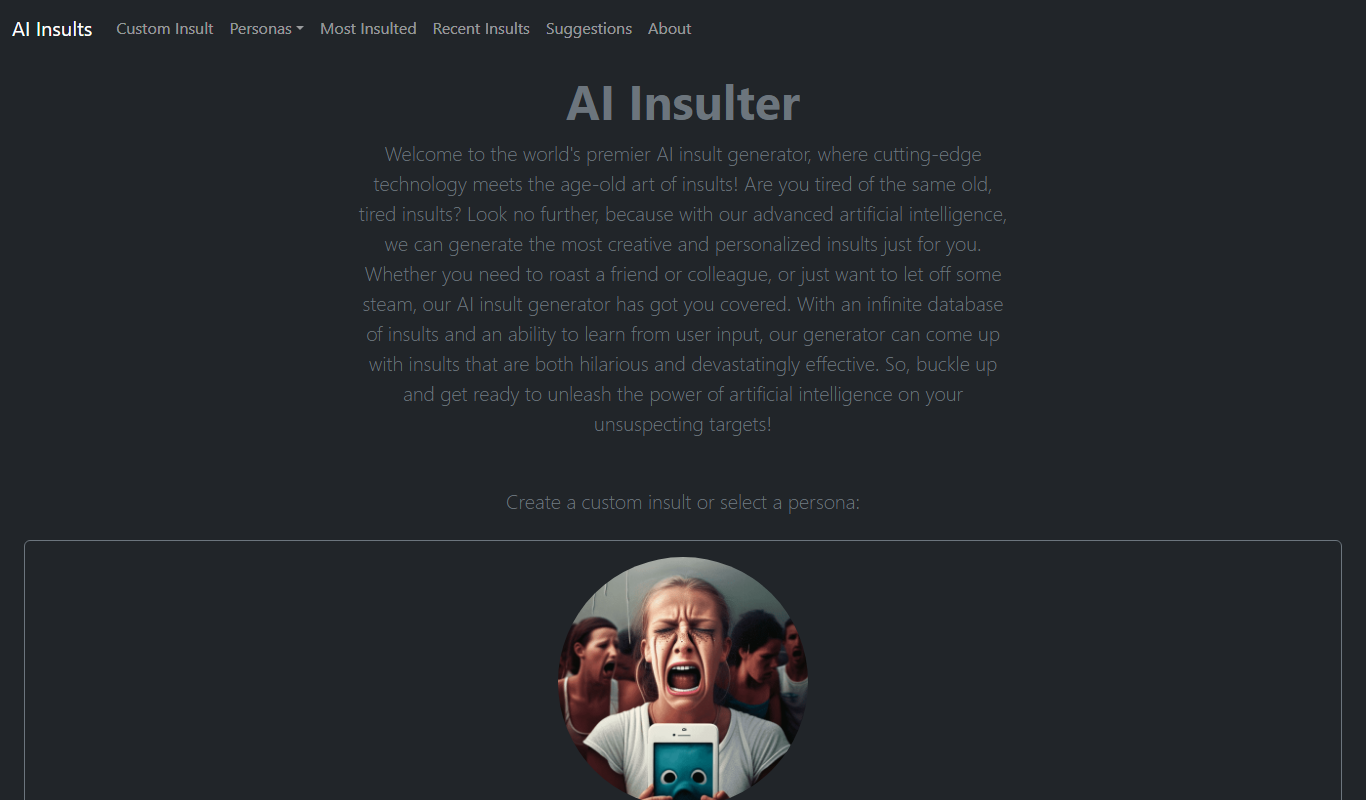
AI Insult Generator is a free web-based tool that creates humorous and creative insults instantly for entertainment and creative use.

rotorvideos.com
Rotor Videos is an AI-driven online platform that helps users create professional music videos by automatically syncing visuals to audio tracks and applying customizable visual effects.

Postwise
Postwise is an AI-driven social media scheduler that automates posting, optimizes timing, and provides analytics to enhance social media marketing efforts.
TLDR this
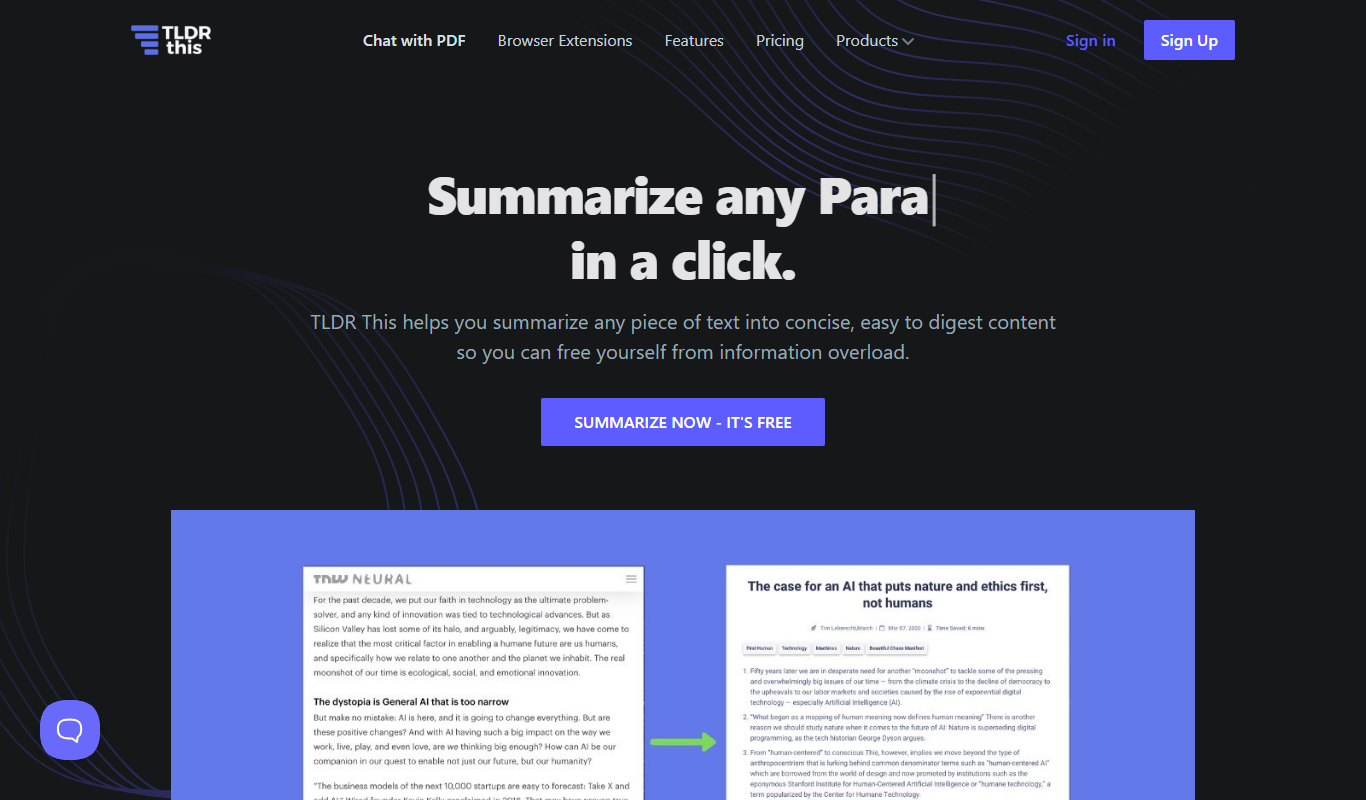
TLDR This is an AI-based tool that summarizes long texts into concise summaries, helping users quickly understand key points from articles, reports, and other documents.

Pencil
Pencil is an AI operating system for marketing that aggregates every AI model, enforces enterprise governance and helps brands produce ad creatives at scale.