

TLDR This - AI-Powered Text Summarization Tool for Quick Insights
TLDR This is an AI-based tool that summarizes long texts into concise summaries, helping users quickly understand key points from articles, reports, and other documents.
- Best for
- Article Summarization
- Key capability
- AI-Powered Summarization
Save TLDR this, follow its updates and vote on it — everything stays in your account.
Sign in or create a free account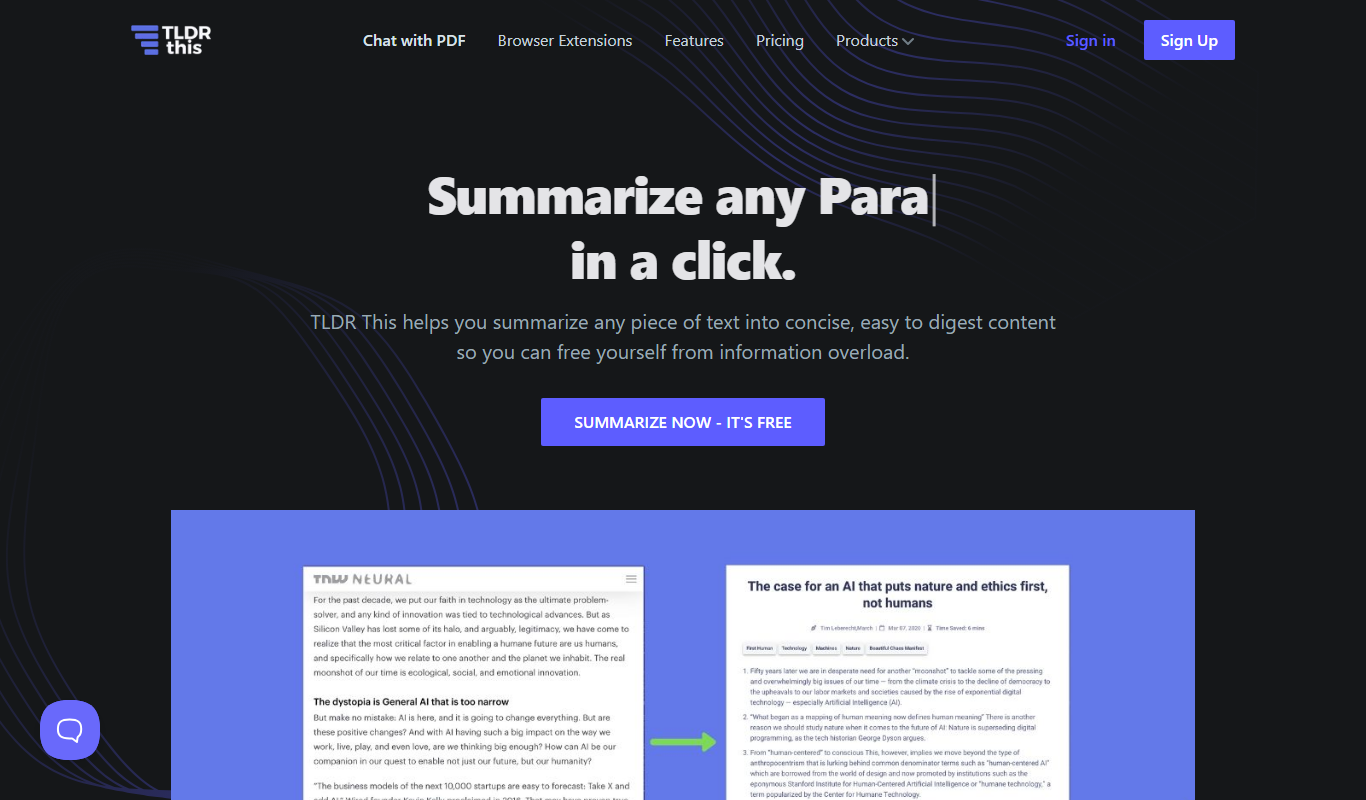

What is TLDR this?
TLDR This is an AI-powered text summarization tool designed to help users quickly grasp the main ideas of lengthy content. By leveraging natural language processing, it condenses articles, documents, and other text into concise summaries, saving time and improving productivity.
Key features of TLDR this
The tool offers automatic summarization with adjustable summary lengths, supports multiple input formats including URLs and text, and provides integrations such as a Chrome extension and API access for developers.
AI-Powered Summarization
Uses advanced natural language processing to create accurate and coherent summaries.
Multiple Input Options
Supports direct text input, URL summarization, and document uploads.
Adjustable Summary Length
Allows users to customize how brief or detailed the summary should be.
Chrome Extension
Enables quick summarization directly from web pages without leaving the browser.
API Access
Provides developers with API endpoints to integrate summarization into their own applications.
Pros and cons of TLDR this
Pros
- Quickly condenses long texts into digestible summaries
- Easy-to-use interface with multiple input options
- Chrome extension for seamless web summarization
- API access for developer integration
- Flexible summary length customization
Cons
- Limited language support beyond English
- Free plan has restrictive usage limits
- No dedicated mobile app available
Key use cases for TLDR this
Article Summarization
Condense lengthy articles into concise summaries for faster reading and comprehension.
Research Efficiency
Quickly extract key points from research papers or reports to save time during information gathering.
Content Curation
Generate brief summaries to share or repurpose content on social media or newsletters.
Meeting Notes Simplification
Summarize meeting transcripts or notes to highlight essential information and action items.
Email Digest Creation
Create short summaries of long emails or threads to improve communication clarity.
How TLDR this works
- 1
Input Text or URL
Users paste the text or provide a URL of the content they want summarized.
- 2
Select Summary Length
Choose the desired summary length or let the AI determine the optimal size.
- 3
Generate Summary
The AI processes the input and produces a concise summary highlighting key points.
- 4
Review and Export
Users can review the summary, copy it, or export it for further use.
Who is using TLDR this
TLDR this pricing
Free
$0/month
Limited number of summaries per month with basic features.
Pro
$9.99/month
Increased summary limits, priority processing, and access to API.
Business
Custom pricing
Tailored solutions with higher limits, dedicated support, and team management.
Plans and prices are as published by the vendor and can change. Check the official site before you buy. Open the pricing page (opens in a new tab)
Frequently asked questions about TLDR this
It can summarize articles, research papers, emails, meeting notes, and most text-based content.
Yes, the free plan has limits on text length and number of summaries; higher plans offer increased limits.
While there is no dedicated mobile app, the web platform is mobile-friendly.
Currently, it primarily supports English text summarization.
It depends on your specific needs and how you plan to use the tool. The official website and documentation are the best sources for the latest details.
Some tools offer a free plan or trial with limited features. Availability can vary, so confirm on the official website.
Yes, it can help with that use case depending on how you configure it and what features are available. You’ll get the best results with clear inputs and a defined goal.
Integration support depends on the tool and its available connectors or API. Check the official documentation or integrations page to confirm what is supported.
Conclusion
Input can be pasted text, a URL or an uploaded document, and users customize how brief or detailed each summary is. The output is a concise summary highlighting key points, which can be copied or exported. A Chrome extension summarizes web pages without leaving the browser, and API endpoints let developers integrate summarization into their own applications.
Articles, research papers, emails and meeting notes all fall within scope. Intended readers range from content marketers and researchers to students, while the API side serves developers integrating summarization. A free plan limits text length and the number of summaries, and higher plans offer increased limits.
Sources
Sign in to review this tool.
Sign In to ReviewNo reviews yet
Be the first to share how this tool worked for you.
Ask about pricing, limits, or how it compares — or answer someone else.
Sign In to AskNo questions yet
Have a question about using or paying for this tool? Be the first to ask.
Featured on TiorAI



Alternative Tools
Explore similar AI tools that might fit your needs

SummarizeBot
SummarizeBot offers a free AI summarization chatbot for Slack and Google Chat alongside enterprise AI products, including a Natural Language Processing API and CER automation.
More AI Ai Tools tools
Other tools in the same category, for when this one is not quite the fit.

Inbox Narrator
Inbox Narrator summarizes your new Gmail emails with AI and delivers the summary to Siri, Google Assistant or a daily podcast every morning.

flAI
Flai is an AI speaking coach app from Flalingo with live voice lessons, notes on what the learner said after every lesson and a free 3-minute speaking test.
saystory
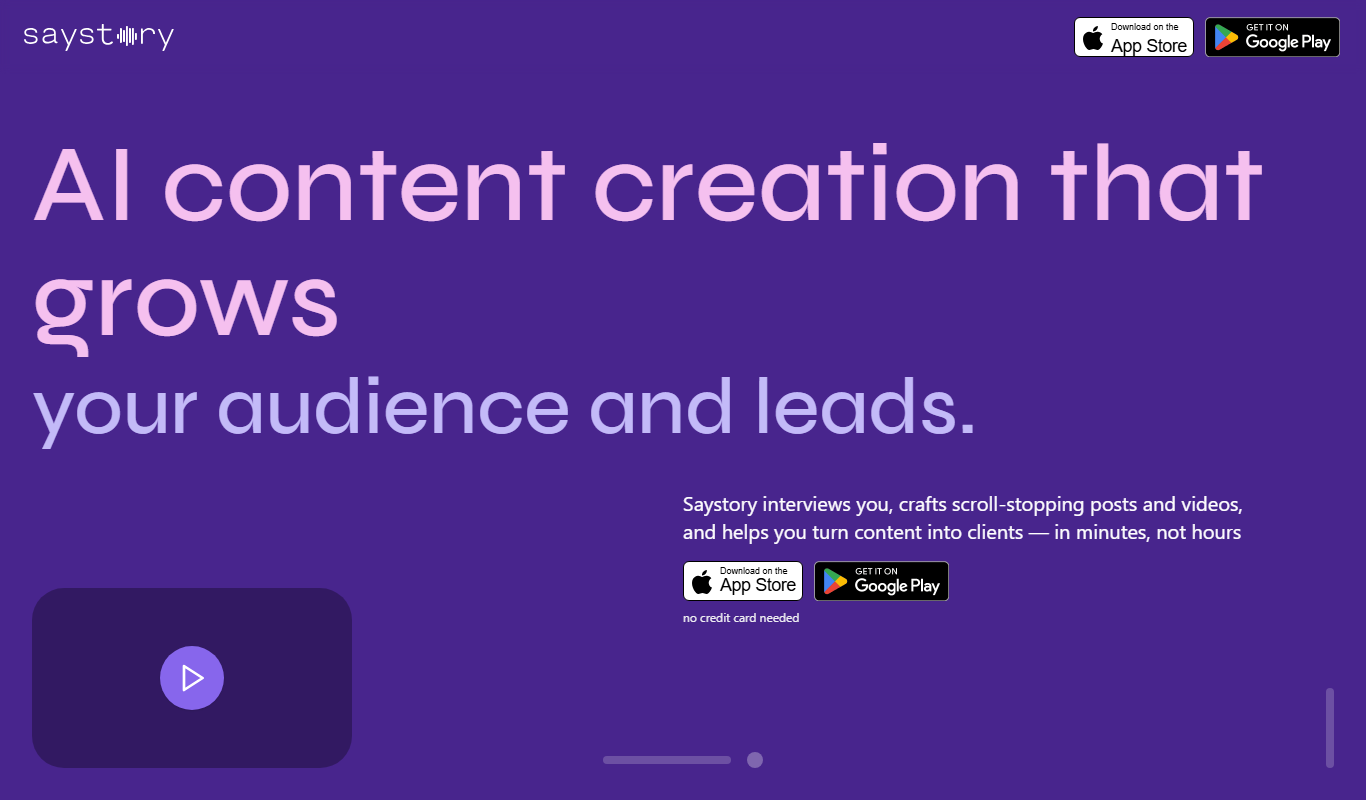
saystory is an AI-powered mobile app that turns your voice into ready-to-post content for LinkedIn, Instagram and more, with a built-in teleprompter.

Flowjin
Flowjin is an AI clip maker that turns long videos and audio into short captioned clips and writes platform-specific social posts.

LeadHunt AI
LeadHunt AI finds verified business email addresses by domain, job title and industry, and local business contact details by location and industry.

Reica
reica is an AI still life studio that turns product photos into validated, marketplace-ready catalog images across thousands of SKUs.

16x Prompt
16x Prompt is a desktop tool for AI coding that manages code context, customizes prompts and works with multiple LLM API integrations.

PageOn.ai
PageOn.AI is an AI presentation and infographic maker where AI agents research your topic, plan the structure and design interactive pages beyond static slides.