

Verbatik AI Voice, Video, Music and Image Generation Platform
Verbatik AI is an all-in-one AI creative platform for text to speech, voice cloning, AI video, music, photo editing and sound effects.
- Best for
- Voiceovers, podcasts and audiobooks
- Key capability
- Text to speech
Save Verbatik, follow its updates and vote on it — everything stays in your account.
Sign in or create a free account

What is Verbatik?
Verbatik is an all-in-one AI creative platform for text to speech, voice cloning, AI video generation, music creation, photo editing and sound effects. It offers 1,500+ neural voices in 150+ languages, AI avatars for UGC ads, auto captions and a developer API, with credits shared across image, video, speech and music models.
Key features of Verbatik
Verbatik generates speech with neural voices, clones or designs voices, creates UGC ads with AI avatars, auto-generates animated captions, composes music and sound effects, edits images and video, and exposes text to speech and voice cloning through an API.
Text to speech
Convert text to ultra-realistic speech with neural voices in 150+ languages.
Voice cloning and design
Clone a replica of your own voice, design one from a prompt or pick from the voice library.
UGC avatar videos
AI avatars deliver your script, so you can test many ad variations without hiring creators.
Auto captions
Auto-generate animated subtitles in 100+ languages.
Pros and cons of Verbatik
Pros
- 1,500+ neural voices in 150+ languages
- Commercial license included
- 14-day refund guarantee and cancel anytime
Cons
- The Free plan includes 0 generation credits
- Voice cloning needs audio of at least 10 seconds for best results
- No dedicated mobile app available
Key use cases for Verbatik
Voiceovers, podcasts and audiobooks
Create podcasts, audiobooks and voiceovers in the audio editor.
UGC ads
Have AI avatars deliver ad scripts and test variations.
Video captions
Add animated subtitles in 100+ languages.
Music for content
Generate tracks in any genre, with vocals or instrumental.
How Verbatik works
- 1
Sign up free
Start on the Free plan, then add a plan or prepaid credits when you are ready to create.
- 2
Pick a voice or model
Choose a library voice, clone your own or design one from a prompt.
- 3
Generate
Generate speech, video, music, images or sound effects from one dashboard.
- 4
Spend credits
Credits are shared across image, video, speech and music models.
Who is using Verbatik
Verbatik pricing
Free
$0 /mo
No subscription and 0 generation credits; add a plan or prepaid credits to create.
Standard
$20/month
200 credits per month, all image, poster and video models, voice cloning, AI music and sound effects, priority generation.
Pro
From $59/month
From 750 credits per month, built for serious creators and brands, with higher credit tiers available.
Plans and prices are as published by the vendor and can change. Check the official site before you buy. Open the pricing page (opens in a new tab)
Frequently asked questions about Verbatik
An all-in-one AI creative platform for text to speech, voice cloning, AI video generation, music creation, photo editing and sound effects.
1,500+ neural voices in 150+ languages.
Yes, with full API access and real-time streaming for text to speech and voice cloning.
Yes, there are apps for iOS, macOS and Windows next to the web dashboard.
Credits are shared across image, video, speech and music models, and prepaid credit packs can be added.
Conclusion
Voice is the backbone of this creative suite: text becomes speech in 150+ languages, and users can clone their own voice or design one from a prompt. Around that sit AI avatars that read ad scripts for UGC-style videos, animated auto captions, music in any genre and image and video models. Podcasters and audiobook producers get a dedicated audio editor, and developers can call text to speech and voice cloning through an API.
Credits are shared across speech, image, video and music models, and the Free plan includes none, so creating anything requires a paid plan or a prepaid credit pack. Paid plans include a commercial license and a 14-day refund period, and subscriptions can be cancelled anytime.
Sources
Sign in to review this tool.
Sign In to ReviewNo reviews yet
Be the first to share how this tool worked for you.
Ask about pricing, limits, or how it compares — or answer someone else.
Sign In to AskNo questions yet
Have a question about using or paying for this tool? Be the first to ask.
Featured on TiorAI



More AI API Design tools
Other tools in the same category, for when this one is not quite the fit.

Eden AI
Eden AI is a platform that aggregates multiple AI service providers into a single API, enabling developers to access NLP, computer vision, speech, and custom AI models through one interface.

HTTPie
HTTPie is an API testing client with an open-source command-line tool and a Web & Desktop app in public beta.

AskYourPdf
AskYourPDF offers an AI chatbot for your website trained on your content, an AI PDF form filler, and chat with any PDF.

EasyFunctionCall
EasyFunctionCall is a SaaS service that converts OpenAPI and Swagger specs into AI model function call parameters, reducing complexity and saving tokens.
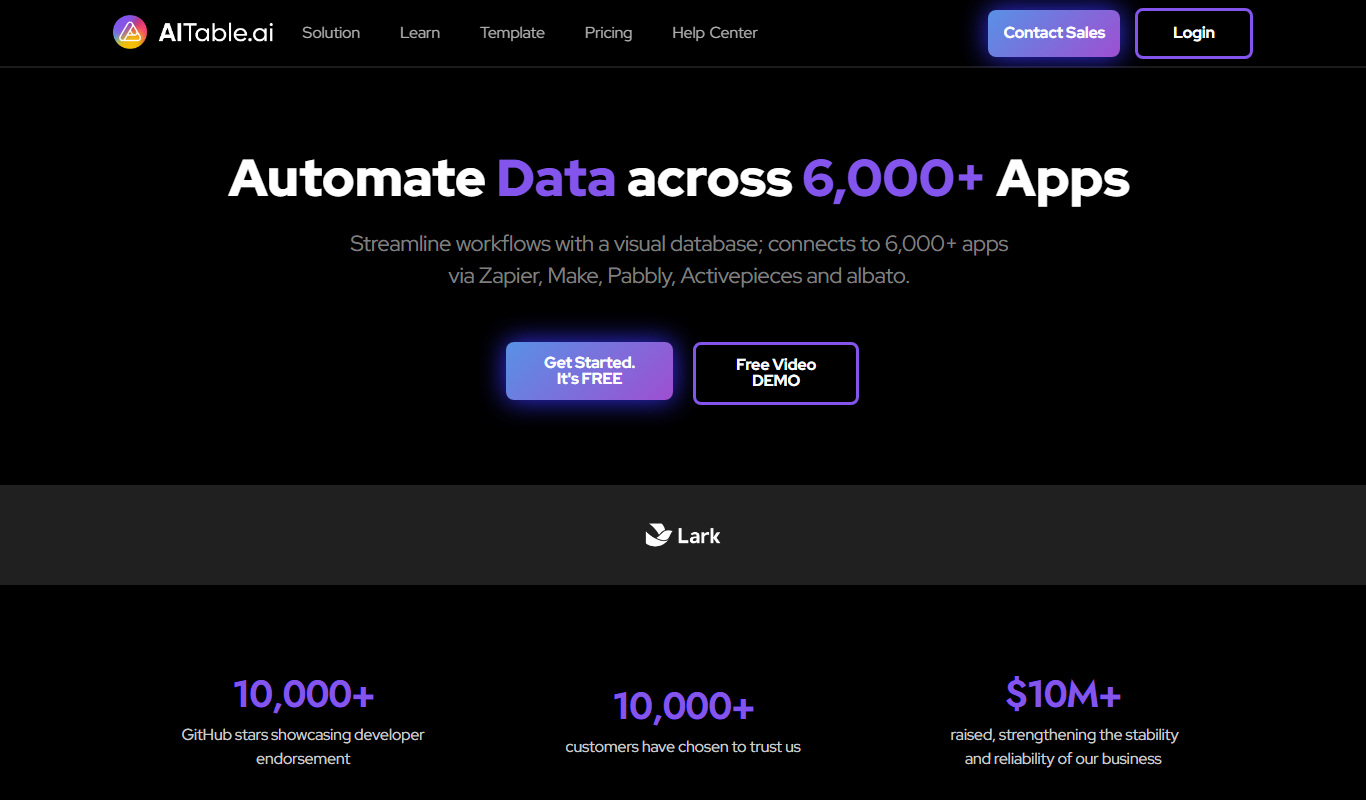
AITable.ai: No-code AI Agents Builder
AITable.ai is a visual database for workflow automation that connects to 6,000+ apps and adds AI agents and chatbot building.

Avaturn ME
Avaturn creates realistic 3D avatars from a selfie, lets users customize and export them as 3D models, and offers an avatar SDK for developers.

Chatwith
Chatwith is an AI chatbot platform that helps businesses automate customer interactions, improve engagement, and generate leads through customizable conversational agents.

Imagga
Imagga is a cloud-based image recognition platform providing APIs for automated image tagging, visual search, and content moderation, helping businesses organize and analyze images efficiently.