

Chatwith AI Chatbot Platform for Customer Support and Engagement
Chatwith is an AI chatbot platform that helps businesses automate customer interactions, improve engagement, and generate leads through customizable conversational agents.
- Best for
- Customer Support Automation
- Key capability
- Customizable Chatbot Templates
Save Chatwith, follow its updates and vote on it — everything stays in your account.
Sign in or create a free account
What is Chatwith?
Chatwith is an AI-powered chatbot platform designed to help businesses automate customer interactions and improve engagement. It provides tools to build, deploy, and manage conversational agents that can handle customer support, lead generation, and user engagement tasks efficiently.
Key features of Chatwith
Chatwith offers customizable chatbot templates, natural language understanding, integration capabilities with websites and APIs, and analytics to monitor chatbot performance and user interactions.
Customizable Chatbot Templates
Pre-built templates that can be tailored to specific industries and use cases.
Natural Language Processing
Enables the chatbot to understand and respond to user queries in a conversational manner.
Multi-Channel Integration
Supports embedding on websites and integration with APIs for broader reach.
Analytics Dashboard
Provides insights into chatbot interactions, user behavior, and performance metrics.
Pros and cons of Chatwith
Pros
- Easy to set up with customizable templates
- Effective natural language understanding
- Comprehensive analytics for performance tracking
- Flexible integration options
Cons
- Limited language support currently
- Pricing may be high for small businesses
Key use cases for Chatwith
Customer Support Automation
Automate responses to common customer inquiries to reduce support workload and improve response times.
Lead Generation
Engage website visitors with interactive chatbots to capture leads and qualify prospects automatically.
User Engagement
Provide personalized conversational experiences to keep users engaged and improve retention.
E-commerce Assistance
Assist customers with product recommendations, order tracking, and FAQs to enhance shopping experience.
How Chatwith works
- 1
Create an Account
Sign up on the Chatwith platform to access chatbot building tools.
- 2
Design Your Chatbot
Use templates or build custom conversation flows tailored to your business needs.
- 3
Integrate with Your Website
Embed the chatbot widget on your website or connect via API for seamless interaction.
- 4
Monitor and Optimize
Track chatbot performance and user interactions through analytics to improve responses.
Who is using Chatwith
Chatwith pricing
Starter
$9/month
250 messages per month, 2,000,000 training characters and 1 agent, with unlimited sources.
Hobby
$19/month
7-day free trial; 1,000 messages per month, 10,000,000 training characters and 1 agent.
Standard
$99/month
7-day free trial; 10,000 messages per month, 20,000,000 training characters and 3 agents.
Business
$399/month
7-day free trial; 40,000 messages per month, 50,000,000 training characters and 5 agents.
Plans and prices are as published by the vendor and can change. Check the official site before you buy. Open the pricing page (opens in a new tab)
Frequently asked questions about Chatwith
Yes, Chatwith allows you to customize chatbot appearance and conversation flows to align with your brand identity.
Yes, Chatwith agents can use any language your customers use, regardless of the language used in your source of knowledge.
Yes, Chatwith offers API integration to connect with various platforms and services.
Support depends on the plan, from community support on the lower tiers to standard and premium support on the higher ones.
This tool is designed to help users accomplish its core tasks more efficiently. It is typically used by individuals or teams looking to improve productivity and workflow.
It depends on your specific needs and how you plan to use the tool. The official website and documentation are the best sources for the latest details.
Integration support depends on the tool and its available connectors or API. Check the official documentation or integrations page to confirm what is supported.
It depends on your specific needs and how you plan to use the tool. The official website and documentation are the best sources for the latest details.
Conclusion
Pasting a website URL is enough for Chatwith to learn the business and build an agent that answers questions, captures leads and takes action. Knowledge can also come from files, help centers, videos and databases. Every answer can be checked before launch, and the agent goes live on a site with one line of code. Agents check live data and complete tasks through APIs or app integrations, and they reply in any language customers use, whatever the language of the source material.
Installation guides cover Webflow, Wix and Shopify as well as Slack, Telegram and WhatsApp. It may suit e-commerce stores and customer support teams that want to automate responses to common customer inquiries. Plans start with Starter, and the Hobby, Standard and Business tiers come with a 7-day free trial.
Sources
Sign in to review this tool.
Sign In to ReviewNo reviews yet
Be the first to share how this tool worked for you.
Ask about pricing, limits, or how it compares — or answer someone else.
Sign In to AskNo questions yet
Have a question about using or paying for this tool? Be the first to ask.
Featured on TiorAI



More AI API Design tools
Other tools in the same category, for when this one is not quite the fit.

Eden AI
Eden AI is a platform that aggregates multiple AI service providers into a single API, enabling developers to access NLP, computer vision, speech, and custom AI models through one interface.

HTTPie
HTTPie is an API testing client with an open-source command-line tool and a Web & Desktop app in public beta.

AskYourPdf
AskYourPDF offers an AI chatbot for your website trained on your content, an AI PDF form filler, and chat with any PDF.

EasyFunctionCall
EasyFunctionCall is a SaaS service that converts OpenAPI and Swagger specs into AI model function call parameters, reducing complexity and saving tokens.
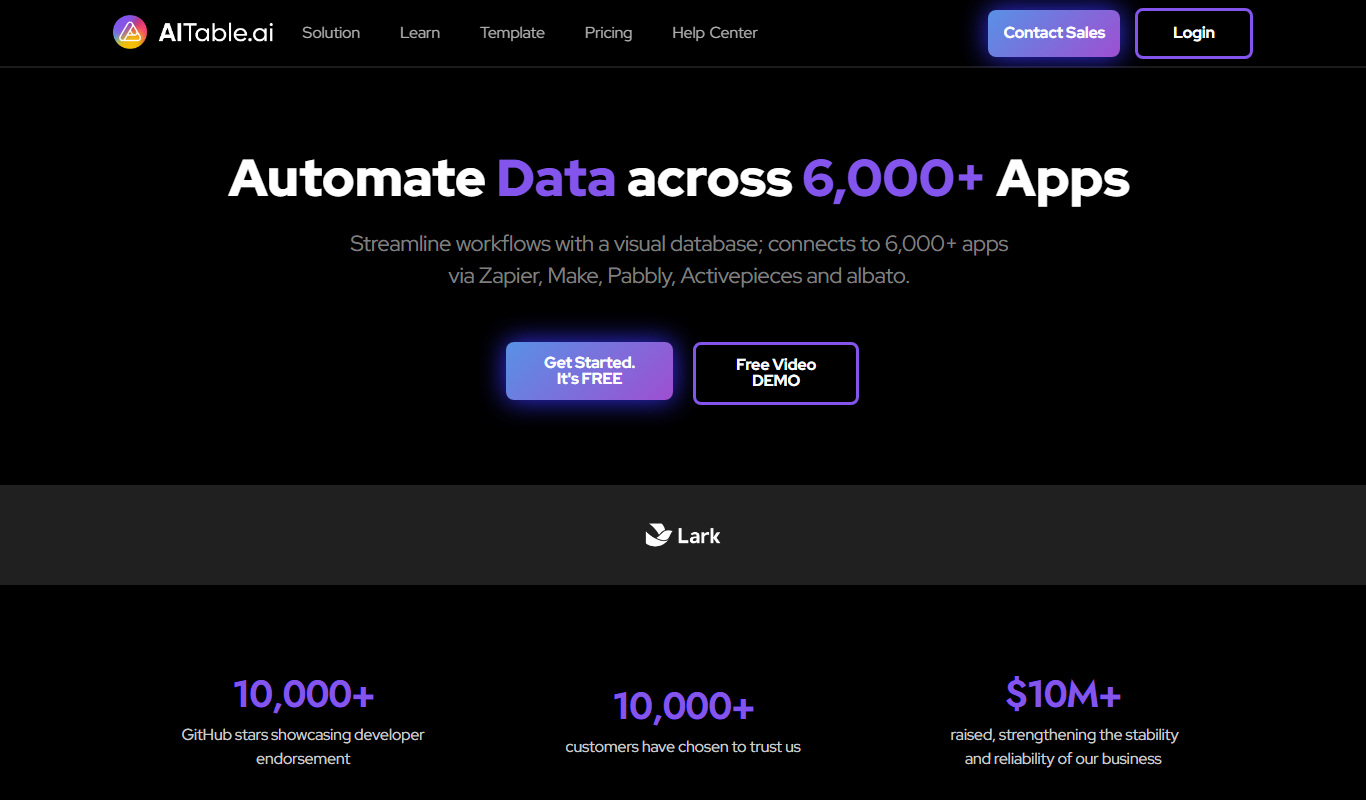
AITable.ai: No-code AI Agents Builder
AITable.ai is a visual database for workflow automation that connects to 6,000+ apps and adds AI agents and chatbot building.

Avaturn ME
Avaturn creates realistic 3D avatars from a selfie, lets users customize and export them as 3D models, and offers an avatar SDK for developers.

Verbatik
Verbatik AI is an all-in-one AI creative platform for text to speech, voice cloning, AI video, music, photo editing and sound effects.

Imagga
Imagga is a cloud-based image recognition platform providing APIs for automated image tagging, visual search, and content moderation, helping businesses organize and analyze images efficiently.