

From my experience with AskYourPdf, I found it excels at simplifying the process of extracting information from complex PDF documents through natural language queries. The interface is straightforward, making it accessible even for users without technical backgrounds. It’s particularly well-suited for students, researchers, and professionals who need quick insights from lengthy documents. However, the tool currently supports only English and lacks a dedicated mobile app, which might limit accessibility for some users. Overall, if your workflow involves frequent PDF analysis and you want to save time, AskYourPdf offers a practical and efficient solution.
AskYourPdf AI Tool for Interactive PDF Queries and Document Analysis
AskYourPdf is an AI-driven web tool that allows users to upload PDF documents and ask natural language questions to extract information quickly and accurately from the document content.
- Best for
- Interactive PDF Question Answering
- Key capability
- Natural Language Querying
Your actions
Save AskYourPdf, follow its updates and vote on it — everything stays in your account.
Sign in or create a free account
What is AskYourPdf?
AskYourPdf is a web-based AI-powered tool that enables users to interact with PDF documents through natural language queries. By uploading a PDF, users can ask questions and receive precise answers extracted from the document’s content. This eliminates the need to manually search or read through lengthy files, making document analysis faster and more intuitive.
Key features of AskYourPdf
The tool offers PDF uploading, AI-driven question answering, document summarization, and supports multiple document types. It leverages advanced natural language processing to understand user queries and retrieve relevant information from PDFs instantly.
Natural Language Querying
Ask questions in everyday language without needing keywords or complex commands.
Fast PDF Processing
Quickly parses and understands large PDF documents to deliver instant responses.
Summarization Capability
Generates concise summaries to highlight key points from documents.
User-Friendly Interface
Clean, intuitive web interface that requires no technical expertise.
Secure Document Handling
Uploaded PDFs are processed securely with privacy considerations.
Pros and cons of AskYourPdf
Pros
- Easy to use with no technical skills required
- Speeds up information retrieval from PDFs
- Supports large and complex documents
- Affordable pricing with a free tier
- Secure handling of uploaded files
Cons
- Limited language support (English only)
- No dedicated mobile app yet
- Dependent on PDF text quality for accuracy
Key use cases for AskYourPdf
Interactive PDF Question Answering
Users can upload PDFs and ask natural language questions to extract specific information quickly.
Research and Study Aid
Students and researchers can query lengthy documents to find relevant data without reading the entire file.
Business Document Analysis
Professionals can analyze contracts, reports, and manuals by asking targeted questions to understand content efficiently.
Content Summarization
Generate concise summaries of PDF documents to grasp key points rapidly.
Data Extraction for Workflows
Extract structured information from PDFs to integrate into other business processes or tools.
How AskYourPdf works
- 1
Upload PDF
Users upload their PDF document to the platform via a simple drag-and-drop or file selector.
- 2
Ask Questions
Type natural language questions related to the document content in the chat interface.
- 3
Receive Answers
The AI processes the PDF content and provides accurate, context-aware answers in real-time.
- 4
Download or Save
Users can download the conversation or save insights for future reference.
Who is using AskYourPdf
Students and researchers
Business professionals
Legal teams
Content creators
Data analysts
AskYourPdf pricing
Free
$0/month
Limited number of PDF uploads and queries per month with basic features.
Pro
$9.99/month
Unlimited PDF uploads, priority processing, and access to advanced features.
Plans and prices are as published by the vendor and can change. Check the official site before you buy. Open the pricing page (opens in a new tab)
Frequently asked questions about AskYourPdf
You can upload any standard PDF document including scanned files, reports, contracts, and manuals.
Yes, AskYourPdf uses secure protocols to protect your data and does not share your documents with third parties.
Currently, AskYourPdf is optimized for web browsers on desktop and mobile but does not have a dedicated mobile app.
The AI provides highly accurate answers based on the PDF content but complex or ambiguous queries may require rephrasing.
It depends on your specific needs and how you plan to use the tool. The official website and documentation are the best sources for the latest details.
Some tools offer a free plan or trial with limited features. Availability can vary, so confirm on the official website.
Yes, it can help with that use case depending on how you configure it and what features are available. You’ll get the best results with clear inputs and a defined goal.
Data handling and security practices vary by provider. Review the official privacy policy to understand how your data is stored and used.
Sign in to review this tool.
Sign In to ReviewNo reviews yet
Be the first to share how this tool worked for you.
Ask about pricing, limits, or how it compares — or answer someone else.
Sign In to AskNo questions yet
Have a question about using or paying for this tool? Be the first to ask.
Featured on TiorAI



More AI API Design tools
Other tools in the same category, for when this one is not quite the fit.

Free
Swagger
Swagger is a set of tools for designing, documenting, testing, and mocking RESTful APIs using the OpenAPI Specification, widely used by developers and teams to streamline API development.

Freemium
GreenEyes.AI – Image Recog. Tech as API
GreenEyes.AI is an image recognition API platform that provides high-accuracy object detection, customizable models, and scalable API access for various industries including retail, manufacturing, and security.

Custom Pricing
Flagright AI
Flagright AI is a RegTech platform that automates AML compliance, KYC verification, and fraud detection using AI and machine learning to help financial institutions reduce risk and meet regulatory requirements.
Free
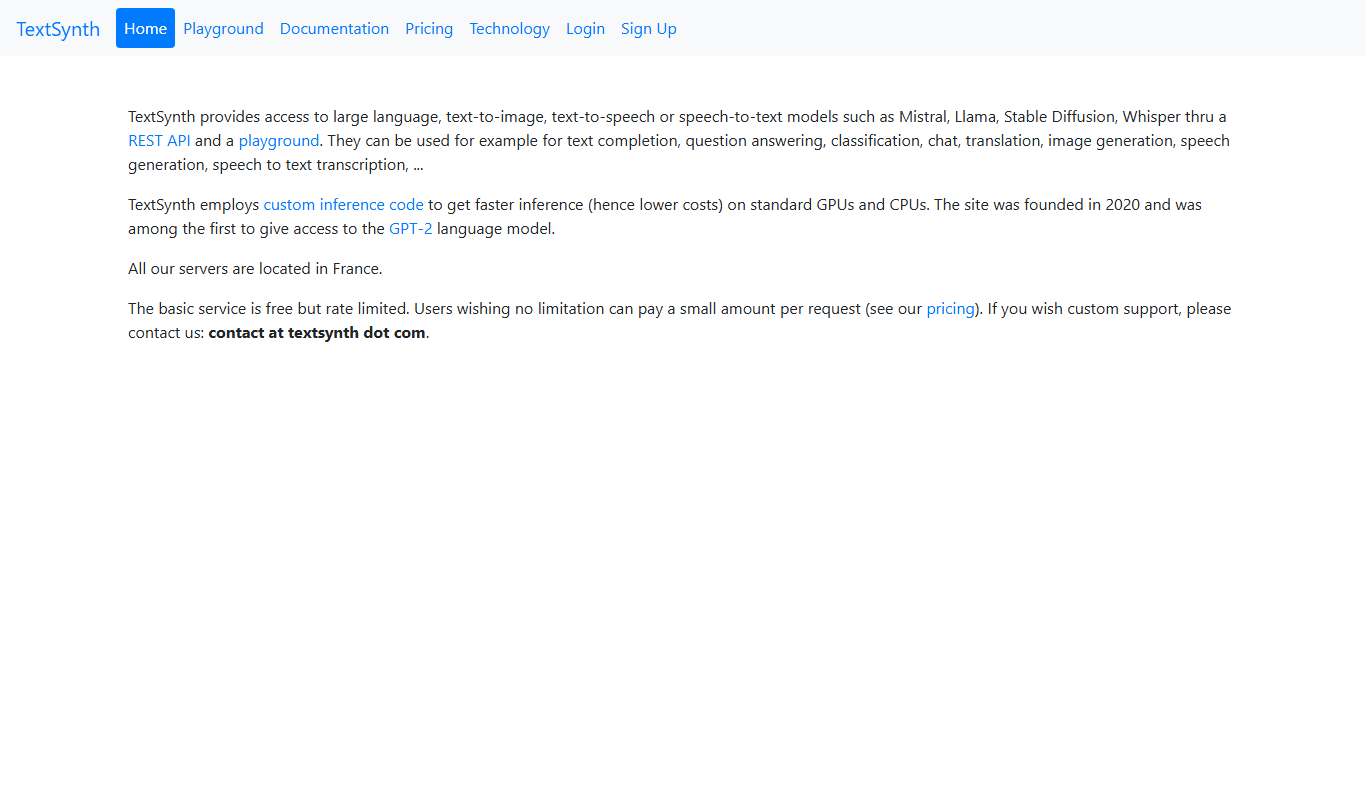
TextSynth
TextSynth is an AI platform for text generation, text-to-image, text-to-speech, speech-to-text, translation and classification.

Free
Stoplight
Stoplight is an API design and development platform that provides visual editing, interactive documentation, mocking, and governance tools to help teams build and manage APIs efficiently.

Free Trial
Boostramp
Boostramp is an AI-driven platform that automates personalized sales email outreach and lead generation, integrating with CRMs to streamline sales workflows.

Free Trial
CRUDERRA
CRUDERRA is a low-code platform that helps users build web and mobile applications quickly using drag-and-drop tools and database integration without needing extensive coding skills.

Free Trial
Aptori
Aptori is a low-code platform that helps businesses quickly build custom applications and automate workflows using a visual drag-and-drop interface and API integrations.