

From my experience with Headless UI, it stands out as a developer-centric library that expertly balances accessibility and customization. The unstyled nature means you have full control over design, which is perfect if you want to build a unique UI without fighting preset styles. Its built-in accessibility features save a lot of time and effort, especially for complex components like modals and dropdowns. However, this freedom requires more design work upfront, so it’s best suited for teams comfortable with frontend development. Overall, if you need accessible, flexible UI components for React or Vue, Headless UI is a solid, free choice.
Headless UI Components Library for Accessible React and Vue Apps
Headless UI is a free, open-source library providing unstyled, accessible UI components for React and Vue, enabling developers to build custom-styled interfaces with built-in accessibility features.
- Best for
- Accessible UI Development
- Key capability
- Unstyled Components
Your actions
Save Headless UI, follow its updates and vote on it — everything stays in your account.
Sign in or create a free account
What is Headless UI?
Headless UI is an open-source library of completely unstyled, fully accessible UI components designed to integrate with React and Vue frameworks. It provides the interactive logic and accessibility features for common UI patterns like modals, dropdowns, toggles, and menus, while leaving the styling entirely up to the developer. This approach allows developers to build custom, accessible user interfaces without being constrained by predefined styles.
Key features of Headless UI
Headless UI offers a collection of accessible, unstyled components that handle complex UI interactions and keyboard navigation. It supports React and Vue, ensuring ARIA compliance and focus management. Developers can fully customize the look and feel by applying their own CSS or utility classes, making it ideal for projects that require both accessibility and design flexibility.
Unstyled Components
Provides logic and accessibility without imposing any styles, enabling full design control.
Accessibility First
Built-in support for keyboard navigation, focus management, and ARIA attributes.
React and Vue Support
Officially supports both React and Vue frameworks with idiomatic APIs.
Common UI Patterns
Includes components like Dialog (modal), Listbox (select), Menu (dropdown), Popover, Switch, and Tabs.
Open Source and Free
Completely free to use under the MIT license with an active community.
Pros and cons of Headless UI
Pros
- Complete control over styling and markup
- Strong accessibility support out of the box
- Supports both React and Vue frameworks
- Open source with active community
- Simplifies complex UI interaction logic
Cons
- No built-in styling requires more design effort
- Limited to React and Vue, no support for other frameworks
- Not a drag-and-drop or visual builder
Key use cases for Headless UI
Accessible UI Development
Build fully accessible user interface components that comply with WAI-ARIA standards without styling constraints.
Customizable Frontend Components
Create custom-styled UI elements by controlling markup and styles while leveraging pre-built interactive logic.
React and Vue Integration
Seamlessly integrate headless UI components into React or Vue applications for improved developer experience.
Rapid Prototyping
Quickly prototype UI interactions without worrying about accessibility or behavior implementation details.
Design System Foundations
Use as foundational building blocks for design systems that require flexibility and accessibility compliance.
How Headless UI works
- 1
Install the Package
Add Headless UI to your React or Vue project via npm or yarn.
- 2
Import Components
Import the desired headless UI components into your application files.
- 3
Compose with Your Markup
Use the components to manage behavior and accessibility, while writing your own HTML and CSS for styling.
- 4
Customize Styles
Apply your preferred CSS framework or custom styles to achieve the desired UI appearance.
Who is using Headless UI
Frontend developers
UI/UX designers implementing accessible components
React and Vue application teams
Design system architects
Open source enthusiasts
Headless UI pricing
Free
$0
Full access to all components and features without any cost.
Plans and prices are as published by the vendor and can change. Check the official site before you buy. Open the pricing page (opens in a new tab)
Frequently asked questions about Headless UI
Yes, Headless UI is open-source and free under the MIT license.
It officially supports React and Vue.
No, it provides unstyled components so you can apply your own custom styles.
Yes, accessibility is a core focus with built-in ARIA attributes and keyboard navigation.
This tool is designed to help users accomplish its core tasks more efficiently. It is typically used by individuals or teams looking to improve productivity and workflow.
Yes, it can help with that use case depending on how you configure it and what features are available. You’ll get the best results with clear inputs and a defined goal.
Some tools offer a free plan or trial with limited features. Availability can vary, so confirm on the official website.
It depends on your specific needs and how you plan to use the tool. The official website and documentation are the best sources for the latest details.
Sign in to review this tool.
Sign In to ReviewNo reviews yet
Be the first to share how this tool worked for you.
Ask about pricing, limits, or how it compares — or answer someone else.
Sign In to AskNo questions yet
Have a question about using or paying for this tool? Be the first to ask.
Featured on TiorAI



Alternative Tools
Explore similar AI tools that might fit your needs

Free
Chakra UI
Chakra UI is a free, open-source React component library that provides accessible, themeable, and modular UI components to help developers build modern web applications efficiently.
More AI Developer Tools tools
Other tools in the same category, for when this one is not quite the fit.
Tesla FSD Computer
Tesla's Full Self-Driving Computer is a custom AI hardware platform that processes sensor data to enable advanced autonomous driving features in Tesla vehicles.

Free
Anima
Anima is a design-aware AI agent that turns Figma files, URLs or prompts into production-ready HTML or React apps.

Free
TestFlight
TestFlight is Apple's official beta testing platform that allows developers to distribute pre-release iOS, watchOS, tvOS, and iPadOS apps to testers, collect feedback, and manage testing before App Store release.

Free
Assertible
Assertible is a cloud platform that automates API testing and monitoring, integrates with CI/CD pipelines, and provides real-time alerts to ensure API reliability.
Free
Comet.ml
Comet offers Opik, a GenAI observability and evaluation platform, and MLOps tools for experiment tracking, dataset management, model versioning and model production monitoring.

Pay As You Go
Lambda
Lambda is a GPU cloud platform on lambda.ai that provides NVIDIA GPU infrastructure for machine learning and deep learning, priced per GPU hour.
Free
Paperspace
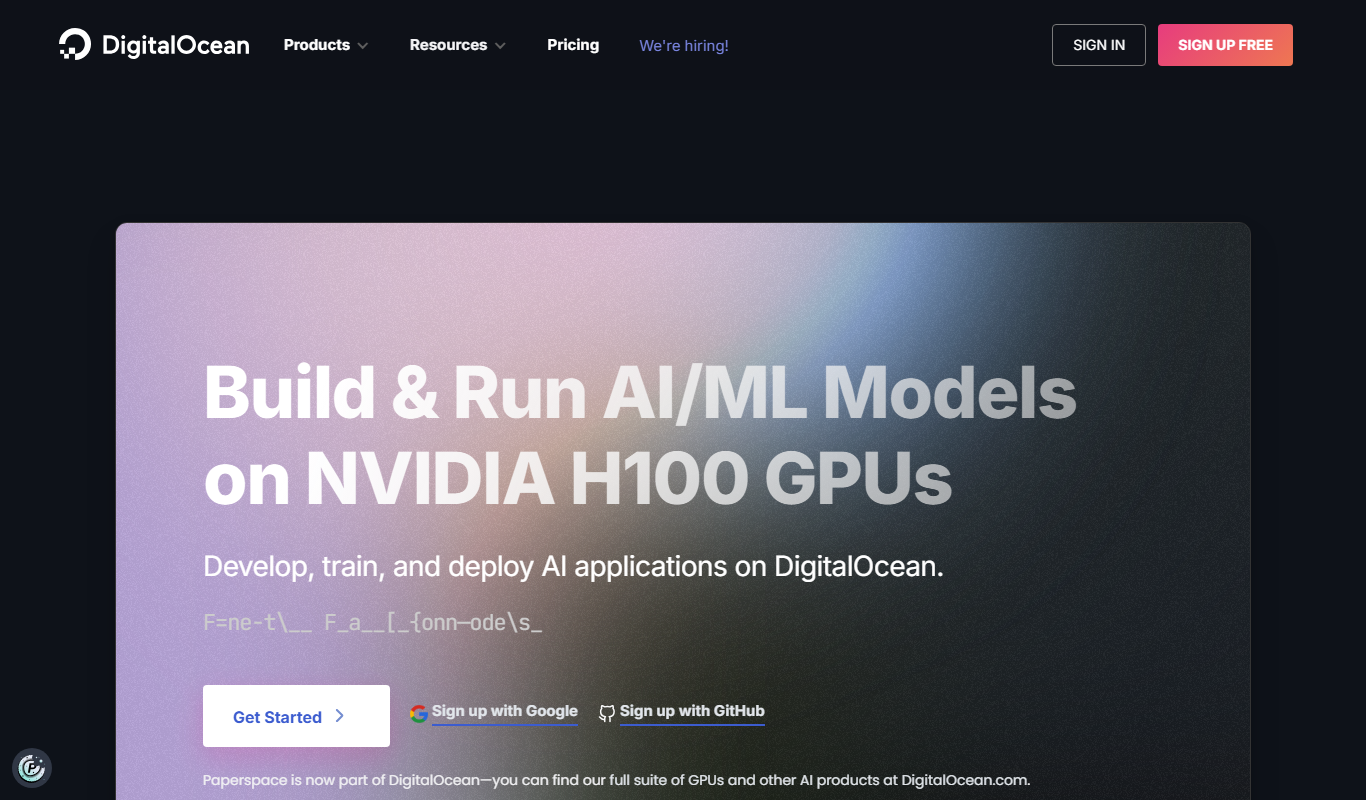
Paperspace is a cloud platform providing scalable GPU-powered virtual machines and tools for AI, machine learning, and data science workloads, enabling remote access to high-performance computing resources.

Paid
Prodigy
Prodigy is a machine teaching tool for efficient data annotation that integrates active learning and customizable workflows to accelerate machine learning model training.