

From my experience with TestFlight, it stands out as the most streamlined and integrated beta testing platform for Apple developers. Its tight integration with the Apple Developer ecosystem makes managing testers and builds straightforward, especially for iOS and other Apple platform apps. I found it particularly well-suited for developers who want to gather real user feedback and crash reports before public release. However, the platform is limited to Apple devices and requires testers to have Apple IDs, which can be a barrier for some. Overall, if you develop apps for Apple platforms, TestFlight is an essential tool for efficient beta testing and quality assurance.
TestFlight Apple Beta Testing Platform for iOS App Distribution and Feedback
TestFlight is Apple's official beta testing platform that allows developers to distribute pre-release iOS, watchOS, tvOS, and iPadOS apps to testers, collect feedback, and manage testing before App Store release.
- Best for
- Beta Testing iOS Apps
- Key capability
- Easy Beta Distribution

Do you recommend this tool?
What is TestFlight?
TestFlight is Apple’s official beta testing platform that allows developers to distribute pre-release versions of their iOS, watchOS, tvOS, and iPadOS apps to a controlled group of testers. It facilitates collecting user feedback, crash reports, and performance data to help developers improve their apps before submitting them to the App Store.
Key features of TestFlight
TestFlight provides seamless beta app distribution, tester management, feedback collection, and crash reporting integrated within the Apple Developer ecosystem. It supports both internal and external testers and simplifies the testing lifecycle.
Easy Beta Distribution
Distribute beta versions to up to 10,000 external testers and unlimited internal testers.
Integrated Feedback System
Testers can send feedback and screenshots directly through the TestFlight app.
Crash Reporting
Automatic crash logs are collected and accessible to developers for debugging.
Multiple Platform Support
Supports iOS, iPadOS, watchOS, and tvOS app testing.
Tester Management
Organize testers into groups and control access to different app builds.
Pros and cons of TestFlight
Pros
- Seamless integration with Apple Developer ecosystem
- Supports multiple Apple platforms
- Easy tester management and feedback collection
- Free to use with Apple Developer membership
Cons
- Only available for Apple platform apps
- Requires testers to have Apple IDs
- Limited to 90-day testing periods per build
Key use cases for TestFlight
Beta Testing iOS Apps
Distribute pre-release versions of iOS, watchOS, tvOS, and iPadOS apps to testers for feedback and bug reporting.
Collect User Feedback
Gather valuable insights and crash reports from testers to improve app quality before public release.
Manage Testers and Builds
Easily invite internal and external testers, manage multiple app builds, and control testing phases.
Streamline App Deployment
Simplify the process of distributing beta apps without needing to publish on the App Store.
How TestFlight works
- 1
Upload Build
Developers upload their app build to App Store Connect.
- 2
Configure Testing
Set up testing groups and invite internal or external testers via email or public link.
- 3
Testers Install App
Testers download the TestFlight app on their devices and install the beta app.
- 4
Collect Feedback
Testers provide feedback and report bugs directly through TestFlight.
- 5
Iterate and Update
Developers receive crash reports and feedback to fix issues and upload new builds.
Who is using TestFlight
iOS app developers
Mobile app QA teams
Apple platform software testers
Indie app developers
Development agencies specializing in Apple apps
TestFlight pricing
Free
$0
Full access to beta testing features included with Apple Developer Program membership.
Plans and prices are as published by the vendor and can change. Check the official site before you buy. Open the pricing page (opens in a new tab)
Frequently asked questions about TestFlight
Registered Apple developers with an active Apple Developer Program membership can use TestFlight to distribute beta apps.
You can invite up to 10,000 external testers and unlimited internal testers.
Yes, testers need an Apple ID to accept invitations and install beta apps via TestFlight.
Each beta build is available for testing for up to 90 days.
It depends on your specific needs and how you plan to use the tool. The official website and documentation are the best sources for the latest details.
Yes, it can help with that use case depending on how you configure it and what features are available. You’ll get the best results with clear inputs and a defined goal.
Some tools offer a free plan or trial with limited features. Availability can vary, so confirm on the official website.
It depends on your specific needs and how you plan to use the tool. The official website and documentation are the best sources for the latest details.
Sign in to review this tool.
Sign In to ReviewNo reviews yet
Be the first to share how this tool worked for you.
Ask about pricing, limits, or how it compares — or answer someone else.
Sign In to AskNo questions yet
Have a question about using or paying for this tool? Be the first to ask.
Featured on TiorAI



More AI App Builder tools
Other tools in the same category, for when this one is not quite the fit.

Pay As You Go
RenderStreet
RenderStreet is a cloud rendering service that accelerates 3D animation and image rendering by providing scalable GPU and CPU resources accessible via a web platform, primarily supporting Blender projects.

Free
Heroku
Heroku is a cloud platform as a service (PaaS) that enables developers to deploy, manage, and scale applications easily without managing infrastructure.

Free
8thWall
8thWall is a WebAR development platform that allows users to create augmented reality experiences accessible directly through mobile web browsers without app downloads.

Free
UI Bakery
UI Bakery is a no-code platform that lets you visually build web applications and internal tools by dragging and dropping UI components, connecting data sources, and deploying apps without coding.

Freemium
Wikitude
Wikitude is an augmented reality SDK that enables developers to create AR apps with image recognition, 3D object tracking, and location-based AR for iOS, Android, Unity, and Unreal Engine.

Enterprise
Streamlit
Streamlit is an open-source Python framework that enables data scientists and developers to quickly create and share interactive web applications for data visualization and machine learning without needing frontend development skills.

Free
Gradio
Gradio is an open-source tool that lets you quickly create interactive web interfaces for machine learning models using Python, enabling easy sharing and testing without front-end development.
Free
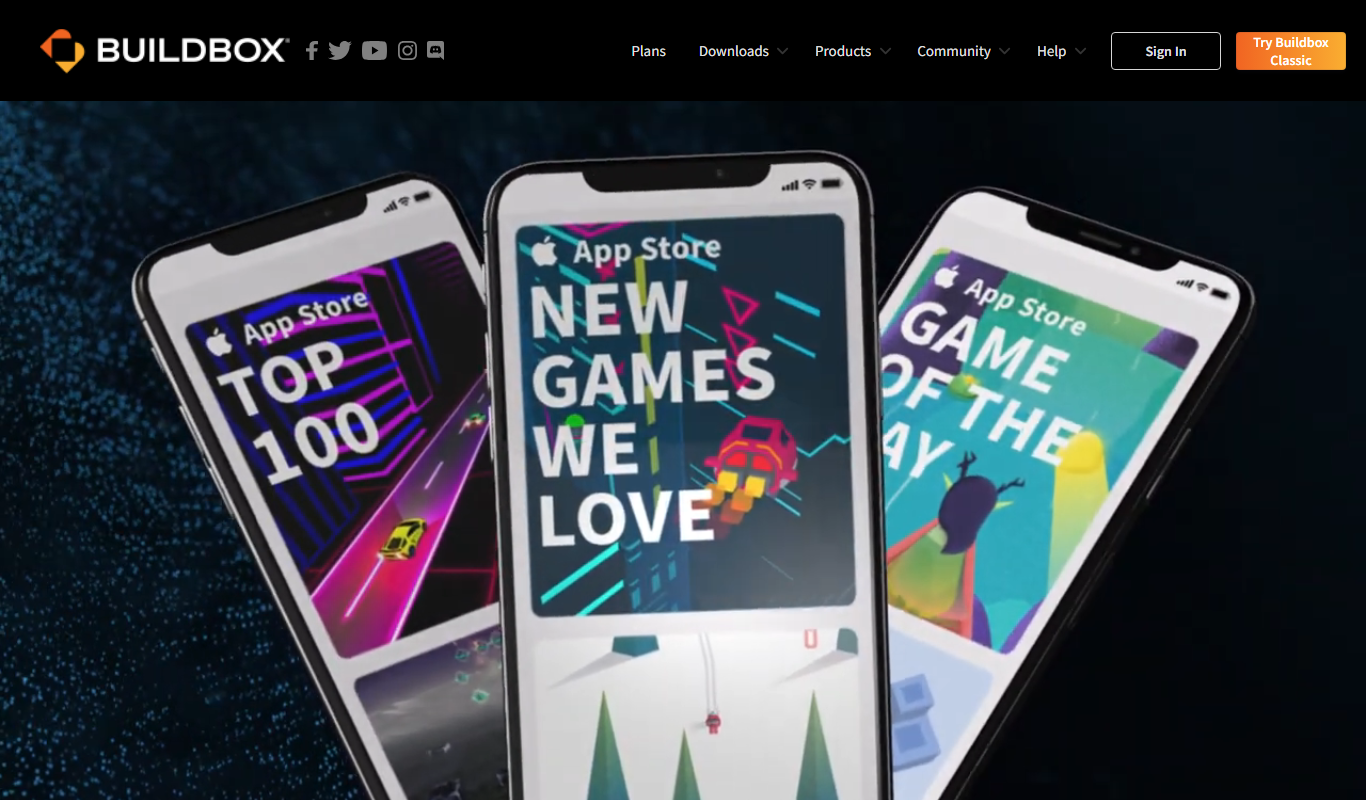
Buildbox
Buildbox is a no-code game development platform that enables users to create and publish 2D and 3D mobile games without programming by using drag-and-drop tools and pre-built assets.