

From my experience with RenderStreet, it stands out as a reliable and efficient cloud rendering service, especially for Blender users. The platform’s ease of use and scalable GPU resources make it a practical choice for both individual artists and studios needing to speed up rendering workflows. While it focuses primarily on Blender and web-based access, its flexible pricing and automated job management provide good value. However, very large projects may require careful planning due to potential costs. Overall, RenderStreet is a solid solution for anyone looking to offload rendering tasks to the cloud without investing in expensive hardware.
RenderStreet Cloud Rendering Service for 3D Artists and Animators
RenderStreet is a cloud rendering service that accelerates 3D animation and image rendering by providing scalable GPU and CPU resources accessible via a web platform, primarily supporting Blender projects.
- Best for
- 3D Animation Rendering
- Key capability
- Blender Native Support

Do you recommend this tool?
What is RenderStreet?
RenderStreet is a cloud-based rendering service designed to accelerate the process of rendering 3D animations and images. It supports Blender and other popular 3D software, providing artists and studios with scalable computing power to complete rendering tasks faster without the need for expensive local hardware.
Key features of RenderStreet
RenderStreet offers on-demand cloud rendering with support for GPU and CPU rendering, easy integration with Blender, automated job management, and flexible pricing options. It enables users to upload projects, configure render settings, and receive rendered frames quickly via a web interface.
Blender Native Support
Seamless integration with Blender projects, including support for Cycles and Eevee render engines.
GPU and CPU Rendering
Access to powerful GPU and CPU nodes to optimize rendering speed and quality.
Automated Job Management
Automatic splitting of frames and error handling to ensure smooth rendering workflows.
Flexible Pricing
Pay-as-you-go or subscription plans tailored to different user needs and budgets.
Web-Based Dashboard
User-friendly interface to upload projects, configure jobs, and track rendering status.
Pros and cons of RenderStreet
Pros
- Fast and scalable cloud rendering
- Easy Blender integration
- Flexible pricing options
- Supports GPU and CPU rendering
- User-friendly web interface
Cons
- Primarily focused on Blender users
- No dedicated desktop app, web-only platform
- Pricing can be high for very large projects
Key use cases for RenderStreet
3D Animation Rendering
RenderStreet provides fast and scalable cloud rendering for 3D animations created in Blender and other 3D software.
Architectural Visualization
Architects and designers can use RenderStreet to render photorealistic architectural scenes without investing in expensive hardware.
Visual Effects Production
VFX artists leverage RenderStreet’s cloud infrastructure to render complex visual effects shots efficiently.
Game Asset Rendering
Game developers use RenderStreet to render high-quality game assets and cinematic sequences.
Educational Projects
Students and educators use RenderStreet to access professional rendering capabilities for learning and project work.
How RenderStreet works
- 1
Create an Account
Sign up on RenderStreet’s website to access the cloud rendering platform.
- 2
Upload Your Project
Upload your Blender or other 3D project files through the web dashboard.
- 3
Configure Render Settings
Set render parameters such as resolution, frame range, and rendering engine.
- 4
Start Rendering
Submit the job to the cloud farm and monitor progress in real time.
- 5
Download Results
Once rendering completes, download the rendered frames or animation.
Who is using RenderStreet
3D artists and animators
Architectural visualization professionals
Visual effects studios
Game developers
Students and educators in 3D design
RenderStreet pricing
Pay-as-you-go
Varies based on usage
No upfront fees, pay only for the rendering resources consumed.
Subscription
Starting at $29/month
Monthly plans offering discounted rates and priority access to rendering nodes.
Plans and prices are as published by the vendor and can change. Check the official site before you buy. Open the pricing page (opens in a new tab)
Frequently asked questions about RenderStreet
RenderStreet primarily supports Blender but can handle other 3D software projects with compatible file formats.
You can upload your project files directly through the RenderStreet web dashboard after logging in.
There are no strict size limits, but very large projects may require splitting or special configuration.
Yes, RenderStreet offers GPU rendering options for faster processing of compatible projects.
It depends on your specific needs and how you plan to use the tool. The official website and documentation are the best sources for the latest details.
Yes, it can help with that use case depending on how you configure it and what features are available. You’ll get the best results with clear inputs and a defined goal.
It depends on your specific needs and how you plan to use the tool. The official website and documentation are the best sources for the latest details.
Pricing depends on the plan and included features. For the most accurate and up-to-date details, check the official pricing page.
Sign in to review this tool.
Sign In to ReviewNo reviews yet
Be the first to share how this tool worked for you.
Ask about pricing, limits, or how it compares — or answer someone else.
Sign In to AskNo questions yet
Have a question about using or paying for this tool? Be the first to ask.
Featured on TiorAI



More AI App Builder tools
Other tools in the same category, for when this one is not quite the fit.

Free
Heroku
Heroku is a cloud platform as a service (PaaS) that enables developers to deploy, manage, and scale applications easily without managing infrastructure.

Free
8thWall
8thWall is a WebAR development platform that allows users to create augmented reality experiences accessible directly through mobile web browsers without app downloads.

Free
UI Bakery
UI Bakery is a no-code platform that lets you visually build web applications and internal tools by dragging and dropping UI components, connecting data sources, and deploying apps without coding.

Freemium
Wikitude
Wikitude is an augmented reality SDK that enables developers to create AR apps with image recognition, 3D object tracking, and location-based AR for iOS, Android, Unity, and Unreal Engine.

Enterprise
Streamlit
Streamlit is an open-source Python framework that enables data scientists and developers to quickly create and share interactive web applications for data visualization and machine learning without needing frontend development skills.

Free
Gradio
Gradio is an open-source tool that lets you quickly create interactive web interfaces for machine learning models using Python, enabling easy sharing and testing without front-end development.
Free
Buildbox
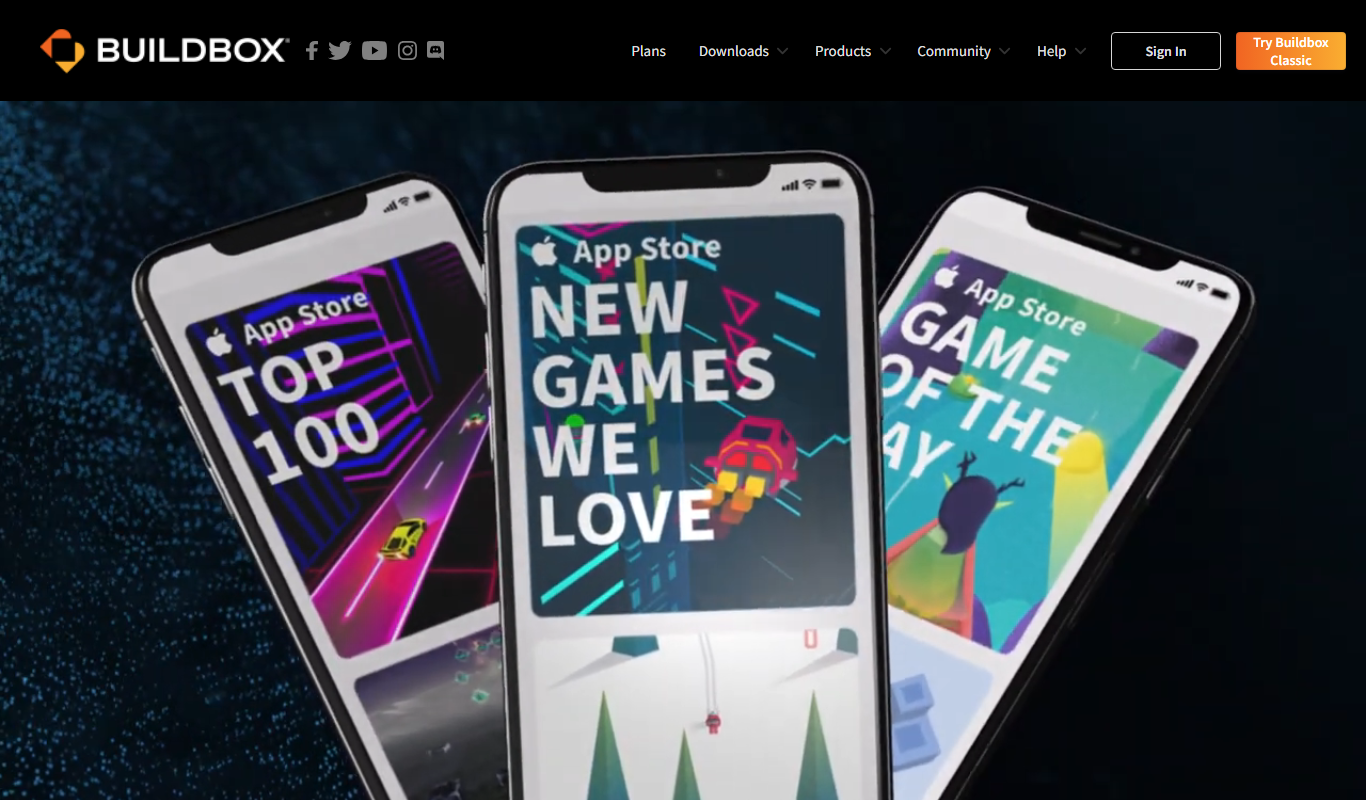
Buildbox is a no-code game development platform that enables users to create and publish 2D and 3D mobile games without programming by using drag-and-drop tools and pre-built assets.

Free
AppSheet
AppSheet is a Google-owned no-code platform that enables users to build custom mobile and web apps with AI-powered automation, connecting to various data sources without programming skills.