

Buildbox Game Maker Software for No-Code Mobile Game Development
Buildbox is a game development platform whose current version, Buildbox 4, builds games with AI prompts and agentic AI.
- Best for
- Mobile Game Creation
- Key capability
- AI Game Creation
Save Buildbox, follow its updates and vote on it — everything stays in your account.
Sign in or create a free account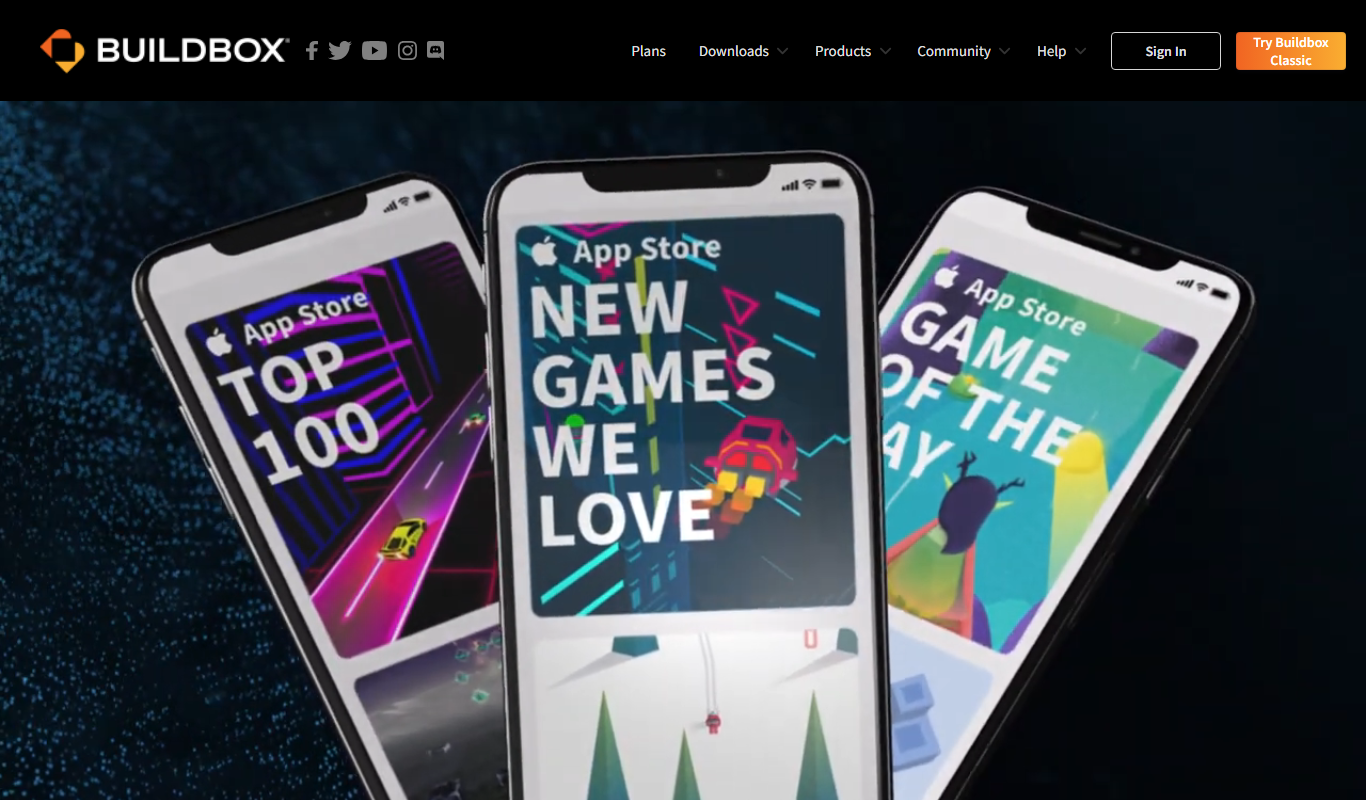
What is Buildbox?
Buildbox is a game development platform. Its current version, Buildbox 4, builds games with AI prompts and agentic AI instead of relying only on the older no-code drag-and-drop editor.
Key features of Buildbox
Buildbox offers a visual editor, pre-built assets, customizable templates, monetization options, and export capabilities for iOS, Android, and desktop platforms. Its user-friendly interface simplifies game mechanics setup, animations, and level design, making game development accessible to non-programmers.
AI Game Creation
Buildbox 4 builds games with AI prompts and agentic AI.
Cross-Platform Export
Publish games to iOS, Android, Windows, Mac, and more.
Pre-Built Assets and Templates
Access a library of assets and templates to speed up development.
Monetization Tools
Integrate ads and in-app purchases easily to generate revenue.
3D and 2D Game Support
Build both 2D side-scrollers and 3D games within the same platform.
Pros and cons of Buildbox
Pros
- User-friendly no-code interface
- Supports both 2D and 3D game development
- Cross-platform publishing options
- Includes monetization features
- Good for rapid prototyping
Cons
- Free plan has limited features and branding
- Steeper learning curve for complex game mechanics
- Subscription pricing may be high for hobbyists
Key use cases for Buildbox
Mobile Game Creation
Create 2D and 3D mobile games without coding using drag-and-drop tools.
Prototyping Game Ideas
Rapidly prototype game concepts to test mechanics and gameplay.
Indie Game Development
Enable indie developers to build and publish games on multiple platforms.
Educational Game Design
Use as a learning tool for game design and development fundamentals.
Monetization Integration
Integrate ads and in-app purchases to monetize games effectively.
How Buildbox works
- 1
Download and Install
Get Buildbox for Windows or Mac and install it on your computer.
- 2
Start a New Project
Choose a template or start from scratch to begin your game.
- 3
Design Game Elements
Use drag-and-drop tools to add characters, objects, and levels.
- 4
Configure Game Logic
Set up game mechanics, physics, and interactions without coding.
- 5
Test and Preview
Playtest your game within Buildbox to refine gameplay.
- 6
Publish
Export your game to platforms like iOS, Android, or desktop for release.
Who is using Buildbox
Buildbox pricing
Free
$0/month
Basic access with limited features and Buildbox branding.
Plus
$15/month
Access to more features, remove branding, and publish to multiple platforms.
Pro
$99/month
Full feature set including advanced monetization and priority support.
Plans and prices are as published by the vendor and can change. Check the official site before you buy. Open the pricing page (opens in a new tab)
Frequently asked questions about Buildbox
No, Buildbox is designed for users without programming knowledge using a drag-and-drop interface.
You can export games to iOS, Android, Windows, Mac, and some other platforms.
Yes, Buildbox offers a free plan with limited features and Buildbox branding.
Yes, Buildbox supports ads and in-app purchases integration.
It depends on your specific needs and how you plan to use the tool. The official website and documentation are the best sources for the latest details.
Yes, it can help with that use case depending on how you configure it and what features are available. You’ll get the best results with clear inputs and a defined goal.
Yes, it can help with that use case depending on how you configure it and what features are available. You’ll get the best results with clear inputs and a defined goal.
Yes, it can help with that use case depending on how you configure it and what features are available. You’ll get the best results with clear inputs and a defined goal.
Conclusion
The current version, Buildbox 4, builds games with AI prompts and agentic AI instead of relying only on the older drag-and-drop editor. The software installs on Windows or Mac, and a project can start from a template or from scratch. Both 2D side-scrollers and 3D games can be built within the same platform.
Finished games can be published to iOS, Android, Windows and Mac. Ads and in-app purchases can be integrated to monetize games. It is aimed at indie game developers, entrepreneurs launching mobile games and small studios prototyping game ideas. Its plans are named Basic and Pro, and exact prices are not shown.
Sources
Sign in to review this tool.
Sign In to ReviewNo reviews yet
Be the first to share how this tool worked for you.
Ask about pricing, limits, or how it compares — or answer someone else.
Sign In to AskNo questions yet
Have a question about using or paying for this tool? Be the first to ask.
Featured on TiorAI



Alternative Tools
Explore similar AI tools that might fit your needs
GameSalad
GameSalad is a no-code game development platform that allows users to create and publish interactive games for mobile and web using a drag-and-drop interface without programming skills.
More AI App Builder tools
Other tools in the same category, for when this one is not quite the fit.

AppSheet
AppSheet is a Google-owned no-code platform that enables users to build custom mobile and web apps with AI-powered automation, connecting to various data sources without programming skills.

Next.js
Next.js is an open-source React framework by Vercel that enables server-side rendering, static site generation, and API routes to build fast, SEO-friendly web applications.

Avalonia
Avalonia is an open source, cross-platform UI framework for .NET that enables developers to build desktop and mobile apps with a single codebase using C# and XAML.

BuildFire
BuildFire is a no-code mobile app development platform that enables users to build custom iOS and Android apps using an easy drag-and-drop interface without coding skills.

NoCode.tech
NoCode.tech is a platform offering a curated directory of no-code tools and educational resources to help users build applications and automate workflows without programming skills.

Flutter
Flutter is an open-source UI toolkit by Google that allows developers to build native mobile, web, and desktop applications from a single Dart codebase with high performance and expressive UIs.

Cleveroad
Cleveroad is a software development company specializing in custom mobile and web applications, offering end-to-end services including design, development, and support.
Expo
Expo is an open-source platform that simplifies building and deploying React Native mobile apps using JavaScript, offering managed workflows, cloud builds, and over-the-air updates.