
From my experience with Paperspace, I found it excels at providing accessible, high-performance GPU cloud instances that simplify machine learning and AI development. The platform’s integration with Jupyter notebooks and its API support make it a practical choice for data scientists and developers who want to avoid managing physical hardware. However, the pricing can add up for continuous heavy workloads, and the lack of a mobile app limits management flexibility on the go. Overall, if you need scalable GPU resources for AI training or data science projects, Paperspace offers a robust and user-friendly solution.
Paperspace Cloud GPU Computing Platform for AI and Machine Learning Workloads
Paperspace is a cloud platform providing scalable GPU-powered virtual machines and tools for AI, machine learning, and data science workloads, enabling remote access to high-performance computing resources.
Tech Stack:
Docker
JavaScript
Kubernetes
Python
What is Paperspace?
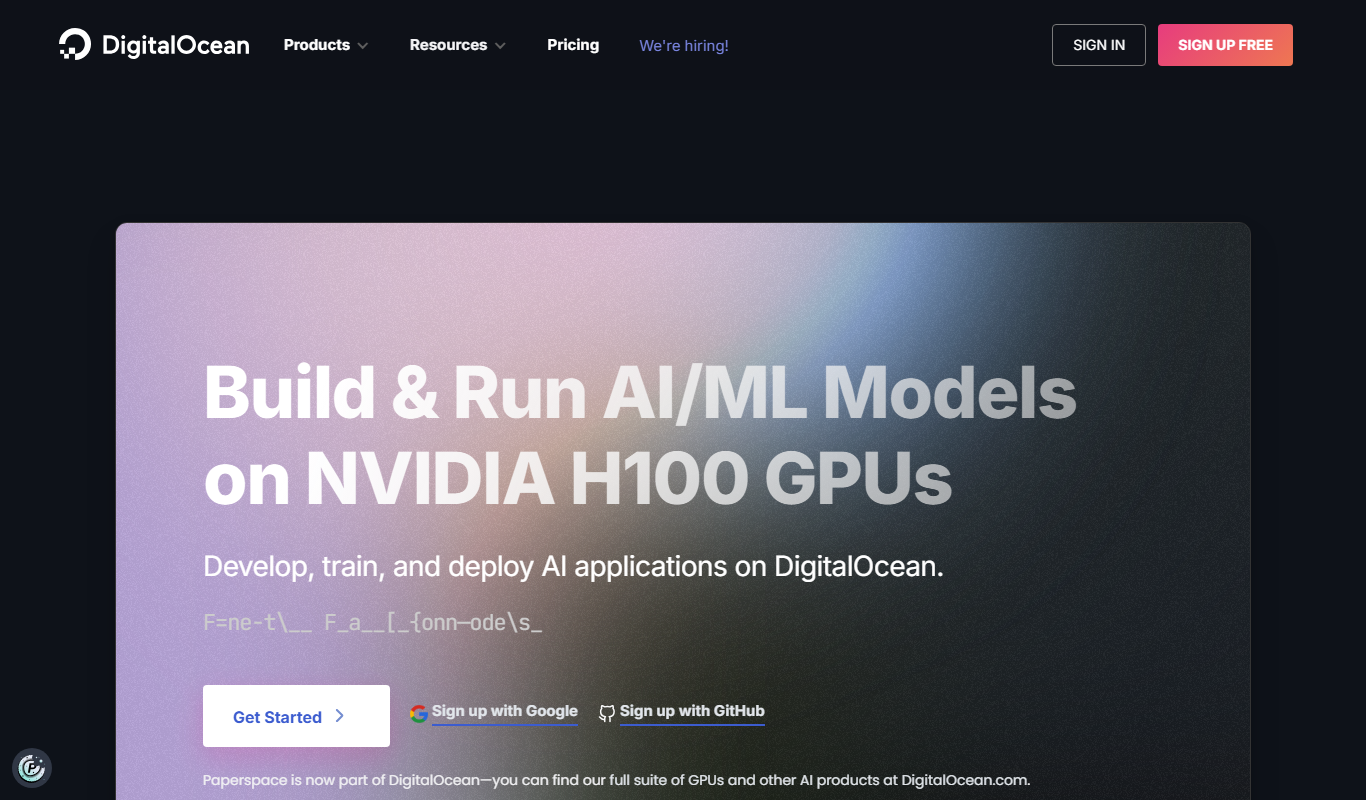
Paperspace is a cloud computing platform that provides scalable GPU-powered virtual machines and infrastructure tailored for AI, machine learning, and data science workloads. It enables developers and data scientists to access high-performance computing resources on demand without the need to maintain physical hardware.
Key Features of Paperspace
Scalable GPU Cloud Instances
Access a wide range of GPU types and sizes to match workload requirements.
Gradient Platform for ML
Integrated platform offering Jupyter notebooks, experiment tracking, and collaboration tools.
API and Automation
Manage infrastructure programmatically with RESTful APIs for seamless DevOps integration.
Persistent Storage
Attach persistent storage volumes to instances for data retention and sharing.
Multi-Region Availability
Deploy resources in multiple geographic regions to reduce latency and improve redundancy.
Pros and Cons of Paperspace
Pros
- Easy access to powerful GPU cloud instances
- Integrated tools for machine learning workflows
- Flexible pricing with pay-as-you-go options
- API support for automation and DevOps
- Multi-region deployment for global access
Cons
- Pricing can become expensive for long-term heavy usage
- Limited support for non-English languages
- No native mobile app for management
Key Use Cases for Paperspace
Machine Learning Model Training
Use Paperspace’s GPU-powered cloud instances to train machine learning and deep learning models efficiently without investing in physical hardware.
Data Science and Analytics
Run Jupyter notebooks and data analysis workflows on scalable cloud infrastructure to accelerate experimentation and collaboration.
AI Development and Prototyping
Develop, test, and deploy AI applications using Paperspace’s virtual machines and integrated tools designed for AI workflows.
Remote GPU Access
Access powerful GPUs remotely for graphics rendering, video processing, and other compute-intensive tasks.
DevOps and Automation
Automate infrastructure provisioning and management with Paperspace APIs and integrate with CI/CD pipelines.
How Paperspace Works
-
1
Create an Account
Sign up on the Paperspace website to access the cloud platform.
-
2
Select a GPU Instance
Choose from a variety of GPU-powered virtual machines based on your computational needs.
-
3
Configure Your Environment
Set up your development environment with pre-installed AI frameworks or custom configurations.
-
4
Launch and Connect
Start the instance and connect via web console, SSH, or Jupyter notebooks.
-
5
Run Workloads
Execute machine learning training, data analysis, or other GPU-intensive tasks.
Who's Using Paperspace
Machine learning engineers
Data scientists
AI researchers
Software developers
DevOps teams
Paperspace Pricing
Free Tier
$0/month
Limited access to cloud resources for trial and development purposes.
Pay-as-you-go
Variable
Flexible pricing based on hourly usage of GPU and CPU instances.
Subscription Plans
Starts at $8/month
Monthly plans offering discounted rates and additional features.
Frequently Asked Questions About Paperspace
Paperspace provides a variety of NVIDIA GPUs including Tesla and RTX series to suit different performance needs.
Yes, Paperspace is optimized for deep learning workloads with pre-configured environments and powerful GPUs.
Yes, Paperspace offers a free tier with limited resources to test the platform.
You can use Paperspace’s REST API to automate instance creation, management, and monitoring.
This tool is designed to help users accomplish its core tasks more efficiently. It is typically used by individuals or teams looking to improve productivity and workflow.
Pricing depends on the plan and included features. For the most accurate and up-to-date details, check the official pricing page.
Yes, it can help with that use case depending on how you configure it and what features are available. You’ll get the best results with clear inputs and a defined goal.
Yes, it can help with that use case depending on how you configure it and what features are available. You’ll get the best results with clear inputs and a defined goal.
Share your review
Reviews are limited to one per logged-in user and are published after moderation.
You need an account to review this tool.
0.0
★
★
★
★
★
0 reviews
5 star
0
4 star
0
3 star
0
2 star
0
1 star
0
No reviews yet
Be the first to share how this tool worked for you.
Questions from the community
Read questions and answers about this tool, or ask your own.
No questions yet
Start the conversation by asking the first question about this tool.
Is this tool helpful?

Freemium
V7 Darwin
V7 Darwin is an AI platform that automates video annotation and labeling to accelerate computer vision model training with integrated collaboration and API access.
Free
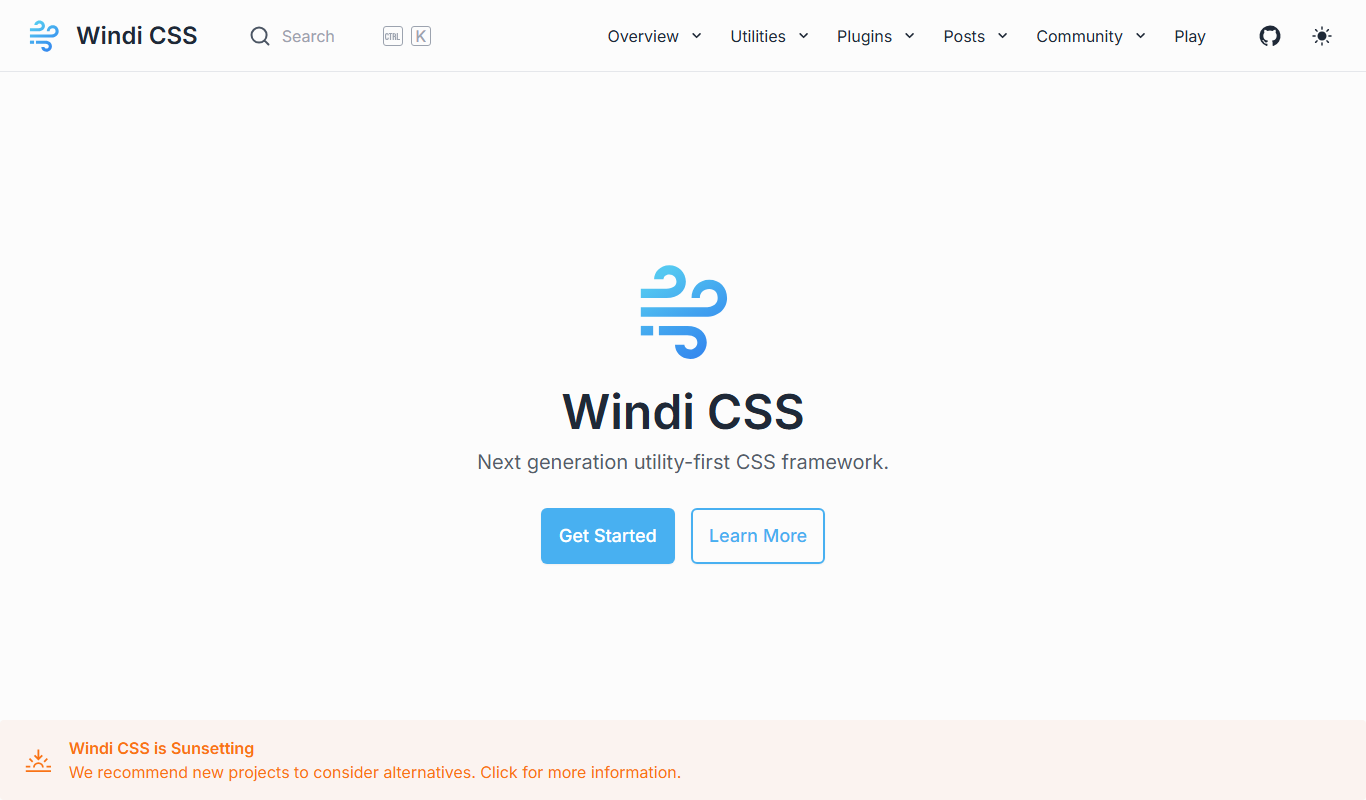
Windi CSS
Windi CSS is a utility-first CSS framework that generates styles on-demand, enabling faster and more efficient web development with smaller CSS bundles.

Custom Pricing
Insilico Medicine
Insilico Medicine is an AI biotechnology platform that accelerates drug discovery and biomarker development using deep learning and generative chemistry.

Free Trial
Refact AI
Refact AI is an AI-driven tool that automates code reviews by analyzing pull requests on GitHub, providing developers with detailed feedback to improve code quality and streamline collaboration.

Free Trial
Tuple
Tuple is a macOS-based remote pair programming tool that enables developers to collaborate in real-time with low-latency screen sharing, integrated audio/video communication, and multi-user support.

Free
Pramp
Pramp is an online platform that provides free peer-to-peer mock coding interviews to help developers prepare for technical interviews by practicing live with other candidates.

Free
TensorRT
NVIDIA TensorRT is a free SDK that optimizes and accelerates deep learning inference on NVIDIA GPUs by applying techniques like mixed precision and layer fusion, enabling faster AI model deployment.

Enterprise
WhiteSource
WhiteSource is an automated platform that helps organizations manage open source security vulnerabilities and license compliance by scanning software projects, integrating with DevOps tools, and enforcing policies.