

From my experience with Snipe-IT, I found it excels at providing a robust, open source solution for IT asset management that balances flexibility with comprehensive features. The ability to self-host or opt for cloud hosting makes it adaptable to different organizational needs. After spending time with the platform, I can say it’s particularly well-suited for IT teams in small to medium businesses who want detailed control over hardware and software inventory without vendor lock-in. However, there’s a trade-off: self-hosting requires technical expertise and the interface can be overwhelming for beginners. Overall, if you need a customizable and cost-effective asset management system, Snipe-IT delivers solid results.
Snipe-IT Asset Management Software for IT Inventory Tracking and Control
Snipe-IT is an open source IT asset management tool that helps organizations track hardware assets, software licenses, and manage inventory through a web-based platform with self-hosted and cloud options.
- Best for
- IT Asset Tracking
- Key capability
- Open Source and Self-Hosted
Your actions
Save Snipe-IT, follow its updates and vote on it — everything stays in your account.
Sign in or create a free account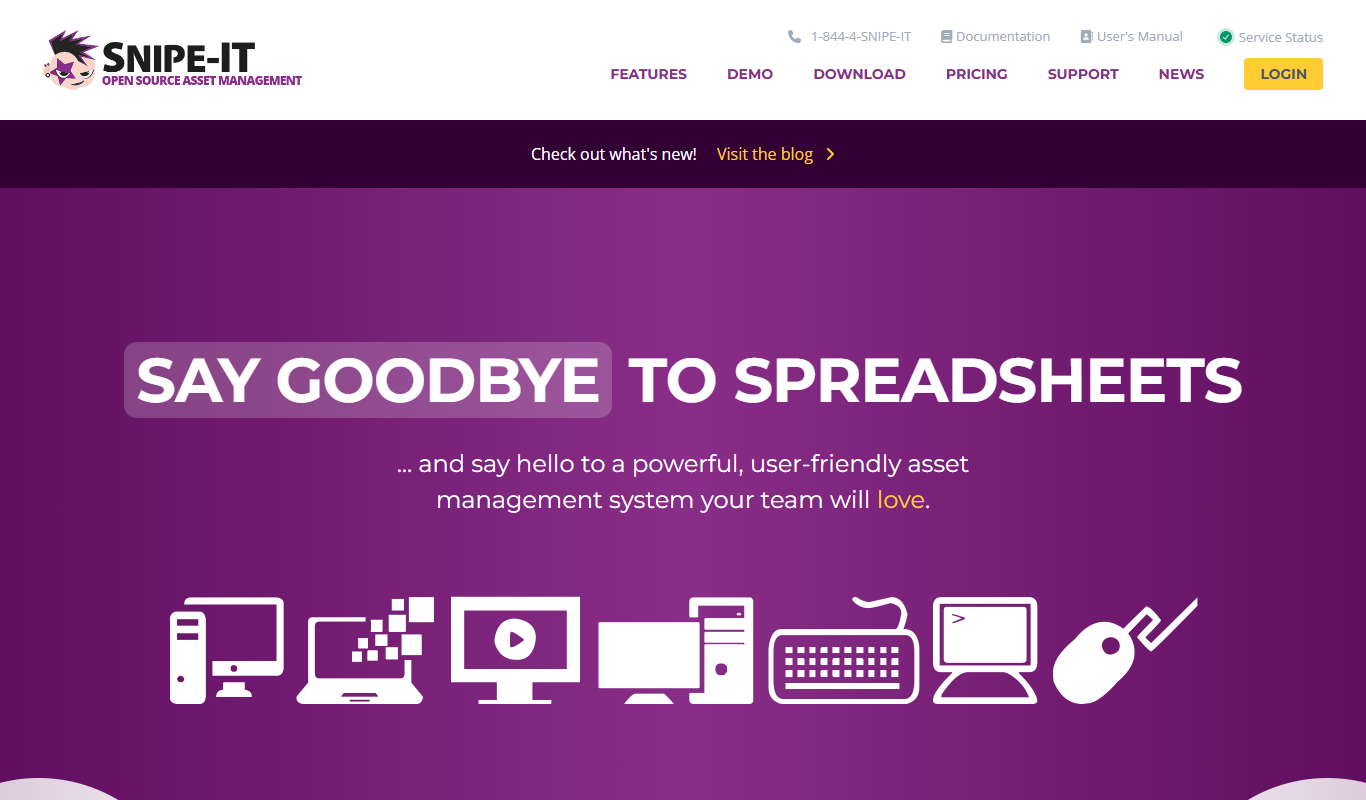
What is Snipe-IT?
Snipe-IT is an open source web-based asset management system designed to help IT teams track and manage hardware assets, software licenses, accessories, and consumables. It provides a centralized platform to maintain detailed records of assets, their status, assignments, and history, enabling organizations to improve inventory accuracy and compliance.
Key features of Snipe-IT
Snipe-IT offers comprehensive asset lifecycle management features including asset check-in/check-out, barcode support, customizable asset fields, user and location management, audit logs, and robust reporting tools. Its open source nature allows for customization and self-hosting, while also offering a cloud-hosted option.
Open Source and Self-Hosted
Full access to source code allowing customization and deployment on your own infrastructure.
Asset Lifecycle Management
Track assets from procurement to disposal including check-in/check-out and maintenance.
Software License Tracking
Manage software licenses, assign them, and monitor compliance.
Barcode and QR Code Support
Generate and scan barcodes or QR codes for quick asset identification.
Detailed Reporting and Audit Logs
Create reports for asset status, history, and audit compliance.
Pros and cons of Snipe-IT
Pros
- Open source with no licensing fees for self-hosting
- Comprehensive asset and license management features
- Customizable and extensible platform
- Active community and regular updates
- Cloud hosting option available for convenience
Cons
- Requires technical knowledge to self-host and maintain
- User interface can be complex for beginners
- Limited language support beyond English
Key use cases for Snipe-IT
IT Asset Tracking
Track hardware assets such as laptops, desktops, servers, and peripherals across your organization.
Software License Management
Manage software licenses, assign them to users or devices, and monitor compliance.
Audit and Compliance Reporting
Generate detailed reports for audits, asset lifecycle, and compliance requirements.
User and Location Management
Assign assets to users or locations to maintain clear accountability and asset distribution.
Maintenance and Depreciation Tracking
Track maintenance schedules, warranty expirations, and asset depreciation over time.
How Snipe-IT works
- 1
Install or Sign Up
Deploy Snipe-IT on your own server or sign up for the hosted cloud service.
- 2
Add Assets
Input hardware, software, and other assets into the system with detailed information.
- 3
Assign Assets
Allocate assets to users, departments, or locations to track ownership and usage.
- 4
Track and Manage
Monitor asset status, maintenance, licenses, and generate reports for audits.
Who is using Snipe-IT
IT departments in small to medium businesses
Managed service providers
Educational institutions managing hardware assets
Nonprofits and organizations needing asset tracking
Developers and system administrators
Snipe-IT pricing
Self-Hosted
Free
Download and install on your own server with full features and community support.
Cloud Hosted
Starting at $39/month
Managed hosting with automatic updates, backups, and support.
Plans and prices are as published by the vendor and can change. Check the official site before you buy. Open the pricing page (opens in a new tab)
Frequently asked questions about Snipe-IT
Yes, the self-hosted version of Snipe-IT is open source and free to use.
Yes, Snipe-IT includes features to manage and assign software licenses.
Yes, it supports barcode and QR code generation and scanning for assets.
Yes, Snipe-IT offers a paid cloud-hosted service with additional support.
This tool is designed to help users accomplish its core tasks more efficiently. It is typically used by individuals or teams looking to improve productivity and workflow.
Some tools offer a free plan or trial with limited features. Availability can vary, so confirm on the official website.
Yes, it can help with that use case depending on how you configure it and what features are available. You’ll get the best results with clear inputs and a defined goal.
It depends on your specific needs and how you plan to use the tool. The official website and documentation are the best sources for the latest details.
Sign in to review this tool.
Sign In to ReviewNo reviews yet
Be the first to share how this tool worked for you.
Ask about pricing, limits, or how it compares — or answer someone else.
Sign In to AskNo questions yet
Have a question about using or paying for this tool? Be the first to ask.
Featured on TiorAI



Alternative Tools
Explore similar AI tools that might fit your needs
Free
ManageEngine AssetExplorer
ManageEngine AssetExplorer is a web-based IT asset management tool that helps organizations discover, track, and manage hardware and software assets, ensuring compliance and optimizing asset usage.
More AI Developer Tools tools
Other tools in the same category, for when this one is not quite the fit.

Free
Swagger
Swagger is a set of tools for designing, documenting, testing, and mocking RESTful APIs using the OpenAPI Specification, widely used by developers and teams to streamline API development.

Free
Stardog
Stardog is an enterprise knowledge graph platform that integrates diverse data sources into a semantic graph database, enabling advanced querying, reasoning, and AI integration.
Free
Marp
Marp is an open-source tool that converts Markdown files into presentation slides with export options including PDF and PowerPoint, featuring customizable themes and syntax highlighting.

Free
Headless UI
Headless UI is a free, open-source library providing unstyled, accessible UI components for React and Vue, enabling developers to build custom-styled interfaces with built-in accessibility features.

Free
Cytoscape
Cytoscape is a free, open-source software platform designed for visualizing complex networks and integrating attribute data, widely used in bioinformatics and data analysis.

Free
Gephi
Gephi is a free, open-source software for visualizing and analyzing complex networks and graphs, widely used in research and data science.

Free
Serilog
Serilog is an open-source structured logging framework for .NET applications that enables developers to capture rich, queryable log data with support for multiple output sinks and contextual enrichers.
Enterprise License
Ranorex
Ranorex is a comprehensive test automation tool that supports GUI testing for desktop, web, and mobile apps, offering both codeless and code-based test creation with strong CI/CD integration.