

From my experience with Ranorex, it stands out for its robust support of cross-platform GUI testing and its user-friendly codeless automation capabilities. The tool balances ease of use for non-developers with powerful coding options for advanced testers, making it versatile for diverse teams. However, the Windows-only IDE and relatively high pricing may pose challenges for smaller teams or those using other operating systems. Overall, Ranorex is a solid choice for organizations seeking reliable automated testing integrated into their CI/CD workflows, especially when testing desktop and mobile applications.
Ranorex Test Automation Tool for GUI and Mobile App Testing Solutions
Ranorex is a comprehensive test automation tool that supports GUI testing for desktop, web, and mobile apps, offering both codeless and code-based test creation with strong CI/CD integration.
- Best for
- GUI Test Automation
- Key capability
- Cross-Platform GUI Testing
Your actions
Save Ranorex, follow its updates and vote on it — everything stays in your account.
Sign in or create a free account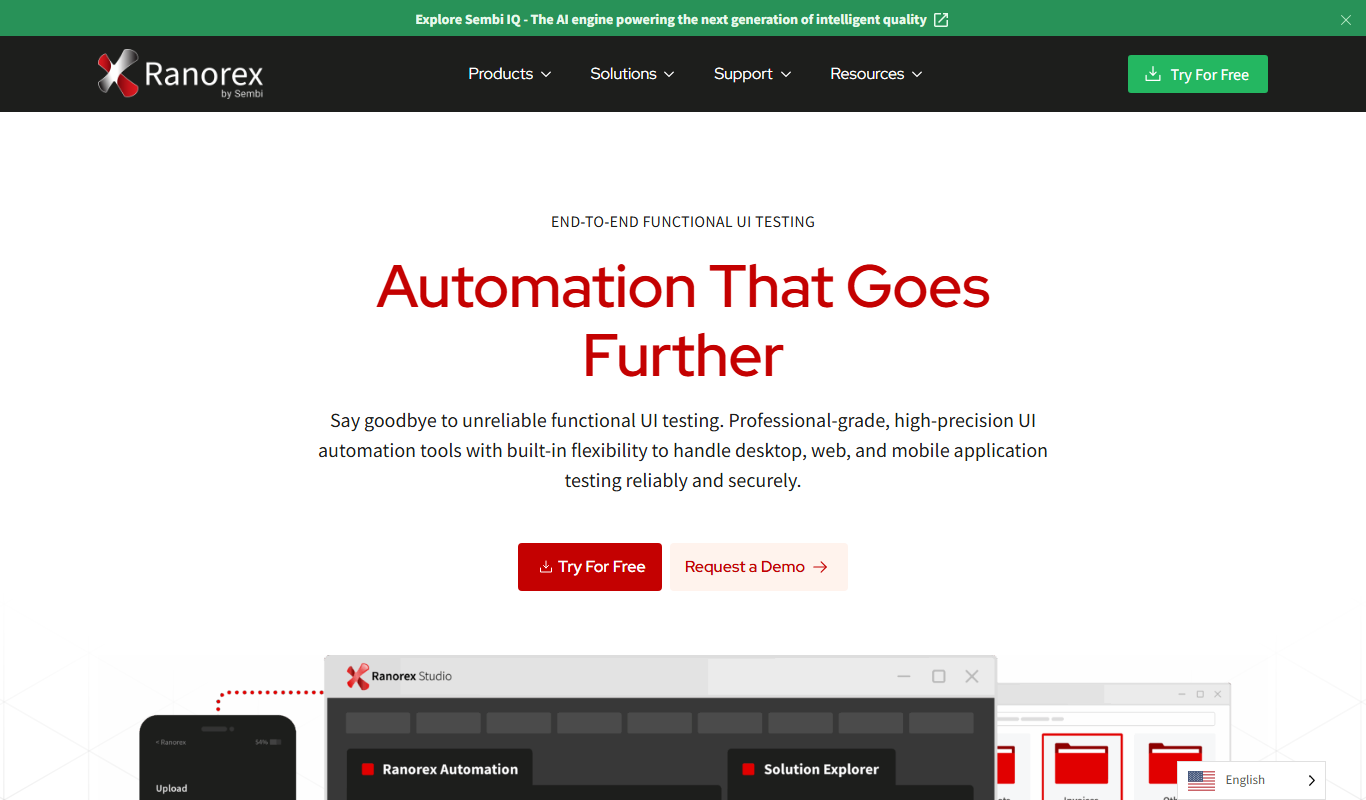
What is Ranorex?
Ranorex is a comprehensive test automation tool designed for GUI testing of desktop, web, and mobile applications. It enables teams to create reliable automated tests with minimal coding, supporting both codeless and code-based approaches. Ranorex Studio provides an integrated environment for test creation, execution, and reporting, facilitating faster software delivery and improved quality assurance.
Key features of Ranorex
Ranorex offers robust features including record-and-replay test creation, cross-platform mobile testing, seamless integration with CI/CD tools, keyword-driven testing for non-developers, and detailed reporting and analytics to track test results and coverage.
Cross-Platform GUI Testing
Supports automated testing of desktop, web, and mobile applications across multiple platforms.
Codeless Test Creation
Record-and-replay functionality and keyword-driven testing allow non-programmers to create tests.
Robust Object Recognition
Advanced object recognition technology ensures reliable identification of UI elements even after changes.
Integration with CI/CD Tools
Seamlessly integrates with popular CI/CD platforms to automate testing within development pipelines.
Detailed Reporting and Analytics
Generates comprehensive reports with screenshots and logs for easy defect analysis.
Pros and cons of Ranorex
Pros
- Supports multiple platforms including desktop, web, and mobile
- User-friendly codeless test creation for non-developers
- Strong integration with CI/CD tools
- Reliable object recognition technology
- Comprehensive reporting with detailed logs and screenshots
Cons
- Windows-only IDE limits test creation to Windows OS
- Pricing may be high for small teams or startups
- Mobile testing setup can be complex for beginners
Key use cases for Ranorex
GUI Test Automation
Automate testing of desktop, web, and mobile graphical user interfaces to ensure application quality.
Cross-Platform Mobile Testing
Create automated tests for native and hybrid mobile apps across iOS and Android platforms.
Regression Testing
Run automated regression tests to quickly identify software defects after code changes.
Continuous Integration Testing
Integrate Ranorex tests into CI/CD pipelines for automated quality assurance during development cycles.
Keyword-Driven Testing
Use keyword-driven testing approach to enable non-programmers to create and maintain automated tests.
How Ranorex works
- 1
Install Ranorex Studio
Download and install Ranorex Studio on a Windows machine to access the full test automation environment.
- 2
Create Automated Tests
Use the record-and-replay feature or write tests in C# to build automated test cases for your applications.
- 3
Run Tests Locally or Remotely
Execute tests on local machines, virtual environments, or connected mobile devices to validate application behavior.
- 4
Integrate with CI/CD
Connect Ranorex tests with continuous integration tools like Jenkins or Azure DevOps for automated test runs.
- 5
Analyze Test Reports
Review detailed test reports and logs to identify defects and improve software quality.
Who is using Ranorex
QA engineers and testers
Software development teams
Enterprises requiring automated regression testing
DevOps teams integrating testing into CI/CD
Non-technical users needing codeless automation
Ranorex pricing
Trial
Free for 30 days
Full-featured trial to evaluate Ranorex Studio capabilities.
Professional
Starts at $3,590 per license
Includes full access to Ranorex Studio with standard support.
Enterprise
Custom pricing
Tailored solutions with advanced features and premium support for large organizations.
Plans and prices are as published by the vendor and can change. Check the official site before you buy. Open the pricing page (opens in a new tab)
Frequently asked questions about Ranorex
Ranorex supports testing on Windows desktop applications, web browsers, and mobile apps on iOS and Android.
No, Ranorex offers codeless test creation through record-and-replay and keyword-driven testing, but also supports C# coding for advanced users.
Yes, Ranorex integrates with popular CI/CD tools like Jenkins, Azure DevOps, and Bamboo for automated test execution.
Ranorex offers a free 30-day trial, but no permanently free version.
This tool is designed to help users accomplish its core tasks more efficiently. It is typically used by individuals or teams looking to improve productivity and workflow.
Yes, it can help with that use case depending on how you configure it and what features are available. You’ll get the best results with clear inputs and a defined goal.
It depends on your specific needs and how you plan to use the tool. The official website and documentation are the best sources for the latest details.
Pricing depends on the plan and included features. For the most accurate and up-to-date details, check the official pricing page.
Sign in to review this tool.
Sign In to ReviewNo reviews yet
Be the first to share how this tool worked for you.
Ask about pricing, limits, or how it compares — or answer someone else.
Sign In to AskNo questions yet
Have a question about using or paying for this tool? Be the first to ask.
Featured on TiorAI



Alternative Tools
Explore similar AI tools that might fit your needs

Free
Katalon Studio
Katalon Studio is an all-in-one automated testing tool that supports web, mobile, and API testing with both codeless and scripting options, ideal for QA teams and developers.
More AI Code Assistant tools
Other tools in the same category, for when this one is not quite the fit.

Free
UnoCSS
UnoCSS is an open-source, utility-first atomic CSS engine that generates CSS on-demand based on the classes used in your code, optimizing performance by minimizing CSS bundle size.

Free
Rectangle
Rectangle is an AI code assistant that generates, explains, and helps debug code using natural language inputs, designed to accelerate software development.

Free
CodinGame
CodinGame is an online platform providing coding challenges, multiplayer contests, and recruitment tools to help developers improve skills and companies assess candidates.

Free
Godot
Godot is a free, open-source game engine for creating 2D and 3D games, featuring a flexible scene system, multiple scripting languages, and cross-platform export capabilities.

Free
Arduino IDE
Arduino IDE is a free, open-source integrated development environment used to write, compile, and upload code to Arduino microcontroller boards, supporting embedded systems development and prototyping.
Freemium
Codio
Codio is a cloud-based coding platform designed for computer science education and software development, featuring an online IDE, automated grading, and curriculum management tools.

Free Trial
DataGrip
DataGrip is a cross-platform SQL IDE by JetBrains designed for database developers and administrators to write, run, and optimize SQL queries, manage schemas, and work with multiple database systems efficiently.
Free
Dafny
Dafny is an open-source programming language and verification tool that enables developers to write formally specified programs and automatically verify their correctness using SMT solvers.