

Godot Game Engine - Open Source 2D & 3D Game Development Platform
Godot is a free, open-source game engine for creating 2D and 3D games, featuring a flexible scene system, multiple scripting languages, and cross-platform export capabilities.
- Best for
- 2D Game Development
- Key capability
- Dedicated 2D Engine
Save Godot, follow its updates and vote on it — everything stays in your account.
Sign in or create a free account
What is Godot?
Godot is a free and open-source game engine designed for creating both 2D and 3D games. It provides a comprehensive set of tools and an intuitive editor that supports multiple programming languages, including its own Python-like scripting language called GDScript, C#, and visual scripting. Godot emphasizes flexibility, ease of use, and cross-platform deployment, making it popular among indie developers and hobbyists.
Key features of Godot
Godot offers a powerful scene system, dedicated 2D and 3D engines, a visual editor, integrated development environment, animation tools, physics engine, and support for multiple scripting languages. It also supports exporting games to a wide range of platforms without additional licensing fees.
Dedicated 2D Engine
Optimized 2D engine with lights, shadows, shaders, and physics tailored for 2D games.
Advanced 3D Engine
Supports PBR materials, global illumination, and modern rendering techniques for 3D games.
Flexible Scene System
Hierarchical scene system allows reusable and modular game components.
Multi-language Scripting
Supports GDScript, C#, VisualScript, and C++ for diverse programming needs.
Cross-Platform Export
Export games to desktop, mobile, web, and consoles without extra fees.
Pros and cons of Godot
Pros
- Completely free and open source with no royalties
- Supports both 2D and 3D game development
- Lightweight and easy to learn for beginners
- Flexible scene system for modular game design
- Active and supportive community
Cons
- Smaller ecosystem compared to Unity or Unreal
- Less advanced 3D features than some commercial engines
- Limited official documentation for advanced topics
Key use cases for Godot
2D Game Development
Create rich and performant 2D games using Godot’s dedicated 2D engine with features like lights, shadows, shaders, and physics.
3D Game Development
Build 3D games with a fully integrated 3D engine supporting PBR materials, global illumination, and advanced rendering techniques.
Cross-Platform Deployment
Export games to multiple platforms including desktop, mobile, web, and consoles with minimal changes.
Visual Scripting and Coding
Use GDScript, C#, or visual scripting to program game logic, enabling both programmers and non-programmers to develop games.
Game Prototyping
Rapidly prototype game ideas with Godot’s scene system and flexible editor.
How Godot works
- 1
Download and Install
Download the Godot Engine from the official website and install it on your operating system.
- 2
Create a New Project
Launch Godot and create a new project, choosing between 2D or 3D templates.
- 3
Design Scenes and Assets
Use the scene system to design game levels, characters, and UI elements.
- 4
Script Game Logic
Write game logic using GDScript, C#, or visual scripting to control gameplay mechanics.
- 5
Test and Debug
Run your game inside the editor to test and debug in real time.
- 6
Export to Platforms
Export your finished game to supported platforms such as Windows, Android, iOS, or HTML5.
Who is using Godot
Godot pricing
Free
$0
Full access to all engine features with no licensing fees.
Plans and prices are as published by the vendor and can change. Check the official site before you buy. Open the pricing page (opens in a new tab)
Frequently asked questions about Godot
Yes, Godot is completely free and open source under the MIT license.
Godot primarily uses GDScript, but also supports C#, VisualScript, and C++.
Yes, Godot supports exporting games to Android and iOS.
Yes, Godot has a fully featured 3D engine for creating complex 3D games.
It depends on your specific needs and how you plan to use the tool. The official website and documentation are the best sources for the latest details.
It depends on your specific needs and how you plan to use the tool. The official website and documentation are the best sources for the latest details.
Yes, it can help with that use case depending on how you configure it and what features are available. You’ll get the best results with clear inputs and a defined goal.
It depends on your specific needs and how you plan to use the tool. The official website and documentation are the best sources for the latest details.
Conclusion
Users download Godot from the official website, install it on their operating system, then launch it and create a new project from 2D or 3D templates. Levels, characters and UI elements are designed in the hierarchical scene system, which allows reusable and modular game components. Game logic is scripted using GDScript or C#, and the engine supports C++ as well. The dedicated 2D engine is optimized with lights, shadows, shaders and physics tailored for 2D games, and the editor includes animation tools and a physics engine. Games run inside the editor for real-time testing and debugging, then export to desktop, mobile, web and consoles without extra fees.
Its scene system and flexible editor also support rapid prototyping of game ideas. The audience spans indie game developers and small game studios as well as hobbyist programmers, game development educators and students learning game design. Godot is completely free and open source under the MIT license, with no royalties or licensing fees.
Compared with Unity or Unreal, its ecosystem is smaller, and some 3D features are less advanced than in commercial engines. Official documentation for advanced topics is also limited.
Sources
Sign in to review this tool.
Sign In to ReviewNo reviews yet
Be the first to share how this tool worked for you.
Ask about pricing, limits, or how it compares — or answer someone else.
Sign In to AskNo questions yet
Have a question about using or paying for this tool? Be the first to ask.
Featured on TiorAI



Alternative Tools
Explore similar AI tools that might fit your needs
Unity
Unity is a powerful cross-platform game engine and development platform used to create 2D, 3D, AR, and VR interactive content with real-time rendering and extensive deployment options.

GameMaker Studio
GameMaker Studio is a 2D game development platform that combines drag-and-drop tools with a scripting language (GML) to create games for multiple platforms including desktop, mobile, web, and consoles.
More AI Code Assistant tools
Other tools in the same category, for when this one is not quite the fit.

Refraction
Refraction is an AI tool for developers that refactors code, generates documentation and unit tests, detects bugs and converts code between languages.
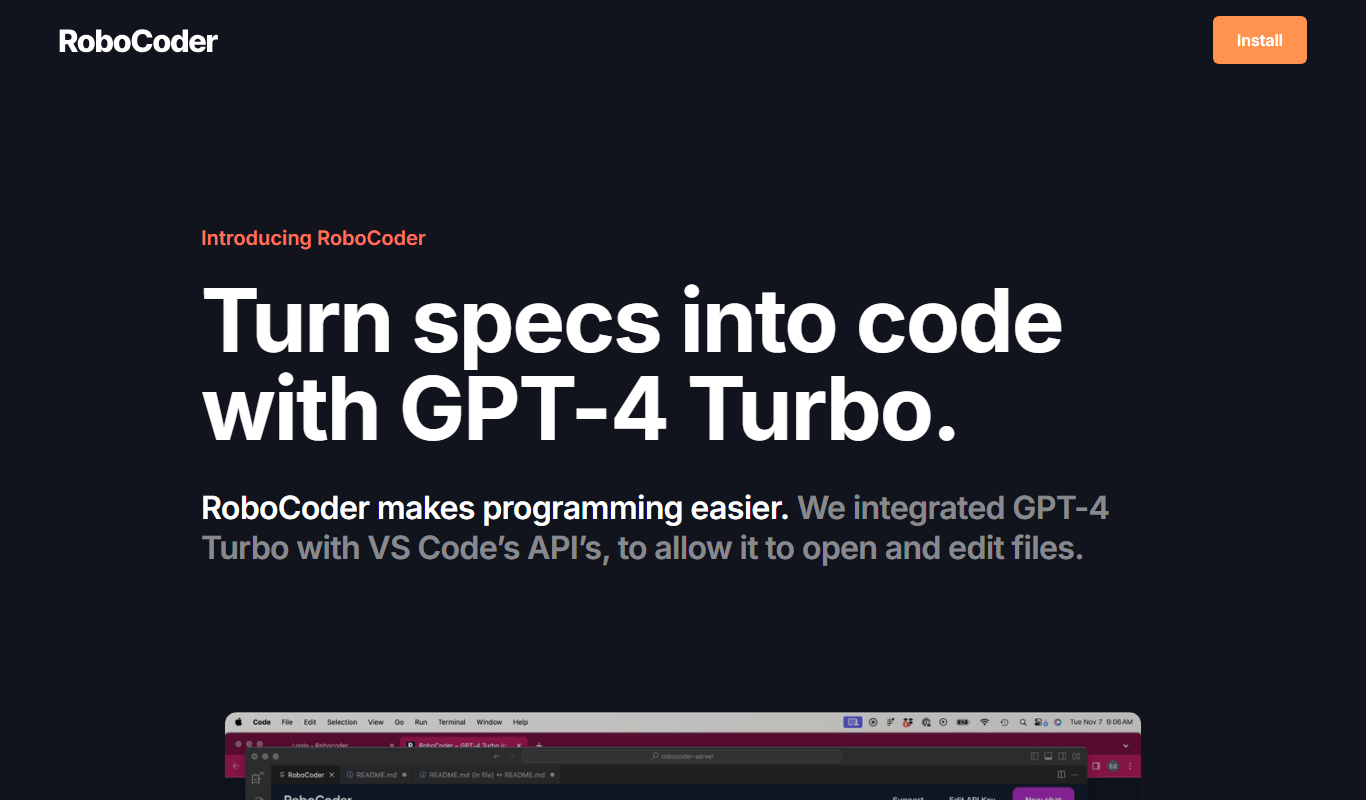
RoboCoder
RoboCoder is a VS Code extension that lets GPT-4o open and edit files, navigate your codebase and propose patches, using your own OpenAI API key.

Trae
TRAE is a development tool deeply integrated with AI, where you code in an IDE or delegate complex tasks to AI agents, on desktop, web and mobile.

Cosine
Cosine trains AI models and specialised coding agents for organisations that need frontier capability within secure environments.

WhatTheDiff
What the Diff is an AI code review assistant for GitHub and GitLab that automates pull request descriptions and simplifies team updates.

Code Fundi
Code Fundi turns any repository into a searchable, blast-radius-aware codebase map for AI agents and engineering teams.

Butterfish Shell
Butterfish Shell adds AI prompting to bash and zsh with OpenAI or compatible APIs: prompt with a capital letter and the AI sees your shell history.
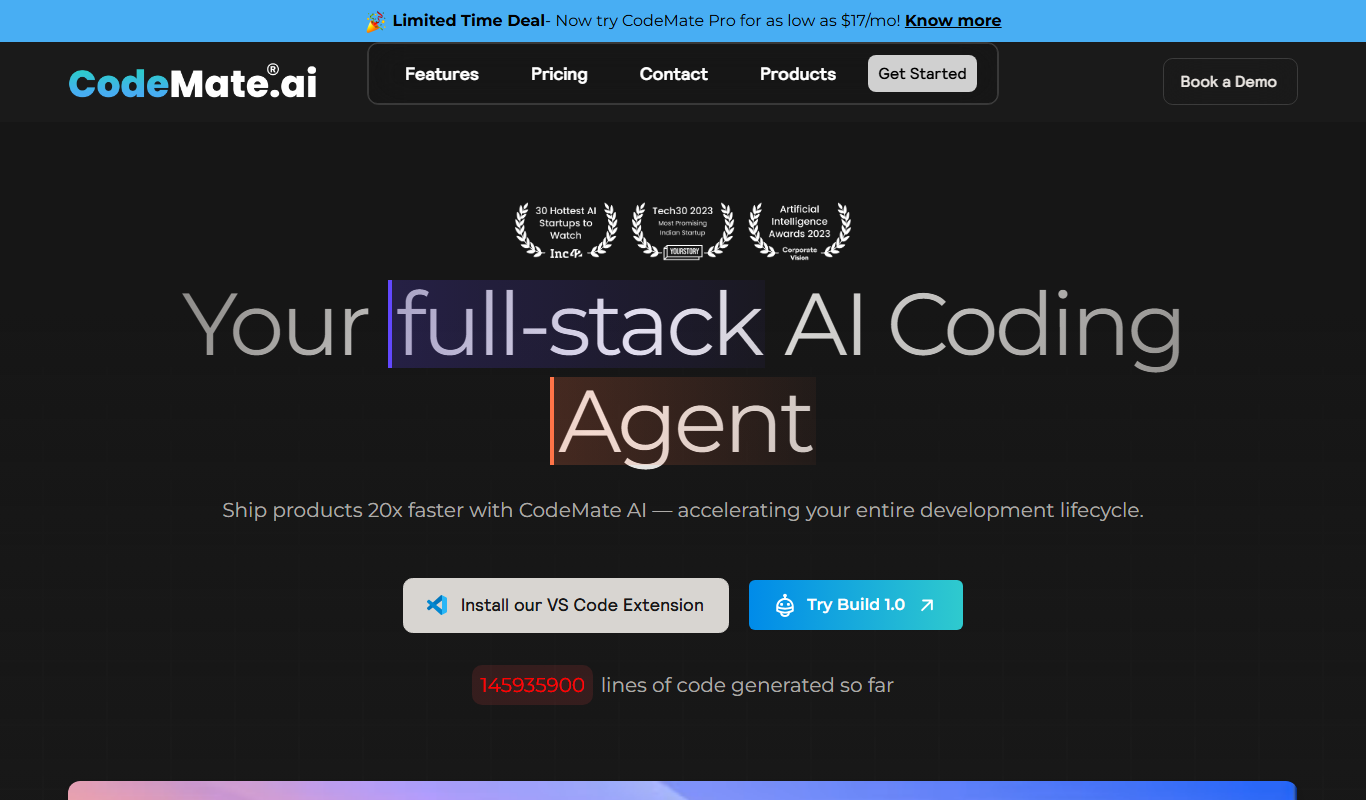
CodeMate AI
CodeMate AI is a sovereign AI pair programmer and developer assistant with private, self-hosted code completion, automated code reviews, debugging and terminal workflows.