

UnoCSS Utility-First CSS Engine for Fast, Customizable Web Styling
UnoCSS is an open-source, utility-first atomic CSS engine that generates CSS on-demand based on the classes used in your code, optimizing performance by minimizing CSS bundle size.
- Best for
- Web Development
- Key capability
- On-Demand Atomic CSS Generation
Save UnoCSS, follow its updates and vote on it — everything stays in your account.
Sign in or create a free account
What is UnoCSS?
UnoCSS is an instant on-demand atomic CSS engine designed for high performance and extreme customizability. Unlike traditional CSS frameworks that ship large CSS files, UnoCSS generates styles dynamically based on the classes used in your source code, resulting in minimal CSS bundle sizes and faster load times. It supports a rich set of presets and allows developers to define custom rules, making it highly adaptable to various project requirements.
Key features of UnoCSS
UnoCSS offers on-demand CSS generation, extensive preset support, customizable rules, integration with modern frontend frameworks, and a zero-runtime approach that ensures no unnecessary CSS is shipped to production.
On-Demand Atomic CSS Generation
Generates CSS styles only for the classes used in your source code, reducing CSS bloat.
Highly Customizable Presets and Rules
Supports multiple presets like Tailwind, Windi CSS, and allows defining custom rules for unique styling needs.
Zero Runtime Overhead
No runtime CSS parsing or injection, resulting in faster runtime performance.
Framework Integrations
Seamlessly integrates with Vue, React, Vite, and other modern frontend tools.
Extensible Plugin System
Allows developers to extend functionality with plugins for additional utilities or features.
Pros and cons of UnoCSS
Pros
- Generates minimal CSS for faster page loads
- Highly customizable with flexible presets and rules
- No runtime overhead improves performance
- Open-source and free to use
- Easy integration with popular frontend frameworks
Cons
- Requires configuration knowledge to fully leverage customization
- Smaller community compared to more established CSS frameworks
- Primarily targeted at developers familiar with utility-first CSS concepts
Key use cases for UnoCSS
Web Development
UnoCSS provides a fast, on-demand atomic CSS engine that helps developers style web applications efficiently with minimal CSS bundle size.
Custom CSS Framework Creation
Developers can create highly customizable and extendable CSS frameworks tailored to their project needs using UnoCSS’s flexible presets and rules.
Performance Optimization
By generating only the CSS that is actually used in the project, UnoCSS significantly reduces CSS payload and improves page load performance.
Integration with Modern Frameworks
UnoCSS integrates seamlessly with popular frontend frameworks like Vue, React, and Vite, enhancing developer experience and workflow.
Rapid Prototyping
UnoCSS’s utility-first approach allows developers to quickly prototype UI designs without writing traditional CSS files.
How UnoCSS works
- 1
Install UnoCSS
Add UnoCSS to your project via npm or yarn as a development dependency.
- 2
Configure Presets and Rules
Set up UnoCSS configuration to include desired presets and custom rules tailored to your styling needs.
- 3
Use Utility Classes in Code
Write utility-first CSS classes directly in your HTML or component files.
- 4
Build and Generate CSS
During build time or development, UnoCSS scans your code and generates only the CSS needed for the used classes.
- 5
Deploy Optimized CSS
The generated CSS is minimal and optimized, improving load times and performance in production.
Who is using UnoCSS
UnoCSS pricing
Free
$0
Open-source and free to use with full features and community support.
Plans and prices are as published by the vendor and can change. Check the official site before you buy. Open the pricing page (opens in a new tab)
Frequently asked questions about UnoCSS
Yes, UnoCSS is an open-source project and free to use.
UnoCSS supports Vue, React, Vite, and can be integrated with other frameworks via plugins.
By generating only the CSS classes used in your code, it minimizes CSS bundle size and reduces load times.
Yes, UnoCSS allows defining custom rules and presets to tailor utilities to your project.
This tool is designed to help users accomplish its core tasks more efficiently. It is typically used by individuals or teams looking to improve productivity and workflow.
It depends on your specific needs and how you plan to use the tool. The official website and documentation are the best sources for the latest details.
Integration support depends on the tool and its available connectors or API. Check the official documentation or integrations page to confirm what is supported.
Conclusion
Rather than shipping large CSS files, UnoCSS scans source code during build time or development and generates only the CSS needed for the used classes. There is no runtime CSS parsing or injection. To start, it is added via npm or yarn as a development dependency; presets and custom rules are then configured, and utility-first classes are written directly in HTML or component files.
Presets like Tailwind and Windi CSS are supported, custom rules cover unique styling needs, and a plugin system lets developers extend functionality. It integrates with Vue, React, Vite and other modern frontend tools. The same flexibility lets developers create customizable CSS frameworks tailored to their project needs. Other use cases are reducing CSS payload for page load performance and rapid prototyping of UI designs without writing traditional CSS files. Its audience spans frontend developers, web designers and JavaScript framework users.
The engine is open-source and free to use with full features and community support. It is primarily targeted at developers familiar with utility-first CSS concepts, and fully leveraging the customization requires configuration knowledge. Its community is also smaller than those of more established CSS frameworks.
Sources
Sign in to review this tool.
Sign In to ReviewNo reviews yet
Be the first to share how this tool worked for you.
Ask about pricing, limits, or how it compares — or answer someone else.
Sign In to AskNo questions yet
Have a question about using or paying for this tool? Be the first to ask.
Featured on TiorAI



More AI Code Assistant tools
Other tools in the same category, for when this one is not quite the fit.

Refraction
Refraction is an AI tool for developers that refactors code, generates documentation and unit tests, detects bugs and converts code between languages.
RoboCoder
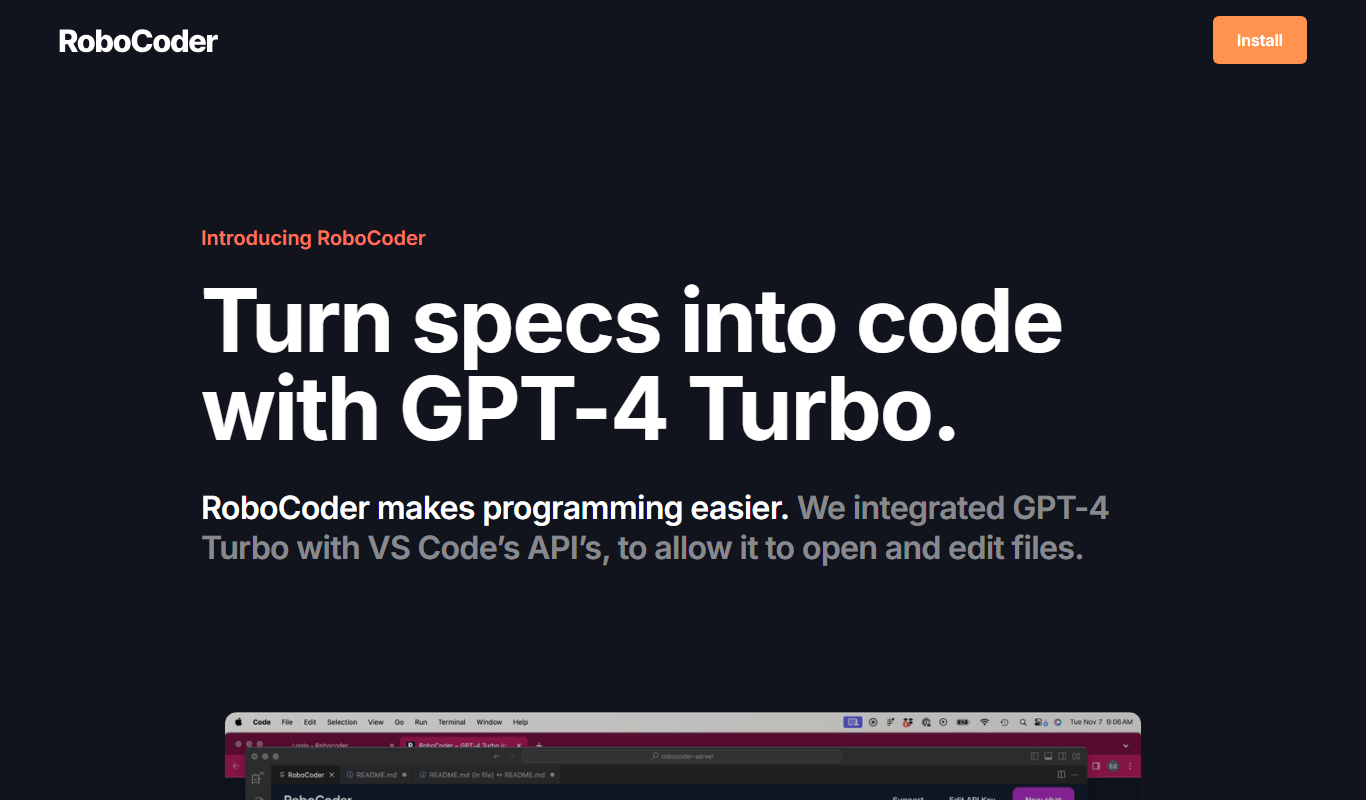
RoboCoder is a VS Code extension that lets GPT-4o open and edit files, navigate your codebase and propose patches, using your own OpenAI API key.

Trae
TRAE is a development tool deeply integrated with AI, where you code in an IDE or delegate complex tasks to AI agents, on desktop, web and mobile.

Cosine
Cosine trains AI models and specialised coding agents for organisations that need frontier capability within secure environments.

WhatTheDiff
What the Diff is an AI code review assistant for GitHub and GitLab that automates pull request descriptions and simplifies team updates.

Code Fundi
Code Fundi turns any repository into a searchable, blast-radius-aware codebase map for AI agents and engineering teams.

Butterfish Shell
Butterfish Shell adds AI prompting to bash and zsh with OpenAI or compatible APIs: prompt with a capital letter and the AI sees your shell history.
CodeMate AI
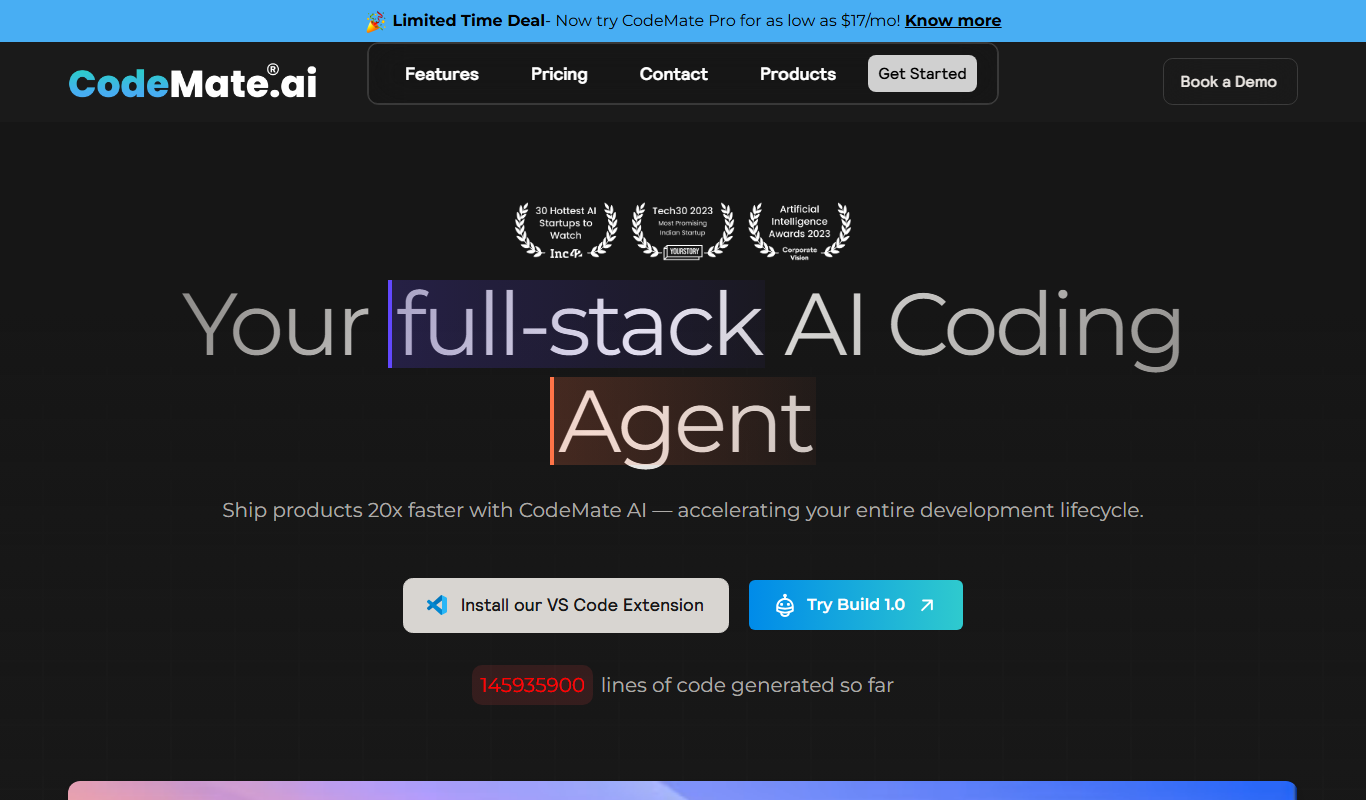
CodeMate AI is a sovereign AI pair programmer and developer assistant with private, self-hosted code completion, automated code reviews, debugging and terminal workflows.