

Assertible Automated API Testing Platform for Reliable DevOps Workflows
Assertible is a cloud platform that automates API testing and monitoring, integrates with CI/CD pipelines, and provides real-time alerts to ensure API reliability.
- Best for
- API Testing Automation
- Key capability
- Automated API Testing
Save Assertible, follow its updates and vote on it — everything stays in your account.
Sign in or create a free account
What is Assertible?
Assertible is a cloud-based platform designed to automate API testing and monitoring. It helps development and DevOps teams ensure their APIs function correctly and reliably by integrating automated tests into their deployment workflows. Assertible supports REST and SOAP APIs and provides tools for continuous integration, monitoring, and alerting.
Key features of Assertible
Assertible offers automated API test creation, integration with popular CI/CD tools, detailed test reporting, and real-time monitoring with alerting capabilities. It simplifies maintaining API quality and uptime through automation and collaboration features.
Automated API Testing
Create and run automated tests for REST and SOAP APIs with support for assertions and variables.
CI/CD Integration
Seamlessly integrate with tools like Jenkins, CircleCI, GitHub Actions, and others for automated test execution.
API Monitoring & Alerts
Continuously monitor API endpoints and get notified via email, Slack, or webhook on failures.
Test Result Collaboration
Share test results and logs with team members to facilitate debugging and quality assurance.
Environment Variables & Parameterization
Use environment variables to manage different API environments and dynamic test data.
Pros and cons of Assertible
Pros
- Easy integration with CI/CD pipelines
- Comprehensive API testing and monitoring features
- User-friendly interface for test creation
- Real-time alerting and detailed reporting
- Supports team collaboration
Cons
- Limited free plan test runs may not suit large projects
- Primarily focused on API testing, less suited for UI testing
- No mobile app available
Key use cases for Assertible
API Testing Automation
Automate functional and integration testing of REST and SOAP APIs to ensure reliability and correctness.
Continuous Integration & Deployment
Integrate API tests into CI/CD pipelines to catch regressions and bugs early during software delivery.
API Monitoring
Continuously monitor APIs in production to detect downtime, performance issues, and unexpected behavior.
Collaboration for DevOps Teams
Enable teams to share test results, track issues, and maintain API quality across development cycles.
How Assertible works
- 1
Create Tests
Define API tests using Assertible’s intuitive interface or import existing test scripts.
- 2
Integrate with CI/CD
Connect Assertible to your continuous integration pipelines to run tests automatically on code changes.
- 3
Monitor APIs
Set up monitoring schedules to continuously check API health and receive alerts on failures.
- 4
Analyze Results
Review detailed test reports and logs to identify and fix issues quickly.
Who is using Assertible
Assertible pricing
Free
$0/month
Basic API testing and monitoring with limited test runs and users.
Standard
$25/month, 1 month free trial
Keep tabs on your API and web applications with enhanced monitoring and higher result retention: 25 web services, 500 tests per service, 5,000 result retention and 1 member.
Startup
$50/month, 1 month free trial
Add team members from your organization to collaborate on API testing and monitoring your web services: 25 web services, 500 tests per service, 5,000 result retention and 10 members.
Business
$100/month, 1 month free trial
Work across your organization to build a robust testing and QA pipeline for your most critical web services: 50 web services, 1,000 tests per service, 10,000 result retention and 20 members.
Plans and prices are as published by the vendor and can change. Check the official site before you buy. Open the pricing page (opens in a new tab)
Frequently asked questions about Assertible
Assertible supports testing and monitoring of RESTful and SOAP APIs.
Yes, Assertible integrates with popular CI/CD tools such as Jenkins, CircleCI, GitHub Actions, and more.
Yes, you can configure alerts via email, Slack, or webhooks to be notified immediately of any test failures.
Yes, Assertible offers a free plan with limited test runs and features suitable for small projects or evaluation.
Integration support depends on the tool and its available connectors or API. Check the official documentation or integrations page to confirm what is supported.
Integration support depends on the tool and its available connectors or API. Check the official documentation or integrations page to confirm what is supported.
Yes, it can help with that use case depending on how you configure it and what features are available. You’ll get the best results with clear inputs and a defined goal.
Some tools offer a free plan or trial with limited features. Availability can vary, so confirm on the official website.
Conclusion
Importing a Swagger API spec sets up initial APIs, tests and assertions, and the tests can be synced with later changes in the specification. HTTP assertions go beyond a pass or fail status, so domain specific tests can be written for critical endpoints. A deployments API tracks releases and runs post-deploy smoke tests on staging or production. Scheduled monitoring keeps testing services between deploys, and integrations can execute tests when code is pushed to GitHub or send alerts to Slack if failures happen.
It is built for QA professionals, developers and anyone who runs a web service. The free Personal tier can be used forever, while paid plans carry one monthly charge per account with no per-user fees and a 1 month free trial. Instead of request limits, each plan caps the results you can see, the tests you can create and how frequently schedules run, and each has a limited number of members.
Sources
Sign in to review this tool.
Sign In to ReviewNo reviews yet
Be the first to share how this tool worked for you.
Ask about pricing, limits, or how it compares — or answer someone else.
Sign In to AskNo questions yet
Have a question about using or paying for this tool? Be the first to ask.
Featured on TiorAI



Alternative Tools
Explore similar AI tools that might fit your needs
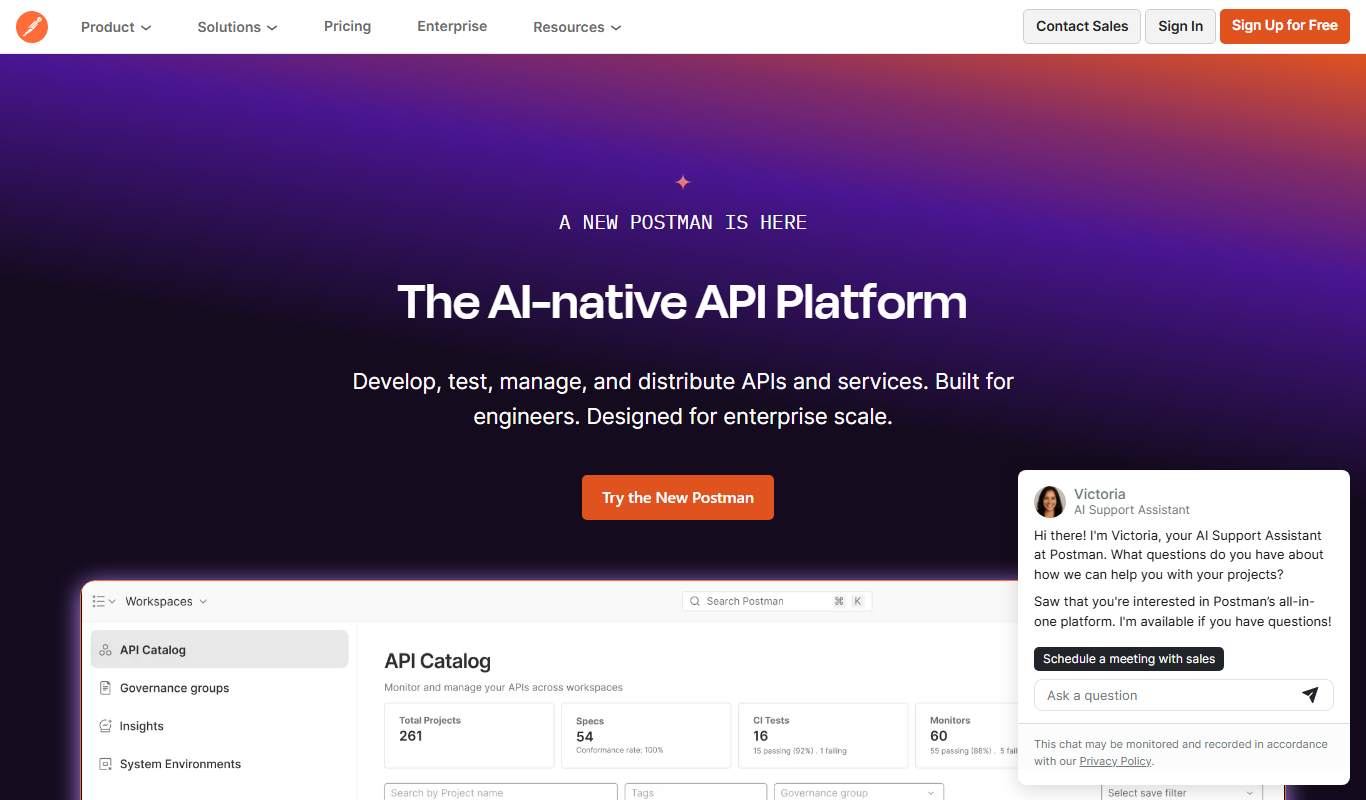
Postman
Postman is a comprehensive API platform that helps developers design, test, automate, document, and monitor APIs efficiently with collaboration tools.

SoapUI
SoapUI is an API testing tool that enables developers and testers to create, execute, and automate functional, load, and security tests for REST and SOAP web services.
More AI Developer Tools tools
Other tools in the same category, for when this one is not quite the fit.

Opstra
Opstra is a web-based options trading analytics platform that helps traders build, analyze, and backtest options strategies using real-time Indian market data.

SoftwareMill
SoftwareMill is a software development company specializing in custom IT solutions, cloud-native applications, and real-time data streaming using Scala, Java, and related technologies.

HeidiSQL
HeidiSQL is a free database client for Windows, with a native Linux build in beta, that supports MySQL, MariaDB, PostgreSQL, Microsoft SQL Server, SQLite and Firebird.
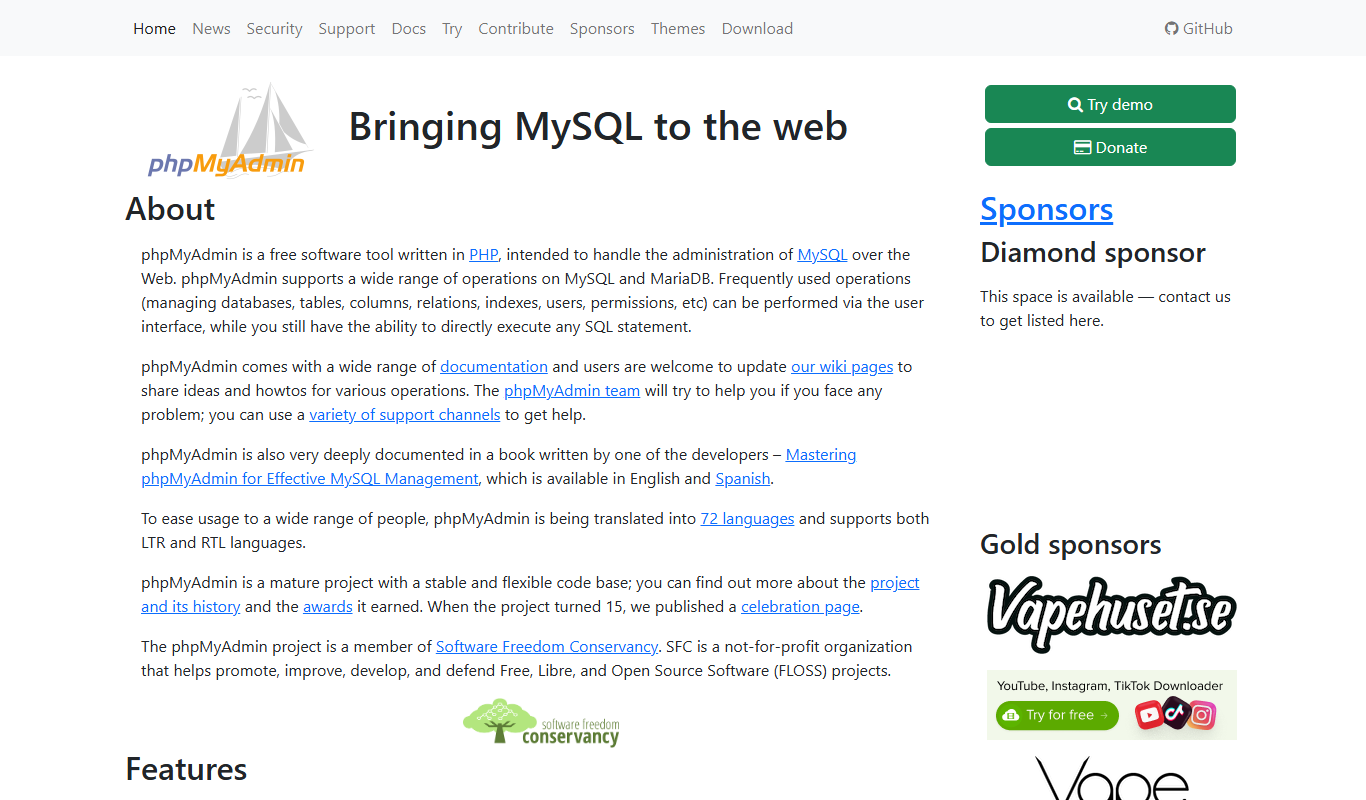
phpMyAdmin
phpMyAdmin is a free, open-source web application that provides a graphical interface to manage MySQL and MariaDB databases, allowing users to perform database administration tasks without command-line knowledge.

DBeaver
DBeaver is a cross-platform database management tool that supports numerous database types, offering features like SQL editing, data visualization, and team collaboration.
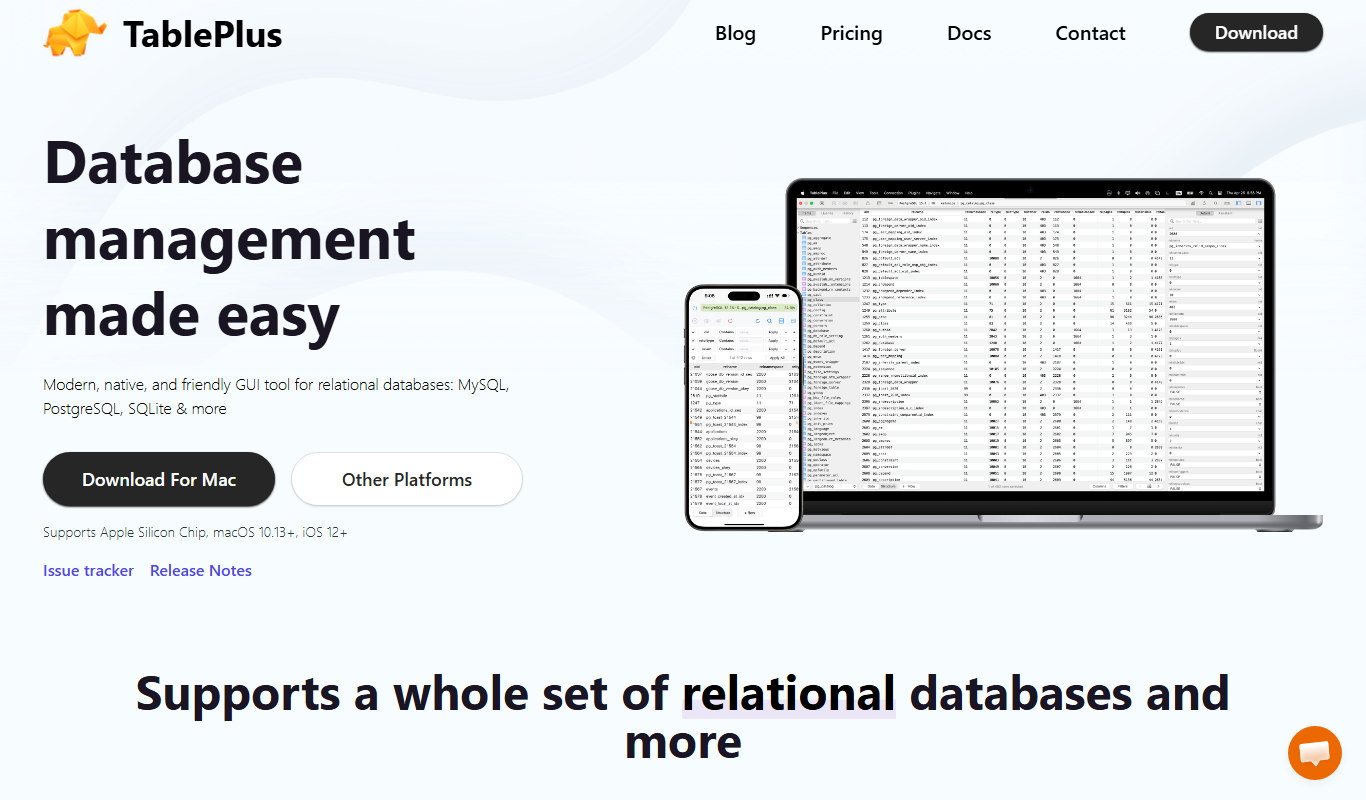
TablePlus
TablePlus is a native database management tool supporting multiple databases with features like advanced SQL editor, inline data editing, and secure connections.

Burp Suite
Burp Suite is a comprehensive web security testing platform by PortSwigger that enables penetration testers and security researchers to identify and exploit vulnerabilities in web applications through both automated scanning and manual testing tools.

Gerrit
Gerrit is an open-source web-based code review tool that integrates with Git to enable collaborative software development by managing code reviews, approvals, and merges.