

Lambda Labs AI Cloud GPU Platform for Machine Learning and Deep Learning
Lambda is a GPU cloud platform on lambda.ai that provides NVIDIA GPU infrastructure for machine learning and deep learning, priced per GPU hour.
- Best for
- Machine Learning Model Training
- Key capability
- High-Performance NVIDIA GPUs
Save Lambda, follow its updates and vote on it — everything stays in your account.
Sign in or create a free account
What is Lambda?
Lambda (formerly Lambda Labs, now on lambda.ai) is a GPU cloud platform that provides high-performance NVIDIA GPU infrastructure for machine learning and deep learning workloads. On-demand capacity is priced per GPU hour, and reserved clusters are sold on contracts from 2 weeks to 1 year.
Key features of Lambda
Lambda Labs provides powerful GPU cloud servers, easy-to-use APIs, Kubernetes and Docker support for containerized AI workloads, and flexible pricing models designed to meet the needs of AI developers and researchers.
High-Performance NVIDIA GPUs
Access to the latest NVIDIA GPUs optimized for AI workloads, including A100, V100, and RTX series.
Flexible Cloud Infrastructure
On-demand GPU servers with customizable configurations to fit various AI project requirements.
Kubernetes and Docker Support
Seamless integration with container orchestration tools for scalable and reproducible AI deployments.
User-Friendly API and Dashboard
Manage resources, monitor usage, and automate workflows through an intuitive web interface and API.
Cost-Effective Pricing
On-demand GPUs priced per GPU hour, with reserved clusters on contracts from 2 weeks to 1 year.
Pros and cons of Lambda
Pros
- Access to cutting-edge NVIDIA GPUs
- Flexible and scalable cloud infrastructure
- Supports containerized AI workloads with Kubernetes and Docker
- Competitive and transparent pricing
- User-friendly API and dashboard
Cons
- Primarily focused on GPU cloud; not a full AI development platform
- Limited language support beyond English
- No dedicated mobile app
Key use cases for Lambda
Machine Learning Model Training
Use Lambda Labs' GPU cloud infrastructure to train machine learning models faster and more efficiently.
Deep Learning Development
Develop and test deep learning models using powerful NVIDIA GPUs accessible via the cloud.
AI Research and Experimentation
Run AI experiments and research projects with scalable GPU resources on demand.
GPU Cloud Infrastructure for Startups
Startups and small teams can leverage Lambda Labs’ affordable GPU cloud to accelerate AI projects without heavy upfront investment.
DevOps for AI Workloads
Manage and deploy AI workloads with Kubernetes and Docker support integrated into the Lambda Labs platform.
How Lambda works
- 1
Create an Account
Sign up on the Lambda Labs website to access the cloud platform.
- 2
Select GPU Resources
Choose the type and number of NVIDIA GPUs needed for your AI workload.
- 3
Deploy Your Environment
Launch pre-configured AI development environments or customize your own using Docker and Kubernetes.
- 4
Train and Run Models
Upload your data and code to train machine learning or deep learning models on the cloud GPUs.
- 5
Monitor and Scale
Use the platform’s dashboard and API to monitor usage and scale resources as needed.
Who is using Lambda
Lambda pricing
Pay-as-you-go
Varies based on GPU usage
Flexible pricing charged per GPU hour with no upfront commitment.
Reserved Clusters
Priced per GPU hour
Reserved clusters on contracts from 2 weeks to 1 year, priced per GPU hour.
Plans and prices are as published by the vendor and can change. Check the official site before you buy. Open the pricing page (opens in a new tab)
Frequently asked questions about Lambda
Lambda Labs offers a range of NVIDIA GPUs including A100, V100, and RTX series tailored for AI workloads.
Yes, Lambda Labs supports popular AI frameworks such as TensorFlow, PyTorch, and others within containerized environments.
No, you can use the pay-as-you-go model without any minimum contract or upfront fees.
Yes, the platform integrates with Kubernetes to help manage and scale AI workloads efficiently.
This tool is designed to help users accomplish its core tasks more efficiently. It is typically used by individuals or teams looking to improve productivity and workflow.
Pricing depends on the plan and included features. For the most accurate and up-to-date details, check the official pricing page.
Yes, it can help with that use case depending on how you configure it and what features are available. You’ll get the best results with clear inputs and a defined goal.
It depends on your specific needs and how you plan to use the tool. The official website and documentation are the best sources for the latest details.
Conclusion
Picking the type and number of NVIDIA GPUs is the first step, after which users launch pre-configured AI development environments or customize their own with Docker and Kubernetes. Data and code are uploaded to train machine learning or deep learning models, and a dashboard and API are used to monitor usage and scale resources. Frameworks such as TensorFlow and PyTorch run inside those containerized environments.
The company now operates as Lambda on lambda.ai, with on-demand capacity priced per GPU hour. Reserved clusters are sold on contracts from 2 weeks to 1 year. It is aimed at AI researchers and data scientists, machine learning engineers and startups developing AI products. The service focuses on GPU cloud rather than being a full AI development platform.
Sources
Sign in to review this tool.
Sign In to ReviewNo reviews yet
Be the first to share how this tool worked for you.
Ask about pricing, limits, or how it compares — or answer someone else.
Sign In to AskNo questions yet
Have a question about using or paying for this tool? Be the first to ask.
Featured on TiorAI



Alternative Tools
Explore similar AI tools that might fit your needs
Paperspace
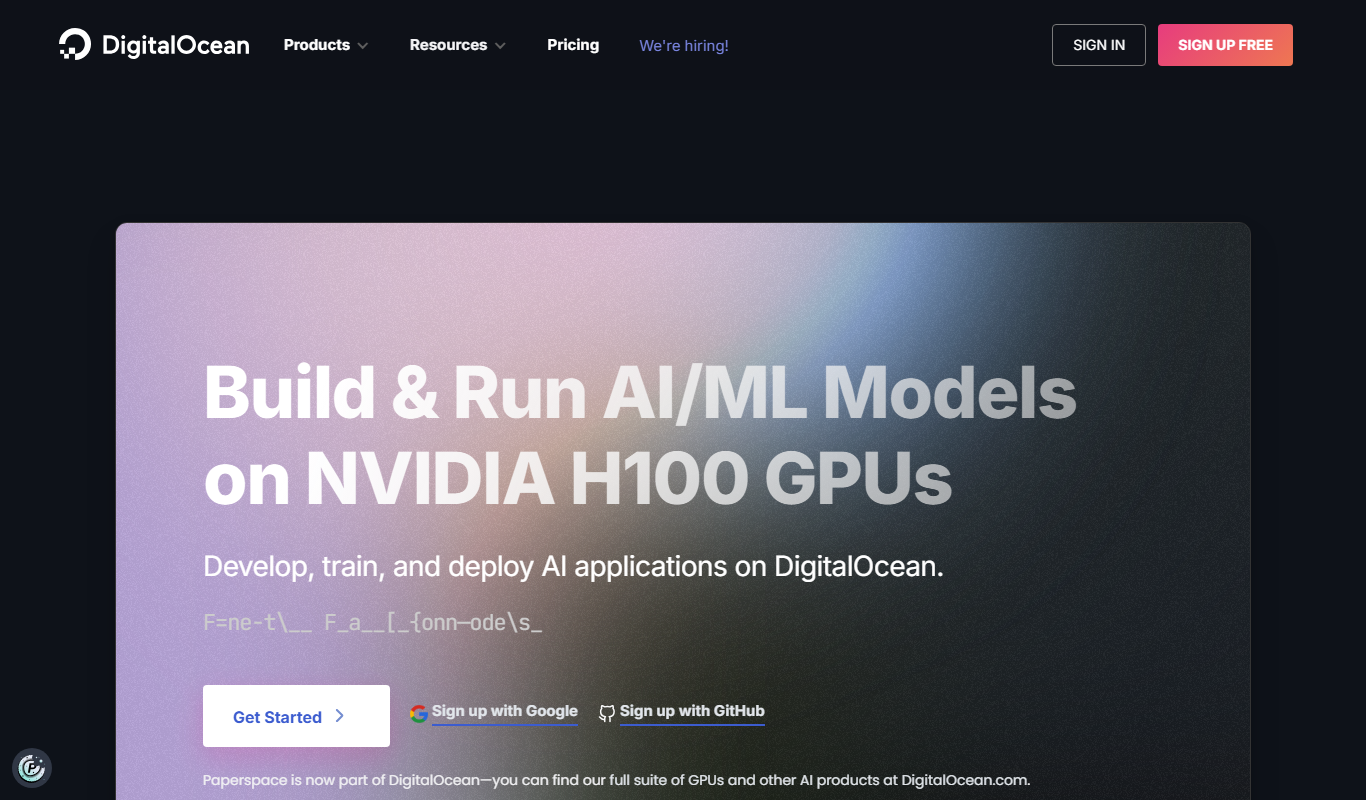
Paperspace is a cloud platform providing scalable GPU-powered virtual machines and tools for AI, machine learning, and data science workloads, enabling remote access to high-performance computing resources.
More AI Developer Tools tools
Other tools in the same category, for when this one is not quite the fit.

Insilico Medicine
Insilico Medicine is an AI biotechnology platform that accelerates drug discovery and biomarker development using deep learning and generative chemistry.

Numerai
Numerai is an AI-powered hedge fund platform that hosts weekly data science competitions using encrypted financial data, allowing data scientists to submit machine learning models anonymously and earn cryptocurrency rewards.
Vultr
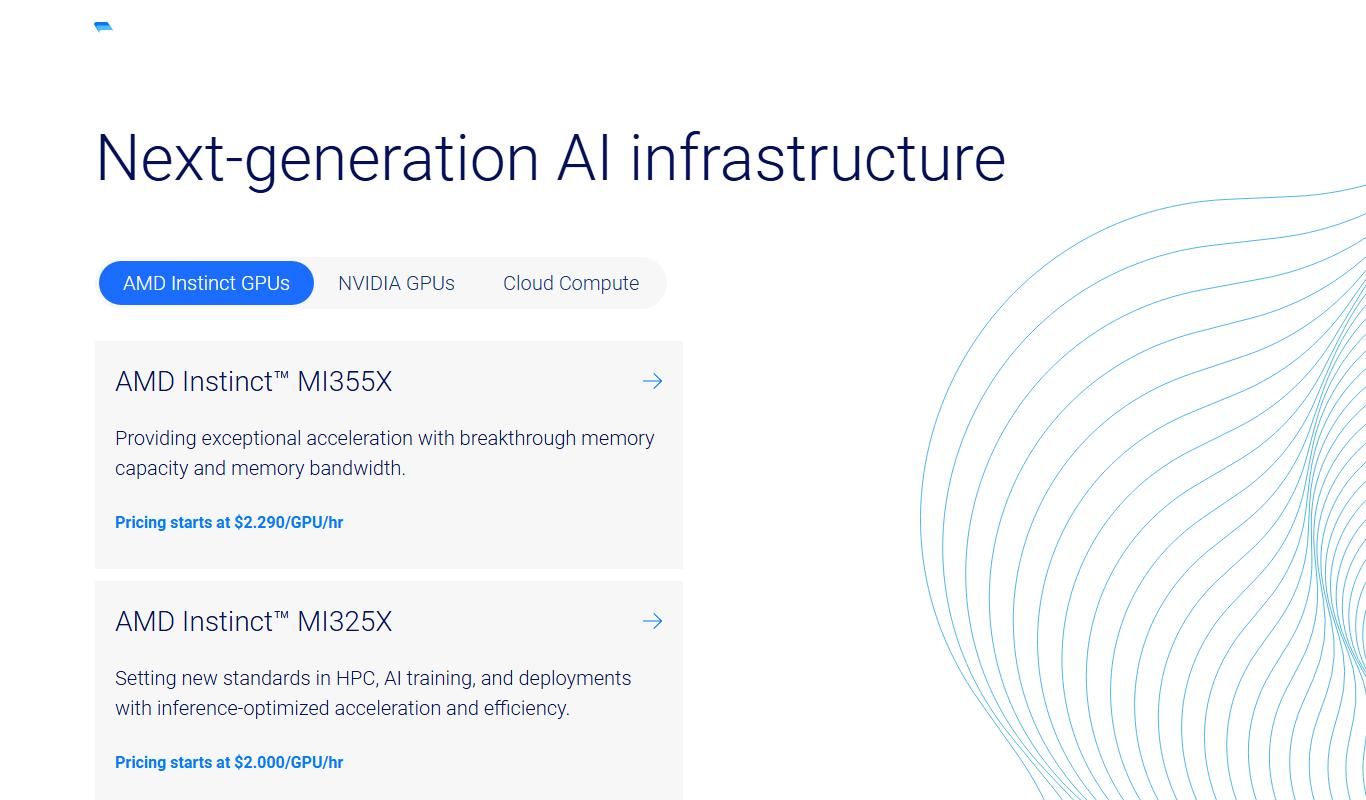
Vultr is a cloud infrastructure provider offering scalable virtual servers, bare metal, and block storage with global data centers and a robust API for developers.

DigitalOcean
DigitalOcean is a cloud infrastructure provider offering scalable virtual servers, managed Kubernetes, and databases designed for developers to deploy and manage applications efficiently.

JetProfiler
JetProfiler is a desktop application designed to monitor MySQL database performance in real time, providing query profiling and detailed metrics to help developers and DBAs optimize their databases.

Trino
Trino is an open source distributed SQL query engine designed to run fast, interactive analytic queries across large datasets from multiple heterogeneous data sources without moving data.
Presto
Presto is an open-source distributed SQL query engine designed for fast, interactive analytics on large datasets across multiple heterogeneous data sources without data movement.
reCAPTCHA
Google reCAPTCHA is a Google Cloud security service that protects websites from bots and spam; the first 10,000 assessments per month are free.