

Vultr Cloud Hosting Platform for Scalable Infrastructure and Developer Tools
Vultr is a cloud infrastructure provider offering scalable virtual servers, bare metal, and block storage with global data centers and a robust API for developers.
- Best for
- Cloud Server Deployment
- Key capability
- Global Data Centers
Save Vultr, follow its updates and vote on it — everything stays in your account.
Sign in or create a free account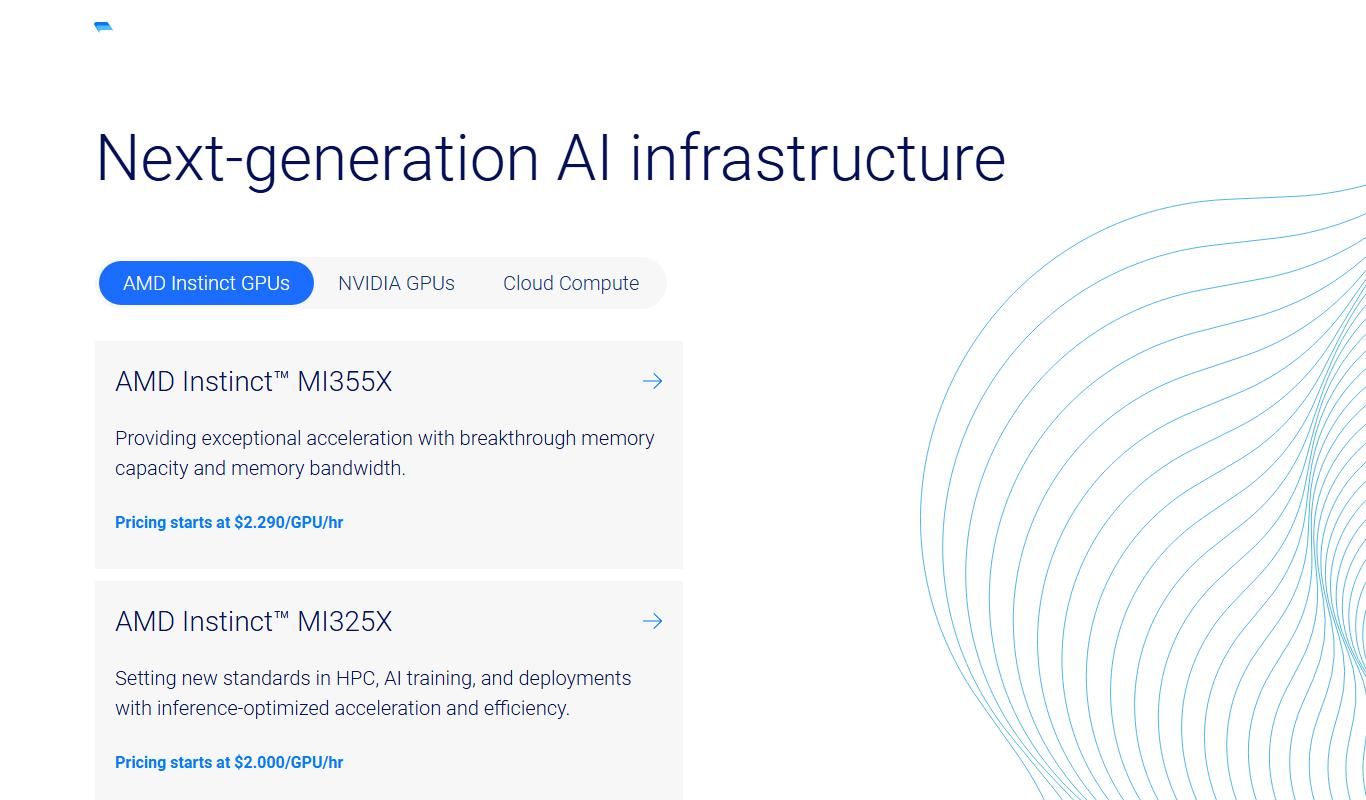
What is Vultr?
Vultr is a cloud infrastructure provider offering scalable virtual private servers (VPS), bare metal, and block storage solutions. It enables developers and businesses to deploy cloud servers rapidly across a global network of data centers. Vultr focuses on simplicity, performance, and flexibility, providing a user-friendly control panel and API for managing cloud resources.
Key features of Vultr
Vultr’s main features include a wide range of server configurations, one-click app deployments, high-performance SSD storage, global data center locations, and a robust API for automation. It supports both Linux and Windows operating systems and offers additional services like load balancers and dedicated instances.
Global Data Centers
Deploy servers in 32 data center locations across 19 countries.
High-Performance SSD Storage
All servers use SSDs for fast data access and improved application responsiveness.
Robust API
Automate server deployment, scaling, and management through a comprehensive API.
One-Click Apps
Quickly install popular applications like WordPress, Docker, and more with one click.
Flexible Billing
Pay hourly or monthly with transparent pricing and no hidden fees.
Pros and cons of Vultr
Pros
- Wide range of server configurations and locations
- Simple and intuitive user interface
- Robust API for automation
- Competitive and transparent pricing
- Fast SSD storage and reliable performance
Cons
- No free trial period
- Limited customer support options compared to larger providers
- Some advanced features require technical knowledge
Key use cases for Vultr
Cloud Server Deployment
Deploy virtual private servers quickly with customizable configurations for various workloads.
Application Hosting
Host web applications, APIs, and backend services with scalable cloud infrastructure.
Development and Testing
Create isolated environments for software development, testing, and staging with ease.
Disaster Recovery
Implement backup and recovery solutions using snapshots and block storage for data protection.
Global Infrastructure
Leverage multiple data centers worldwide to reduce latency and improve availability.
How Vultr works
- 1
Create an Account
Sign up on Vultr’s website to access the cloud platform.
- 2
Choose Server Type
Select from VPS, bare metal, or block storage based on your needs.
- 3
Configure Server
Pick server size, location, operating system, and additional features.
- 4
Deploy and Manage
Launch the server instantly and manage it via the web console or API.
Who is using Vultr
Vultr pricing
Cloud Compute
Starting at $2.50/month
Cloud Compute starts at $2.50/month for an IPv6 only plan and $5 for 1GB.
High Frequency Compute
Starting at $6/month
Enhanced CPU performance with NVMe storage for demanding workloads.
Bare Metal
Starting at $120/month
Dedicated physical servers for maximum performance and control.
Plans and prices are as published by the vendor and can change. Check the official site before you buy. Open the pricing page (opens in a new tab)
Frequently asked questions about Vultr
Yes, Vultr offers Windows Server images alongside various Linux distributions.
Yes, you can resize your server to increase CPU, RAM, or storage as needed.
Vultr does not offer a free trial but provides a pay-as-you-go pricing model.
Vultr has 32 data center locations in 19 countries.
This tool is designed to help users accomplish its core tasks more efficiently. It is typically used by individuals or teams looking to improve productivity and workflow.
Pricing depends on the plan and included features. For the most accurate and up-to-date details, check the official pricing page.
It depends on your specific needs and how you plan to use the tool. The official website and documentation are the best sources for the latest details.
Yes, it can help with that use case depending on how you configure it and what features are available. You’ll get the best results with clear inputs and a defined goal.
Conclusion
Deployment begins by choosing VPS, bare metal or block storage, then picking the server size, location and operating system. Servers launch instantly and are managed from the web console or through an API that automates deployment, scaling and management. Windows Server images are offered alongside various Linux distributions. The network spans 32 data center locations in 19 countries.
Developers and DevOps engineers are a core audience, along with startups and small businesses. Billing is hourly or monthly, and Cloud Compute starts at $2.50/month for an IPv6 only plan or $5 for 1GB, while Bare Metal starts at $120/month.
Sources
Sign in to review this tool.
Sign In to ReviewNo reviews yet
Be the first to share how this tool worked for you.
Ask about pricing, limits, or how it compares — or answer someone else.
Sign In to AskNo questions yet
Have a question about using or paying for this tool? Be the first to ask.
Featured on TiorAI



Alternative Tools
Explore similar AI tools that might fit your needs

DigitalOcean
DigitalOcean is a cloud infrastructure provider offering scalable virtual servers, managed Kubernetes, and databases designed for developers to deploy and manage applications efficiently.

Linode
Linode is a cloud hosting provider offering virtual private servers, managed Kubernetes, and scalable infrastructure primarily for Linux-based applications, targeting developers and businesses needing reliable and affordable cloud compute resources.
More AI Developer Tools tools
Other tools in the same category, for when this one is not quite the fit.

Ghost Inspector
Ghost Inspector is a cloud-based tool that automates browser testing by recording user interactions or scripting tests to ensure websites function correctly and look consistent across browsers. It integrates with CI/CD pipelines and supports scheduled monitoring.

AutoMapper
AutoMapper is a .NET library that automates mapping between different object models, helping developers reduce manual code; since version 15.x it is commercial, with a free Community edition for companies under $5M revenue.

Gradio
Gradio is an open-source tool that lets you quickly create interactive web interfaces for machine learning models using Python, enabling easy sharing and testing without front-end development.

Auth0
Auth0 is a secure identity platform that enables developers to add authentication and authorization to applications using standards like OAuth 2.0 and OpenID Connect, supporting features such as single sign-on, multi-factor authentication, and social login integration.
Observable
Observable is a web-based platform that enables users to create interactive JavaScript notebooks focused on data visualization and collaborative data analysis.

Swagger
Swagger is a set of tools for designing, documenting, testing, and mocking RESTful APIs using the OpenAPI Specification, widely used by developers and teams to streamline API development.

Stardog
Stardog is an enterprise knowledge graph platform that integrates diverse data sources into a semantic graph database, enabling advanced querying, reasoning, and AI integration.
Marp
Marp is an open-source tool that converts Markdown files into presentation slides with export options including PDF and PowerPoint, featuring customizable themes and syntax highlighting.