

From my experience with Ghost Inspector, I found it excels at simplifying automated browser testing through its intuitive visual test recorder, making it accessible even for those without deep coding skills. After spending time with the platform, I can say it’s particularly well-suited for QA engineers and developers looking to integrate reliable tests into their CI/CD workflows. However, there’s a trade-off: advanced scripting capabilities require some programming knowledge, and pricing can be a consideration for smaller teams with extensive testing needs. Overall, if you need a cloud-based, scalable solution for website monitoring and regression testing, Ghost Inspector delivers solid results.
Ghost Inspector Automated Website Testing Tool for QA and Monitoring
Ghost Inspector is a cloud-based tool that automates browser testing by recording user interactions or scripting tests to ensure websites function correctly and look consistent across browsers. It integrates with CI/CD pipelines and supports scheduled monitoring.
- Best for
- Automated Website Testing
- Key capability
- Visual Test Recorder
Your actions
Save Ghost Inspector, follow its updates and vote on it — everything stays in your account.
Sign in or create a free account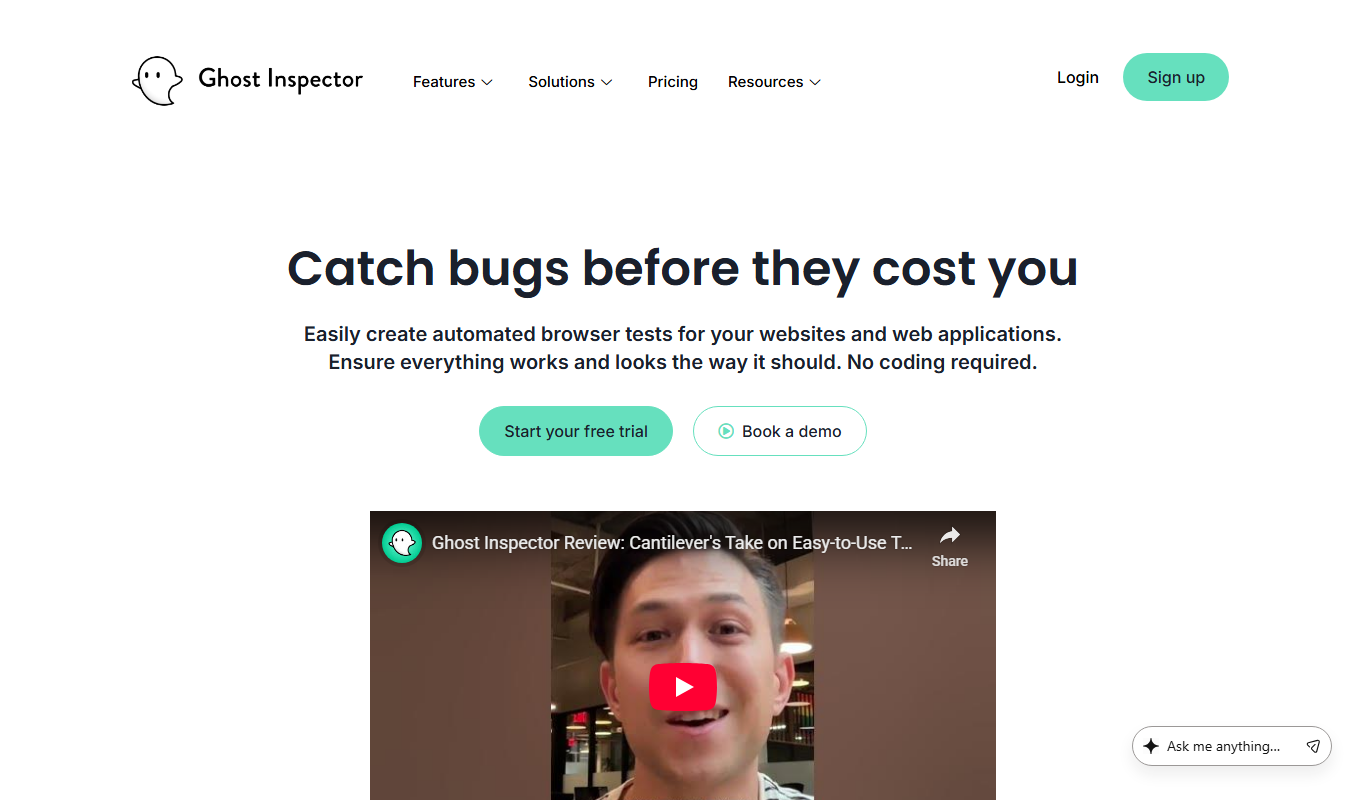
What is Ghost Inspector?
Ghost Inspector is a cloud-based automated testing platform designed to help developers, QA teams, and product owners create, manage, and run browser tests without writing complex code. It enables users to visually record tests or write scripts that simulate user interactions on websites and web applications to ensure functionality, performance, and visual integrity remain intact over time.
Key features of Ghost Inspector
Ghost Inspector offers a visual test recorder, script editing, test scheduling, integrations with CI/CD tools, detailed test reports, and screenshot comparisons for visual regression detection. It supports running tests across multiple browsers and devices via the cloud, making it accessible and scalable for teams of all sizes.
Visual Test Recorder
Record browser interactions without coding to quickly create automated tests.
Cross-Browser Testing
Run tests on multiple browsers including Chrome, Firefox, Safari, and Edge.
Scheduled Testing
Automate test runs on a recurring schedule to monitor website health.
CI/CD Integration
Seamlessly integrate tests into continuous integration pipelines for automated validation.
Visual Regression Detection
Compare screenshots to detect unintended visual changes in the UI.
Pros and cons of Ghost Inspector
Pros
- User-friendly visual test recorder for non-developers
- Robust integration options with CI/CD pipelines
- Supports cross-browser and visual regression testing
- Cloud-based with no infrastructure setup required
- Detailed reporting with screenshots and logs
Cons
- Pricing may be high for small teams with heavy testing needs
- Limited language support beyond English
- Some advanced scripting requires programming knowledge
Key use cases for Ghost Inspector
Automated Website Testing
Create and run automated browser tests to verify website functionality and catch regressions.
Continuous Integration Monitoring
Integrate tests into CI/CD pipelines to ensure code changes do not break existing features.
Visual Regression Testing
Capture screenshots during tests to detect visual changes or layout issues automatically.
User Journey Validation
Simulate user interactions like clicks, form submissions, and navigation to validate workflows.
Scheduled Website Monitoring
Run tests on a schedule to monitor uptime and performance of critical web pages.
How Ghost Inspector works
- 1
Create Tests
Use the visual recorder or write scripts to define browser tests simulating user actions.
- 2
Run Tests
Execute tests on-demand, on a schedule, or triggered by CI/CD pipelines.
- 3
Review Results
Analyze detailed reports with logs, screenshots, and video captures to identify issues.
- 4
Integrate
Connect with tools like Jenkins, CircleCI, Slack, and others for automated workflows.
Who is using Ghost Inspector
QA engineers
Web developers
Product managers
DevOps teams
Small to medium-sized businesses
Ghost Inspector pricing
Free
$0/month
Limited tests and runs per month for small projects or evaluation.
Pro
$99/month
Increased test runs, team collaboration features, and priority support.
Business
Custom pricing
Advanced features, higher limits, and dedicated account management.
Plans and prices are as published by the vendor and can change. Check the official site before you buy. Open the pricing page (opens in a new tab)
Frequently asked questions about Ghost Inspector
Yes, the visual test recorder allows users to create automated tests without writing code.
Yes, it integrates with popular CI/CD platforms like Jenkins, CircleCI, and GitHub Actions.
Ghost Inspector supports Chrome, Firefox, Safari, and Microsoft Edge browsers.
Yes, users can schedule tests to run at regular intervals for ongoing monitoring.
This tool is designed to help users accomplish its core tasks more efficiently. It is typically used by individuals or teams looking to improve productivity and workflow.
It depends on your specific needs and how you plan to use the tool. The official website and documentation are the best sources for the latest details.
Yes, it can help with that use case depending on how you configure it and what features are available. You’ll get the best results with clear inputs and a defined goal.
Integration support depends on the tool and its available connectors or API. Check the official documentation or integrations page to confirm what is supported.
Sign in to review this tool.
Sign In to ReviewNo reviews yet
Be the first to share how this tool worked for you.
Ask about pricing, limits, or how it compares — or answer someone else.
Sign In to AskNo questions yet
Have a question about using or paying for this tool? Be the first to ask.
Featured on TiorAI



Alternative Tools
Explore similar AI tools that might fit your needs
Free Trial
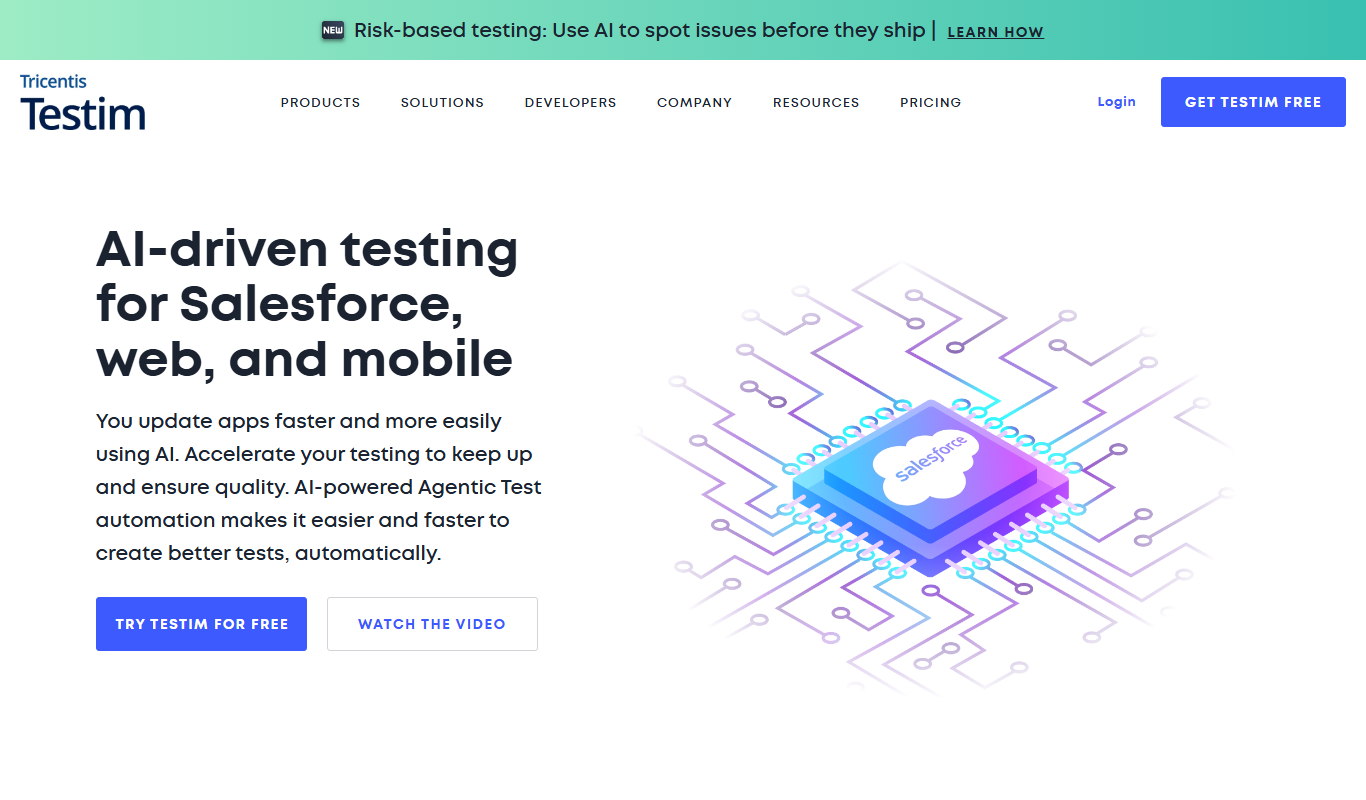
Testim
Testim is an AI-driven test automation platform that enables codeless test creation, self-healing tests, and seamless integration with CI/CD pipelines to improve software quality and reduce testing time.

Free Trial
BrowserStack
BrowserStack is a cloud testing platform that provides developers and QA teams access to real devices and browsers for manual and automated testing, supporting Selenium and Appium frameworks.
More AI Developer Tools tools
Other tools in the same category, for when this one is not quite the fit.

Free
Swagger
Swagger is a set of tools for designing, documenting, testing, and mocking RESTful APIs using the OpenAPI Specification, widely used by developers and teams to streamline API development.

Free
Stardog
Stardog is an enterprise knowledge graph platform that integrates diverse data sources into a semantic graph database, enabling advanced querying, reasoning, and AI integration.
Free
Marp
Marp is an open-source tool that converts Markdown files into presentation slides with export options including PDF and PowerPoint, featuring customizable themes and syntax highlighting.

Free
Headless UI
Headless UI is a free, open-source library providing unstyled, accessible UI components for React and Vue, enabling developers to build custom-styled interfaces with built-in accessibility features.

Free
Cytoscape
Cytoscape is a free, open-source software platform designed for visualizing complex networks and integrating attribute data, widely used in bioinformatics and data analysis.

Free
Gephi
Gephi is a free, open-source software for visualizing and analyzing complex networks and graphs, widely used in research and data science.

Free
Serilog
Serilog is an open-source structured logging framework for .NET applications that enables developers to capture rich, queryable log data with support for multiple output sinks and contextual enrichers.
Enterprise License
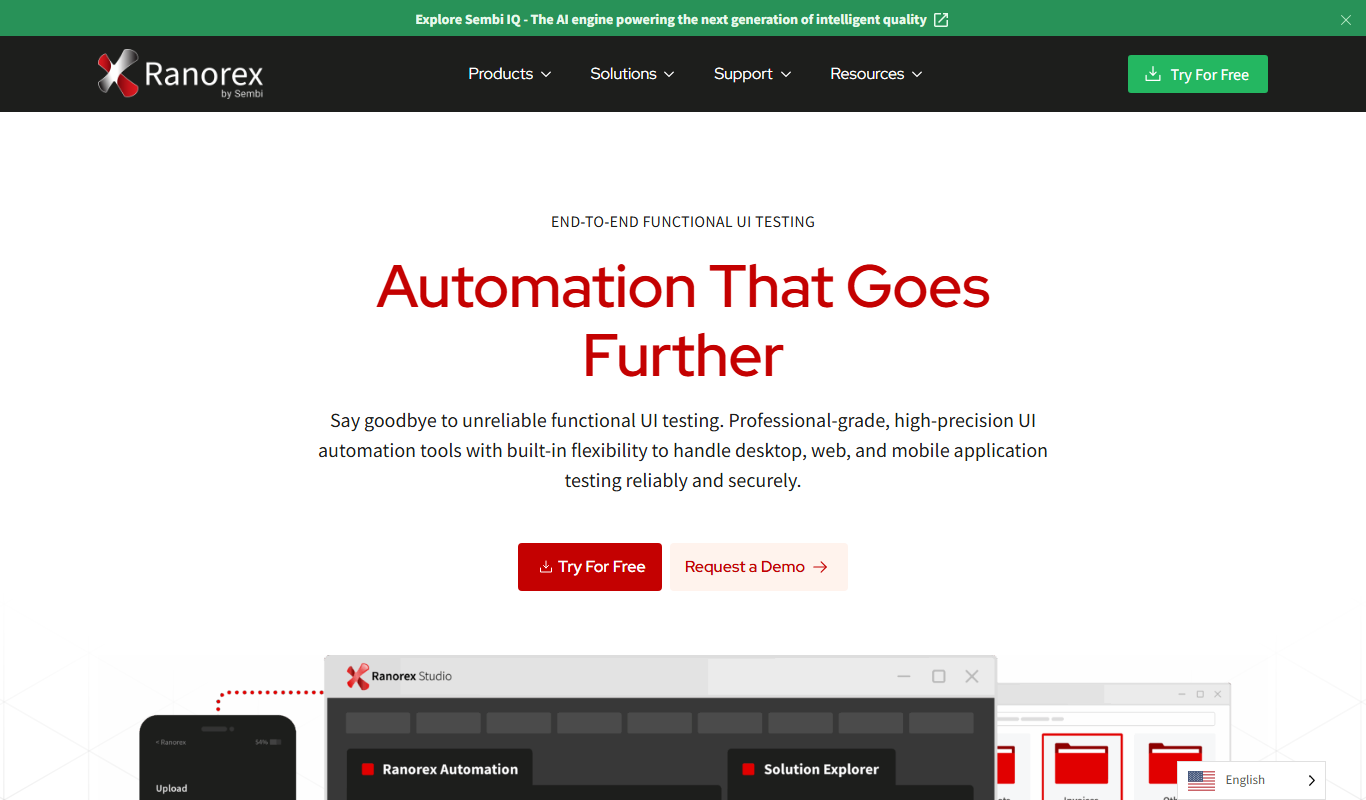
Ranorex
Ranorex is a comprehensive test automation tool that supports GUI testing for desktop, web, and mobile apps, offering both codeless and code-based test creation with strong CI/CD integration.