

Observable: Interactive Data Visualization and JavaScript Notebook Platform
Observable is a web-based platform that enables users to create interactive JavaScript notebooks focused on data visualization and collaborative data analysis.
- Best for
- Data Visualization
- Key capability
- Reactive JavaScript Notebooks
Save Observable, follow its updates and vote on it — everything stays in your account.
Sign in or create a free account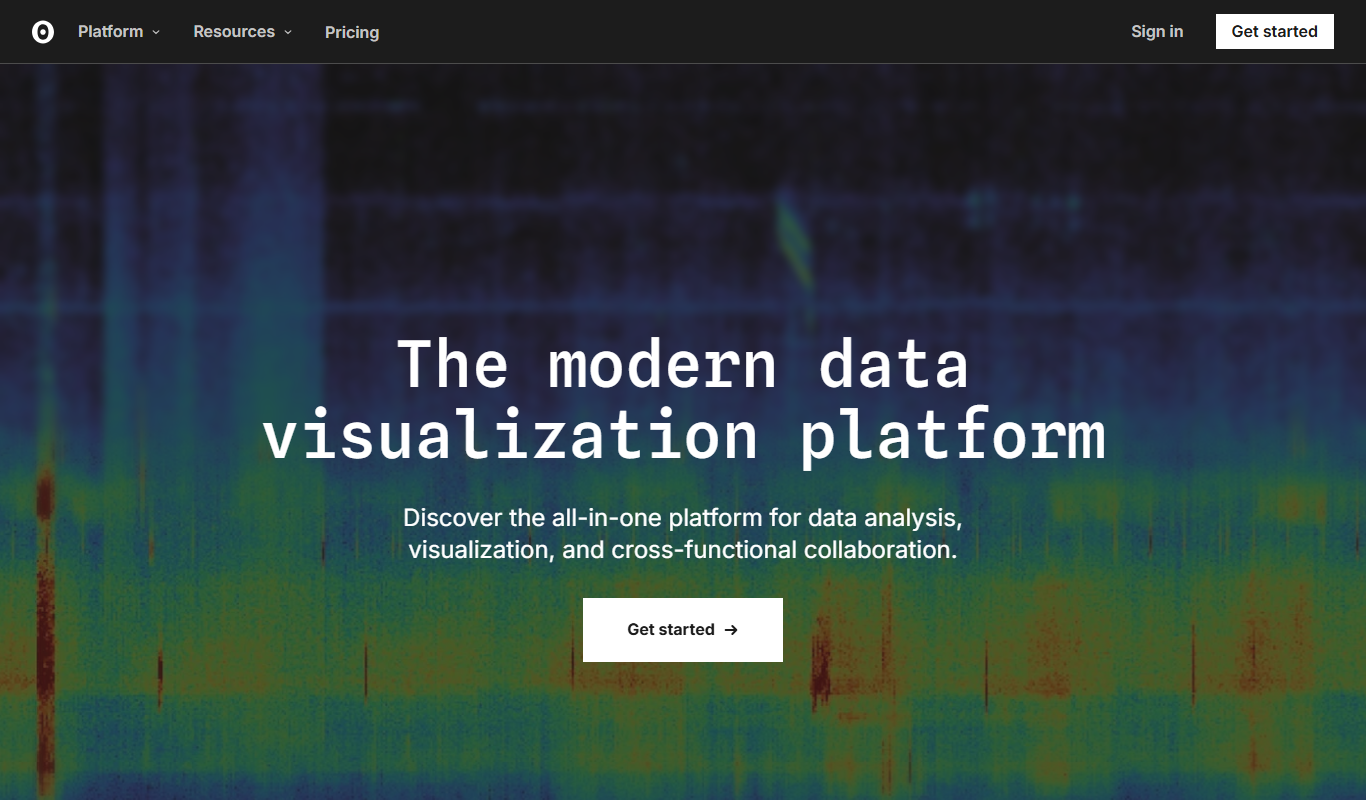
What is Observable?
Observable is a web-based platform that enables users to create, explore, and share interactive JavaScript notebooks focused on data visualization and analysis. It combines live coding with rich visual outputs, allowing data scientists, analysts, and developers to prototype, collaborate, and publish data-driven insights seamlessly.
Key features of Observable
Observable offers a reactive notebook environment with built-in support for JavaScript and popular visualization libraries like D3.js. It supports real-time collaboration, version control, and easy publishing of interactive visualizations. The platform also provides a rich library of community-created notebooks and components to accelerate development.
Reactive JavaScript Notebooks
Notebooks automatically update outputs when inputs or code change, enabling dynamic exploration.
Integrated Visualization Libraries
Seamless use of D3.js and other libraries for creating sophisticated visualizations.
Real-Time Collaboration
Multiple users can edit and interact with notebooks simultaneously.
Publishing and Embedding
Easily publish notebooks online or embed visualizations into websites and blogs.
Community and Templates
Access a rich ecosystem of shared notebooks and reusable components.
Pros and cons of Observable
Pros
- Interactive and reactive notebook environment
- Strong integration with D3.js and visualization libraries
- Real-time collaboration capabilities
- Rich community and reusable components
- Easy publishing and embedding options
Cons
- Requires some JavaScript knowledge for advanced use
- Limited offline capabilities as a web-based platform
- Pricing for private and team features may be costly for some users
Key use cases for Observable
Data Visualization
Create interactive and dynamic visualizations to explore and present data insights.
Collaborative Data Analysis
Work with teams in real-time on shared notebooks to analyze and interpret data.
JavaScript Learning and Prototyping
Experiment with JavaScript code snippets and libraries in an interactive environment.
Reporting and Dashboarding
Build live reports and dashboards that update automatically with data changes.
Publishing and Sharing Data Stories
Publish interactive notebooks publicly or privately to share data-driven narratives.
How Observable works
- 1
Create an Account
Sign up on Observable’s website to start creating notebooks.
- 2
Start a New Notebook
Use the web-based editor to write JavaScript code and build visualizations.
- 3
Leverage Built-in Libraries
Utilize pre-integrated libraries like D3.js for advanced data visualization.
- 4
Collaborate and Share
Invite collaborators or publish notebooks publicly for sharing insights.
Who is using Observable
Observable pricing
Free
$0/month
Access to public notebooks, basic features, and community resources.
Pro
$22 (annual) or $25 (monthly)
Private notebooks, increased collaboration features, and priority support.
Team
$40 or $45 per editor
Advanced collaboration, team management, and enterprise-grade features.
Enterprise
Custom
Enterprise plan with custom pricing.
Plans and prices are as published by the vendor and can change. Check the official site before you buy. Open the pricing page (opens in a new tab)
Frequently asked questions about Observable
Yes, Observable offers a free plan with access to public notebooks and basic features.
Yes, Observable supports real-time collaboration on notebooks for Pro and Team plans.
Basic JavaScript knowledge helps, but Observable’s reactive environment and community examples make it accessible for learning.
Yes, Observable notebooks and visualizations can be embedded easily into external websites.
This tool is designed to help users accomplish its core tasks more efficiently. It is typically used by individuals or teams looking to improve productivity and workflow.
Some tools offer a free plan or trial with limited features. Availability can vary, so confirm on the official website.
Yes, it can help with that use case depending on how you configure it and what features are available. You’ll get the best results with clear inputs and a defined goal.
It depends on your specific needs and how you plan to use the tool. The official website and documentation are the best sources for the latest details.
Conclusion
Reactive JavaScript notebooks sit at the center, and outputs update automatically when inputs or code change. Code is written in a web-based editor, with libraries like D3.js available for advanced data visualization. Multiple users can edit notebooks simultaneously, and finished work can be published online or embedded into websites and blogs. It is built for data scientists, analysts and developers who prototype and publish data-driven insights.
A free plan offers public notebooks and basic features. Pro costs $22 annually or $25 monthly and Team costs $40 or $45 per editor, with Enterprise on custom pricing. Advanced use requires some JavaScript knowledge.
Sources
Sign in to review this tool.
Sign In to ReviewNo reviews yet
Be the first to share how this tool worked for you.
Ask about pricing, limits, or how it compares — or answer someone else.
Sign In to AskNo questions yet
Have a question about using or paying for this tool? Be the first to ask.
Featured on TiorAI



More AI Developer Tools tools
Other tools in the same category, for when this one is not quite the fit.

Ghost Inspector
Ghost Inspector is a cloud-based tool that automates browser testing by recording user interactions or scripting tests to ensure websites function correctly and look consistent across browsers. It integrates with CI/CD pipelines and supports scheduled monitoring.

AutoMapper
AutoMapper is a .NET library that automates mapping between different object models, helping developers reduce manual code; since version 15.x it is commercial, with a free Community edition for companies under $5M revenue.

Gradio
Gradio is an open-source tool that lets you quickly create interactive web interfaces for machine learning models using Python, enabling easy sharing and testing without front-end development.

Auth0
Auth0 is a secure identity platform that enables developers to add authentication and authorization to applications using standards like OAuth 2.0 and OpenID Connect, supporting features such as single sign-on, multi-factor authentication, and social login integration.

Swagger
Swagger is a set of tools for designing, documenting, testing, and mocking RESTful APIs using the OpenAPI Specification, widely used by developers and teams to streamline API development.

Stardog
Stardog is an enterprise knowledge graph platform that integrates diverse data sources into a semantic graph database, enabling advanced querying, reasoning, and AI integration.
Marp
Marp is an open-source tool that converts Markdown files into presentation slides with export options including PDF and PowerPoint, featuring customizable themes and syntax highlighting.

Headless UI
Headless UI is a free, open-source library providing unstyled, accessible UI components for React and Vue, enabling developers to build custom-styled interfaces with built-in accessibility features.