

Presto SQL Engine for Fast Distributed Data Analytics and Querying
Presto is an open-source distributed SQL query engine designed for fast, interactive analytics on large datasets across multiple heterogeneous data sources without data movement.
- Best for
- Interactive Big Data Analytics
- Key capability
- Distributed SQL Query Engine
Save Presto, follow its updates and vote on it — everything stays in your account.
Sign in or create a free accountWhat is Presto?
Presto is an open-source distributed SQL query engine designed for running interactive analytic queries against data sources of all sizes. It enables querying data where it lives, including Hadoop, relational databases, and cloud storage, without requiring data movement. Presto is optimized for fast, interactive analytics and supports ANSI SQL, making it suitable for big data analytics and business intelligence workloads.
Key features of Presto
Presto offers fast distributed querying, support for multiple data sources, ANSI SQL compatibility, extensible connector architecture, and scalability to thousands of nodes. It is designed to handle petabytes of data with low latency, enabling interactive analytics on big data.
Distributed SQL Query Engine
Executes SQL queries across multiple nodes in parallel for high performance.
Multiple Data Source Connectors
Supports querying data from Hadoop, MySQL, Cassandra, Kafka, S3, and more.
ANSI SQL Support
Full support for standard SQL syntax and functions.
Extensible Architecture
Allows custom connectors and functions to extend capabilities.
Scalability and Fault Tolerance
Designed to scale to thousands of nodes with fault-tolerant query execution.
Pros and cons of Presto
Pros
- High-performance distributed SQL querying
- Supports querying multiple heterogeneous data sources
- Open source with active community
- Scalable to thousands of nodes
- ANSI SQL compliant
Cons
- Requires technical expertise to set up and manage
- Not designed for transactional or real-time streaming data
- Limited built-in UI; often requires integration with BI tools
Key use cases for Presto
Interactive Big Data Analytics
Run fast, interactive SQL queries across large datasets stored in multiple data sources without data movement.
Data Federation
Query data across heterogeneous sources such as Hadoop, relational databases, and object storage in a unified manner.
Business Intelligence
Enable BI tools and dashboards to access distributed data sources seamlessly for real-time reporting.
Ad Hoc Querying
Perform ad hoc SQL queries on big data for data exploration and discovery without complex ETL.
ETL and Data Pipelines
Use Presto as a query engine in data pipelines to transform and analyze data efficiently.
How Presto works
- 1
Install and Configure
Set up Presto server and configure connectors to your data sources.
- 2
Connect Data Sources
Configure connectors for Hadoop, relational databases, or cloud storage to enable federated querying.
- 3
Write SQL Queries
Use ANSI SQL to write queries that access data across multiple sources.
- 4
Execute Queries
Presto distributes query execution across a cluster for fast, parallel processing.
- 5
Retrieve Results
Get query results interactively for analysis or visualization.
Who is using Presto
Presto pricing
Open Source
$0
Free to use with community support under Apache License 2.0.
Plans and prices are as published by the vendor and can change. Check the official site before you buy. Open the pricing page (opens in a new tab)
Frequently asked questions about Presto
Presto is used for running fast, interactive SQL queries on large datasets across multiple data sources without moving data.
Yes, Presto is open source and free to use under the Apache License 2.0.
Presto supports a wide range of data sources including Hadoop HDFS, MySQL, PostgreSQL, Cassandra, Kafka, and cloud storage like Amazon S3.
Presto is optimized for interactive queries with low latency but is not designed for transactional or real-time streaming workloads.
Some tools offer a free plan or trial with limited features. Availability can vary, so confirm on the official website.
Data handling and security practices vary by provider. Review the official privacy policy to understand how your data is stored and used.
It depends on your specific needs and how you plan to use the tool. The official website and documentation are the best sources for the latest details.
Conclusion
Presto queries data where it lives, reading Hadoop, relational databases and cloud storage without requiring data movement. Once the server is set up and connectors point at each data source, users write ANSI SQL queries that span multiple sources. Execution is distributed across a cluster for fast, parallel processing. Query results come back interactively, but the built-in UI is limited, so the engine is often integrated with BI tools for visualization.
The engine is aimed at data engineers, data analysts and big data architects, plus business intelligence teams that point dashboards at distributed data sources. It is optimized for interactive queries with low latency and is not designed for transactional or real-time streaming workloads. Setting up and managing it requires technical expertise. The project runs under the Presto Foundation at the Linux Foundation and is free to use under the Apache License 2.0.
Sources
Sign in to review this tool.
Sign In to ReviewNo reviews yet
Be the first to share how this tool worked for you.
Ask about pricing, limits, or how it compares — or answer someone else.
Sign In to AskNo questions yet
Have a question about using or paying for this tool? Be the first to ask.
Featured on TiorAI



More AI Analytics Assistant tools
Other tools in the same category, for when this one is not quite the fit.

Sievo
Sievo is a spend analytics platform that helps organizations analyze procurement data, optimize supplier management, and reduce costs through AI-driven insights and integrations with ERP systems.

Waydev
Waydev is an engineering analytics platform that analyzes git data to provide software development teams with insights on productivity, code quality, and agile process efficiency.

Qventus
Qventus is an AI-driven healthcare operations platform that optimizes hospital workflows by analyzing real-time data to improve patient flow, resource allocation, and staff coordination.

Koyfin
Koyfin is a web-based financial analytics platform that provides investors and financial professionals with real-time market data, customizable charts, portfolio tracking, and economic analysis tools.
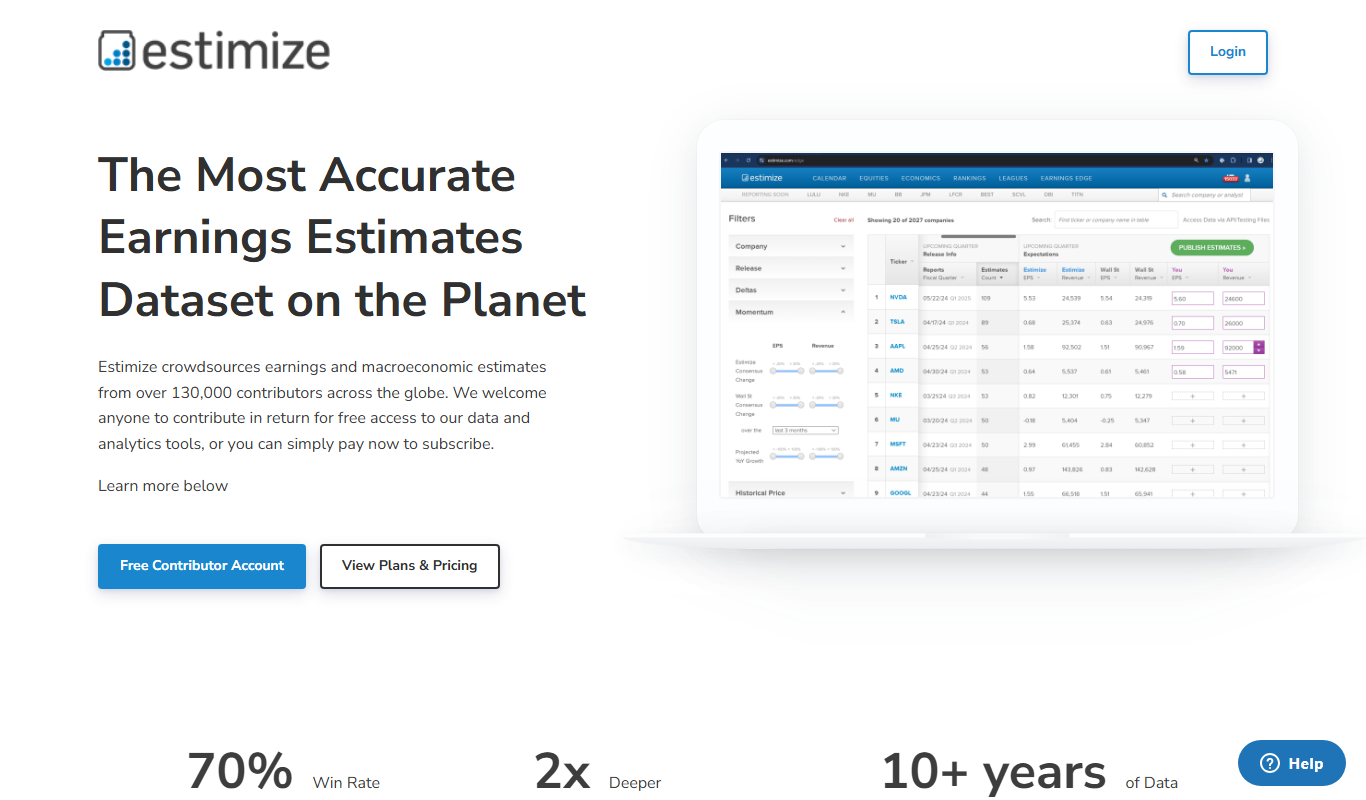
Estimize
Estimize is a financial platform that aggregates crowdsourced earnings estimates from a community of investors and analysts, offering an alternative to traditional Wall Street forecasts.

Geotab
Geotab is a fleet management platform providing GPS tracking, driver safety monitoring, vehicle diagnostics, and analytics to optimize fleet operations.
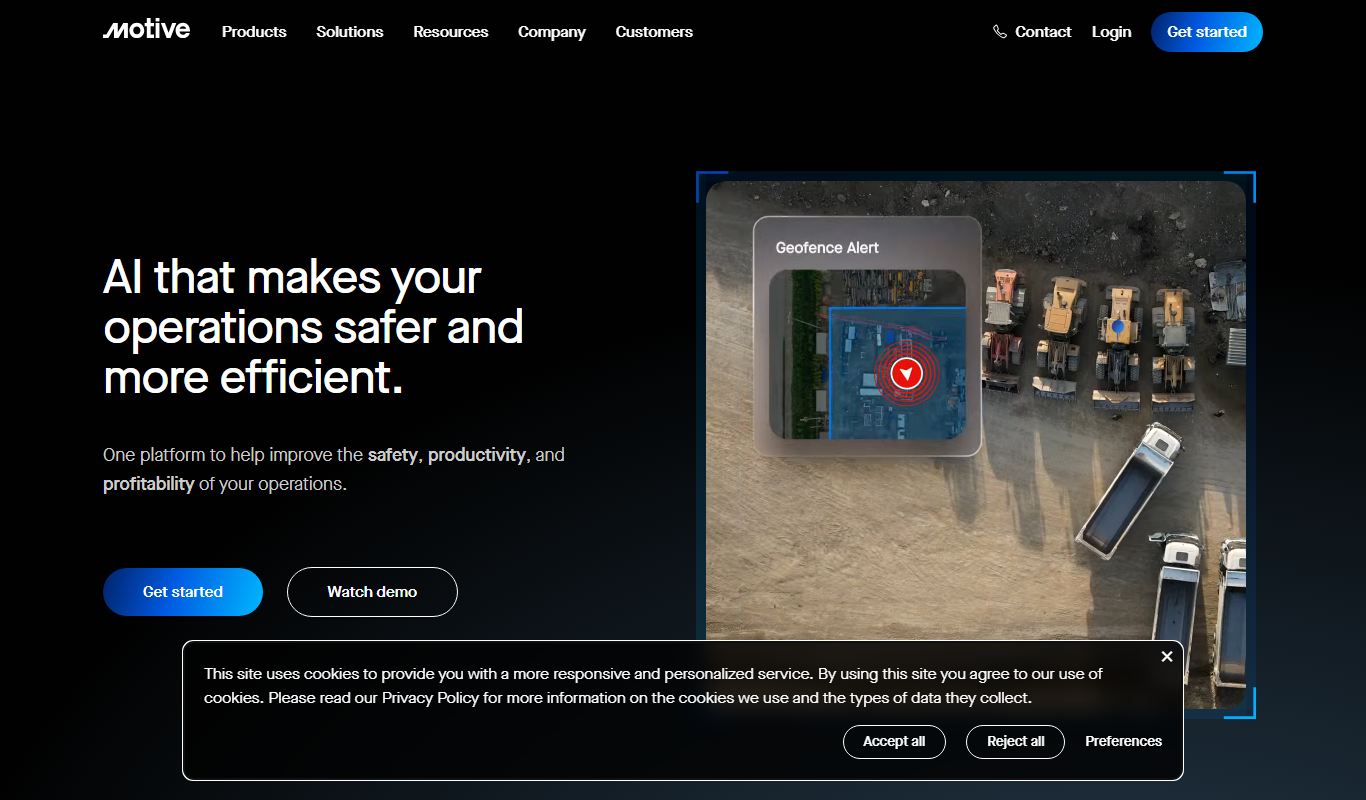
Motive Fleet Management
Motive Fleet Management is a telematics platform offering GPS tracking, driver safety monitoring, ELD compliance, and fleet analytics to optimize commercial vehicle operations.

Teletrac Navman
Teletrac Navman is a fleet management platform providing GPS tracking, driver safety tools, vehicle maintenance scheduling, and analytics to optimize fleet operations.