

Waydev Engineering Analytics Platform for Agile Software Development Teams
Waydev is an engineering analytics platform that analyzes git data to provide software development teams with insights on productivity, code quality, and agile process efficiency.
- Best for
- Engineering Performance Analytics
- Key capability
- Engineering Metrics Dashboard
Save Waydev, follow its updates and vote on it — everything stays in your account.
Sign in or create a free account
What is Waydev?
Waydev is an engineering analytics platform designed to provide software development leaders with actionable insights derived from their teams’ git data. It aggregates and visualizes engineering metrics to help improve productivity, code quality, and agile processes without disrupting developer workflows.
Key features of Waydev
Waydev offers comprehensive dashboards, customizable reports, and real-time analytics that track engineering performance, code review efficiency, sprint progress, and team health metrics. It integrates seamlessly with popular git platforms like GitHub, GitLab, and Bitbucket.
Engineering Metrics Dashboard
Visualize key performance indicators like cycle time, deployment frequency, and code churn.
Pull Request and Code Review Analytics
Track review times, participation, and quality to enhance collaboration and code quality.
Sprint and Velocity Tracking
Monitor sprint progress and velocity trends to improve agile planning accuracy.
Team and Individual Performance Reports
Generate detailed reports to assess productivity and identify coaching opportunities.
Integrations with Git Platforms
Supports GitHub, GitLab, Bitbucket, Azure DevOps, and others for seamless data collection.
Pros and cons of Waydev
Pros
- Provides deep insights into engineering team performance
- Seamless integration with major git platforms
- Helps improve agile processes and developer productivity
Cons
- Primarily focused on engineering managers, less useful for individual developers
Key use cases for Waydev
Engineering Performance Analytics
Analyze software development team performance using data-driven metrics from git repositories.
Agile Process Improvement
Identify bottlenecks and inefficiencies in agile workflows to optimize sprint planning and delivery.
Developer Productivity Tracking
Monitor individual and team productivity trends to support data-informed management decisions.
Code Review and Quality Insights
Gain visibility into code review processes and code quality metrics to enhance software reliability.
Leadership Reporting
Generate executive-level reports and dashboards to communicate engineering progress and risks.
How Waydev works
- 1
Connect Git Repositories
Integrate Waydev with your existing git platforms such as GitHub, GitLab, or Bitbucket to start collecting data.
- 2
Data Aggregation and Analysis
Waydev processes commit history, pull requests, and code reviews to generate meaningful engineering metrics.
- 3
Dashboard and Reporting
Access real-time dashboards and customizable reports to monitor team performance and identify improvement areas.
- 4
Actionable Insights
Use the insights to optimize agile workflows, improve developer productivity, and support leadership decisions.
Who is using Waydev
Waydev pricing
Start Up
$0 forever
Free permanently for up to 25 contributors.
Pro
$29 per contributor/month, billed annually
Paid plan at $29 per contributor per month.
Higher plan
$49 per contributor/month, billed annually
A higher plan at $49 per contributor per month.
Plans and prices are as published by the vendor and can change. Check the official site before you buy. Open the pricing page (opens in a new tab)
Frequently asked questions about Waydev
Waydev supports GitHub, GitLab, Bitbucket, Azure DevOps, and other popular git platforms.
No, Waydev integrates directly with git repositories and does not require local installations.
Yes, it provides metrics and insights that help identify bottlenecks and optimize agile processes.
Waydev offers a permanent free Start Up plan for up to 25 contributors.
It depends on your specific needs and how you plan to use the tool. The official website and documentation are the best sources for the latest details.
It depends on your specific needs and how you plan to use the tool. The official website and documentation are the best sources for the latest details.
Integration support depends on the tool and its available connectors or API. Check the official documentation or integrations page to confirm what is supported.
Some tools offer a free plan or trial with limited features. Availability can vary, so confirm on the official website.
Conclusion
Git data is the raw material: once connected to GitHub, GitLab or Bitbucket, the platform processes commit history, pull requests and code reviews into engineering metrics. Dashboards visualize key performance indicators like cycle time, deployment frequency and code churn. Code review tracking covers review times, participation and quality, while sprint views monitor progress and velocity trends. No local installation is required because it integrates directly with git repositories.
Its focus is engineering managers, agile coaches and CTOs, and the page describes it as less useful for individual developers. The Start Up plan is free permanently for up to 25 contributors, and paid plans cost $29 or a higher $49 per contributor per month, billed annually.
Sources
Sign in to review this tool.
Sign In to ReviewNo reviews yet
Be the first to share how this tool worked for you.
Ask about pricing, limits, or how it compares — or answer someone else.
Sign In to AskNo questions yet
Have a question about using or paying for this tool? Be the first to ask.
Featured on TiorAI



Alternative Tools
Explore similar AI tools that might fit your needs

LinearB
LinearB is a software engineering analytics platform that helps DevOps and agile teams monitor and optimize their software delivery processes through real-time metrics and workflow insights.
More AI Analytics Assistant tools
Other tools in the same category, for when this one is not quite the fit.

Sievo
Sievo is a spend analytics platform that helps organizations analyze procurement data, optimize supplier management, and reduce costs through AI-driven insights and integrations with ERP systems.

Qventus
Qventus is an AI-driven healthcare operations platform that optimizes hospital workflows by analyzing real-time data to improve patient flow, resource allocation, and staff coordination.

Koyfin
Koyfin is a web-based financial analytics platform that provides investors and financial professionals with real-time market data, customizable charts, portfolio tracking, and economic analysis tools.
Estimize
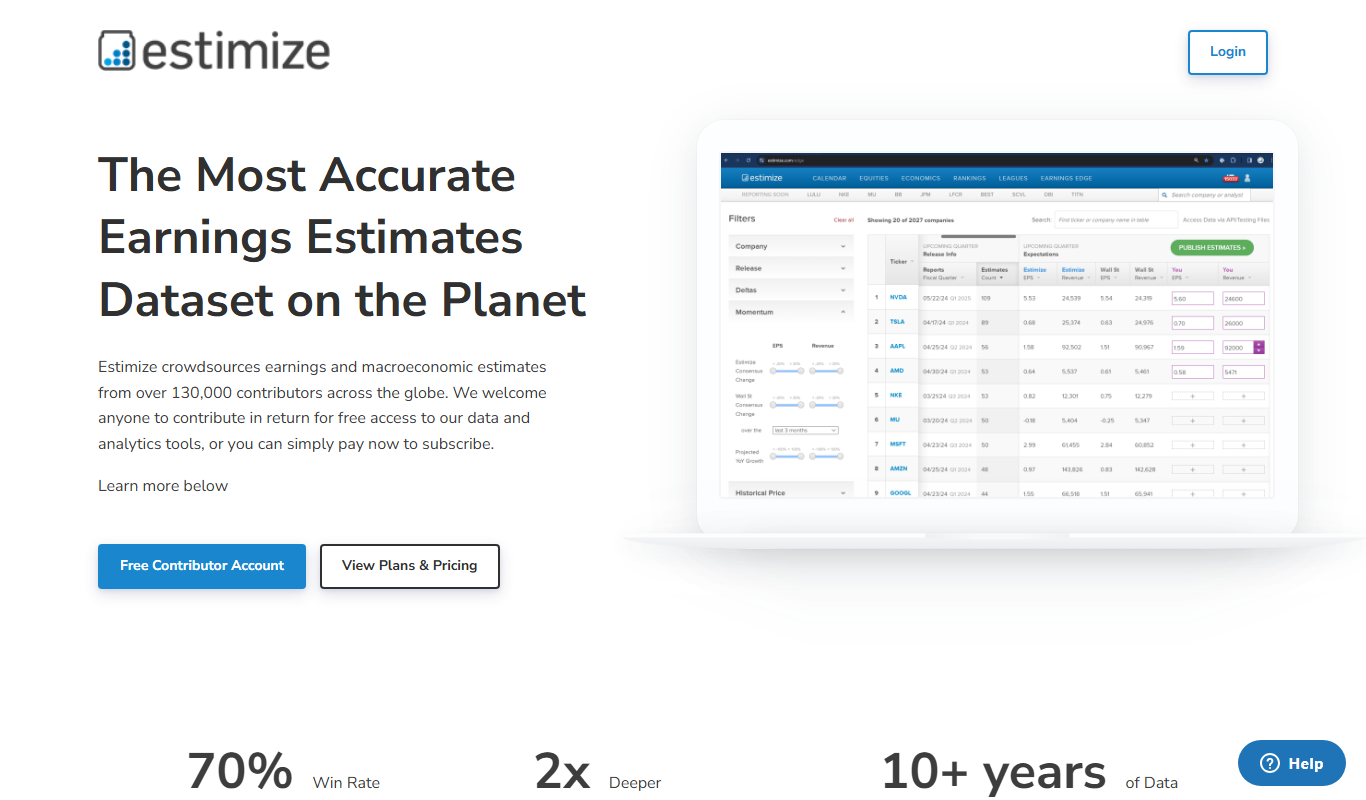
Estimize is a financial platform that aggregates crowdsourced earnings estimates from a community of investors and analysts, offering an alternative to traditional Wall Street forecasts.

Geotab
Geotab is a fleet management platform providing GPS tracking, driver safety monitoring, vehicle diagnostics, and analytics to optimize fleet operations.
Motive Fleet Management
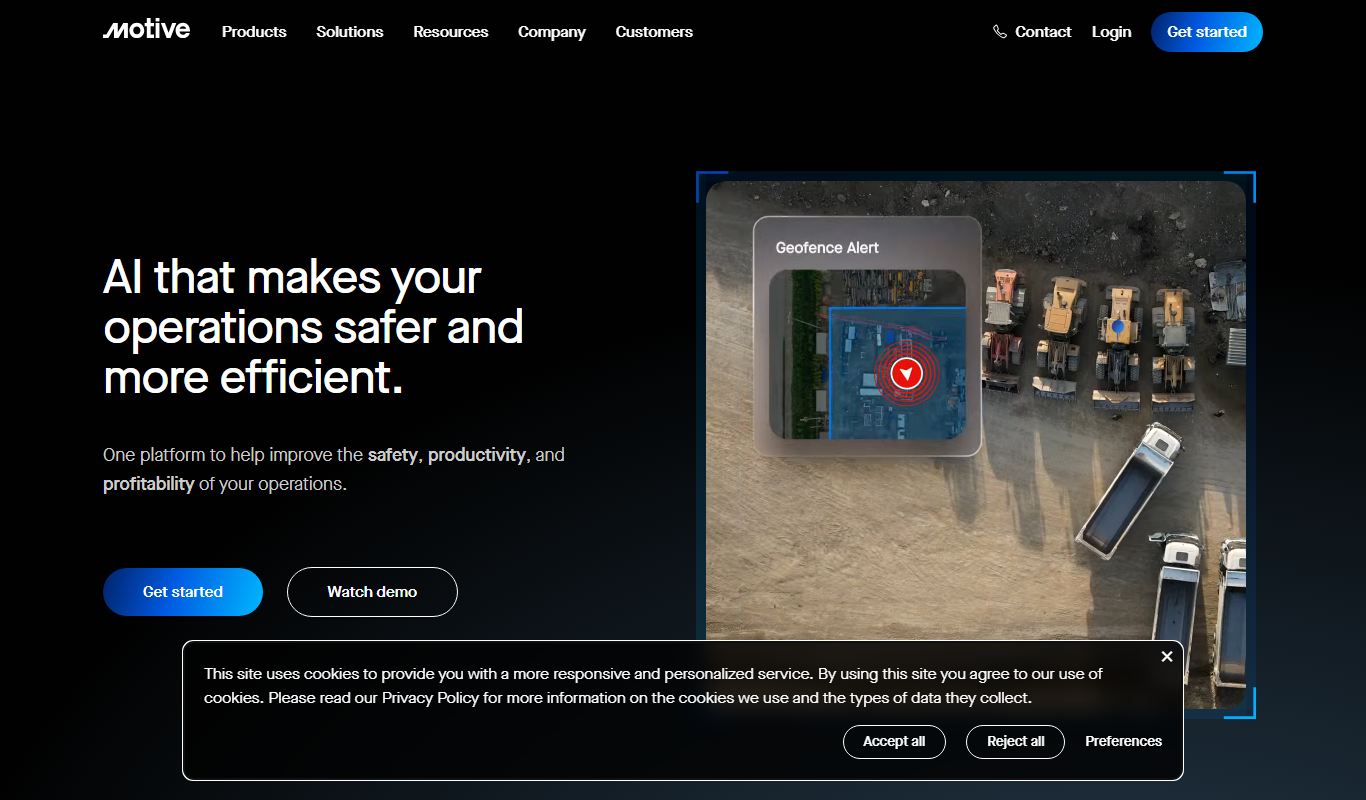
Motive Fleet Management is a telematics platform offering GPS tracking, driver safety monitoring, ELD compliance, and fleet analytics to optimize commercial vehicle operations.

Teletrac Navman
Teletrac Navman is a fleet management platform providing GPS tracking, driver safety tools, vehicle maintenance scheduling, and analytics to optimize fleet operations.

Shift Technology
Shift Technology is an AI platform that helps insurance companies detect fraud and automate claims processing using machine learning models.