

GPTBots.AI Automated AI Chatbot Platform for Business and Customer Support
GPTBots.AI is a no-code platform for enterprise AI agents covering customer support, lead generation, enterprise search and data insights, with knowledge base training and private deployment.
- Best for
- Customer Support Automation
- Key capability
- No-Code Chatbot Builder
Save GPTBots.AI, follow its updates and vote on it — everything stays in your account.
Sign in or create a free account

What is GPTBots.AI?
GPTBots.AI is a platform for building and deploying enterprise AI agents. Businesses use it to implement AI agents across customer service, enterprise search, data insights and lead generation, trained on their own business knowledge.
Key features of GPTBots.AI
Key features include a no-code chatbot builder, integration with websites via widgets, customizable conversation flows, support for knowledge base integration, and analytics to monitor chatbot performance. GPTBots.AI leverages advanced GPT models to generate human-like responses, enhancing user engagement and support efficiency.
No-Code Chatbot Builder
Design conversational flows without programming knowledge using an intuitive interface.
GPT-Powered Responses
Leverage advanced GPT models to generate natural, context-aware replies.
Website Widget Integration
Easily embed chatbots on websites to engage visitors in real time.
Knowledge Base Integration
Connect internal documents or FAQs to provide accurate and consistent answers.
Analytics and Reporting
Track chatbot usage, user satisfaction, and conversation metrics to optimize performance.
Pros and cons of GPTBots.AI
Pros
- Easy to use no-code chatbot builder
- Leverages advanced GPT models for natural conversations
- Quick website integration with widgets
- Supports knowledge base connections
- Provides analytics for performance tracking
Cons
- Limited language support (English only)
- Advanced features require paid plans
- No mobile app currently available
Key use cases for GPTBots.AI
Customer Support Automation
Automate responses to common customer inquiries to reduce workload on human agents.
Lead Generation
Engage website visitors with conversational AI to capture leads and qualify prospects.
Internal Knowledge Base Access
Provide employees with instant answers by integrating company knowledge bases into chatbots.
E-commerce Assistance
Help customers find products, track orders, and answer FAQs through AI chatbots.
Content Interaction
Create interactive experiences by embedding chatbots that explain or summarize content.
How GPTBots.AI works
- 1
Sign Up
Create an account on GPTBots.AI to access the chatbot builder.
- 2
Build Your Chatbot
Use the no-code interface to design conversation flows and customize responses.
- 3
Integrate with Website
Embed the chatbot widget on your website to start interacting with visitors.
- 4
Train and Optimize
Connect knowledge bases or FAQs to improve chatbot accuracy and relevance.
- 5
Monitor Performance
Use analytics dashboards to track user interactions and refine chatbot behavior.
Who is using GPTBots.AI
GPTBots.AI pricing
Free
$0/month
Basic chatbot features with limited monthly interactions.
Pro
$29/month
Expanded interaction limits, advanced customization, and priority support.
Business
Custom pricing
Tailored solutions with dedicated support and enterprise features.
Plans and prices are as published by the vendor and can change. Check the official site before you buy. Open the pricing page (opens in a new tab)
Frequently asked questions about GPTBots.AI
No, GPTBots.AI offers a no-code chatbot builder designed for users without programming experience.
Yes, you can embed chatbots on your website using a simple widget provided by the platform.
GPTBots states that its customer support agents support over 90 languages, and the website itself is offered in eight languages.
Yes, the Free plan allows you to try basic features with limited interactions.
This tool is designed to help users accomplish its core tasks more efficiently. It is typically used by individuals or teams looking to improve productivity and workflow.
It depends on your specific needs and how you plan to use the tool. The official website and documentation are the best sources for the latest details.
Some tools offer a free plan or trial with limited features. Availability can vary, so confirm on the official website.
Integration support depends on the tool and its available connectors or API. Check the official documentation or integrations page to confirm what is supported.
Conclusion
Enterprise AI agents are the focus, deployed across customer service, enterprise search, data insights and lead generation. Agents are assembled in a drag-and-drop builder or started from a template, and company documents feed a knowledge base the agent answers from. A finished agent can sit on a website or connect to WhatsApp, Slack and Discord, with a handoff to human customer service when needed.
For support work, knowledge can come from xlsx, pdf and docx files, websites or Google Drive, and the site states support for over 90 languages. The AI SDR agent captures leads via WhatsApp, Facebook and Telegram and syncs data to CRMs. ChatGPT, DeepSeek and other top AI models can be switched as needed.
Prices are not published: the pricing link returns the home page, which offers to book a demo, join free or start a free pilot. Private deployment is also offered for organisations that want full control of their data.
Sources
Sign in to review this tool.
Sign In to ReviewNo reviews yet
Be the first to share how this tool worked for you.
Ask about pricing, limits, or how it compares — or answer someone else.
Sign In to AskNo questions yet
Have a question about using or paying for this tool? Be the first to ask.
Featured on TiorAI


More AI API Design tools
Other tools in the same category, for when this one is not quite the fit.

HTTPie
HTTPie is an API testing client with an open-source command-line tool and a Web & Desktop app in public beta.

AskYourPdf
AskYourPDF offers an AI chatbot for your website trained on your content, an AI PDF form filler, and chat with any PDF.

EasyFunctionCall
EasyFunctionCall is a SaaS service that converts OpenAPI and Swagger specs into AI model function call parameters, reducing complexity and saving tokens.
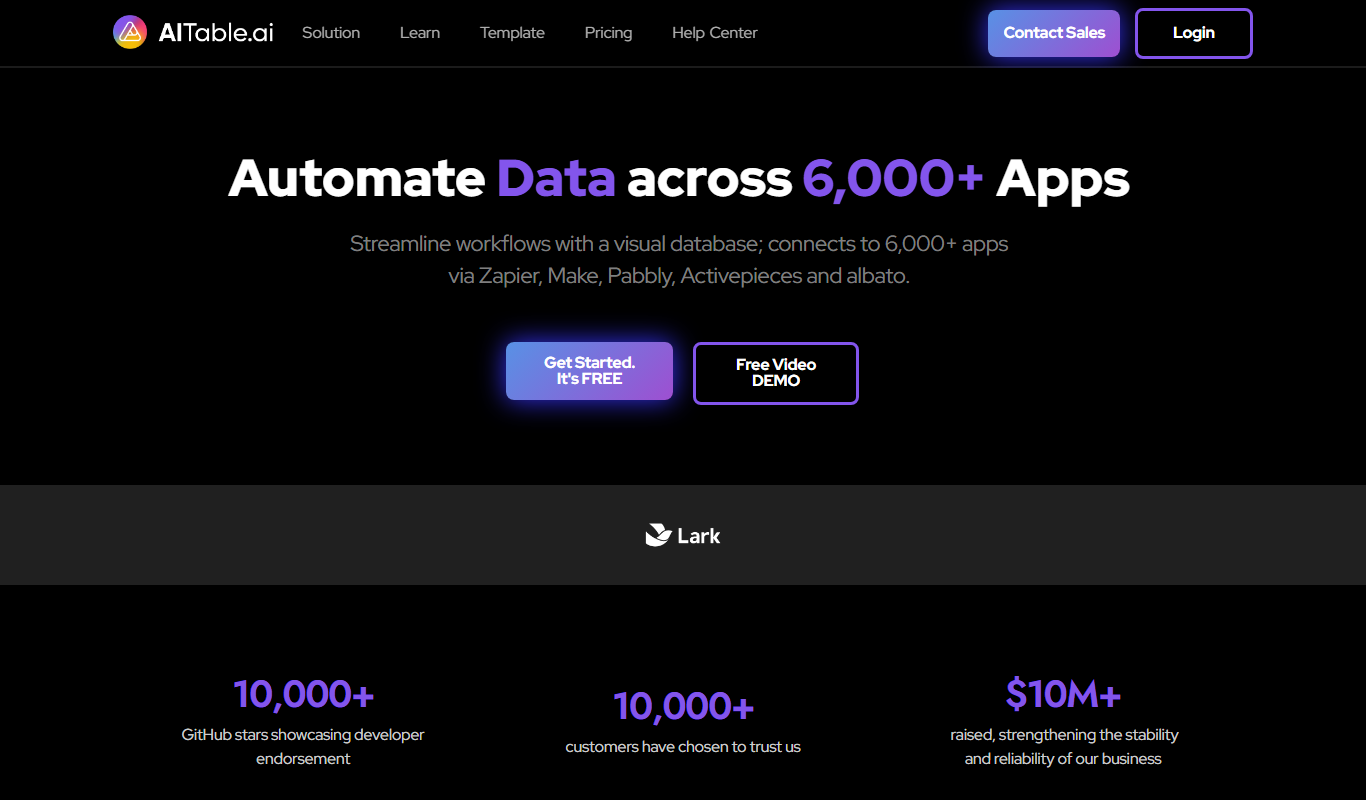
AITable.ai: No-code AI Agents Builder
AITable.ai is a visual database for workflow automation that connects to 6,000+ apps and adds AI agents and chatbot building.

Avaturn ME
Avaturn creates realistic 3D avatars from a selfie, lets users customize and export them as 3D models, and offers an avatar SDK for developers.

Chatwith
Chatwith is an AI chatbot platform that helps businesses automate customer interactions, improve engagement, and generate leads through customizable conversational agents.

Verbatik
Verbatik AI is an all-in-one AI creative platform for text to speech, voice cloning, AI video, music, photo editing and sound effects.

Imagga
Imagga is a cloud-based image recognition platform providing APIs for automated image tagging, visual search, and content moderation, helping businesses organize and analyze images efficiently.