

Tattoos.AI Tattoo Design Generator with AI Art and Custom Ink Ideas
Tattoos.AI is an AI-driven platform that generates custom tattoo designs based on user input, providing unique and personalized tattoo art quickly and easily.
- Best for
- Tattoo Design Inspiration
- Key capability
- AI-Powered Design Generation
Save Tattoos.AI, follow its updates and vote on it — everything stays in your account.
Sign in or create a free account

What is Tattoos.AI?
Tattoos.AI is an AI-powered tattoo design generator that helps users create unique and personalized tattoo ideas. By leveraging artificial intelligence, it produces custom tattoo art based on user input, enabling both enthusiasts and professional tattoo artists to explore creative designs quickly and easily.
Key features of Tattoos.AI
The platform offers AI-generated tattoo designs, customization options, style variations, and easy-to-use web interface for instant tattoo art creation. It serves as a creative assistant for tattoo inspiration and design development.
AI-Powered Design Generation
Creates unique tattoo designs based on user input using advanced AI algorithms.
Style Variety
Supports multiple tattoo styles and artistic variations to suit different tastes.
User-Friendly Interface
Simple web platform that requires no design skills to generate professional-quality tattoo art.
Instant Preview
Provides immediate visual results to help users quickly evaluate design options.
Pros and cons of Tattoos.AI
Pros
- Generates unique tattoo ideas quickly
- Easy to use with no design skills required
- Offers style variety for diverse tastes
- A few trial credits to try the app
Cons
- Limited customization compared to professional design software
- AI-generated designs may require artist refinement before tattooing
Key use cases for Tattoos.AI
Tattoo Design Inspiration
Generate unique tattoo ideas and designs using AI to inspire your next ink.
Custom Tattoo Creation
Create personalized tattoo designs tailored to your preferences and style.
Tattoo Artist Portfolio Enhancement
Tattoo artists can use AI-generated designs to expand their portfolio and offer clients fresh concepts.
Creative Exploration
Explore diverse artistic styles and concepts for tattoos through AI-generated art.
How Tattoos.AI works
- 1
Enter Tattoo Preferences
Users input keywords, themes, or ideas for their desired tattoo design.
- 2
AI Generates Designs
The AI processes the input and creates multiple unique tattoo design options.
- 3
Customize and Refine
Users can select preferred designs and customize details to better fit their vision.
- 4
Download or Share
Finalized tattoo designs can be downloaded or shared with tattoo artists for inking.
Who is using Tattoos.AI
Tattoos.AI pricing
Trial credits
Free
A few trial credits to try the app with different styles and themes; more design credits can be purchased to create more sketches.
Pro
$9.99/month
Unlimited design generations, high-resolution downloads, and priority support.
Plans and prices are as published by the vendor and can change. Check the official site before you buy. Open the pricing page (opens in a new tab)
Frequently asked questions about Tattoos.AI
Usage rights depend on the subscription plan; Pro users typically have broader rights. Check the terms of service for details.
No, the platform is designed for users without any design experience to create professional tattoo art easily.
Yes, you can refine and adjust designs to better match your preferences before downloading.
It depends on your specific needs and how you plan to use the tool. The official website and documentation are the best sources for the latest details.
Some tools offer a free plan or trial with limited features. Availability can vary, so confirm on the official website.
Yes, it can help with that use case depending on how you configure it and what features are available. You’ll get the best results with clear inputs and a defined goal.
Conclusion
Detailed instructions matter here, since the AI analyzes the preferences entered and returns a custom tattoo design within a few seconds. The prompts can then be tweaked after reviewing the first sketch. Styles include minimalist, traditional, dotwork, realism and tribal. A large database of tattoo ideas and placements can also be browsed for inspiration.
Finished designs download as WEBP files that a local tattoo artist can customize further or turn into a stencil. No design or tech background is needed, which may suit tattoo enthusiasts seeking inspiration for a first or next piece. Usage runs on credits: a few trial credits come first, and more design credits can be purchased.
Sources
Sign in to review this tool.
Sign In to ReviewNo reviews yet
Be the first to share how this tool worked for you.
Ask about pricing, limits, or how it compares — or answer someone else.
Sign In to AskNo questions yet
Have a question about using or paying for this tool? Be the first to ask.
Featured on TiorAI


More AI Avatar Generator tools
Other tools in the same category, for when this one is not quite the fit.
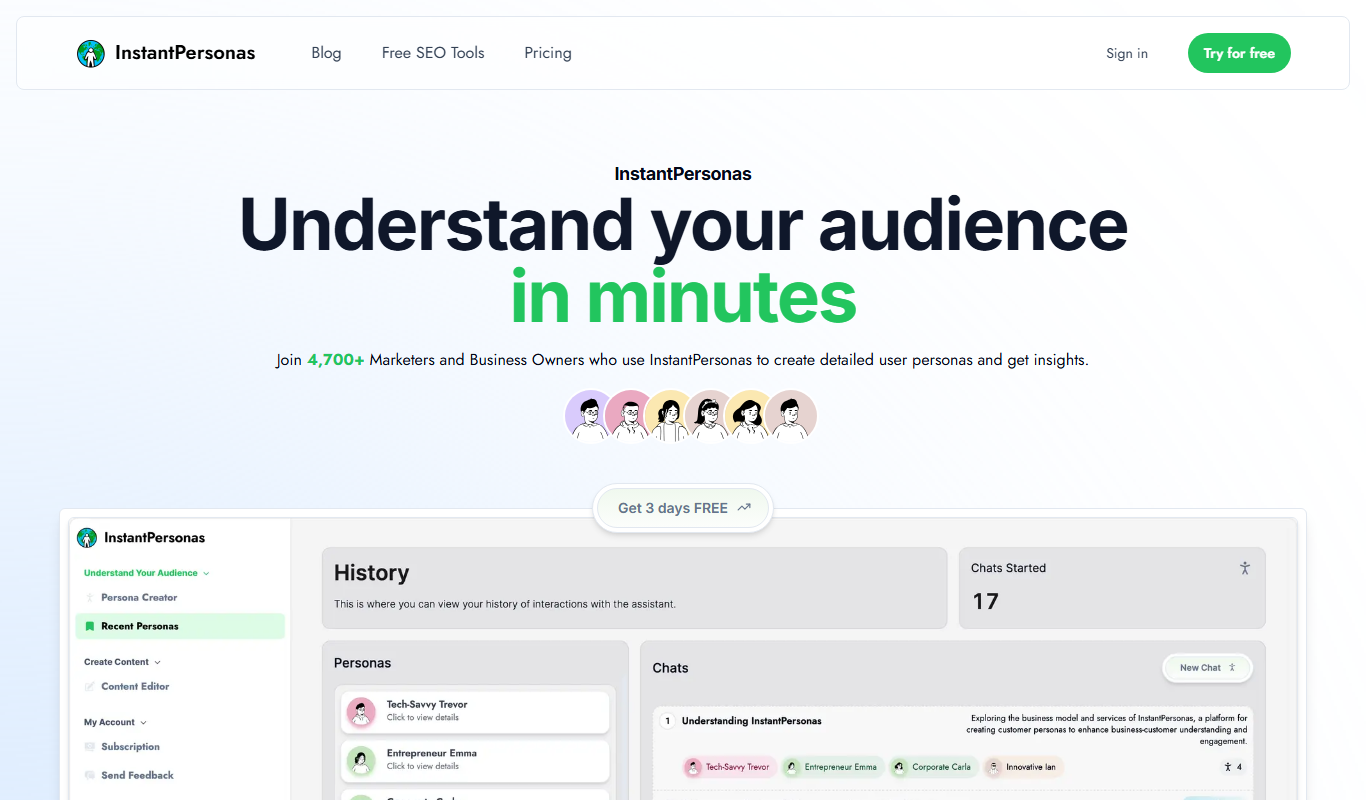
InstantPersonas
InstantPersonas is a web tool that helps marketing and product teams quickly generate detailed user personas using AI assistance and customizable templates.

UI Faces with AI
UI Faces with AI is a web tool that provides designers and developers with AI-generated and curated user avatars, enabling diverse, realistic, and privacy-safe faces for UI mockups, apps, and marketing content.

CharGen
CharGen is an AI toolkit for tabletop RPGs to generate art, build entire worlds on the fly and never lose a session again.

BIGVU
BIGVU is a video creation app that uses a built-in teleprompter to help users record scripted videos with automatic captions and easy editing, ideal for marketers, educators, and content creators.
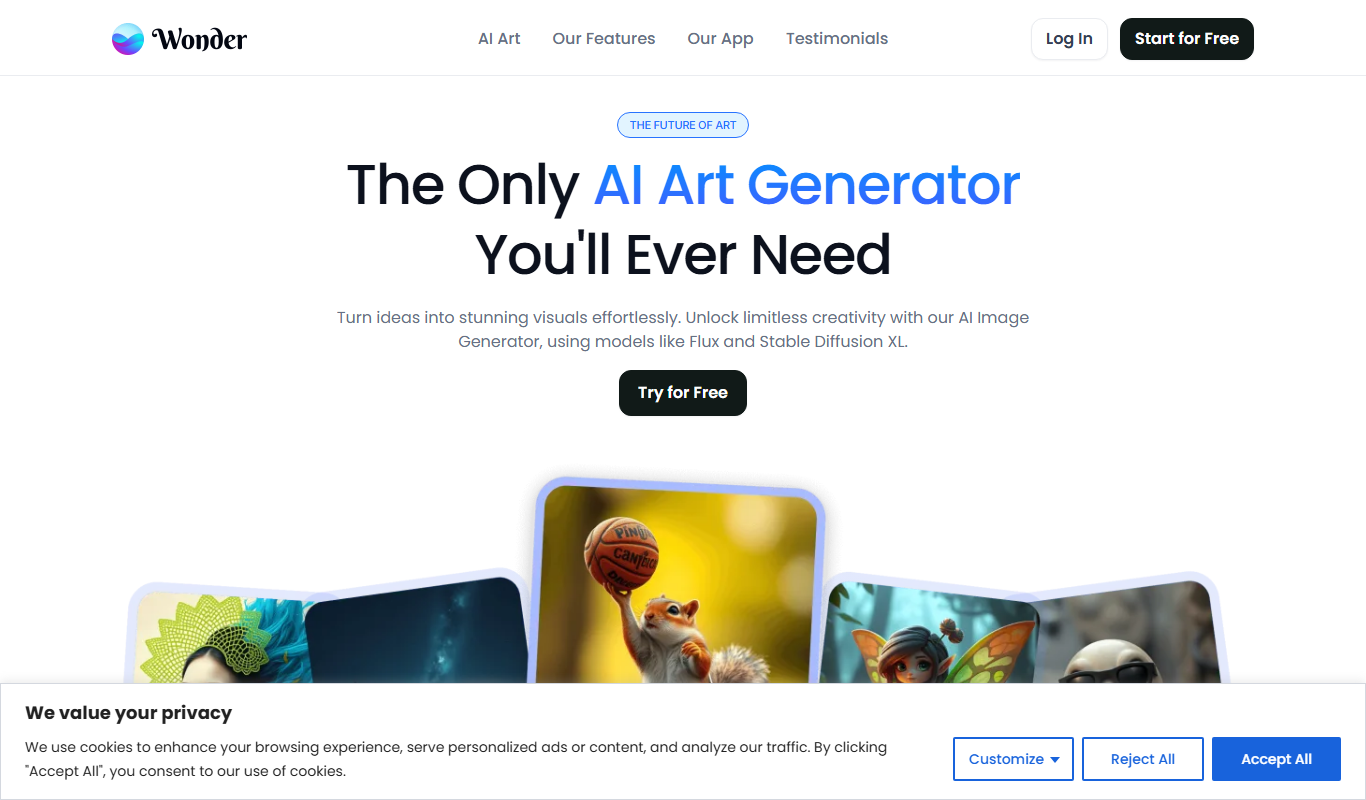
Wonder AI
Wonder AI turns text prompts into AI artwork in 40+ styles, with logo and tattoo tools, on the web and in iOS and Android apps.

TalkingAvatar
TalkingAvatar is an AI tool to rewrite, redub, voice clone and lip-sync videos, available as a Windows download and online.

ArtiverseHub AI Image Generator
ArtiverseHub AI is an all-in-one AI image and video generation platform where users can create images and videos for free.

AI Avatar Generator
AI Avatar Generator is a free online app that uses AI to create a variety of avatars from just one photo.