

AI Avatar Generator - Create Custom AI-Generated Avatars Online
AI Avatar Generator is a free online app that uses AI to create a variety of avatars from just one photo.
- Best for
- Social Media Profile Pictures
- Key capability
- AI-Powered Avatar Creation
Save AI Avatar Generator, follow its updates and vote on it — everything stays in your account.
Sign in or create a free account

What is AI Avatar Generator?
AI Avatar Generator is a free online app that uses AI to turn one uploaded photo into avatars. Users set gender, age range and race, pick a template such as ID Photo, Film Avatar, Realistic Oil Painting or Cyberpunk, and enter an email address to receive the results.
Key features of AI Avatar Generator
The tool creates AI avatars from one uploaded photo after users set gender, age range and race and pick a template. Dozens of styles run from photorealistic to anime, and a photo shoot feature places the avatar in new scenes.
AI-Powered Avatar Creation
Creates AI avatars from one uploaded photo and the chosen gender, age range, race and template.
Multiple Artistic Styles
Offers a variety of styles including cartoon, anime, realistic, and fantasy.
AI Avatar Photo Shoots
Put the avatar in any scene or setting and change backgrounds, clothes, poses and facial expressions.
High-Resolution Downloads
Provides avatars in high quality suitable for social media, gaming, and branding.
Pros and cons of AI Avatar Generator
Pros
- Easy to use with no design experience needed
- Variety of artistic styles available
- Fast avatar generation
- High-quality downloadable images
Cons
- Free plan has limited daily usage and watermarked images
- Customization options are somewhat limited compared to manual design
Key use cases for AI Avatar Generator
Social Media Profile Pictures
Generate unique and personalized avatars for social media profiles to stand out online.
Gaming Avatars
Create custom avatars for gaming platforms or virtual worlds to represent yourself.
Marketing and Branding
Design avatars for brand mascots, marketing campaigns, or digital personas.
Content Creation
Use AI-generated avatars in videos, blogs, or other digital content to enhance engagement.
How AI Avatar Generator works
- 1
Set attributes and upload a photo
Choose gender, age range and race, add an email address to receive the results, pick an avatar template and upload your photo.
- 2
Select Style
Choose from various artistic styles and customization options.
- 3
Generate Avatars
The AI processes the input and creates multiple avatar options.
- 4
Download and Use
Select your favorite avatars and download them for personal or professional use.
Who is using AI Avatar Generator
AI Avatar Generator pricing
Free
Free
Free app online; results are sent to the email address entered.
Premium
$9.99/month
Unlimited avatar generations, high-resolution downloads, and no watermarks.
Plans and prices are as published by the vendor and can change. Check the official site before you buy. Open the pricing page (opens in a new tab)
Frequently asked questions about AI Avatar Generator
Yes, the site states full commercial rights to use the avatars, including on websites, social media and merchandise.
No, the AI handles the design process, making it easy for anyone to create avatars.
Upload a photo. High-res solo photos looking straight at the camera without hair or glasses obstructing the face work best.
It depends on your specific needs and how you plan to use the tool. The official website and documentation are the best sources for the latest details.
Yes, it can help with that use case depending on how you configure it and what features are available. You’ll get the best results with clear inputs and a defined goal.
It depends on your specific needs and how you plan to use the tool. The official website and documentation are the best sources for the latest details.
Conclusion
Avatar attributes come first: gender, an age range and race are picked, with an optional occupation and an email address that receives the results. A template such as ID Photo, Film Avatar, Realistic Oil Painting or Cyberpunk is then applied to an uploaded photo. High-res solo photos looking straight at the camera work well, provided hair or glasses do not obstruct the face.
Dozens of styles run from photorealistic to anime, and a photo shoot feature can put an avatar into new scenes, clothes and poses. Profile pictures for social media and gaming are the main uses shown, and full commercial rights to the avatars are stated. The app is free, works in the browser on desktop and mobile, and has no pricing page or paid plan.
Sources
Sign in to review this tool.
Sign In to ReviewNo reviews yet
Be the first to share how this tool worked for you.
Ask about pricing, limits, or how it compares — or answer someone else.
Sign In to AskNo questions yet
Have a question about using or paying for this tool? Be the first to ask.
Featured on TiorAI


More AI Avatar Creation Tools tools
Other tools in the same category, for when this one is not quite the fit.

TalkingAvatar
TalkingAvatar is an AI tool to rewrite, redub, voice clone and lip-sync videos, available as a Windows download and online.
FigureToCartoon
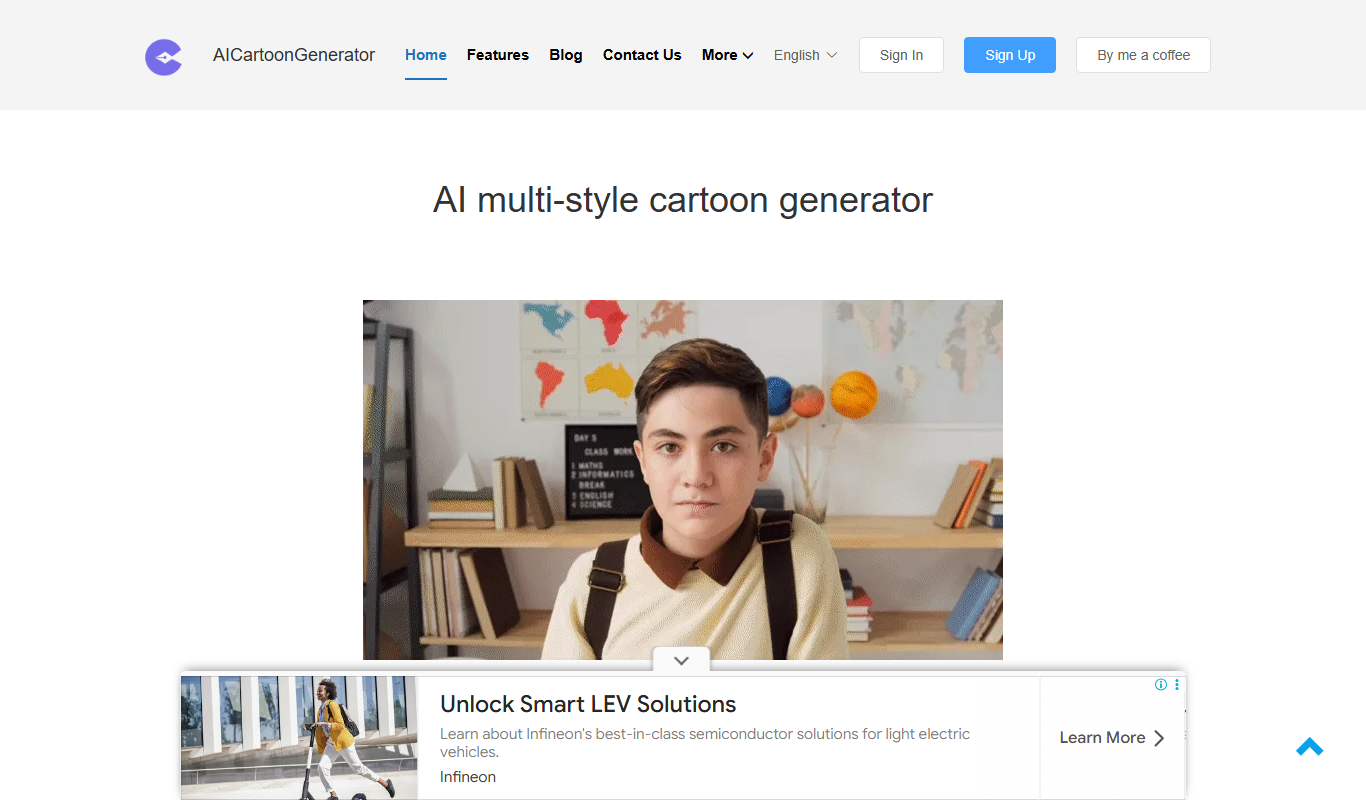
FigureToCartoon is a free online AI cartoon generator that converts photos into cartoon art in many styles, with no signup required.

Toyify Me
Toyify Me is a free web-based AI tool that converts your photos into colorful cartoon avatars quickly and easily.

vverse.ai
vverse.ai is an AI platform that generates personalized avatar videos from text input, featuring natural speech and emotional expressions.
FamousFace
FamousFace is an AI-powered web tool that generates realistic celebrity-like faces for avatars and creative use, offering high-resolution images with commercial rights.