

From my experience with Toyify Me, I found it excels at quickly turning photos into charming cartoon avatars with minimal effort. The straightforward web interface makes it accessible to anyone without technical skills, perfect for casual users wanting fun profile pictures or social media content. However, the tool is limited to a single cartoon style and lacks customization options, which might not satisfy users seeking more control or variety. Overall, if you want an easy, free way to create playful cartoon faces for entertainment or casual use, Toyify Me delivers solid and enjoyable results.
Toyify Me - AI Cartoon Face Generator for Fun and Creative Avatars
Toyify Me is a free web-based AI tool that converts your photos into colorful cartoon avatars quickly and easily.
- Best for
- Create Fun Cartoon Avatars
- Key capability
- AI-Powered Cartoonization


Do you recommend this tool?
What is Toyify Me?
Toyify Me is a web-based AI tool that converts user-uploaded photos into stylized cartoon faces. It uses artificial intelligence to transform real images into playful, toy-like cartoon avatars with exaggerated features and vibrant colors. The tool is designed for entertainment and creative expression, allowing users to quickly generate fun cartoon versions of themselves or others.
Key features of Toyify Me
Toyify Me offers a simple interface to upload photos and instantly receive cartoon-style avatars. It emphasizes ease of use, speed, and visually appealing cartoon transformations without requiring technical skills. The tool is free to use and accessible directly through a web browser.
AI-Powered Cartoonization
Transforms photos into vibrant, toy-like cartoon faces using AI algorithms.
Instant Results
Provides quick cartoon avatar generation with minimal wait time.
User-Friendly Interface
Simple drag-and-drop or upload functionality requiring no technical knowledge.
Free to Use
No cost to generate cartoon avatars, accessible via web browser.
Pros and cons of Toyify Me
Pros
- Easy and intuitive to use with no learning curve
- Fast cartoon avatar generation
- Free access without registration
Cons
- Limited to cartoon-style transformations only
- No advanced customization options
- No mobile app or offline version
Key use cases for Toyify Me
Create Fun Cartoon Avatars
Transform your photos into playful cartoon-style avatars for social media profiles or personal use.
Social Media Content
Generate unique and engaging cartoon images to enhance social media posts and stories.
Entertainment and Leisure
Use the tool for casual fun, creating amusing cartoon versions of yourself or friends.
How Toyify Me works
- 1
Upload Photo
Users upload a clear photo of a face to the Toyify Me web interface.
- 2
AI Processing
The AI model analyzes the photo and applies cartoon-style transformations.
- 3
Download Cartoon Avatar
Users receive the cartoonized image and can download it for personal use.
Who is using Toyify Me
Social media users
Casual content creators
Individuals seeking fun avatar images
Entertainment enthusiasts
Toyify Me pricing
Free
$0
Unlimited access to cartoon avatar generation with no subscription required.
Plans and prices are as published by the vendor and can change. Check the official site before you buy. Open the pricing page (opens in a new tab)
Frequently asked questions about Toyify Me
Yes, Toyify Me is completely free and does not require any payment or subscription.
Clear, front-facing photos with good lighting produce the best cartoon results.
The tool is primarily for personal and entertainment use; check the website for licensing details.
It depends on your specific needs and how you plan to use the tool. The official website and documentation are the best sources for the latest details.
Yes, it can help with that use case depending on how you configure it and what features are available. You’ll get the best results with clear inputs and a defined goal.
Sign in to review this tool.
Sign In to ReviewNo reviews yet
Be the first to share how this tool worked for you.
Ask about pricing, limits, or how it compares — or answer someone else.
Sign In to AskNo questions yet
Have a question about using or paying for this tool? Be the first to ask.
Featured on TiorAI



Alternative Tools
Explore similar AI tools that might fit your needs

Free
Toongineer Cartoonizer
Toongineer Cartoonizer is an AI-based online tool by VanceAI that converts photos into cartoon-style images quickly and easily through a web interface.
More AI Avatar Creation Tools tools
Other tools in the same category, for when this one is not quite the fit.
Freemium
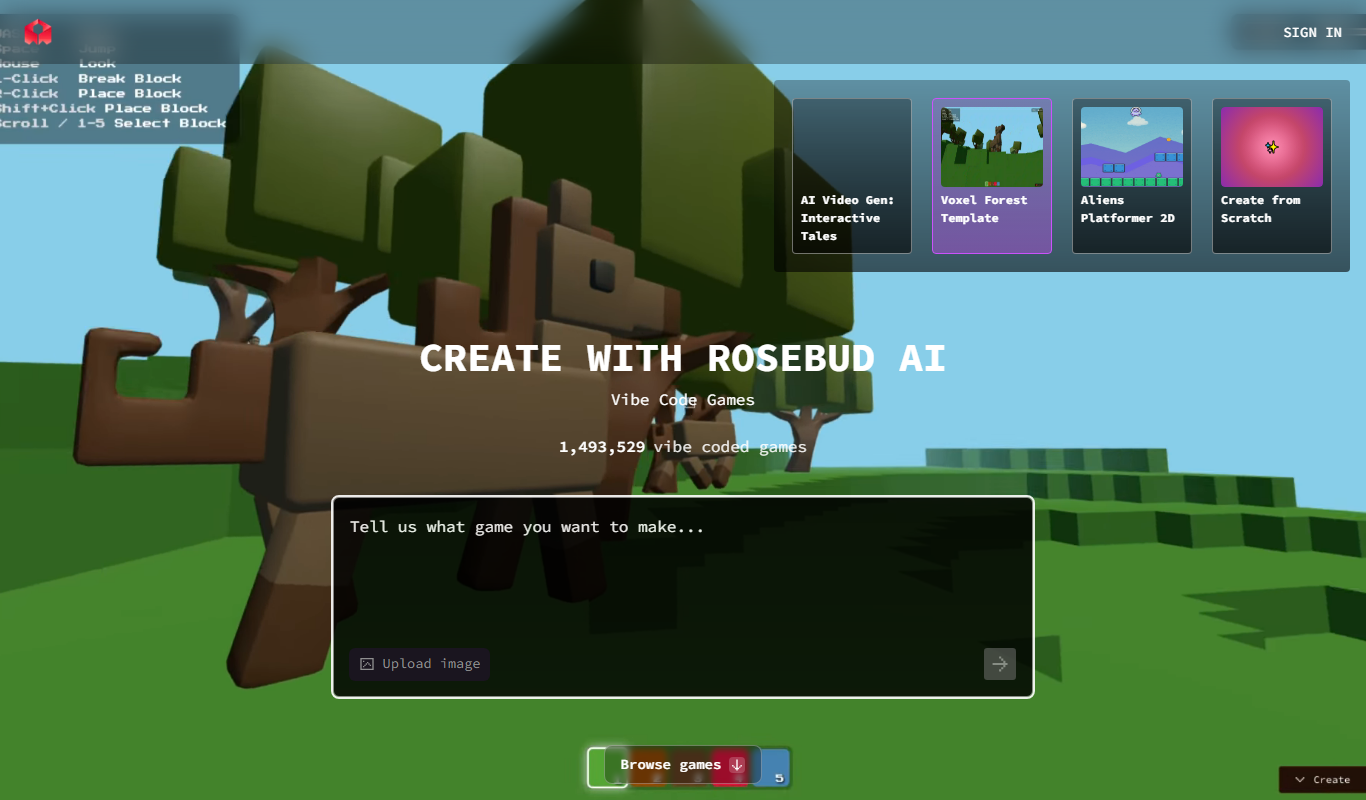
Rosebud
Rosebud AI is a platform that generates customizable, photorealistic synthetic human images and avatars using deep learning, suitable for marketing, gaming, and social media.

Free Trial
vverse.ai
vverse.ai is an AI platform that generates personalized avatar videos from text input, featuring natural speech and emotional expressions.
Paid
FamousFace
FamousFace is an AI-powered web tool that generates realistic celebrity-like faces for avatars and creative use, offering high-resolution images with commercial rights.
Freemium
AI Twin: Your Digital Self
AI Twin is a web platform that lets you create a personalized AI-powered digital avatar that mimics your personality and appearance for virtual interactions.

Free
In3D
In3D is a mobile app that creates realistic 3D avatars by scanning your body with a smartphone camera, enabling use in games, VR, and metaverse platforms.

Freemium
TalkingAvatar
TalkingAvatar is an AI platform that lets you create realistic talking avatar videos by converting text into speech and animating avatars, ideal for marketing and educational content.

Free
AI Avatar Generator
AI Avatar Generator is an online tool that uses artificial intelligence to create personalized digital avatars from photos or text prompts, offering multiple styles and high-resolution downloads.

Freemium
Talking Avatar
Talking Avatar AI is a web platform that creates realistic talking avatars by converting text into synchronized speech and facial animation, ideal for video content and presentations.