

From my experience with vverse.ai, I found it excels at simplifying the creation of personalized avatar videos without requiring technical skills or filming equipment. The platform’s natural lip-sync and emotional expression controls add a layer of realism that enhances viewer engagement. After spending time with the tool, I can say it’s particularly well-suited for marketers, educators, and content creators looking to produce quick, customized video content. However, the limited language support and lack of transparent pricing may be a consideration for some users. Overall, if you need an efficient way to generate AI avatar videos, vverse.ai delivers solid, user-friendly results.
vverse.ai AI Avatar Generator for Personalized Video Creation
vverse.ai is an AI platform that generates personalized avatar videos from text input, featuring natural speech and emotional expressions.
- Best for
- Personalized Video Messages
- Key capability
- AI Avatar Generation
Your actions
Save vverse.ai, follow its updates and vote on it — everything stays in your account.
Sign in or create a free account
What is vverse.ai?
vverse.ai is an AI-powered platform that enables users to create personalized, animated AI avatars that can speak and express emotions in videos. It transforms text input into engaging video content featuring realistic avatars, making video creation accessible without traditional filming.
Key features of vverse.ai
The platform offers AI avatar generation, text-to-speech with natural voice synthesis, lip-syncing, and emotional expression controls to produce lifelike avatar videos quickly and easily.
AI Avatar Generation
Create realistic digital avatars that can be customized for various use cases.
Text-to-Speech with Lip Sync
Convert written text into natural-sounding speech perfectly synchronized with avatar lip movements.
Emotional Expression Controls
Adjust avatar facial expressions to convey emotions enhancing video engagement.
Easy Video Export
Download generated videos in common formats for use across platforms.
Pros and cons of vverse.ai
Pros
- User-friendly interface for quick avatar video creation
- Realistic lip-sync and emotional expression features
- No need for cameras or actors to produce videos
Cons
- Limited language support currently
- Pricing details require contacting sales
Key use cases for vverse.ai
Personalized Video Messages
Create customized video messages using AI avatars to engage audiences on social media or marketing campaigns.
Content Creation for Marketing
Generate avatar-based videos for product promotions, tutorials, or brand storytelling without needing actors or cameras.
Virtual Influencers and Presenters
Develop virtual AI avatars that can act as brand representatives or presenters for online events and channels.
Educational Videos
Produce engaging educational content with AI avatars delivering lessons or explanations in a personalized manner.
How vverse.ai works
- 1
Create or Select an Avatar
Choose from pre-built AI avatars or create a custom avatar to represent your brand or message.
- 2
Input Text Script
Enter the text you want the avatar to speak in the video.
- 3
Customize Voice and Emotions
Select voice style and adjust emotional expressions to match the tone of your message.
- 4
Generate and Download Video
The AI processes the input and creates a video with the avatar speaking your script, ready for download or sharing.
Who is using vverse.ai
Marketing professionals
Content creators
Educators
Social media managers
Brand managers
vverse.ai pricing
Free Trial
$0
Limited access to avatar creation and video generation features.
Subscription
Contact for pricing
Full access to all features with higher usage limits and commercial rights.
Plans and prices are as published by the vendor and can change. Check the official site before you buy. Open the pricing page (opens in a new tab)
Frequently asked questions about vverse.ai
Yes, vverse.ai allows you to create or select from a variety of AI avatars to suit your needs.
Currently, vverse.ai primarily supports English for text-to-speech and avatar speech.
Yes, vverse.ai offers a free trial with limited features to test the platform.
Commercial usage rights are included with subscription plans; check terms for details.
It depends on your specific needs and how you plan to use the tool. The official website and documentation are the best sources for the latest details.
Yes, it can help with that use case depending on how you configure it and what features are available. You’ll get the best results with clear inputs and a defined goal.
Yes, it can help with that use case depending on how you configure it and what features are available. You’ll get the best results with clear inputs and a defined goal.
Sign in to review this tool.
Sign In to ReviewNo reviews yet
Be the first to share how this tool worked for you.
Ask about pricing, limits, or how it compares — or answer someone else.
Sign In to AskNo questions yet
Have a question about using or paying for this tool? Be the first to ask.
Featured on TiorAI



More AI Avatar Creation Tools tools
Other tools in the same category, for when this one is not quite the fit.
Free
FigureToCartoon
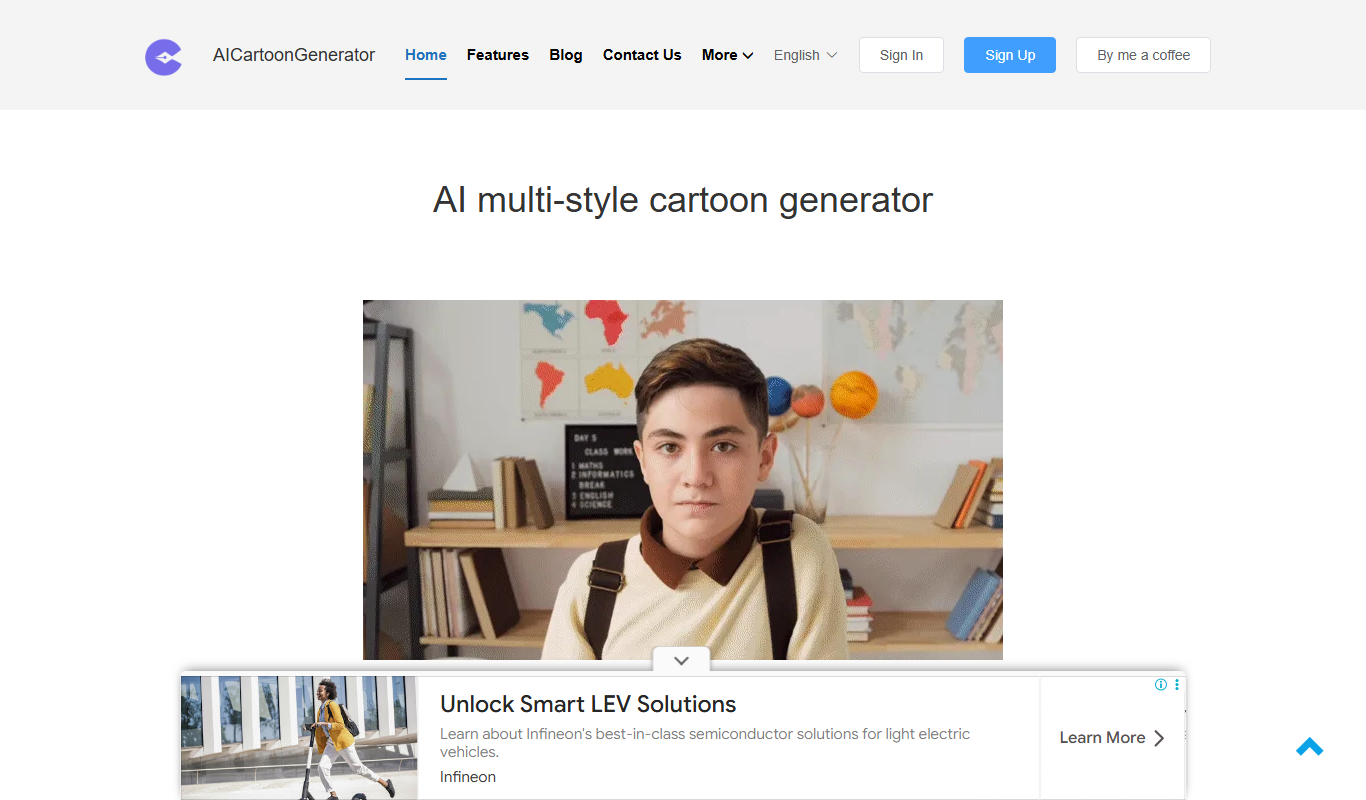
FigureToCartoon is a free online AI cartoon generator that converts photos into cartoon art in many styles, with no signup required.

Free
Toyify Me
Toyify Me is a free web-based AI tool that converts your photos into colorful cartoon avatars quickly and easily.
Paid
FamousFace
FamousFace is an AI-powered web tool that generates realistic celebrity-like faces for avatars and creative use, offering high-resolution images with commercial rights.

Freemium
TalkingAvatar
TalkingAvatar is an AI platform that lets you create realistic talking avatar videos by converting text into speech and animating avatars, ideal for marketing and educational content.

Free
AI Avatar Generator
AI Avatar Generator is an online tool that uses artificial intelligence to create personalized digital avatars from photos or text prompts, offering multiple styles and high-resolution downloads.