

From my experience with ArtiverseHub AI Image Generator, I found it excels at making AI-powered digital art accessible to users without design expertise. The platform’s straightforward interface and variety of artistic styles make it a practical choice for content creators and marketers looking to quickly generate unique visuals. However, the free plan’s watermark and English-only support may limit some users. Overall, if you need a reliable, web-based AI image generator for creative projects, ArtiverseHub offers a solid balance of quality and usability.
ArtiverseHub AI Image Generator for Creative Digital Art and Design
ArtiverseHub AI Image Generator is a web-based tool that transforms text prompts into high-quality digital images using AI, ideal for artists and content creators.
- Best for
- Digital Art Creation
- Key capability
- Text-to-Image Generation
Your actions
Save ArtiverseHub AI Image Generator, follow its updates and vote on it — everything stays in your account.
Sign in or create a free account
What is ArtiverseHub AI Image Generator?
ArtiverseHub AI Image Generator is a web-based platform that leverages advanced artificial intelligence to create unique, high-quality digital images from text prompts. It empowers artists, designers, and content creators to produce creative visuals without requiring extensive graphic design skills.
Key features of ArtiverseHub AI Image Generator
The tool offers intuitive text-to-image generation, style customization, high-resolution downloads, and a user-friendly interface designed to streamline the creative process for both professionals and hobbyists.
Text-to-Image Generation
Convert descriptive text prompts into detailed digital images using AI.
Multiple Artistic Styles
Apply different art styles such as realism, abstract, or fantasy to customize image appearance.
High-Resolution Output
Download images in high resolution suitable for printing and professional use.
User-Friendly Interface
Simple and intuitive design that makes AI image generation accessible to all skill levels.
Pros and cons of ArtiverseHub AI Image Generator
Pros
- Easy to use with no design experience required
- Wide variety of artistic styles available
- High-quality, high-resolution image outputs
- Affordable subscription plan with generous features
Cons
- Free plan includes watermarked images
- Limited language support (English only)
- Web-only platform with no mobile app
Key use cases for ArtiverseHub AI Image Generator
Digital Art Creation
Generate unique digital artworks using AI-powered image synthesis for personal or commercial projects.
Graphic Design Assistance
Create custom visuals and design elements quickly to enhance marketing materials and presentations.
Creative Brainstorming
Use AI-generated images as inspiration or starting points for creative projects and concept development.
Content Enhancement
Improve blog posts, social media, and websites with original AI-generated images tailored to your content.
How ArtiverseHub AI Image Generator works
- 1
Enter Text Prompt
Users input descriptive text that guides the AI in generating an image.
- 2
Select Style and Settings
Choose from various artistic styles and adjust parameters to customize the output.
- 3
Generate Image
The AI processes the input and creates a unique image based on the prompt and settings.
- 4
Download or Edit
Users can download the generated image or refine it further using available editing tools.
Who is using ArtiverseHub AI Image Generator
Graphic designers
Digital artists
Content creators
Marketing professionals
Small business owners
ArtiverseHub AI Image Generator pricing
Free
$0/month
Limited daily image generations with standard resolution and watermark.
Pro
$19/month
Unlimited image generations, high-resolution downloads, and priority support.
Plans and prices are as published by the vendor and can change. Check the official site before you buy. Open the pricing page (opens in a new tab)
Frequently asked questions about ArtiverseHub AI Image Generator
Yes, Pro plan users have commercial usage rights for the images they generate.
Free users have daily limits, while Pro subscribers enjoy unlimited image generation.
Images can be downloaded in PNG and JPEG formats.
It depends on your specific needs and how you plan to use the tool. The official website and documentation are the best sources for the latest details.
Yes, it can help with that use case depending on how you configure it and what features are available. You’ll get the best results with clear inputs and a defined goal.
It depends on your specific needs and how you plan to use the tool. The official website and documentation are the best sources for the latest details.
Sign in to review this tool.
Sign In to ReviewNo reviews yet
Be the first to share how this tool worked for you.
Ask about pricing, limits, or how it compares — or answer someone else.
Sign In to AskNo questions yet
Have a question about using or paying for this tool? Be the first to ask.
Featured on TiorAI



More AI Avatar Generator tools
Other tools in the same category, for when this one is not quite the fit.
Freemium
trulience.com
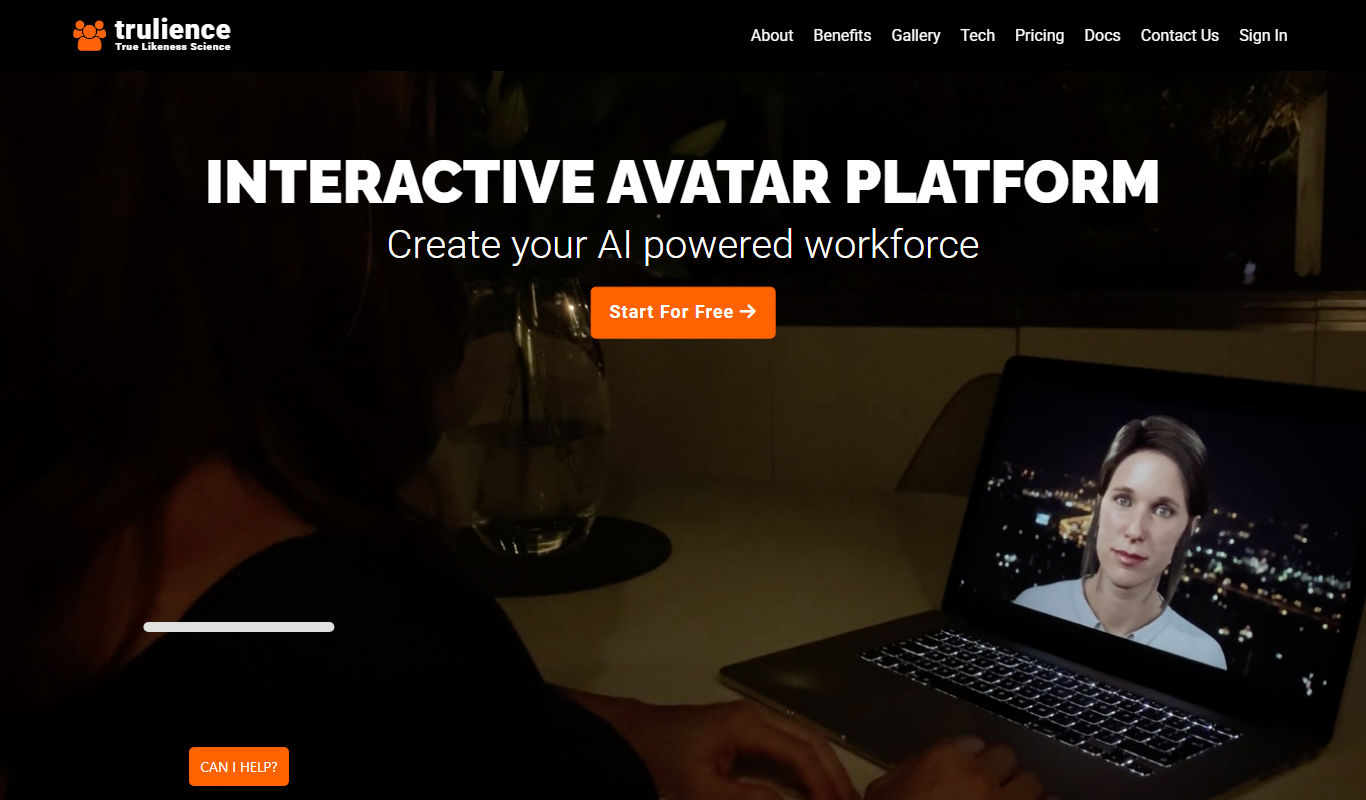
Trulience is an interactive avatar platform that gives any LLM a lifelike, multilingual face, so you can build and embed scalable AI avatars in minutes.

Freemium
MukuAI
MukuAI turns product URLs, scripts, ideas or PPT files into UGC video ads with AI avatars, subtitles and music.
Free Trial
Luppet
Luppet (LuppetX) is a tracking system for 3D Virtual YouTubers that only requires a web camera and LeapMotion.
Freemium
Emoji Maker
Emoji Maker is an AI emoji generator: type an idea or upload a photo, pick from 48 art styles, and get a transparent PNG emoji.
Free
Viveport
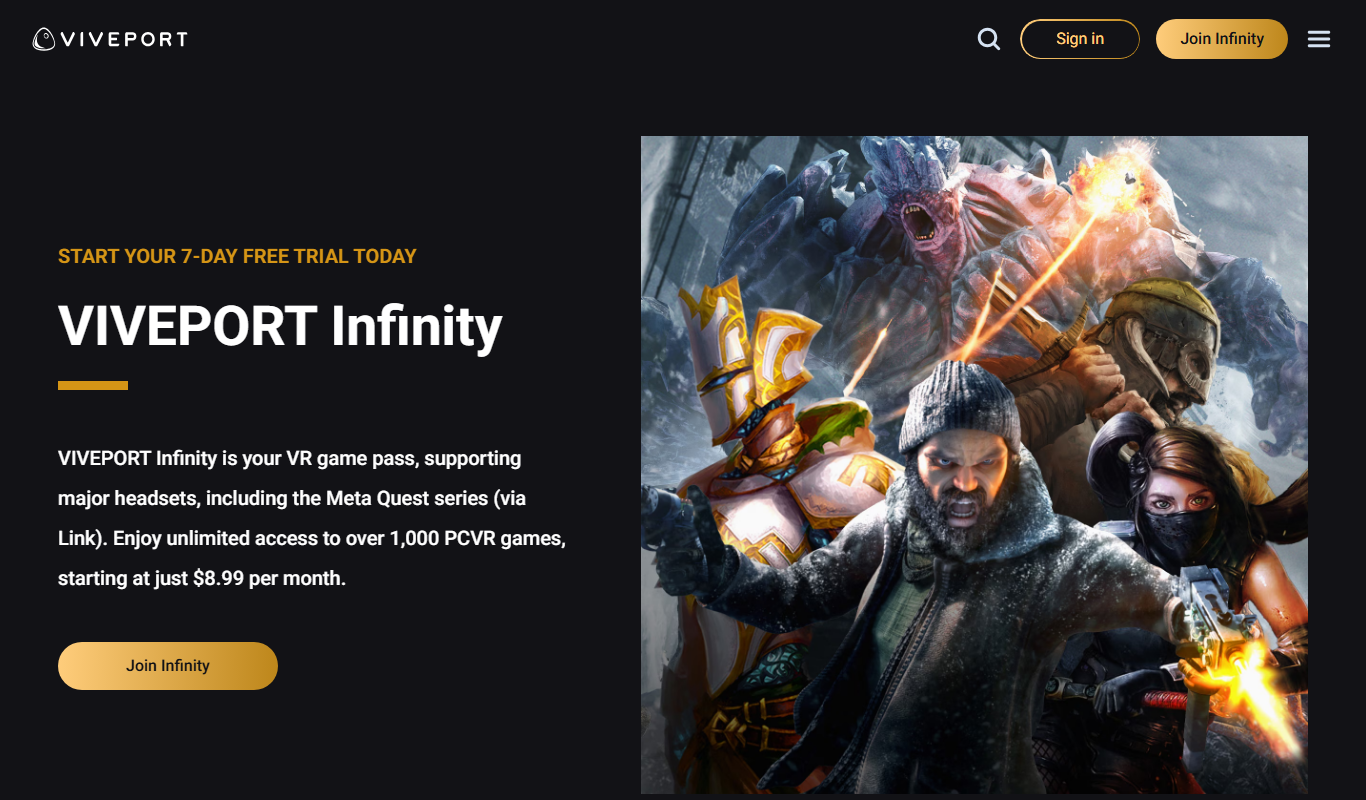
Viveport is HTC's virtual reality content platform providing access to VR games and experiences, including a subscription service called Viveport Infinity for unlimited VR content.

Free
Second Life
Second Life is a 3D virtual world platform where users create avatars, socialize, build environments, and participate in a virtual economy.

Custom Pricing
Looking Glass Factory
Looking Glass Factory offers advanced glasses-free 3D holographic displays that enable users to view and interact with volumetric 3D content without headsets, suitable for design, education, and entertainment.

Freemium
DeepAR SDK
DeepAR SDK is a cross-platform augmented reality development kit that enables real-time face tracking, AI avatar creation, and 3D AR effects for mobile apps, games, and live streaming.