

From my experience with Emoji Maker, I found it excels at providing a simple and accessible way to create personalized emojis without any graphic design skills. The intuitive drag-and-drop interface makes it easy to experiment with different facial features and accessories, which is great for social media users and content creators looking to add unique flair to their messages. However, the tool is limited to web use and lacks advanced editing features, so it might not satisfy professional designers. Overall, if you want quick, free, and fun custom emojis for personal use, Emoji Maker delivers solid results.
Create Custom Emojis Online with Emoji Maker Tool for Social Media
Emoji Maker is a free web-based tool that lets users create custom emojis by combining various facial features and accessories, ideal for personalizing digital communication and social media content.
- Best for
- Custom Emoji Creation
- Key capability
- Wide Range of Customizable Elements
Your actions
Save Emoji Maker, follow its updates and vote on it — everything stays in your account.
Sign in or create a free accountWhat is Emoji Maker?
Emoji Maker is a free online tool that allows users to create custom emojis by selecting and combining different facial features, expressions, and accessories. It provides an intuitive interface for designing unique emojis without any graphic design skills, making it accessible for casual users and social media enthusiasts.
Key features of Emoji Maker
The tool offers a drag-and-drop style emoji builder with a wide variety of customizable elements including eyes, mouths, hairstyles, and accessories. Users can preview their creations in real-time and download the final emoji images for use across digital platforms.
Wide Range of Customizable Elements
Includes eyes, mouths, hairstyles, hats, glasses, and more to create diverse emoji expressions.
User-Friendly Interface
Simple drag-and-drop controls make emoji creation easy for users of all skill levels.
Real-Time Preview
Instantly see changes as you customize your emoji to ensure it matches your vision.
Free to Use
No cost or signup required to create and download emojis.
Pros and cons of Emoji Maker
Pros
- Easy and intuitive emoji customization
- No registration or payment required
- Wide variety of design elements
- Instant preview of emoji designs
Cons
- Limited to web platform only
- No advanced graphic editing features
- No direct integration with messaging apps
Key use cases for Emoji Maker
Custom Emoji Creation
Design personalized emojis by combining various facial features, expressions, and accessories to use in chats and social media.
Social Media Content Enhancement
Enhance social media posts and messages with unique emojis that reflect personal style or brand identity.
Digital Communication Personalization
Add a fun and expressive touch to digital conversations by creating emojis tailored to specific moods or themes.
Graphic Design and Branding
Use custom emojis as part of branding materials or digital marketing campaigns to engage audiences.
How Emoji Maker works
- 1
Access the Website
Open the Emoji Maker website on any web browser without the need for registration.
- 2
Select Emoji Base
Choose a base emoji shape or face to start customizing.
- 3
Customize Features
Add and adjust facial features, expressions, and accessories using the available options.
- 4
Preview and Download
Review the emoji design and download the image file for personal or social media use.
Who is using Emoji Maker
Social media users
Content creators
Digital marketers
Graphic design beginners
Messaging app enthusiasts
Emoji Maker pricing
Free
$0
Full access to emoji creation features with free downloads.
Plans and prices are as published by the vendor and can change. Check the official site before you buy. Open the pricing page (opens in a new tab)
Frequently asked questions about Emoji Maker
No, Emoji Maker is free to use without any registration or account creation.
Emojis created are for personal use; for commercial use, check the website’s terms of service.
Emojis can be downloaded as PNG image files with transparent backgrounds.
Currently, Emoji Maker is only available as a web-based tool.
It depends on your specific needs and how you plan to use the tool. The official website and documentation are the best sources for the latest details.
Some tools offer a free plan or trial with limited features. Availability can vary, so confirm on the official website.
Yes, it can help with that use case depending on how you configure it and what features are available. You’ll get the best results with clear inputs and a defined goal.
It depends on your specific needs and how you plan to use the tool. The official website and documentation are the best sources for the latest details.
Sign in to review this tool.
Sign In to ReviewNo reviews yet
Be the first to share how this tool worked for you.
Ask about pricing, limits, or how it compares — or answer someone else.
Sign In to AskNo questions yet
Have a question about using or paying for this tool? Be the first to ask.
Featured on TiorAI



Alternative Tools
Explore similar AI tools that might fit your needs
Free
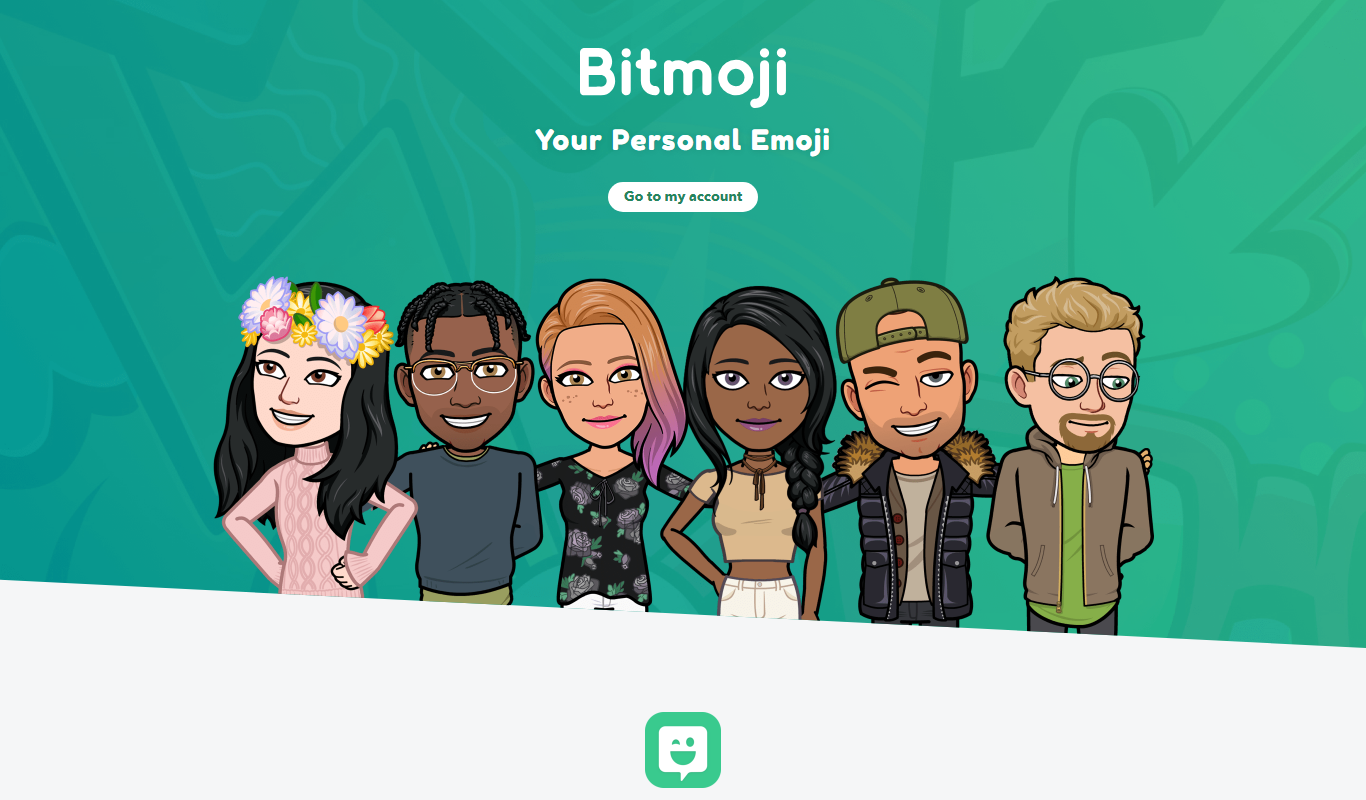
Bitmoji
Bitmoji is a free app by Snap Inc. that lets users create personalized cartoon avatars and emojis for use in messaging and social media.
More AI Avatar Generator tools
Other tools in the same category, for when this one is not quite the fit.

Freemium
Portrait AI
Portrait AI is a web-based AI avatar generator that creates realistic and artistic digital portraits from user photos using advanced AI technology.

Contact for pricing
ArcFace
ArcFace is an AI-powered facial recognition software developed by ArcSoft that provides high-accuracy face detection and verification with anti-spoofing features, suitable for identity verification and security applications.

Free
Open Peeps
Open Peeps is a free, open source library of modular hand-drawn character illustrations that designers and developers can customize and use in digital projects.
Free
Snapchat
Snapchat is a multimedia messaging app by Snap Inc. that lets users send disappearing messages, share stories, and use augmented reality lenses for creative photos and videos.

Contact for pricing
8i
8i is a platform that creates photorealistic 3D holograms and avatars using volumetric video technology for VR and AR experiences.

Free
Decentraland
Decentraland is a blockchain-based virtual reality platform that allows users to own virtual land as NFTs, create 3D environments, and interact socially in a decentralized metaverse.

Custom Pricing
Zugara
Zugara is an AR company offering a Virtual Dressing Room for events and stores.

Custom Pricing
FittingBox
FittingBox is an augmented reality platform that enables virtual try-on of eyewear using 3D modeling and face detection technology, enhancing online and in-store shopping experiences.