

From my experience with FittingBox, it stands out for delivering a highly realistic and user-friendly virtual try-on experience tailored specifically for eyewear retailers. The platform’s ability to integrate seamlessly into both online stores and physical retail environments makes it a versatile solution for enhancing customer engagement. However, the pricing model is not publicly available, which may require potential users to invest time in direct consultations. Overall, if you are in the optical retail space looking to reduce returns and boost sales through AR technology, FittingBox offers a robust and proven solution.
Virtual Try-On and Augmented Reality Solutions for Eyewear Retailers
FittingBox is an augmented reality platform that enables virtual try-on of eyewear using 3D modeling and face detection technology, enhancing online and in-store shopping experiences.
- Best for
- Eyewear Virtual Try-On
- Key capability
- 3D Virtual Try-On
Your actions
Save FittingBox, follow its updates and vote on it — everything stays in your account.
Sign in or create a free account
What is FittingBox?
FittingBox is a leading augmented reality platform specialized in virtual try-on solutions for the eyewear industry. It leverages advanced 3D modeling and AR technology to enable customers to virtually try glasses and sunglasses through web and mobile interfaces. This technology enhances both online and in-store shopping experiences by providing realistic, interactive previews of eyewear products.
Key features of FittingBox
FittingBox offers real-time 3D virtual try-on, face shape analysis, customizable frame options, multi-device compatibility, and seamless integration with e-commerce platforms. Its AR-powered solutions improve customer engagement and reduce product returns by helping buyers make informed decisions.
3D Virtual Try-On
High-fidelity 3D rendering of eyewear on user’s face with real-time adjustments.
Face Shape Analysis
AI-driven analysis to recommend frames that best fit the user’s facial features.
Multi-Platform Support
Works across web browsers, mobile devices, and integrates with retail kiosks.
Customizable Frame Options
Allows users to change colors and styles dynamically during try-on.
Analytics Dashboard
Provides retailers with insights on user preferences and engagement.
Pros and cons of FittingBox
Pros
- Highly realistic 3D virtual try-on experience
- Improves customer confidence and reduces returns
- Supports multi-device and multi-platform deployment
- Customizable to fit brand identity and product range
- Provides valuable analytics for retailers
Cons
- Pricing is not transparent and requires direct contact
- Primarily focused on eyewear, limiting broader applications
- Integration may require technical resources
Key use cases for FittingBox
Eyewear Virtual Try-On
Allows customers to virtually try on glasses and sunglasses using augmented reality technology, improving online shopping experience.
Retail Store Digital Experience
Enhances in-store customer engagement by integrating 3D virtual try-on mirrors and kiosks.
E-commerce Integration
Seamlessly integrates with online eyewear stores to provide real-time fitting previews and personalized recommendations.
Marketing and Advertising
Creates interactive AR campaigns for eyewear brands to boost customer interaction and brand awareness.
Product Visualization
Enables detailed 3D visualization of eyewear products with customizable options for frame colors and styles.
How FittingBox works
- 1
Integration
Retailers integrate FittingBox’s SDK or API into their website or mobile app.
- 2
User Access
Customers access the virtual try-on feature via webcam or smartphone camera.
- 3
Face Detection
The system detects facial features and dimensions to accurately map eyewear.
- 4
Try-On Experience
Users see realistic 3D models of eyewear on their face in real time.
- 5
Purchase Decision
Customers can compare styles and make purchases with confidence.
Who is using FittingBox
Eyewear retailers and brands
Optical stores and chains
E-commerce eyewear platforms
Marketing agencies specializing in AR
Retail technology integrators
FittingBox pricing
Custom Pricing
Contact for quote
Pricing tailored based on retailer size, integration scope, and features.
Plans and prices are as published by the vendor and can change. Check the official site before you buy. Open the pricing page (opens in a new tab)
Frequently asked questions about FittingBox
Yes, FittingBox supports a wide range of eyewear brands and can model custom frames.
Yes, it offers SDKs and APIs designed for seamless integration with popular e-commerce systems.
No special hardware is required; it can run on standard tablets, kiosks, or smart mirrors.
The platform supports multiple languages including English, French, Spanish, German, and Italian.
It depends on your specific needs and how you plan to use the tool. The official website and documentation are the best sources for the latest details.
Integration support depends on the tool and its available connectors or API. Check the official documentation or integrations page to confirm what is supported.
Yes, it can help with that use case depending on how you configure it and what features are available. You’ll get the best results with clear inputs and a defined goal.
Sign in to review this tool.
Sign In to ReviewNo reviews yet
Be the first to share how this tool worked for you.
Ask about pricing, limits, or how it compares — or answer someone else.
Sign In to AskNo questions yet
Have a question about using or paying for this tool? Be the first to ask.
Featured on TiorAI



More AI Avatar Generator tools
Other tools in the same category, for when this one is not quite the fit.
Free
3Dthis
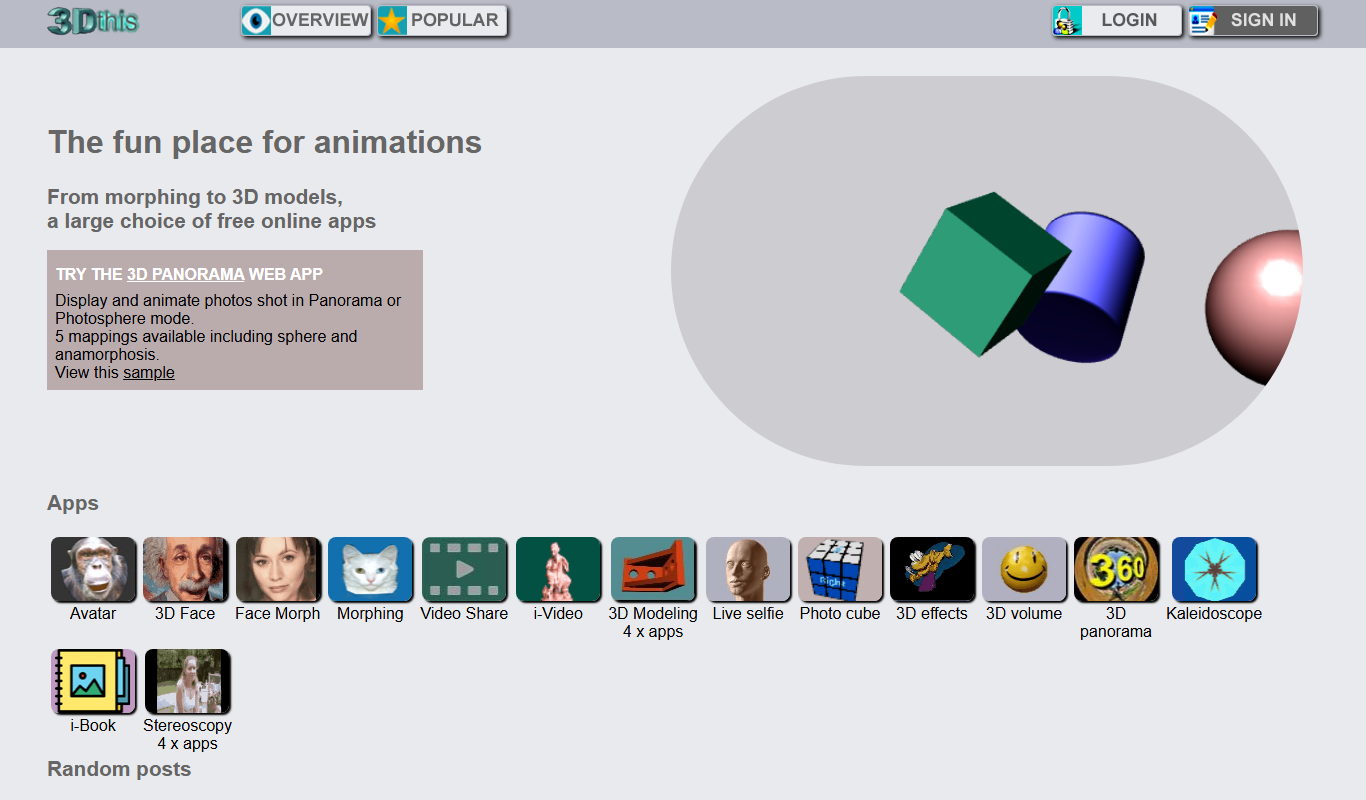
3Dthis is a web-based platform that allows users to create, animate, and customize 3D avatars and models from photos or templates without software installation.

Custom Pricing
ModiFace
ModiFace is an augmented reality platform that enables realistic virtual makeup try-on and beauty simulations using advanced face tracking and 3D modeling technology.

Free Trial
Faceware
Faceware is a markerless facial motion capture software that tracks and translates human facial expressions into digital animations in real time, widely used in gaming, film, and virtual production.

Freemium
DreamFace
DreamFace is an AI-powered platform that creates realistic digital avatars and videos from a single photo, enabling personalized content creation for marketing, entertainment, and social media.

Free
Krikey.ai
Krikey.ai is an AI Animation App that turns text or video into 3D animation with voices and templates.
Free
Pic A Pet Name
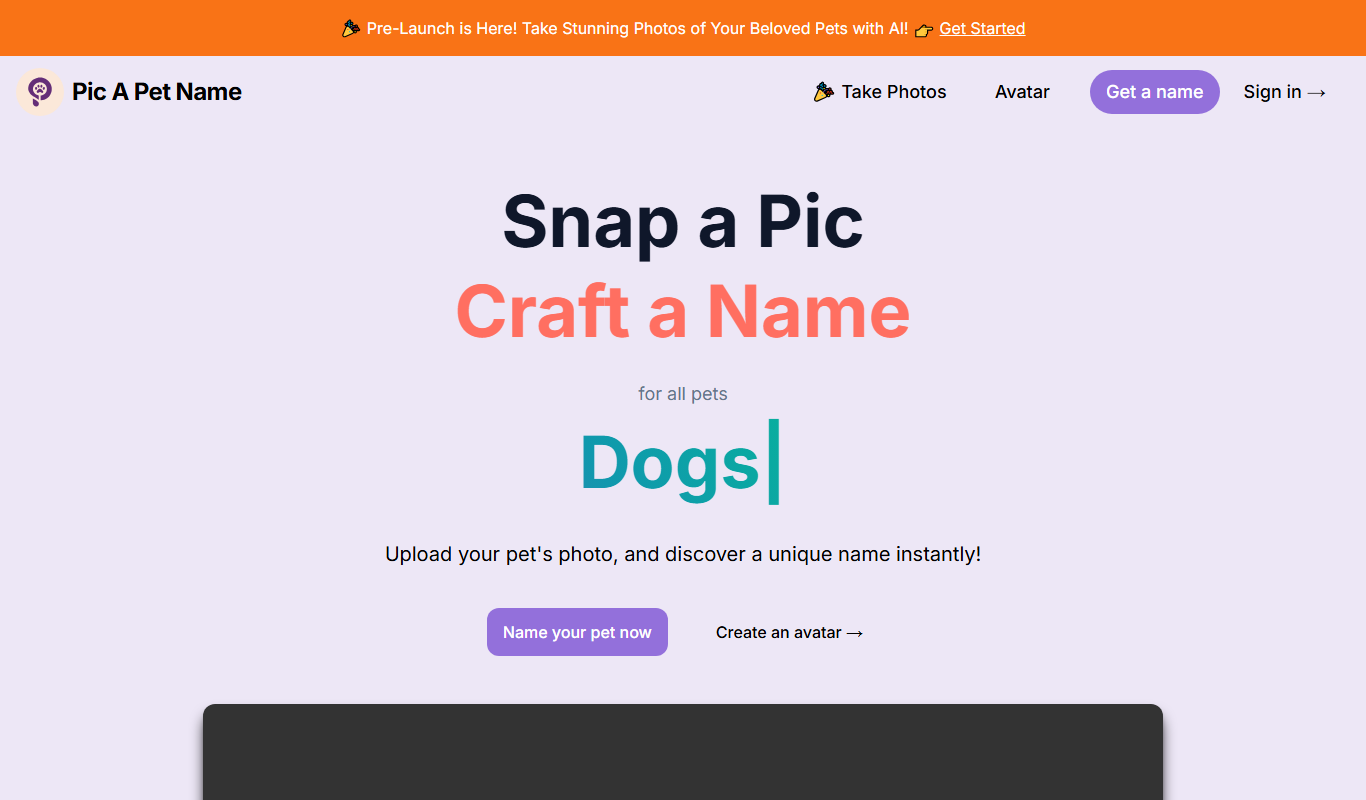
Pic A Pet Name suggests a pet name and a certificate from an uploaded photo of the pet; the site is still in Pre-Launch.

Freemium
DollMe
DollMe is a mobile app that uses AI to convert photos into personalized cartoon and anime avatars, offering free and premium styles for social media and gaming profiles.

Free
aiportrait.art
aiportrait.art is an online AI tool that transforms user photos into artistic portraits using machine learning style transfer techniques.