

From my experience with Portrait AI, I found it excels at quickly transforming ordinary photos into striking, artistic digital portraits with minimal effort. The platform’s simplicity and privacy focus make it accessible and trustworthy for casual users and creatives alike. However, the customization options are somewhat limited, and higher resolution downloads require payment, which might be a drawback for some. Overall, if you want a fast, easy way to create unique AI-generated avatars or digital portraits for social media or personal use, Portrait AI delivers solid, visually appealing results.
Portrait AI - AI Avatar Generator for Realistic Digital Portraits Online
Portrait AI is a web-based AI avatar generator that creates realistic and artistic digital portraits from user photos using advanced AI technology.
- Best for
- Create Unique Digital Portraits
- Key capability
- AI-Powered Portrait Generation
Your actions
Save Portrait AI, follow its updates and vote on it — everything stays in your account.
Sign in or create a free account
What is Portrait AI?
Portrait AI is a web-based AI avatar generator that transforms user-uploaded photos into unique, stylized digital portraits. Utilizing advanced artificial intelligence algorithms, it creates realistic and artistic renditions of faces, blending classical portrait styles with modern AI technology.
Key features of Portrait AI
The tool offers easy photo upload, automatic AI-powered portrait generation, multiple style options, and instant previews. It emphasizes user privacy by not storing photos permanently and provides a freemium model with free and paid options for higher resolution downloads.
AI-Powered Portrait Generation
Transforms photos into artistic portraits using deep learning models.
Multiple Artistic Styles
Offers a variety of classical and modern portrait styles for customization.
Instant Preview
Real-time generation and preview of portraits without long wait times.
Privacy-Focused
Does not permanently store user photos, ensuring privacy and security.
Freemium Access
Free basic usage with options to pay for higher resolution downloads.
Pros and cons of Portrait AI
Pros
- Easy and intuitive interface for quick portrait creation
- Produces high-quality, artistic digital portraits
- Privacy-conscious with no permanent photo storage
- Free access with optional paid upgrades
- Multiple artistic styles available
Cons
- Limited customization beyond style selection
- No mobile app; web-only platform
- Higher resolution downloads require payment
Key use cases for Portrait AI
Create Unique Digital Portraits
Users can upload their photos to generate artistic and realistic digital portraits using AI.
Social Media Profile Pictures
Generate stylized avatars suitable for social media profiles, enhancing online presence.
Artistic Inspiration and Fun
Explore creative AI-generated art styles for entertainment or artistic inspiration.
Gift and Personalized Art
Create personalized digital portraits as unique gifts or keepsakes.
How Portrait AI works
- 1
Upload Your Photo
Users upload a clear photo of their face through the website interface.
- 2
AI Processes Image
The AI analyzes facial features and applies artistic portrait styles.
- 3
View and Customize
Users can preview the generated portrait and select from style variations.
- 4
Download or Share
Final portraits can be downloaded in various resolutions or shared on social media.
Who is using Portrait AI
Social media users seeking unique avatars
Artists and creatives exploring AI art
Individuals wanting personalized digital portraits
Gift buyers looking for custom art
Content creators needing profile images
Portrait AI pricing
Free
$0
Basic portrait generation with standard resolution and watermark.
Premium
Varies (one-time or subscription)
High-resolution downloads, no watermark, and priority processing.
Plans and prices are as published by the vendor and can change. Check the official site before you buy. Open the pricing page (opens in a new tab)
Frequently asked questions about Portrait AI
Yes, it offers a free tier with basic features and standard resolution portraits.
No, Portrait AI does not permanently store or share your photos to protect your privacy.
Clear, front-facing photos with good lighting produce the best portrait results.
Usage rights depend on the terms of service; typically, personal use is allowed, but check licensing for commercial use.
It depends on your specific needs and how you plan to use the tool. The official website and documentation are the best sources for the latest details.
Yes, it can help with that use case depending on how you configure it and what features are available. You’ll get the best results with clear inputs and a defined goal.
It depends on your specific needs and how you plan to use the tool. The official website and documentation are the best sources for the latest details.
Sign in to review this tool.
Sign In to ReviewNo reviews yet
Be the first to share how this tool worked for you.
Ask about pricing, limits, or how it compares — or answer someone else.
Sign In to AskNo questions yet
Have a question about using or paying for this tool? Be the first to ask.
Featured on TiorAI



More AI Avatar Generator tools
Other tools in the same category, for when this one is not quite the fit.

Free
Krikey.ai
Krikey.ai is an AI Animation App that turns text or video into 3D animation with voices and templates.
Free
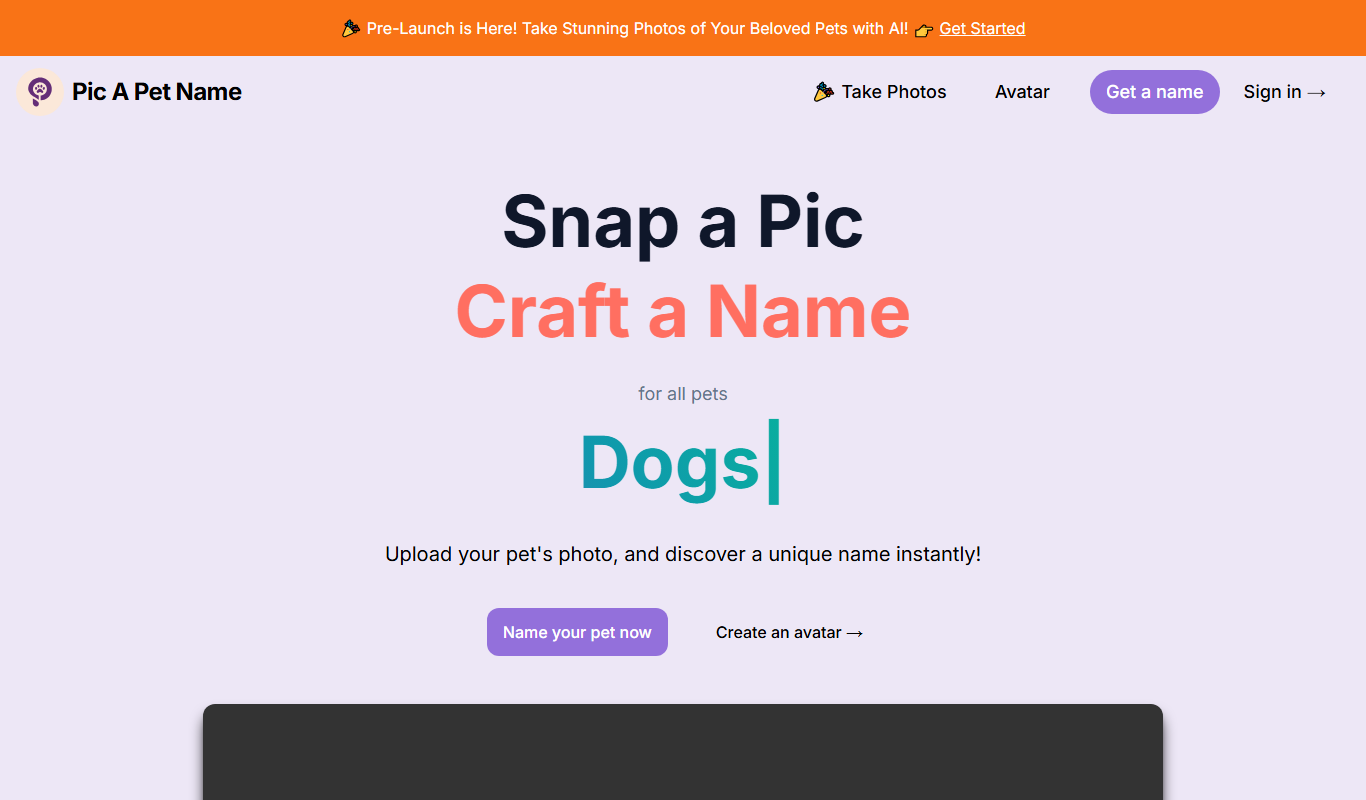
Pic A Pet Name
Pic A Pet Name suggests a pet name and a certificate from an uploaded photo of the pet; the site is still in Pre-Launch.

Freemium
DollMe
DollMe is a mobile app that uses AI to convert photos into personalized cartoon and anime avatars, offering free and premium styles for social media and gaming profiles.

Free
aiportrait.art
aiportrait.art is an online AI tool that transforms user photos into artistic portraits using machine learning style transfer techniques.
Free
ElfYourself
ElfYourself is a free online tool that lets users create personalized holiday videos by uploading photos and mapping faces onto animated dancing elves, which can then be shared on social media or downloaded.
Free
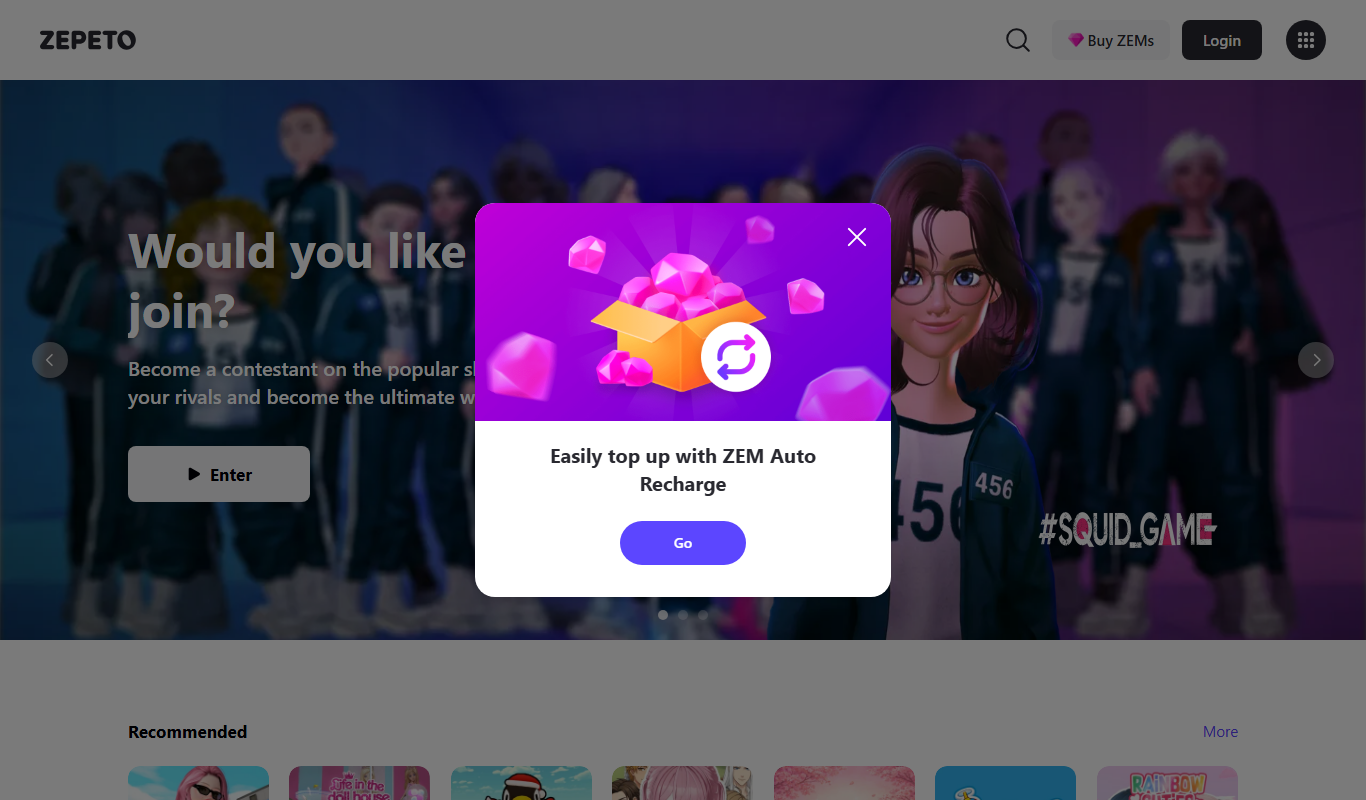
Zepeto
Zepeto is a social app that lets users create customizable 3D avatars and interact in virtual worlds through chat, games, and avatar-based videos.
Paid
Reallusion iClone
Reallusion iClone is a Windows-based real-time 3D animation software used for creating and animating characters and scenes with motion capture support and direct game engine export.
Free
VRChat
VRChat is a free virtual reality social platform that lets users interact through customizable avatars in immersive 3D worlds, supporting VR headsets and desktop modes.