

From my experience with DreamFace, I found it excels at transforming a single photo into a highly realistic AI avatar with smooth, natural animations. The platform’s ease of use and quick video generation make it especially suitable for content creators and marketers looking to personalize digital content without complex software. However, the current limitation to English language support and watermark presence on free videos are factors to consider. Overall, if you need an accessible tool for creating engaging AI-driven avatars and videos, DreamFace delivers solid, professional results.
DreamFace AI Avatar Generator for Personalized Digital Faces and Videos
DreamFace is an AI-powered platform that creates realistic digital avatars and videos from a single photo, enabling personalized content creation for marketing, entertainment, and social media.
- Best for
- Personalized Avatar Creation
- Key capability
- AI-Powered Avatar Generation
Your actions
Save DreamFace, follow its updates and vote on it — everything stays in your account.
Sign in or create a free account
What is DreamFace?
DreamFace is an AI-powered platform that enables users to create realistic digital avatars and generate personalized videos using deep learning technology. By uploading a single photo, users can produce lifelike avatars that can speak, animate, and perform customized actions, making it a versatile tool for content creators, marketers, and businesses seeking engaging digital presence.
Key features of DreamFace
DreamFace offers features such as AI avatar creation from photos, text-to-speech video generation, customizable avatar expressions, and easy sharing options. Its deepfake technology ensures high-quality, realistic animations suitable for various digital applications.
AI-Powered Avatar Generation
Creates realistic digital avatars from a single photo using advanced AI models.
Text-to-Speech Video Creation
Converts text input into natural-sounding speech synchronized with avatar lip movements.
Customizable Expressions and Animations
Allows users to modify avatar emotions and gestures for personalized videos.
High-Quality Deepfake Technology
Ensures lifelike video output with smooth facial animations and natural appearance.
Easy Sharing and Export Options
Supports downloading videos or sharing directly to social media channels.
Pros and cons of DreamFace
Pros
- Creates highly realistic avatars from a single photo
- User-friendly web interface with quick video generation
- Customizable avatar expressions and animations
- Affordable pricing with a free tier for testing
- Supports direct social media sharing
Cons
- Limited language support beyond English
- Free plan videos include watermarks
- Customization options could be expanded
- No mobile app currently available
Key use cases for DreamFace
Personalized Avatar Creation
Users can create realistic AI-generated avatars from photos for social media, gaming, or virtual presence.
Video Content Generation
Generate videos where avatars speak or perform actions based on user input, useful for marketing or entertainment.
Digital Marketing
Brands can create engaging video ads featuring AI avatars to personalize customer outreach.
Entertainment and Social Media
Content creators can produce unique video content with AI avatars for platforms like TikTok and Instagram.
Virtual Assistants and Customer Support
Businesses can deploy AI avatars as virtual agents to enhance user interaction.
How DreamFace works
- 1
Upload Photo
Users upload a clear photo of a face to generate a personalized avatar.
- 2
Customize Avatar
Adjust avatar expressions, hairstyles, and other features to fit your needs.
- 3
Input Text or Audio
Provide text or audio input for the avatar to speak or perform actions.
- 4
Generate Video
The AI processes inputs to create a realistic video featuring the avatar.
- 5
Download or Share
Users can download the video or share it directly on social media platforms.
Who is using DreamFace
Content creators and influencers
Digital marketing professionals
Small to medium businesses
Social media managers
Entertainment industry professionals
DreamFace pricing
Free
$0/month
Basic avatar creation with limited video length and watermark on outputs.
Pro
$19/month
Extended video length, watermark removal, and access to premium avatar customization.
Enterprise
Custom pricing
Tailored solutions with API access, bulk video generation, and dedicated support.
Plans and prices are as published by the vendor and can change. Check the official site before you buy. Open the pricing page (opens in a new tab)
Frequently asked questions about DreamFace
DreamFace works best with clear, front-facing photos with good lighting to generate high-quality avatars.
Yes, DreamFace follows strict data privacy policies and does not share your photos without consent.
Commercial use is allowed under Pro and Enterprise plans; please review the terms of service for details.
Currently, DreamFace supports English for text-to-speech and interface language.
It depends on your specific needs and how you plan to use the tool. The official website and documentation are the best sources for the latest details.
Yes, it can help with that use case depending on how you configure it and what features are available. You’ll get the best results with clear inputs and a defined goal.
Pricing depends on the plan and included features. For the most accurate and up-to-date details, check the official pricing page.
Sign in to review this tool.
Sign In to ReviewNo reviews yet
Be the first to share how this tool worked for you.
Ask about pricing, limits, or how it compares — or answer someone else.
Sign In to AskNo questions yet
Have a question about using or paying for this tool? Be the first to ask.
Featured on TiorAI



Alternative Tools
Explore similar AI tools that might fit your needs

Free
Reface
Reface is an AI-driven app that enables users to swap faces in videos and GIFs realistically, creating personalized and entertaining content for social media and messaging.
More AI Avatar Generator tools
Other tools in the same category, for when this one is not quite the fit.

Free
Krikey.ai
Krikey.ai is an AI Animation App that turns text or video into 3D animation with voices and templates.
Free
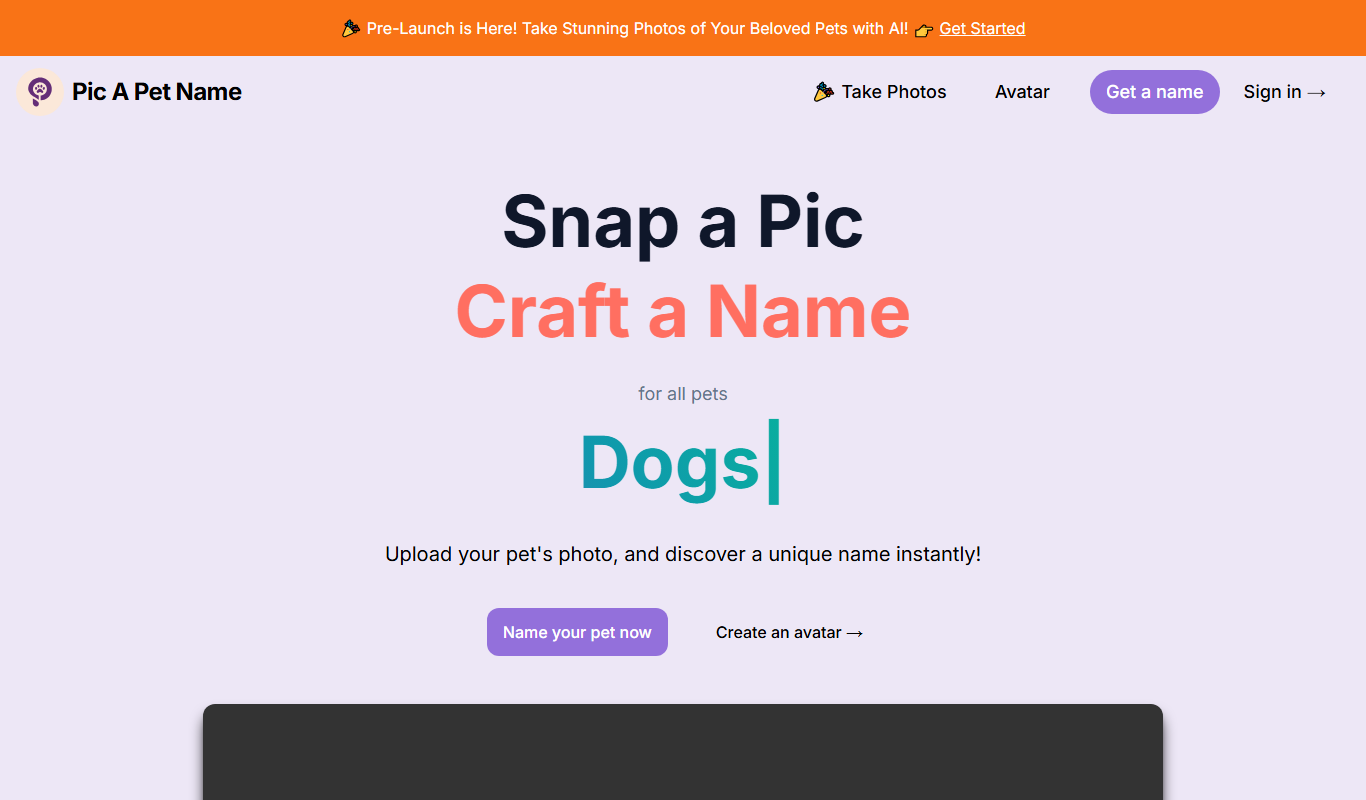
Pic A Pet Name
Pic A Pet Name suggests a pet name and a certificate from an uploaded photo of the pet; the site is still in Pre-Launch.

Freemium
DollMe
DollMe is a mobile app that uses AI to convert photos into personalized cartoon and anime avatars, offering free and premium styles for social media and gaming profiles.

Free
aiportrait.art
aiportrait.art is an online AI tool that transforms user photos into artistic portraits using machine learning style transfer techniques.
Free
ElfYourself
ElfYourself is a free online tool that lets users create personalized holiday videos by uploading photos and mapping faces onto animated dancing elves, which can then be shared on social media or downloaded.
Free
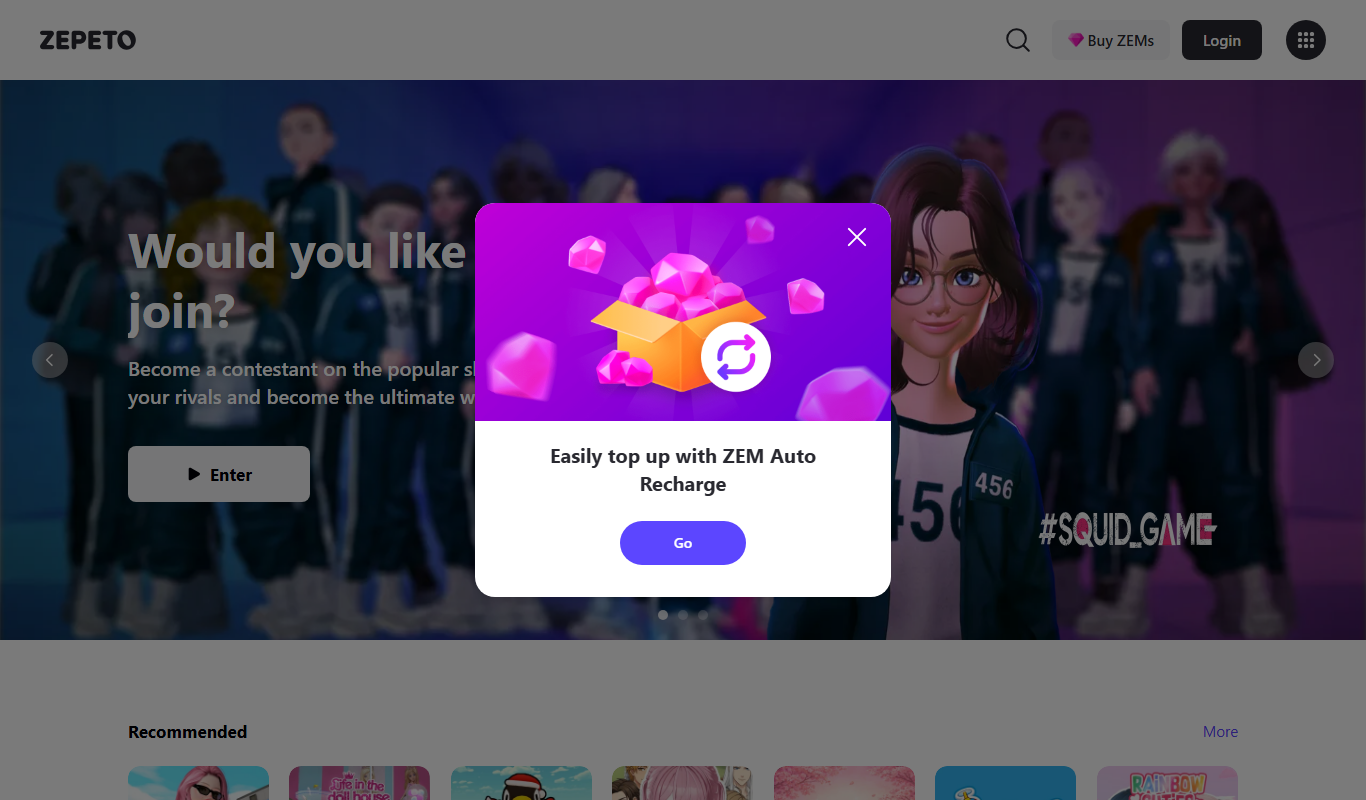
Zepeto
Zepeto is a social app that lets users create customizable 3D avatars and interact in virtual worlds through chat, games, and avatar-based videos.
Paid
Reallusion iClone
Reallusion iClone is a Windows-based real-time 3D animation software used for creating and animating characters and scenes with motion capture support and direct game engine export.
Free
VRChat
VRChat is a free virtual reality social platform that lets users interact through customizable avatars in immersive 3D worlds, supporting VR headsets and desktop modes.