

From my experience with ArcFace, I found it excels at delivering highly accurate facial recognition powered by deep learning, making it reliable for secure identity verification. The inclusion of anti-spoofing technology adds a critical layer of security against fraudulent attempts. After exploring its SDKs and API options, I can say it’s particularly well-suited for developers and organizations needing robust biometric authentication across multiple platforms, including mobile. However, the lack of publicly available pricing and the technical integration requirements may pose challenges for smaller teams. Overall, if your use case demands precise and secure face recognition, ArcFace offers a solid, enterprise-grade solution.
ArcFace AI Facial Recognition Software for Secure Identity Verification
ArcFace is an AI-powered facial recognition software developed by ArcSoft that provides high-accuracy face detection and verification with anti-spoofing features, suitable for identity verification and security applications.
- Best for
- Identity Verification
- Key capability
- High Accuracy Face Recognition
Your actions
Save ArcFace, follow its updates and vote on it — everything stays in your account.
Sign in or create a free account
What is ArcFace?
ArcFace is an advanced AI-powered facial recognition technology developed by ArcSoft Corporation. It provides highly accurate face recognition capabilities through deep learning algorithms, enabling secure identity verification and authentication across various industries. ArcFace offers SDKs and APIs that integrate easily into applications for real-time face detection, recognition, and verification.
Key features of ArcFace
ArcFace delivers state-of-the-art face recognition accuracy with robust anti-spoofing, fast processing speeds, and flexible deployment options including cloud API and on-premises SDKs. It supports multi-platform integration and is optimized for both mobile and desktop environments.
High Accuracy Face Recognition
Utilizes deep learning to achieve industry-leading accuracy in face matching.
Anti-Spoofing Technology
Detects and prevents fraudulent attempts using photos, videos, or masks.
Multi-Platform SDKs
Supports Windows, Linux, Android, and iOS platforms for versatile deployment.
Real-Time Processing
Enables fast face detection and recognition suitable for live video streams.
Flexible Deployment
Available as cloud API or on-premises SDK to meet different security and privacy needs.
Pros and cons of ArcFace
Pros
- High accuracy with deep learning-based recognition
- Robust anti-spoofing features enhance security
- Multi-platform support including mobile SDKs
- Flexible deployment options (cloud and on-premises)
- Fast real-time processing suitable for live applications
Cons
- Pricing details are not publicly available and require contact
- Primarily focused on face recognition; limited features beyond biometrics
- May require technical expertise for integration
Key use cases for ArcFace
Identity Verification
Use ArcFace to verify user identities securely in banking, government, and enterprise applications.
Access Control
Implement facial recognition for physical and digital access control systems to enhance security.
Surveillance and Monitoring
Deploy ArcFace in public safety and surveillance systems for real-time face recognition.
User Authentication
Enable seamless user authentication for mobile apps and online services using face recognition.
Photo Tagging and Management
Automatically tag and organize photos by recognizing faces in personal or enterprise photo libraries.
How ArcFace works
- 1
Integration
Developers integrate ArcFace SDK or API into their applications or systems.
- 2
Face Detection
The system detects faces in images or video streams using AI algorithms.
- 3
Feature Extraction
ArcFace extracts unique facial features and converts them into numerical embeddings.
- 4
Matching and Verification
The embeddings are compared against a database to verify identity or recognize individuals.
Who is using ArcFace
Security and surveillance companies
Financial institutions requiring identity verification
Mobile app developers needing biometric authentication
Government agencies for access control
Photo management software developers
ArcFace pricing
Contact for Pricing
Custom pricing
Pricing depends on deployment scale, usage volume, and support requirements.
Plans and prices are as published by the vendor and can change. Check the official site before you buy. Open the pricing page (opens in a new tab)
Frequently asked questions about ArcFace
ArcFace supports Windows, Linux, Android, iOS, and offers cloud API access.
Yes, ArcFace provides mobile SDKs optimized for Android and iOS devices.
It incorporates anti-spoofing algorithms to detect fake faces from photos, videos, or masks.
Yes, ArcFace supports real-time face detection and recognition in video streams.
This tool is designed to help users accomplish its core tasks more efficiently. It is typically used by individuals or teams looking to improve productivity and workflow.
It depends on your specific needs and how you plan to use the tool. The official website and documentation are the best sources for the latest details.
Yes, it can help with that use case depending on how you configure it and what features are available. You’ll get the best results with clear inputs and a defined goal.
It depends on your specific needs and how you plan to use the tool. The official website and documentation are the best sources for the latest details.
Sign in to review this tool.
Sign In to ReviewNo reviews yet
Be the first to share how this tool worked for you.
Ask about pricing, limits, or how it compares — or answer someone else.
Sign In to AskNo questions yet
Have a question about using or paying for this tool? Be the first to ask.
Featured on TiorAI



Alternative Tools
Explore similar AI tools that might fit your needs
Freemium
Face++
Face++ is an AI platform by Megvii providing facial recognition, face detection, and image analysis APIs and SDKs for secure authentication, marketing insights, and more.
More AI Avatar Generator tools
Other tools in the same category, for when this one is not quite the fit.

Custom Pricing
FittingBox
FittingBox is an augmented reality platform that enables virtual try-on of eyewear using 3D modeling and face detection technology, enhancing online and in-store shopping experiences.
Free
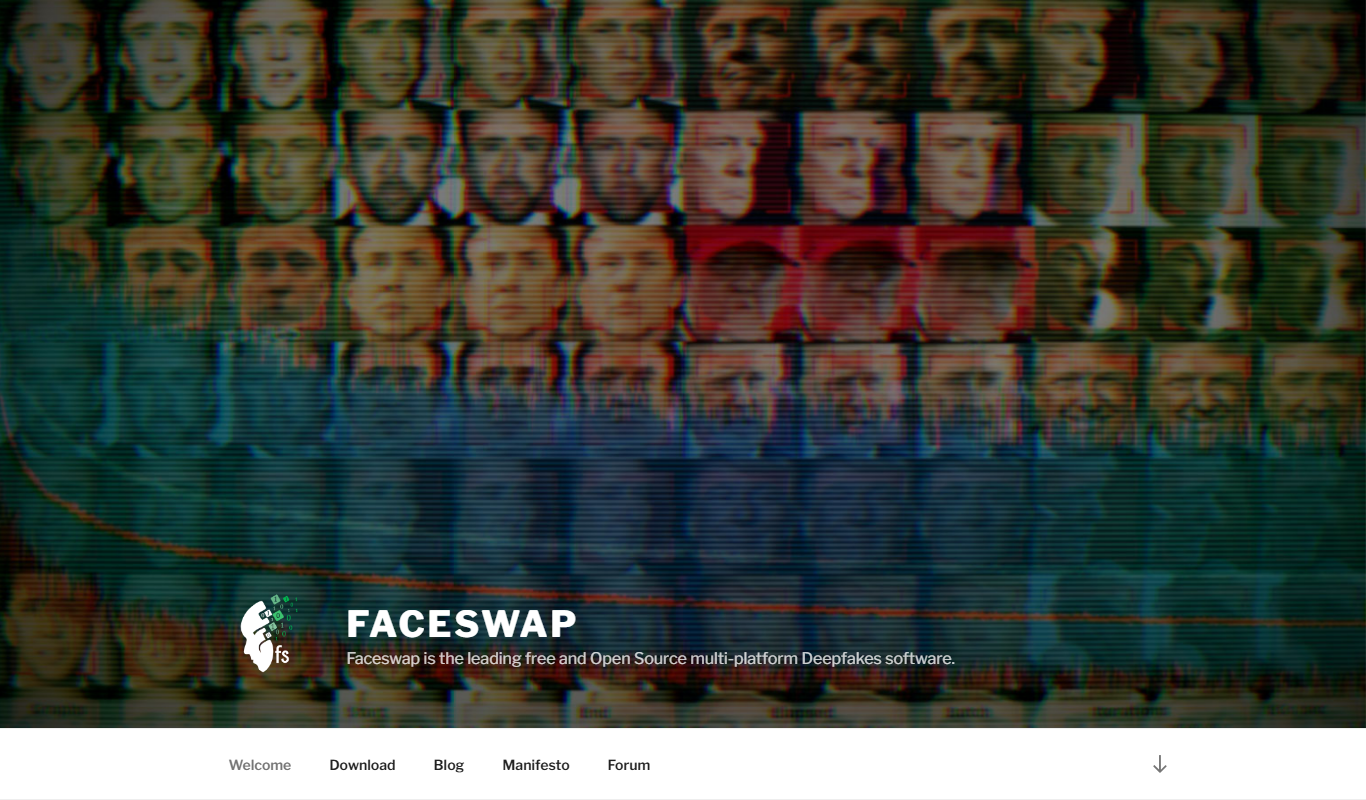
FaceSwap
FaceSwap is a free, open-source AI software that enables realistic face swapping in images and videos using deep learning techniques.

Digital Domain
Digital Domain is a top visual effects and digital production studio specializing in CGI, virtual reality, and immersive media for films, commercials, and interactive experiences.
Free
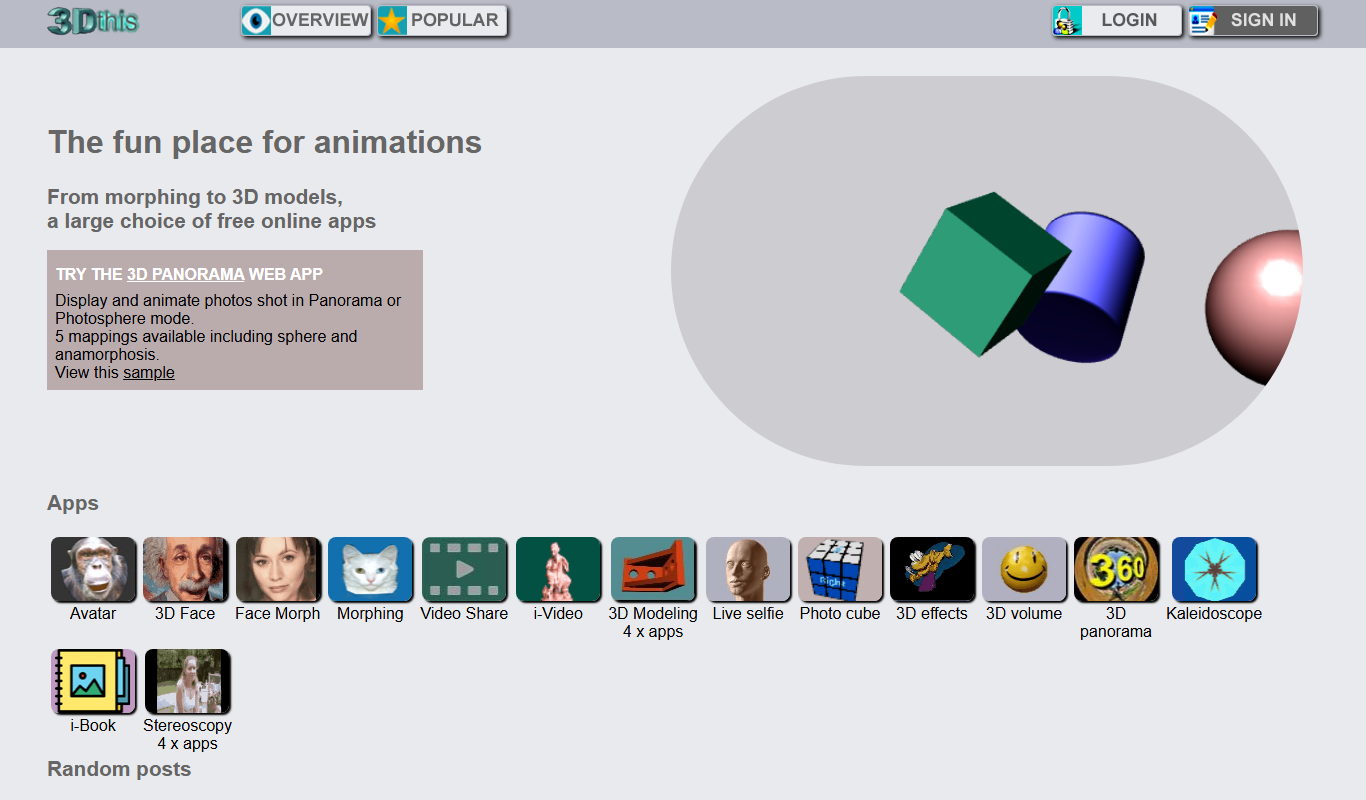
3Dthis
3Dthis is a web-based platform that allows users to create, animate, and customize 3D avatars and models from photos or templates without software installation.

Custom Pricing
ModiFace
ModiFace is an augmented reality platform that enables realistic virtual makeup try-on and beauty simulations using advanced face tracking and 3D modeling technology.

Free Trial
Faceware
Faceware is a markerless facial motion capture software that tracks and translates human facial expressions into digital animations in real time, widely used in gaming, film, and virtual production.

Freemium
DreamFace
DreamFace is an AI-powered platform that creates realistic digital avatars and videos from a single photo, enabling personalized content creation for marketing, entertainment, and social media.

Free
Krikey.ai
Krikey.ai is an AI Animation App that turns text or video into 3D animation with voices and templates.