

Face++ AI Facial Recognition and Image Analysis Platform for Developers
Face++ is an AI platform by Megvii providing facial recognition, face detection, and image analysis APIs and SDKs for secure authentication, marketing insights, and more.
- Best for
- Facial Recognition Authentication
- Key capability
- Face Detection and Landmarking
Save Face++, follow its updates and vote on it — everything stays in your account.
Sign in or create a free accountWhat is Face++?
Face++ is an advanced AI platform specializing in facial recognition and image analysis technologies. Developed by Megvii Technology, it provides developers and businesses with APIs and SDKs to integrate powerful computer vision capabilities such as face detection, facial landmark localization, age and gender estimation, emotion recognition, and more. It supports real-time image and video processing, enabling applications in security, retail, marketing, and entertainment.
Key features of Face++
Face++ offers comprehensive facial recognition APIs, including face detection, face comparison, face search, and facial attribute analysis. It supports multi-face detection, 3D facial landmarking, and liveness detection to prevent spoofing. The platform also provides SDKs for mobile and web integration, enabling seamless deployment across devices.
Face Detection and Landmarking
Detect multiple faces in images and videos with precise 106-point facial landmark localization.
Face Comparison and Search
Compare faces for verification or search a face database to identify individuals.
Facial Attribute Analysis
Estimate age, gender, emotion, head pose, and other attributes from facial images.
Liveness Detection
Prevent spoofing attacks by verifying that the face is from a live person.
Mobile and Web SDKs
Easily integrate Face++ capabilities into mobile apps and web platforms.
Pros and cons of Face++
Pros
- Robust and accurate facial recognition algorithms
- Comprehensive API and SDK support for developers
- Supports multiple facial attributes and liveness detection
- Scalable for both small and enterprise applications
- Strong documentation and developer community
Cons
- Pricing details are not fully transparent without contacting sales
- Primarily supports English and Chinese languages
- Some advanced features may require technical expertise to implement
Key use cases for Face++
Facial Recognition Authentication
Enable secure user authentication and identity verification through AI-powered facial recognition.
Image and Video Analysis
Analyze images and videos to detect faces, estimate age, gender, emotion, and other facial attributes.
Smart Retail and Marketing
Use facial analysis to understand customer demographics and behaviors for targeted marketing.
Security and Surveillance
Deploy facial recognition for monitoring and identifying individuals in security-sensitive environments.
AI Avatar and Beauty Applications
Create personalized avatars and apply AI-driven beauty filters based on facial feature detection.
How Face++ works
- 1
Register and Obtain API Key
Sign up on the Face++ platform to get access credentials for API usage.
- 2
Integrate SDK or API
Use provided SDKs or RESTful APIs to integrate facial recognition features into your application.
- 3
Upload or Stream Images/Videos
Send images or video streams to the Face++ service for analysis.
- 4
Receive Analysis Results
Get detailed JSON responses with detected faces, attributes, and recognition results.
- 5
Implement Application Logic
Use the analysis data to power authentication, marketing insights, or other business logic.
Who is using Face++
Face++ pricing
Free
$0/month
Limited API calls per month for testing and development.
Pay As You Go
Pay as you go
Usage is paid by topping up an account balance.
Licensing
Custom pricing
Licensing for the SDK.
Plans and prices are as published by the vendor and can change. Check the official site before you buy. Open the pricing page (opens in a new tab)
Frequently asked questions about Face++
Face++ provides RESTful APIs and SDKs compatible with multiple languages including Python, Java, and JavaScript.
Face++ follows industry standards for data security, but users should ensure compliance with local privacy laws when implementing.
Yes, Face++ can analyze facial expressions to estimate emotions such as happiness, sadness, anger, and surprise.
Yes, Face++ supports real-time face detection and recognition in video streams through its SDKs.
It depends on your specific needs and how you plan to use the tool. The official website and documentation are the best sources for the latest details.
It depends on your specific needs and how you plan to use the tool. The official website and documentation are the best sources for the latest details.
Yes, it can help with that use case depending on how you configure it and what features are available. You’ll get the best results with clear inputs and a defined goal.
Some tools offer a free plan or trial with limited features. Availability can vary, so confirm on the official website.
Conclusion
Developers register for API credentials, send images or video streams to the service and get back JSON responses with detected faces, attributes and recognition results. Mobile and web SDKs integrate the same capabilities into apps and web platforms. Detection handles multiple faces with 106-point facial landmark localization, and attribute analysis estimates age, gender, emotion and head pose.
Liveness detection verifies that a face is from a live person to prevent spoofing, a check relevant to user authentication. The service targets mobile app developers, security and surveillance companies, and retail and marketing firms.
Billing combines a Free plan with limited API calls per month, pay-as-you-go usage paid by topping up an account balance, and licensing for the SDK.
Sources
Sign in to review this tool.
Sign In to ReviewNo reviews yet
Be the first to share how this tool worked for you.
Ask about pricing, limits, or how it compares — or answer someone else.
Sign In to AskNo questions yet
Have a question about using or paying for this tool? Be the first to ask.
Featured on TiorAI



More AI Avatar Generator tools
Other tools in the same category, for when this one is not quite the fit.
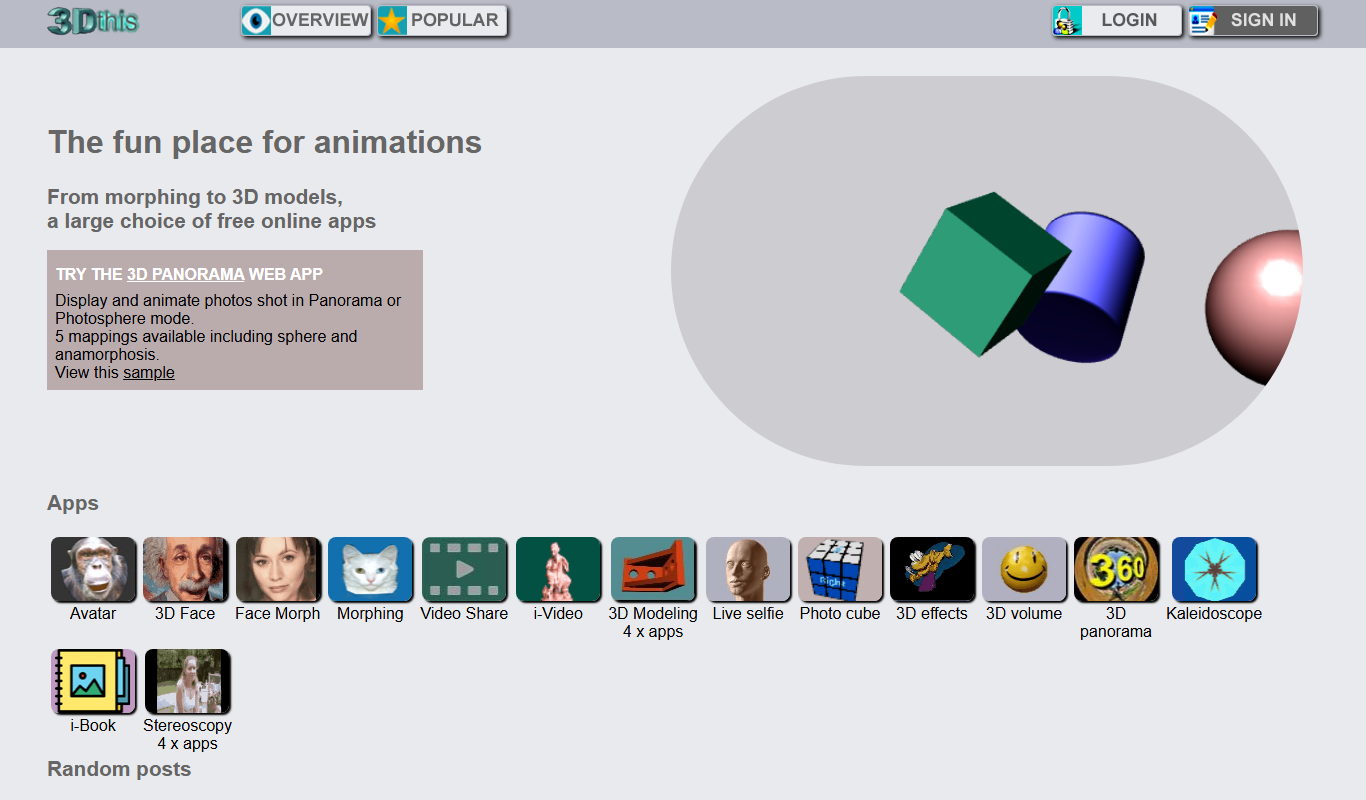
3Dthis
3Dthis is a web-based platform that allows users to create, animate, and customize 3D avatars and models from photos or templates without software installation.

ModiFace
ModiFace is an augmented reality platform that enables realistic virtual makeup try-on and beauty simulations using advanced face tracking and 3D modeling technology.

Faceware
Faceware is a markerless facial motion capture software that tracks and translates human facial expressions into digital animations in real time, widely used in gaming, film, and virtual production.

DreamFace
DreamFace is an AI-powered platform that creates realistic digital avatars and videos from a single photo, enabling personalized content creation for marketing, entertainment, and social media.

Krikey.ai
Krikey.ai is an AI Animation App that turns text or video into 3D animation with voices and templates.
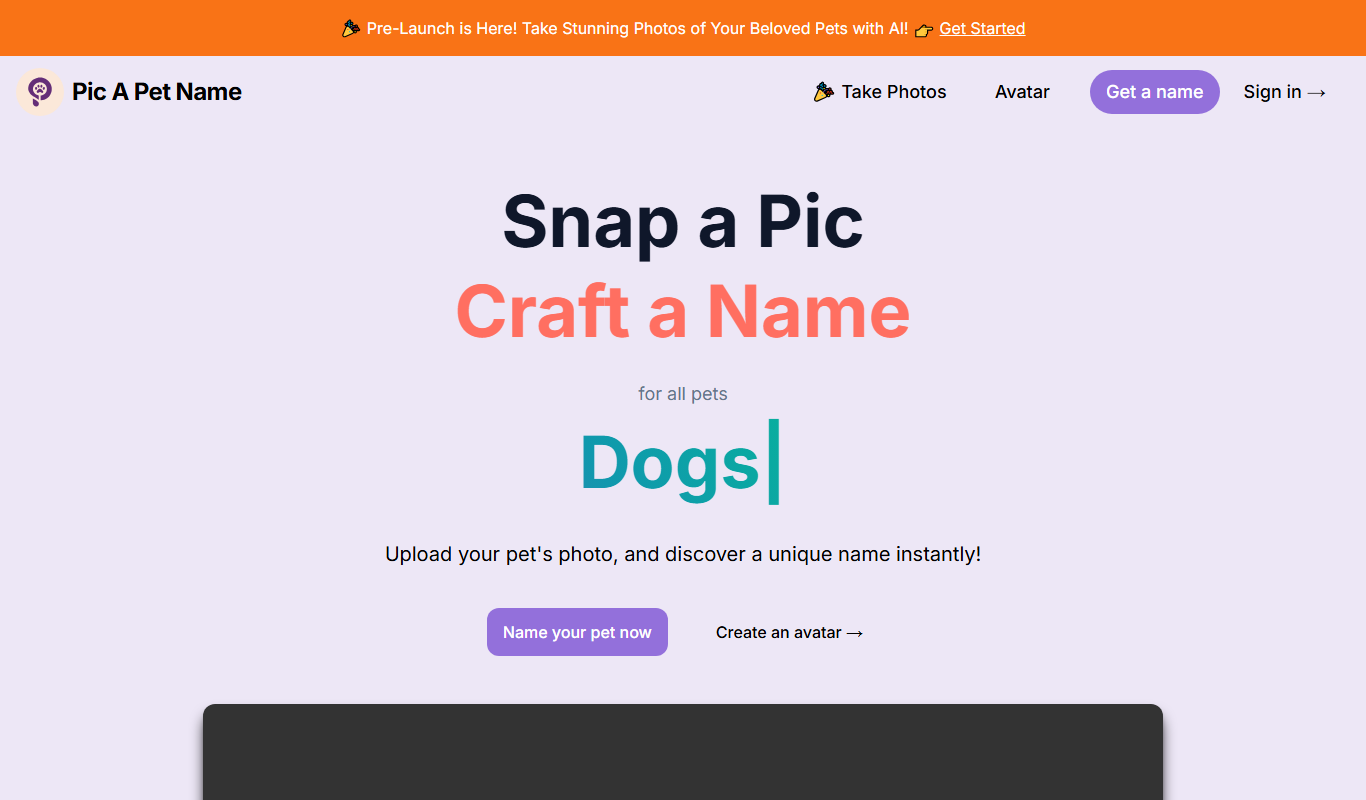
Pic A Pet Name
Pic A Pet Name suggests a pet name and a certificate from an uploaded photo of the pet; the site is still in Pre-Launch.

DollMe
DollMe is a mobile app that uses AI to convert photos into personalized cartoon and anime avatars, offering free and premium styles for social media and gaming profiles.

aiportrait.art
aiportrait.art is an online AI tool that transforms user photos into artistic portraits using machine learning style transfer techniques.