

FaceSwap AI Software for Realistic Face Swapping and Deepfake Creation
FaceSwap is a free, open-source AI software that enables realistic face swapping in images and videos using deep learning techniques.
- Best for
- Deepfake Video Creation
- Key capability
- Open Source and Free
Save FaceSwap, follow its updates and vote on it — everything stays in your account.
Sign in or create a free account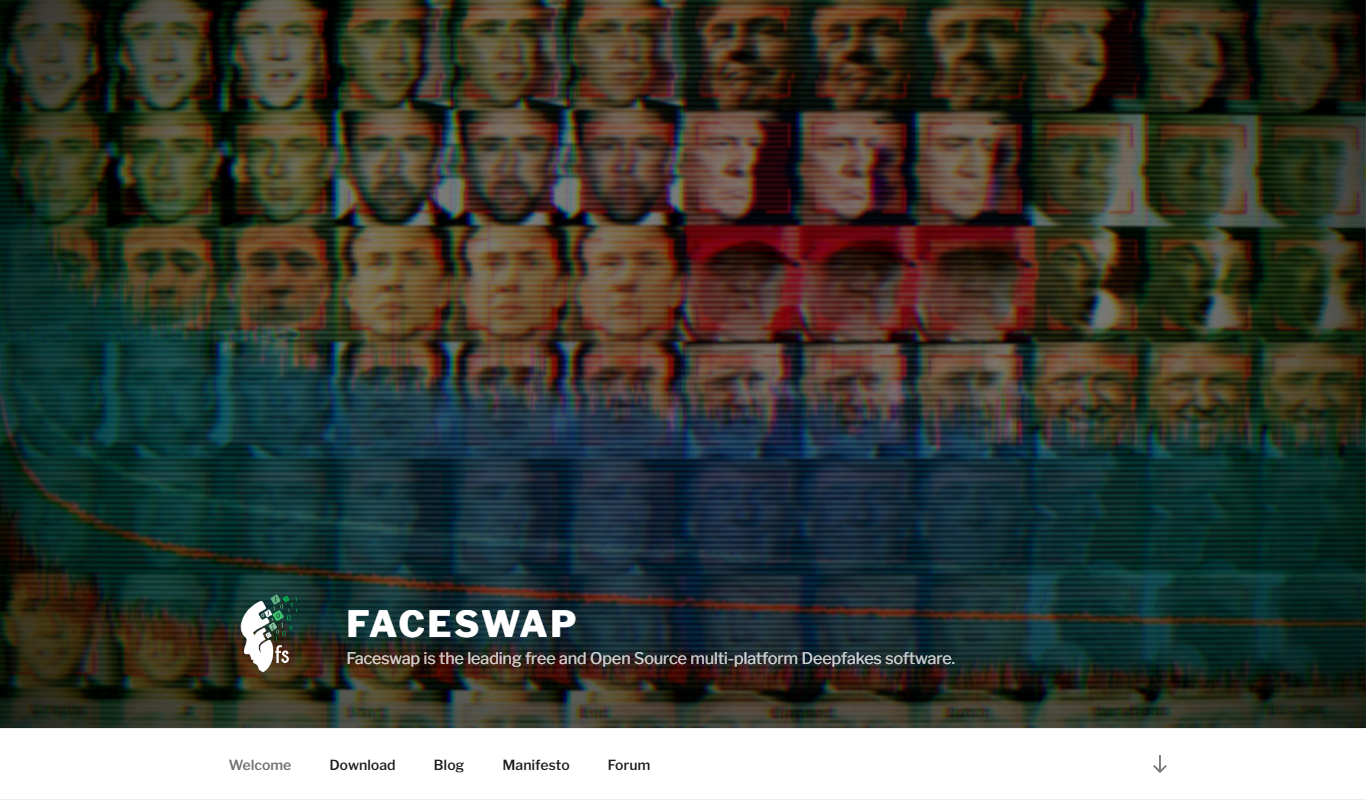
What is FaceSwap?
FaceSwap is an open-source AI software that enables users to swap faces in images and videos with high realism. It uses deep learning techniques, including convolutional neural networks, to detect, extract, and replace faces seamlessly. The project is community-driven and designed for both hobbyists and researchers interested in deepfake technology and computer vision.
Key features of FaceSwap
FaceSwap offers advanced face detection, alignment, and blending features powered by AI. It supports video and image inputs, provides training tools for custom face models, and includes a user-friendly desktop interface. The software emphasizes transparency and ethical use by being open source.
Open Source and Free
Completely free to use with source code available for customization and transparency.
High-Quality Face Swapping
Uses deep learning to produce realistic face swaps with natural blending.
Supports Video and Images
Capable of processing both still images and video files for face replacement.
Custom Model Training
Allows users to train models on their own datasets for personalized face swaps.
Cross-Platform Desktop Application
Runs on Windows, macOS, and Linux desktops with a graphical user interface.
Pros and cons of FaceSwap
Pros
- Open source with active community support
- Produces high-quality, realistic face swaps
- Supports both images and videos
- Customizable through model training
- Cross-platform desktop application
Cons
- Requires significant computing resources for training
- Steeper learning curve for beginners
- No official mobile or web app versions
Key use cases for FaceSwap
Deepfake Video Creation
Create realistic deepfake videos by swapping faces in videos using AI-powered algorithms.
Face Replacement in Images
Swap faces in photos for entertainment, artistic projects, or privacy protection.
Research and Education
Use the open-source tool for studying deep learning, computer vision, and AI ethics.
Content Creation
Generate creative content for social media, marketing, or film production.
How FaceSwap works
- 1
Install Software
Download and install FaceSwap on your desktop from the official repository.
- 2
Prepare Data
Collect and preprocess images or videos containing the faces you want to swap.
- 3
Train Model
Train the AI model on the source and target faces to learn facial features.
- 4
Perform Face Swap
Apply the trained model to swap faces in your chosen images or videos.
- 5
Export Results
Save the output media with swapped faces for further use or sharing.
Who is using FaceSwap
FaceSwap pricing
Free
$0
Open-source software available for free download and use.
Plans and prices are as published by the vendor and can change. Check the official site before you buy. Open the pricing page (opens in a new tab)
Frequently asked questions about FaceSwap
Yes, FaceSwap is completely free and open source.
FaceSwap supports Windows, macOS, and Linux desktop platforms.
Basic computer skills are needed; some familiarity with AI concepts helps but is not required.
Yes, it supports face swapping in both images and videos.
It depends on your specific needs and how you plan to use the tool. The official website and documentation are the best sources for the latest details.
It depends on your specific needs and how you plan to use the tool. The official website and documentation are the best sources for the latest details.
Yes, it can help with that use case depending on how you configure it and what features are available. You’ll get the best results with clear inputs and a defined goal.
It depends on your specific needs and how you plan to use the tool. The official website and documentation are the best sources for the latest details.
Conclusion
FaceSwap is a desktop application downloaded from the official repository and used on Windows, macOS or Linux through a graphical interface. Swapping a face means training: users collect and preprocess images or videos of the faces, train the AI model on the source and target faces, and then apply the trained model to their chosen images or videos. It processes both still images and video files, using deep learning to produce realistic face swaps with natural blending. It relies on deep learning techniques, including convolutional neural networks, to detect, extract and replace faces.
Basic computer skills are needed, and some familiarity with AI concepts helps but is not required. The project is community-driven and designed for hobbyists interested in deepfake technology as well as AI researchers and developers. Listed uses range from deepfake videos and creative content to studying deep learning, computer vision and AI ethics. It is completely free and open source, with the source code available for customization.
The main constraint is computing power, since training requires significant computing resources, and there are no official mobile or web app versions.
Sources
Sign in to review this tool.
Sign In to ReviewNo reviews yet
Be the first to share how this tool worked for you.
Ask about pricing, limits, or how it compares — or answer someone else.
Sign In to AskNo questions yet
Have a question about using or paying for this tool? Be the first to ask.
Featured on TiorAI



More AI Avatar Generator tools
Other tools in the same category, for when this one is not quite the fit.

VikingPic
VikingPic turns a photo of your face into 8 AI generated pictures of yourself as a Viking, sent to your email in 5 minutes for a one-time payment.

GenYOU
GenYOU is a free AI portrait maker app by Generated Photos that preserves your identity and creates portraits, avatars, selfies and full-body photos of the same person.
Magik Face
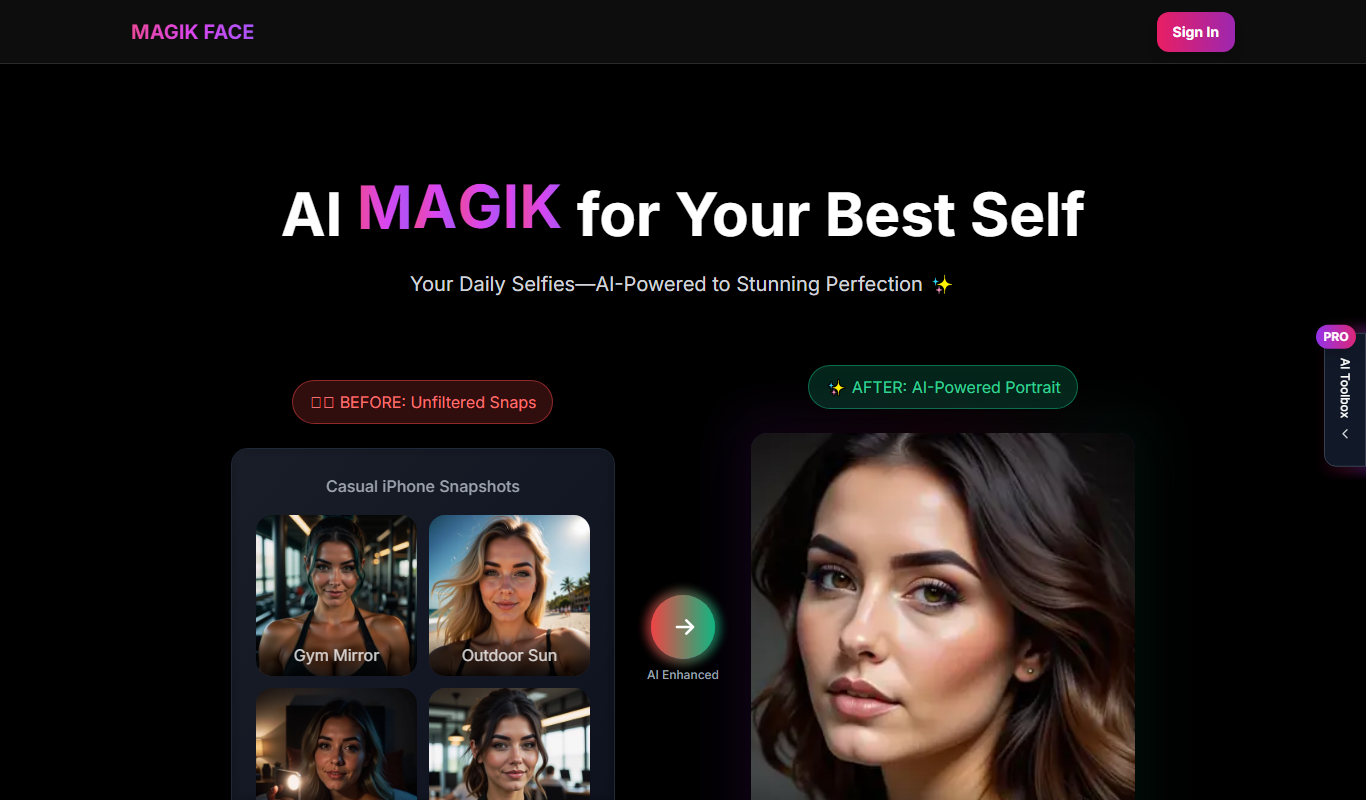
Magik Face trains custom AI models on your photos to generate portraits and consistent characters in hundreds of styles.

IP-Adapter-FaceID AI
IP-Adapter-FaceID AI generates images in various styles conditioned on your face: upload a few photos, enter a text prompt and see yourself in new scenes, free to try online.

Alter
Alter AI is an AI headshot generator that turns your selfies into professional AI headshots.

Imagine Me
Imagine Me generates AI images and videos of yourself from one prompt, using a private AI model trained on your photos.

Foxy AI
Foxy AI creates AI-generated photos and videos of you for social media in seconds, from a personalized model built on a few uploaded photos.

Beb.ai
Beb.ai trains an AI model on 20-30 of your photos and delivers 72 new photos every week in 9 themes for social media posts, ads and marketing.