

From my experience with Luppet, I found it excels at providing an intuitive platform for creating and animating 3D avatars in real time. The integration of motion capture technology allows for expressive and dynamic virtual characters, making it especially valuable for VTubers and live streamers who want to engage their audience with personalized avatars. However, the tool currently supports only English and Japanese, and lacks a mobile app, which might limit accessibility for some users. Overall, if you are looking to bring your virtual persona to life with smooth animations and customization, Luppet offers a solid and user-friendly solution.
Luppet AI Avatar Generator for Custom 3D Virtual Characters Online
Luppet is an AI avatar generator that creates customizable 3D virtual characters animated in real time using motion capture technology, popular among VTubers and content creators.
- Best for
- VTuber Content Creation
- Key capability
- Real-Time Motion Capture
Your actions
Save Luppet, follow its updates and vote on it — everything stays in your account.
Sign in or create a free accountWhat is Luppet?
Luppet is an AI-powered avatar generator and animation platform that enables users to create customizable 3D virtual characters. It integrates real-time motion capture technology to animate avatars, making it popular among VTubers, content creators, and digital entertainers. The tool allows users to design unique avatars and bring them to life with smooth, responsive animations for streaming, video production, and virtual interactions.
Key features of Luppet
Luppet offers real-time 3D avatar creation, motion capture integration, customizable character design, and support for live streaming and recording. It provides intuitive controls for facial and body animation, enabling expressive and dynamic virtual performances.
Real-Time Motion Capture
Capture facial expressions and body movements to animate avatars live.
Customizable 3D Avatars
Design unique characters with various customization options for appearance.
Live Streaming Integration
Seamlessly use avatars in popular streaming platforms for VTubing.
Multi-Platform Support
Available on web and desktop, compatible with various motion capture devices.
Pros and cons of Luppet
Pros
- Intuitive avatar customization interface
- Real-time motion capture for expressive animation
- Supports VTubing and live streaming workflows
Cons
- Limited language support primarily in English and Japanese
- No dedicated mobile application yet
Key use cases for Luppet
VTuber Content Creation
Create and animate 3D avatars for live streaming and video content as a virtual YouTuber.
Real-Time Motion Capture
Use motion capture technology to animate avatars in real time for presentations or entertainment.
Virtual Events and Meetings
Represent yourself with a customizable avatar during virtual meetings or online events.
Game Development and Animation
Design and animate characters for games or digital media projects.
How Luppet works
- 1
Create an Account
Sign up on the Luppet platform to access avatar creation tools.
- 2
Design Your Avatar
Customize your 3D character’s appearance using built-in design options.
- 3
Connect Motion Capture
Link compatible devices or software to capture your movements in real time.
- 4
Animate and Stream
Use the avatar in live streams, recordings, or virtual events with real-time animation.
Who is using Luppet
VTubers and live streamers
Digital content creators
Game developers
Virtual event hosts
Luppet pricing
Free Trial
$0
Limited access to avatar creation and basic features for evaluation.
Subscription
$15/month
Full access to all features, unlimited avatar customization, and priority support.
Plans and prices are as published by the vendor and can change. Check the official site before you buy. Open the pricing page (opens in a new tab)
Frequently asked questions about Luppet
Yes, with a subscription plan, you can use avatars for commercial content creation.
Luppet supports various webcams and motion capture devices compatible with its software.
Currently, Luppet is available on web and desktop platforms only.
It depends on your specific needs and how you plan to use the tool. The official website and documentation are the best sources for the latest details.
Yes, it can help with that use case depending on how you configure it and what features are available. You’ll get the best results with clear inputs and a defined goal.
It depends on your specific needs and how you plan to use the tool. The official website and documentation are the best sources for the latest details.
Sign in to review this tool.
Sign In to ReviewNo reviews yet
Be the first to share how this tool worked for you.
Ask about pricing, limits, or how it compares — or answer someone else.
Sign In to AskNo questions yet
Have a question about using or paying for this tool? Be the first to ask.
Featured on TiorAI



Alternative Tools
Explore similar AI tools that might fit your needs

Free
VRoid Studio
VRoid Studio is a free 3D character modeling software focused on anime-style avatars, offering easy customization and VRM export for VTubing and game development.

Free
Animaze
Animaze is an AI-powered avatar creation software that allows users to design and animate 2D and 3D avatars in real-time for live streaming, video calls, and content creation using motion capture technology.
More AI Animation Generator tools
Other tools in the same category, for when this one is not quite the fit.

Free
aianimegenerator.me
AIAnimeGenerator.me converts photos to anime without registration, with paid higher quality on a partner site.
Free
Puppet Pals
Puppet Pals is an iOS app that enables users, especially children and educators, to create animated stories and puppet shows by selecting characters, backgrounds, and recording dialogue with a simple drag-and-drop interface.
Paid
Reallusion iClone
Reallusion iClone is a Windows-based real-time 3D animation software used for creating and animating characters and scenes with motion capture support and direct game engine export.
Free
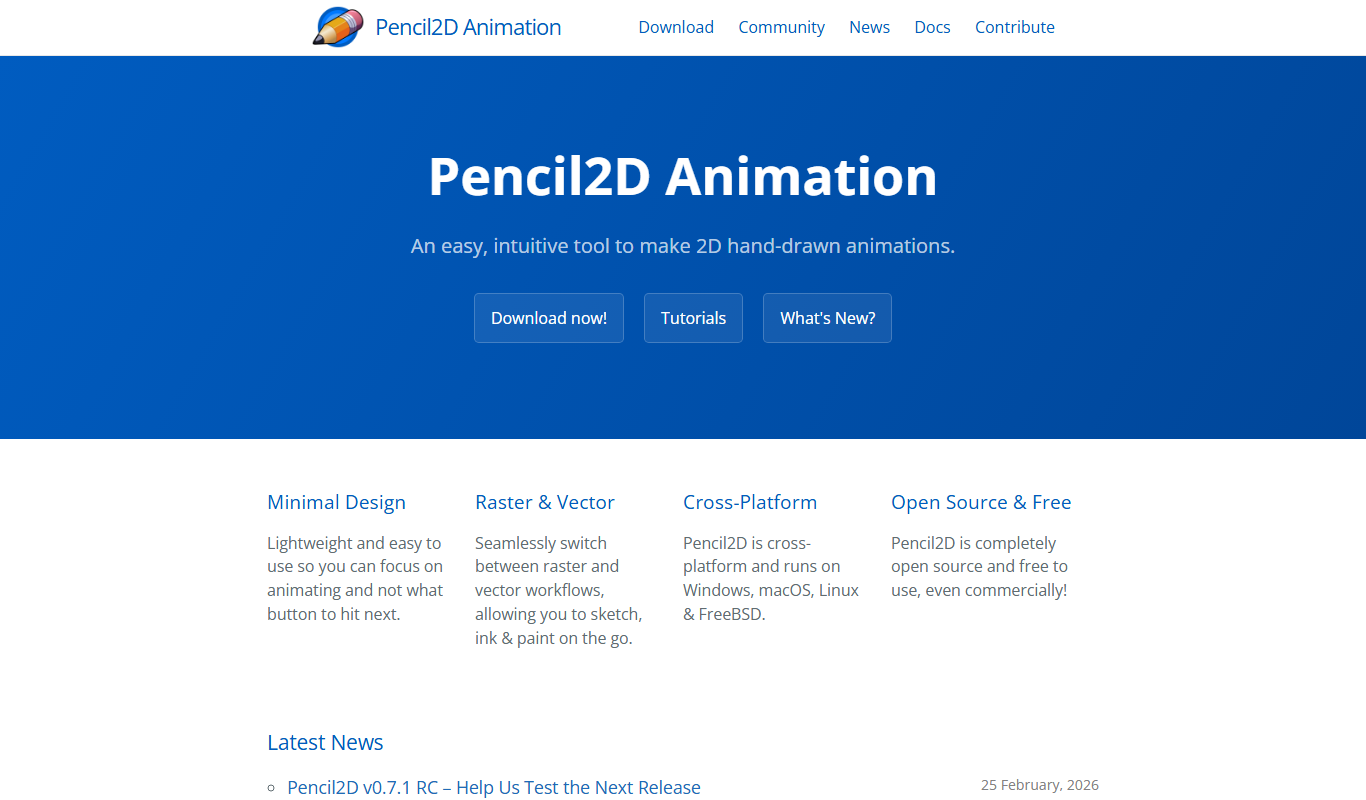
Pencil2D
Pencil2D is a free, open-source 2D animation software that enables users to create hand-drawn animations using bitmap and vector graphics. It is cross-platform and suitable for beginners and hobbyists.

Free
LICEcap
LICEcap is a free tool that records your screen and saves the recording as an animated GIF, supporting Windows and Mac platforms.
Free Trial
Toon Boom Harmony
Toon Boom Harmony is a professional 2D animation software used for creating high-quality animations through frame-by-frame and rig-based techniques, widely adopted in the animation industry.
Free
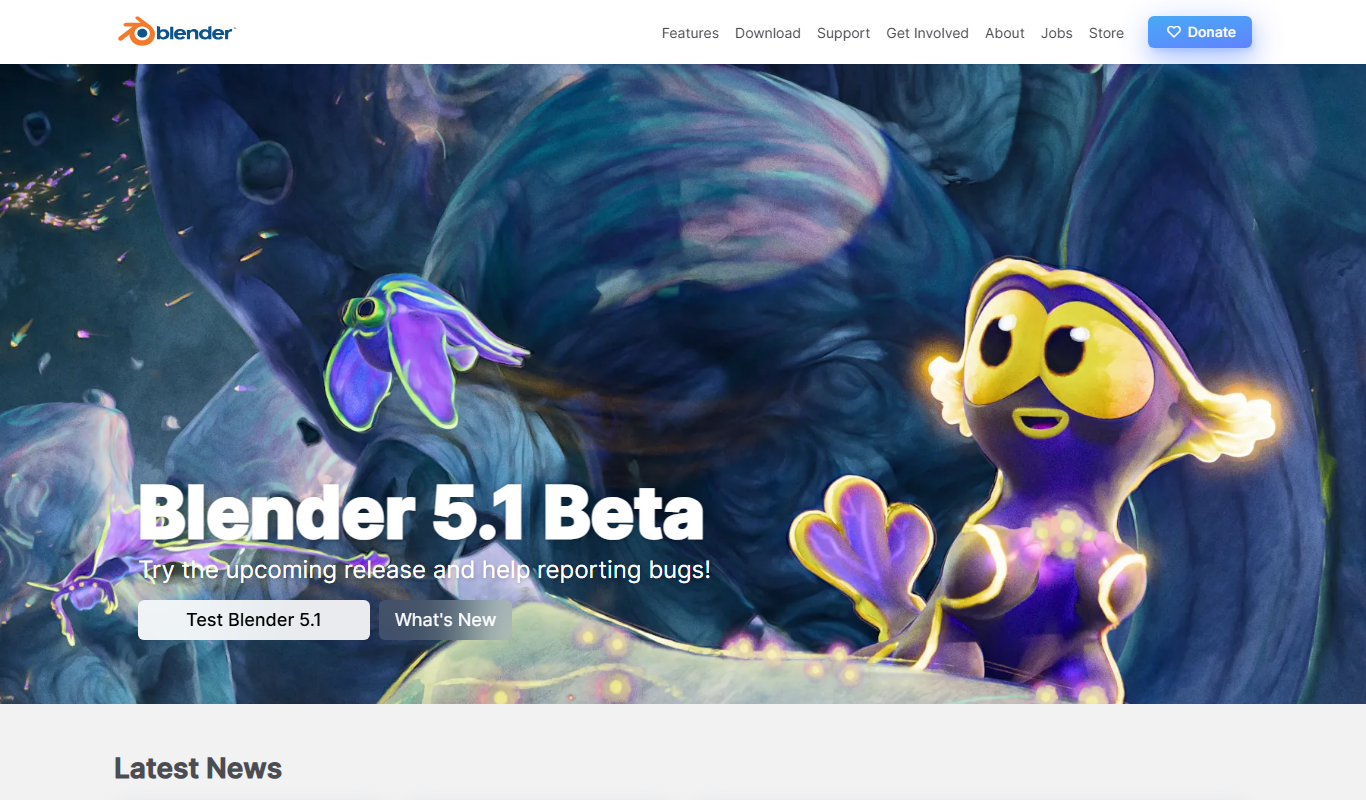
Blender
Blender is a free, open-source 3D creation suite used for modeling, animation, rendering, and video editing across various creative industries.

Free
Animista
Animista is a free online CSS animation library that lets users customize and export animations for web projects without coding from scratch.