

From my experience with InstantPersonas, I found it excels at simplifying the often time-consuming task of creating detailed user personas. The AI-assisted descriptions add depth and realism, making it easier to empathize with target users. After spending time with the platform, I can say it’s particularly well-suited for marketing teams, product managers, and UX designers who need quick yet comprehensive personas without extensive manual research. However, the lack of integrations with other marketing tools and absence of a mobile app may limit workflow flexibility for some users. Overall, if you need to generate user personas efficiently and affordably, InstantPersonas delivers solid results.
InstantPersonas User Persona Generator for Marketing and Product Teams
InstantPersonas is a web tool that helps marketing and product teams quickly generate detailed user personas using AI assistance and customizable templates.
- Best for
- Marketing Campaign Planning
- Key capability
- AI-Assisted Persona Generation
Your actions
Save InstantPersonas, follow its updates and vote on it — everything stays in your account.
Sign in or create a free account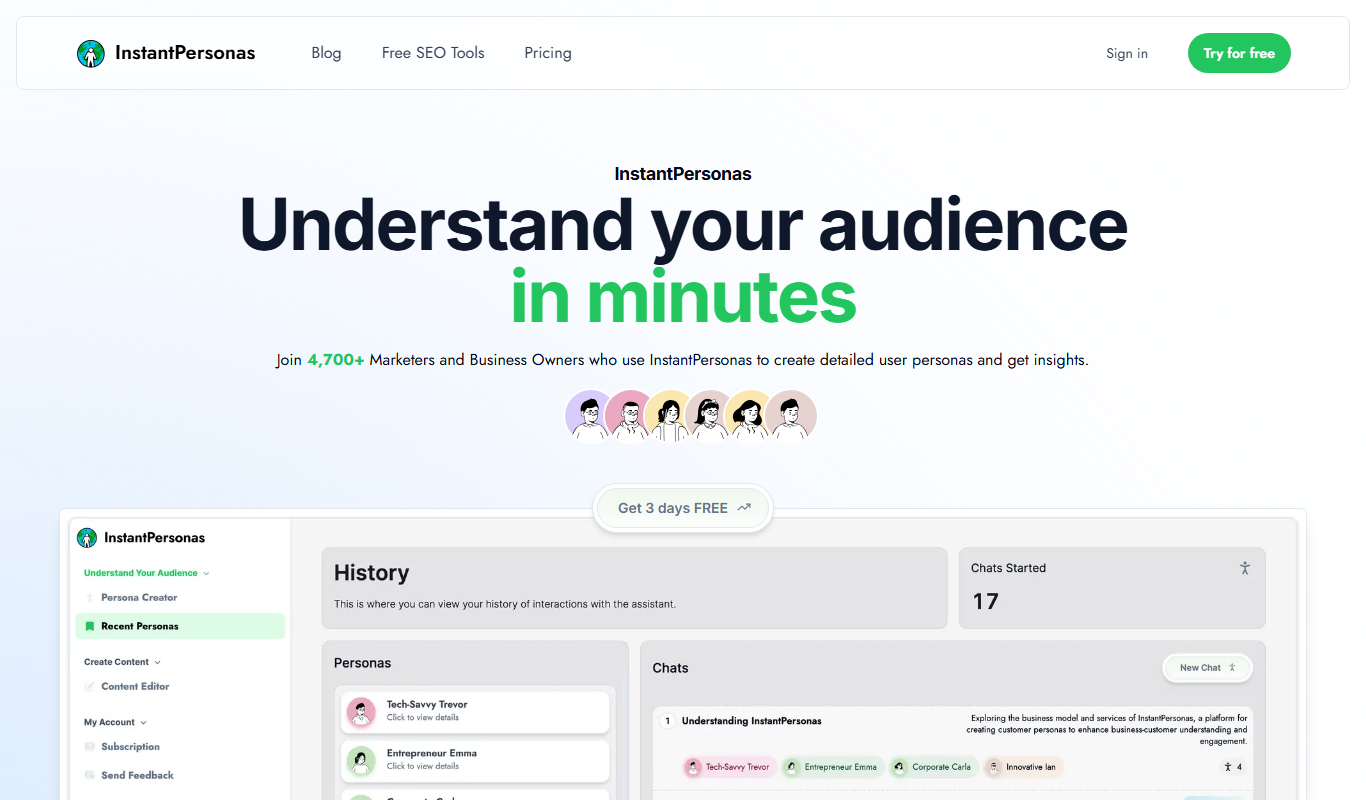

What is InstantPersonas?
InstantPersonas is a web-based tool designed to help marketers, product managers, and UX professionals quickly generate detailed user personas. It simplifies the persona creation process by providing customizable templates and AI-assisted content suggestions, enabling teams to better understand their target audience and make informed decisions.
Key features of InstantPersonas
The tool offers an intuitive interface for creating user personas with editable fields such as demographics, goals, challenges, and behaviors. It includes AI-generated persona descriptions, export options in various formats, and the ability to save and manage multiple personas for different projects.
AI-Assisted Persona Generation
Leverages AI to help craft detailed and realistic user persona descriptions.
Customizable Templates
Offers flexible templates that can be tailored to different industries and project needs.
Multi-Format Export
Supports exporting personas as PDFs, images, or text files for easy sharing.
Cloud-Based Storage
Allows users to save and manage multiple personas securely online.
Pros and cons of InstantPersonas
Pros
- Quick and easy persona creation
- AI assistance improves persona detail and realism
- Flexible templates suitable for various industries
- Affordable pricing with a free tier
Cons
- Limited integrations with other marketing tools
- No mobile app available currently
- Some advanced features require Pro subscription
Key use cases for InstantPersonas
Marketing Campaign Planning
Generate detailed user personas to tailor marketing strategies and messaging effectively.
Product Development
Create personas to better understand target users and guide product feature prioritization.
User Research
Quickly build personas to support qualitative and quantitative research efforts.
UX Design
Use personas to empathize with users and design user-centered interfaces.
How InstantPersonas works
- 1
Access the Platform
Visit the InstantPersonas website and sign up for a free account to start creating personas.
- 2
Input Basic Information
Enter key details about your target user such as age, occupation, and interests.
- 3
Customize Persona Attributes
Add or modify sections like goals, pain points, and behaviors to tailor the persona.
- 4
Generate Persona Description
Use AI assistance to create a comprehensive narrative that summarizes the persona.
- 5
Export and Share
Download the persona in formats like PDF or share it with your team for collaboration.
Who is using InstantPersonas
Marketing agencies
Product managers
UX designers
Startups and small businesses
User researchers
InstantPersonas pricing
Free
$0/month
Basic persona creation with limited exports and access to standard templates.
Pro
$15/month
Unlimited persona creation, advanced templates, AI assistance, and priority support.
Plans and prices are as published by the vendor and can change. Check the official site before you buy. Open the pricing page (opens in a new tab)
Frequently asked questions about InstantPersonas
No, you need to sign up for a free account to save and export personas.
Yes, you can edit all fields and descriptions to better fit your specific audience.
You can export personas as PDFs, images, or plain text files.
The free plan has limits, while the Pro plan offers unlimited persona creation.
This tool is designed to help users accomplish its core tasks more efficiently. It is typically used by individuals or teams looking to improve productivity and workflow.
It depends on your specific needs and how you plan to use the tool. The official website and documentation are the best sources for the latest details.
Some tools offer a free plan or trial with limited features. Availability can vary, so confirm on the official website.
Yes, it can help with that use case depending on how you configure it and what features are available. You’ll get the best results with clear inputs and a defined goal.
Sign in to review this tool.
Sign In to ReviewNo reviews yet
Be the first to share how this tool worked for you.
Ask about pricing, limits, or how it compares — or answer someone else.
Sign In to AskNo questions yet
Have a question about using or paying for this tool? Be the first to ask.
Featured on TiorAI



Alternative Tools
Explore similar AI tools that might fit your needs

Free
Userforge
Userforge is a user persona creator that builds personas from your real business and has them read your pages and drafts, returning feedback with the evidence attached.

Free
Xtensio
Xtensio is a web-based collaborative platform that enables teams to create, customize, and share business documents such as marketing plans, proposals, and reports using drag-and-drop templates and real-time collaboration.
More AI Avatar Generator tools
Other tools in the same category, for when this one is not quite the fit.

Custom Pricing
Looking Glass Factory
Looking Glass Factory offers advanced glasses-free 3D holographic displays that enable users to view and interact with volumetric 3D content without headsets, suitable for design, education, and entertainment.

Freemium
DeepAR SDK
DeepAR SDK is a cross-platform augmented reality development kit that enables real-time face tracking, AI avatar creation, and 3D AR effects for mobile apps, games, and live streaming.

Custom Pricing
Banuba SDK
Banuba SDK is an AI-powered augmented reality software development kit that enables developers to integrate real-time face tracking, 3D masks, beauty filters, and avatar effects into mobile and desktop applications.
Freemium
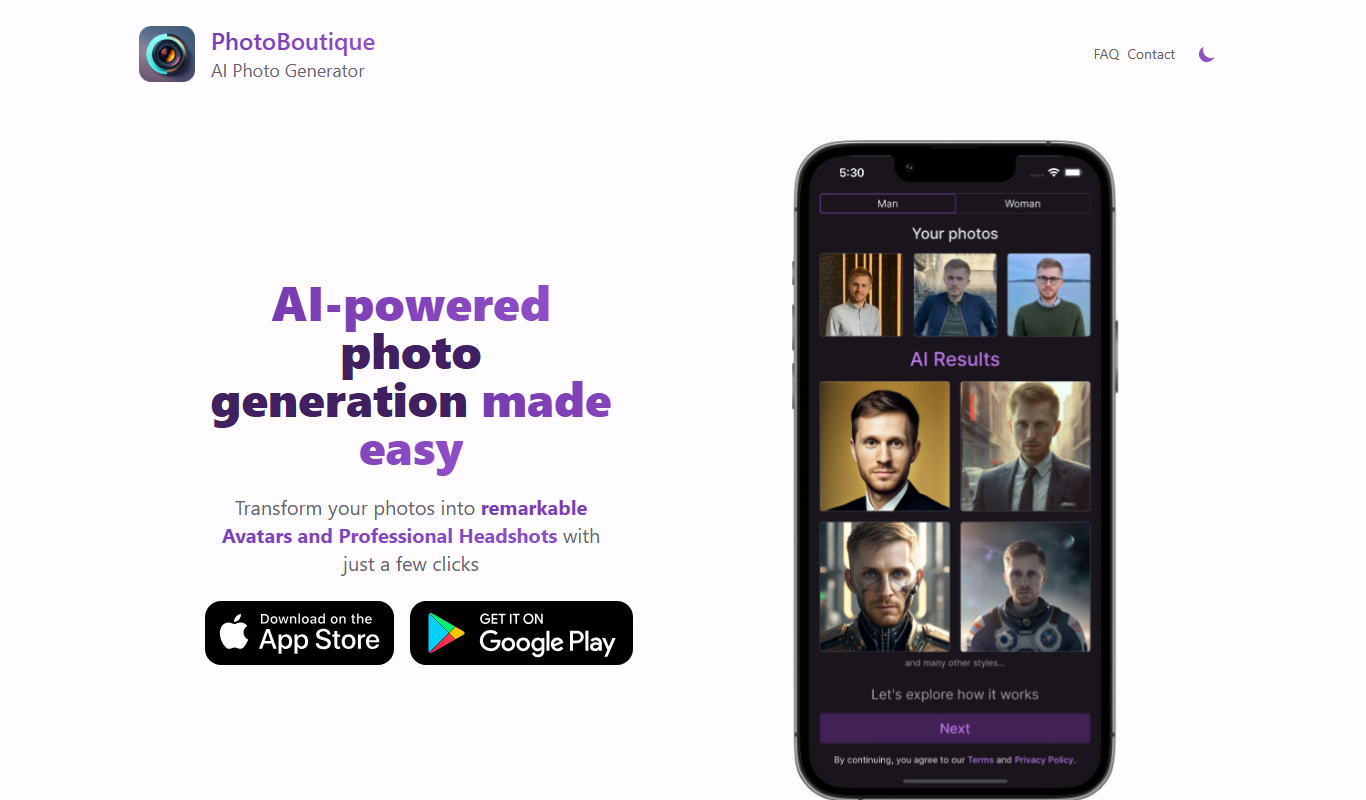
PhotoBoutique – AI Avatar maker
PhotoBoutique is a web-based AI avatar maker that generates personalized avatars using artificial intelligence, suitable for social media profiles, gaming, and creative uses.

Custom Pricing
FaceTec
FaceTec is an AI-driven biometric authentication platform specializing in 3D facial recognition and liveness detection to securely verify user identities and prevent fraud.

Freemium
Portrait AI
Portrait AI is a web-based AI avatar generator that creates realistic and artistic digital portraits from user photos using advanced AI technology.

Contact for pricing
ArcFace
ArcFace is an AI-powered facial recognition software developed by ArcSoft that provides high-accuracy face detection and verification with anti-spoofing features, suitable for identity verification and security applications.

Free
Open Peeps
Open Peeps is a free, open source library of modular hand-drawn character illustrations that designers and developers can customize and use in digital projects.