

From my experience with Wonder AI, I found it excels at quickly transforming simple text prompts into creative and visually appealing images. The platform’s straightforward interface makes it accessible for users without design skills, which is a big plus for marketers and hobbyists alike. However, the customization options beyond style selection are somewhat limited, and pricing details for premium plans could be clearer. Overall, if you want an easy-to-use AI image generator for creative projects or marketing visuals, Wonder AI delivers solid and fast results.
Wonder AI Image Generator for Creative AI Art and Visual Content
Wonder AI is an AI-powered web tool that converts text prompts into unique digital images using advanced machine learning models.
- Best for
- Creative Art Generation
- Key capability
- Text-to-Image AI Generation
Your actions
Save Wonder AI, follow its updates and vote on it — everything stays in your account.
Sign in or create a free account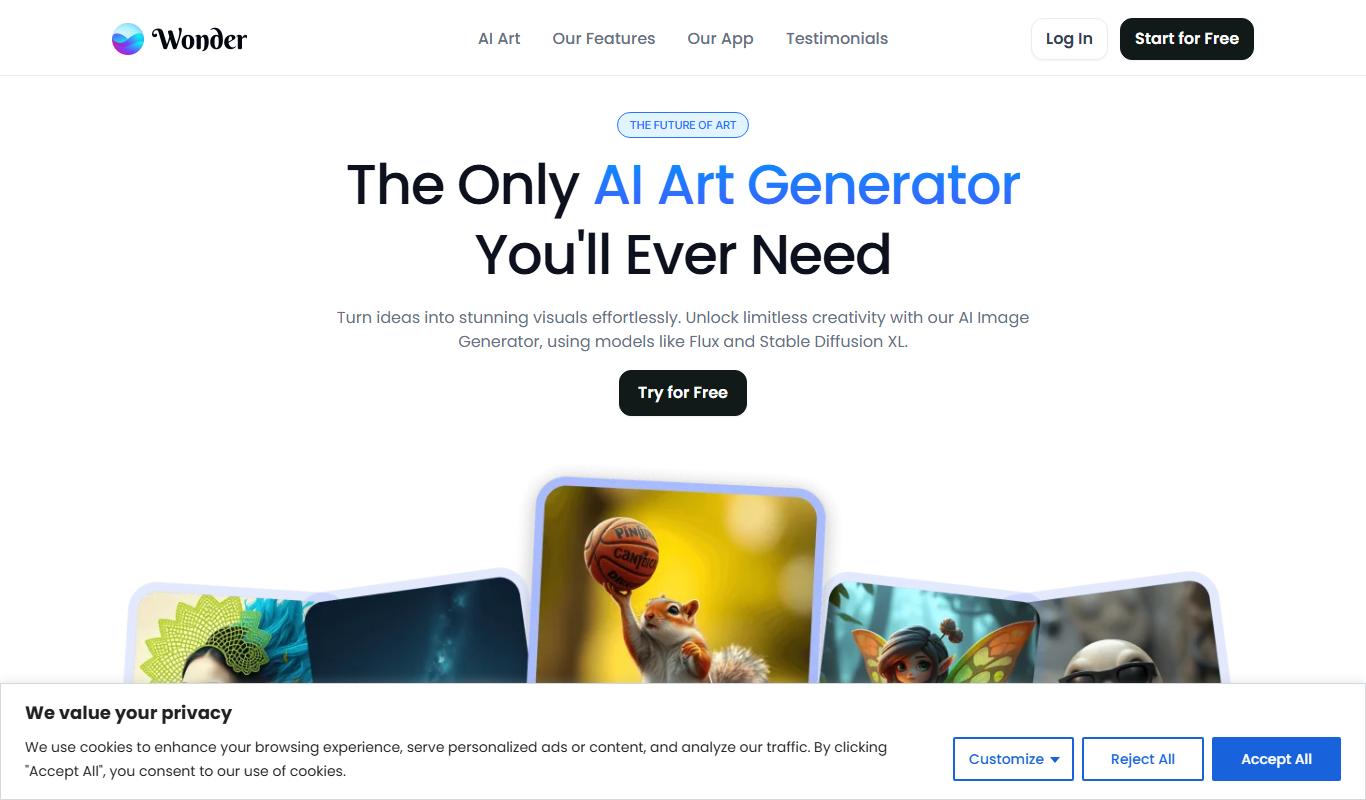

What is Wonder AI?
Wonder AI is a web-based AI image generation tool that transforms text prompts into unique digital artwork. It leverages advanced machine learning models to create high-quality images based on user input, enabling users to produce creative visuals without needing graphic design skills.
Key features of Wonder AI
Wonder AI offers intuitive text-to-image generation, customizable styles, and fast rendering times. Users can input descriptive prompts to generate diverse images suitable for art, marketing, or personal use.
Text-to-Image AI Generation
Create images from simple text prompts using advanced AI models.
Multiple Artistic Styles
Apply different visual styles to customize the look and feel of generated images.
User-Friendly Interface
Clean and simple web interface designed for ease of use by all skill levels.
Fast Rendering
Quick image generation allowing for rapid creative iteration.
Pros and cons of Wonder AI
Pros
- Easy to use with no technical skills required
- Generates diverse and creative images quickly
- Free tier available for casual users
Cons
- Limited customization beyond style selection
- Subscription pricing details are not fully transparent
- No mobile app available
Key use cases for Wonder AI
Creative Art Generation
Generate unique digital artwork and illustrations using AI-powered text-to-image synthesis.
Visual Content for Marketing
Create engaging images for social media posts, advertisements, and marketing campaigns.
Concept Visualization
Visualize ideas and concepts quickly for presentations, storyboards, or design inspiration.
Personal Projects
Produce custom images for personal use such as wallpapers, gifts, or creative experiments.
How Wonder AI works
- 1
Enter Text Prompt
Users type a descriptive phrase or sentence describing the desired image.
- 2
Select Style (Optional)
Choose from various artistic styles or let the AI interpret the prompt freely.
- 3
Generate Image
The AI processes the input and creates a unique image based on the prompt.
- 4
Download or Share
Users can download the generated image or share it directly on social platforms.
Who is using Wonder AI
Digital artists and illustrators
Content creators and marketers
Social media managers
Hobbyists and creative enthusiasts
Wonder AI pricing
Free
$0/month
Limited daily image generations with basic features.
Subscription
Varies
Access to higher resolution images, more daily generations, and premium styles.
Plans and prices are as published by the vendor and can change. Check the official site before you buy. Open the pricing page (opens in a new tab)
Frequently asked questions about Wonder AI
Yes, Wonder AI offers a free tier with limited daily image generations.
Usage rights depend on the subscription plan; check Wonder AI’s terms for commercial use.
Detailed and descriptive prompts yield more accurate and creative images.
Yes, users can select from various artistic styles to influence the image output.
It depends on your specific needs and how you plan to use the tool. The official website and documentation are the best sources for the latest details.
Yes, it can help with that use case depending on how you configure it and what features are available. You’ll get the best results with clear inputs and a defined goal.
Sign in to review this tool.
Sign In to ReviewNo reviews yet
Be the first to share how this tool worked for you.
Ask about pricing, limits, or how it compares — or answer someone else.
Sign In to AskNo questions yet
Have a question about using or paying for this tool? Be the first to ask.
Featured on TiorAI



More AI Avatar Generator tools
Other tools in the same category, for when this one is not quite the fit.

Custom Pricing
Banuba SDK
Banuba SDK is an AI-powered augmented reality software development kit that enables developers to integrate real-time face tracking, 3D masks, beauty filters, and avatar effects into mobile and desktop applications.
Freemium
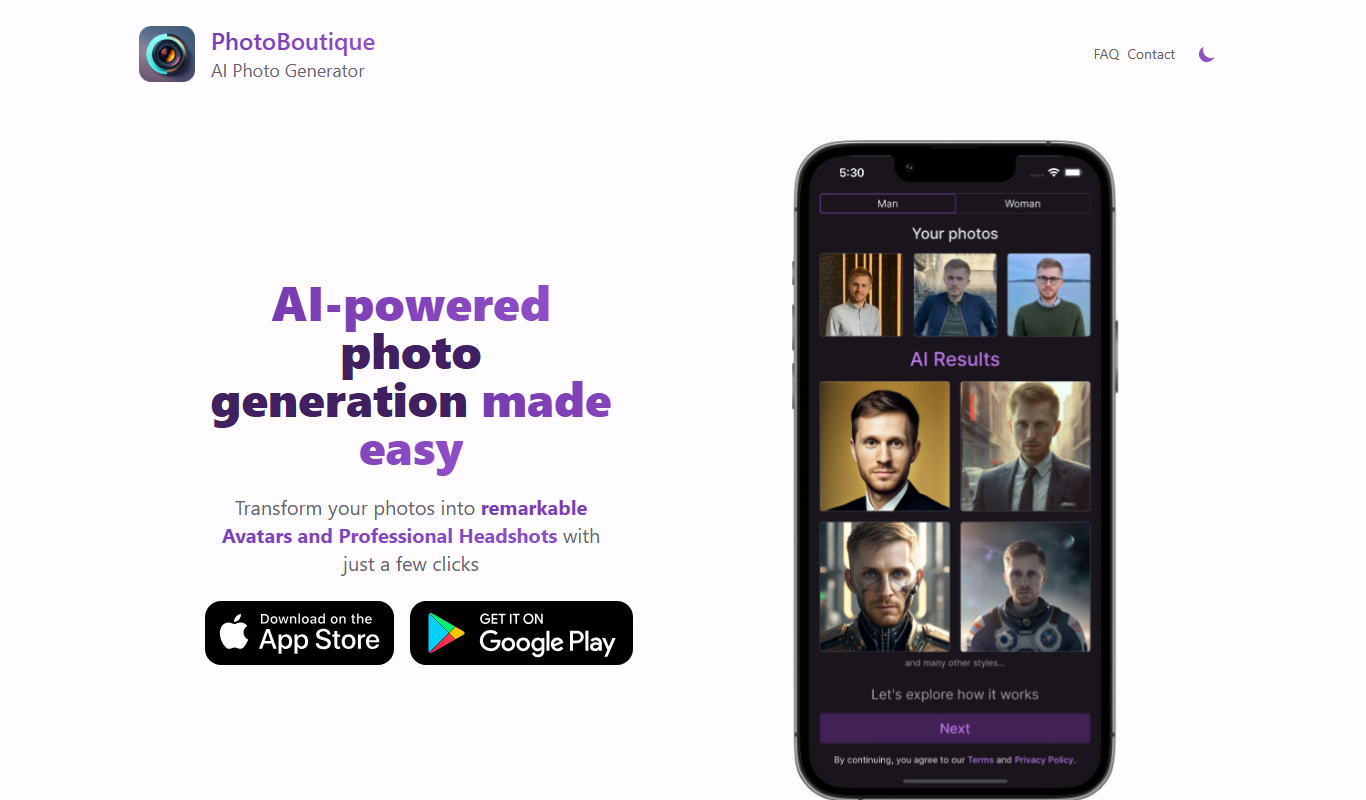
PhotoBoutique – AI Avatar maker
PhotoBoutique is a web-based AI avatar maker that generates personalized avatars using artificial intelligence, suitable for social media profiles, gaming, and creative uses.

Custom Pricing
FaceTec
FaceTec is an AI-driven biometric authentication platform specializing in 3D facial recognition and liveness detection to securely verify user identities and prevent fraud.

Freemium
Portrait AI
Portrait AI is a web-based AI avatar generator that creates realistic and artistic digital portraits from user photos using advanced AI technology.

Contact for pricing
ArcFace
ArcFace is an AI-powered facial recognition software developed by ArcSoft that provides high-accuracy face detection and verification with anti-spoofing features, suitable for identity verification and security applications.

Free
Open Peeps
Open Peeps is a free, open source library of modular hand-drawn character illustrations that designers and developers can customize and use in digital projects.
Free
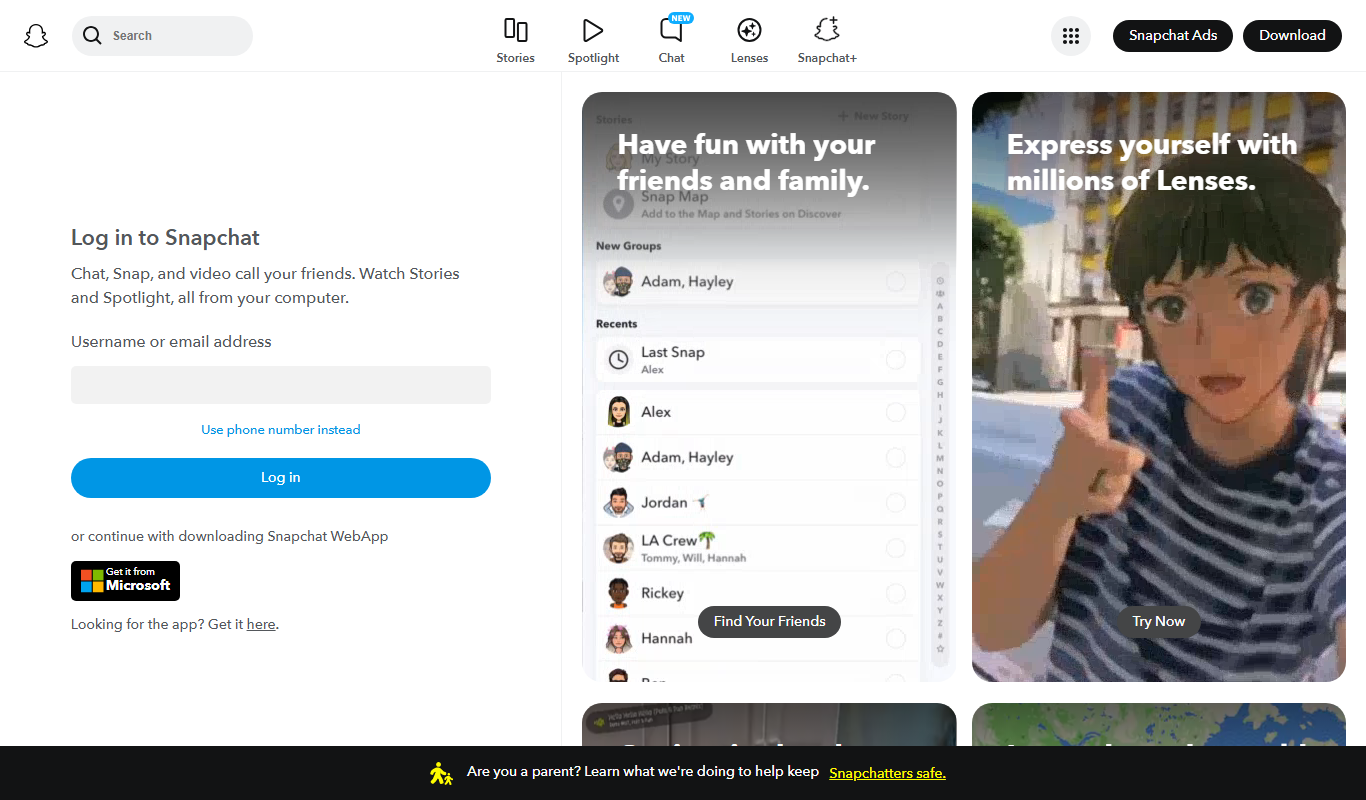
Snapchat
Snapchat is a multimedia messaging app by Snap Inc. that lets users send disappearing messages, share stories, and use augmented reality lenses for creative photos and videos.

Contact for pricing
8i
8i is a platform that creates photorealistic 3D holograms and avatars using volumetric video technology for VR and AR experiences.