

From my experience with UI Faces with AI, I found it excels at providing a diverse and privacy-safe collection of user avatars that are easy to filter and integrate into design projects. The platform’s AI-generated faces help avoid privacy issues common with real photos, making it ideal for UI/UX designers and developers needing realistic placeholders. However, the free tier limits access to the full avatar library and features, so serious users may need to upgrade. Overall, if you want quick, diverse, and legally safe user images for your projects, UI Faces with AI delivers a practical and user-friendly solution.
UI Faces with AI - Generate Diverse User Avatars for Design Projects
UI Faces with AI is a web tool that provides designers and developers with AI-generated and curated user avatars, enabling diverse, realistic, and privacy-safe faces for UI mockups, apps, and marketing content.
- Best for
- UI/UX Design
- Key capability
- AI-Generated Diverse Faces
Your actions
Save UI Faces with AI, follow its updates and vote on it — everything stays in your account.
Sign in or create a free account
What is UI Faces with AI?
UI Faces with AI is a web-based tool that provides designers and developers with a curated collection of user avatars generated or aggregated using artificial intelligence. It helps create diverse, realistic, and privacy-safe faces for use in UI mockups, prototypes, and other design projects.
Key features of UI Faces with AI
The tool offers a searchable database of user faces, filters for age, gender, emotion, and ethnicity, and the ability to download avatars in various sizes. It integrates AI to generate unique faces, ensuring diversity and privacy compliance.
AI-Generated Diverse Faces
Leverages AI to produce unique, realistic faces covering a wide range of demographics.
Advanced Filtering Options
Filter avatars by age, gender, emotion, ethnicity, and hair color to match project needs.
Privacy-Safe Images
All faces are AI-generated or properly licensed, eliminating privacy concerns.
Multiple Download Sizes
Download avatars in various resolutions suitable for web, mobile, or print.
API Access
Programmatic access to avatar images for seamless integration into development workflows.
Pros and cons of UI Faces with AI
Pros
- Wide variety of diverse and realistic avatars
- Easy-to-use filtering and search options
- Privacy-safe AI-generated images
- API access for developers
- Affordable pricing tiers
Cons
- Free plan has limited avatar selections
- No mobile app available
- Some advanced features require paid subscription
Key use cases for UI Faces with AI
UI/UX Design
Generate realistic and diverse user avatars to use as placeholders in user interface mockups and prototypes.
App Development
Quickly obtain user profile images for apps during development and testing phases without privacy concerns.
Marketing Materials
Create diverse and inclusive faces for marketing presentations, websites, and promotional content.
Content Creation
Enhance blog posts, tutorials, and social media content with AI-generated human faces.
How UI Faces with AI works
- 1
Browse or Search Faces
Users can explore a large collection of AI-generated and curated user avatars using filters like age, gender, and emotion.
- 2
Select Desired Avatars
Choose avatars that fit the design requirements and project context.
- 3
Download or Integrate
Download avatars in multiple resolutions or use provided API endpoints to integrate avatars directly into projects.
Who is using UI Faces with AI
UI/UX designers
App developers
Marketing professionals
Content creators
Product managers
UI Faces with AI pricing
Free
$0/month
Access to a limited number of avatars with basic filtering and download options.
Pro
$9/month
Expanded avatar library, advanced filters, higher resolution downloads, and API access.
Team
$29/month
Includes all Pro features plus team collaboration tools and priority support.
Plans and prices are as published by the vendor and can change. Check the official site before you buy. Open the pricing page (opens in a new tab)
Frequently asked questions about UI Faces with AI
UI Faces uses a combination of AI-generated faces and curated images with proper licenses to ensure diversity and privacy.
Yes, avatars provided by UI Faces are licensed for commercial use, but users should review the specific terms on the website.
Yes, Pro and Team plans include API access for seamless integration.
Attribution is not required for paid plans, but it is appreciated. Free plan users should check licensing details.
It depends on your specific needs and how you plan to use the tool. The official website and documentation are the best sources for the latest details.
Yes, it can help with that use case depending on how you configure it and what features are available. You’ll get the best results with clear inputs and a defined goal.
Integration support depends on the tool and its available connectors or API. Check the official documentation or integrations page to confirm what is supported.
It depends on your specific needs and how you plan to use the tool. The official website and documentation are the best sources for the latest details.
Sign in to review this tool.
Sign In to ReviewNo reviews yet
Be the first to share how this tool worked for you.
Ask about pricing, limits, or how it compares — or answer someone else.
Sign In to AskNo questions yet
Have a question about using or paying for this tool? Be the first to ask.
Featured on TiorAI



More AI Ai Tools tools
Other tools in the same category, for when this one is not quite the fit.
Freemium
Debatia
Debatia is an AI-driven platform that facilitates structured debates by generating balanced arguments and providing feedback to improve critical thinking and communication skills.

Free
Presentify.ai
Presentify.ai is an AI-driven presentation software that helps users create professional slide decks quickly by generating content and optimizing design automatically.

Freemium
YouMusic.AI
YouMusic.AI turns text prompts or your own lyrics into complete songs, with free credits for new users and commercial rights on paid plans.

Free Trial
Wizard of Swipe for Tinder
Wizard of Swipe for Tinder is an AI-powered automation tool that automates swiping on Tinder based on user preferences to increase match chances and save time.

Free
AI Pickup Lines
AI Pickup Lines is a free web tool that instantly generates creative and humorous pickup lines to help users start conversations in dating or social settings.

Freemium
Anthropics Technology Ltd
Anthropics Technology Ltd offers AI-driven image editing software specializing in portrait retouching and photo enhancement, available for Windows and Mac with options for batch processing.
Contact for pricing
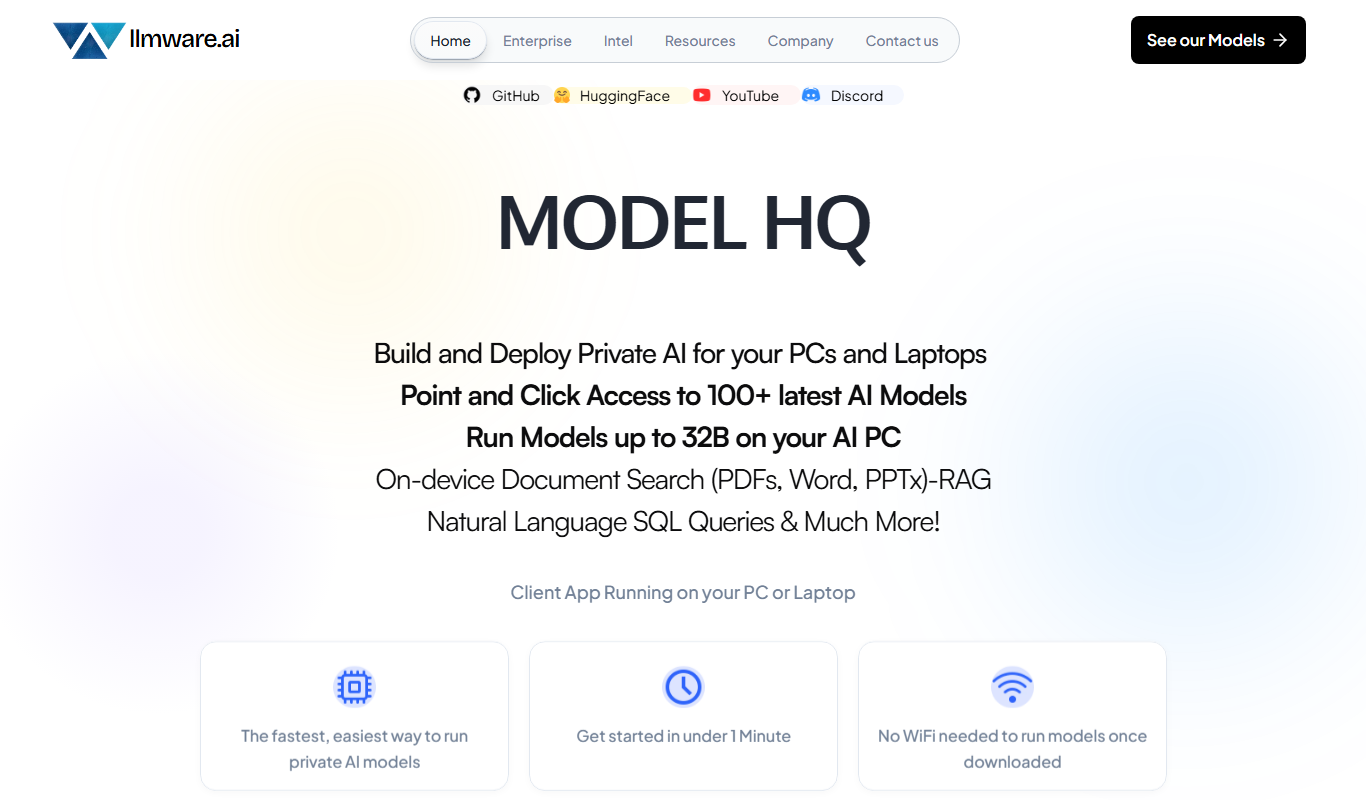
LLMWare
LLMWare is an AI platform that enables enterprises to deploy, manage, and scale large language models securely with flexible infrastructure and integration options.
Free
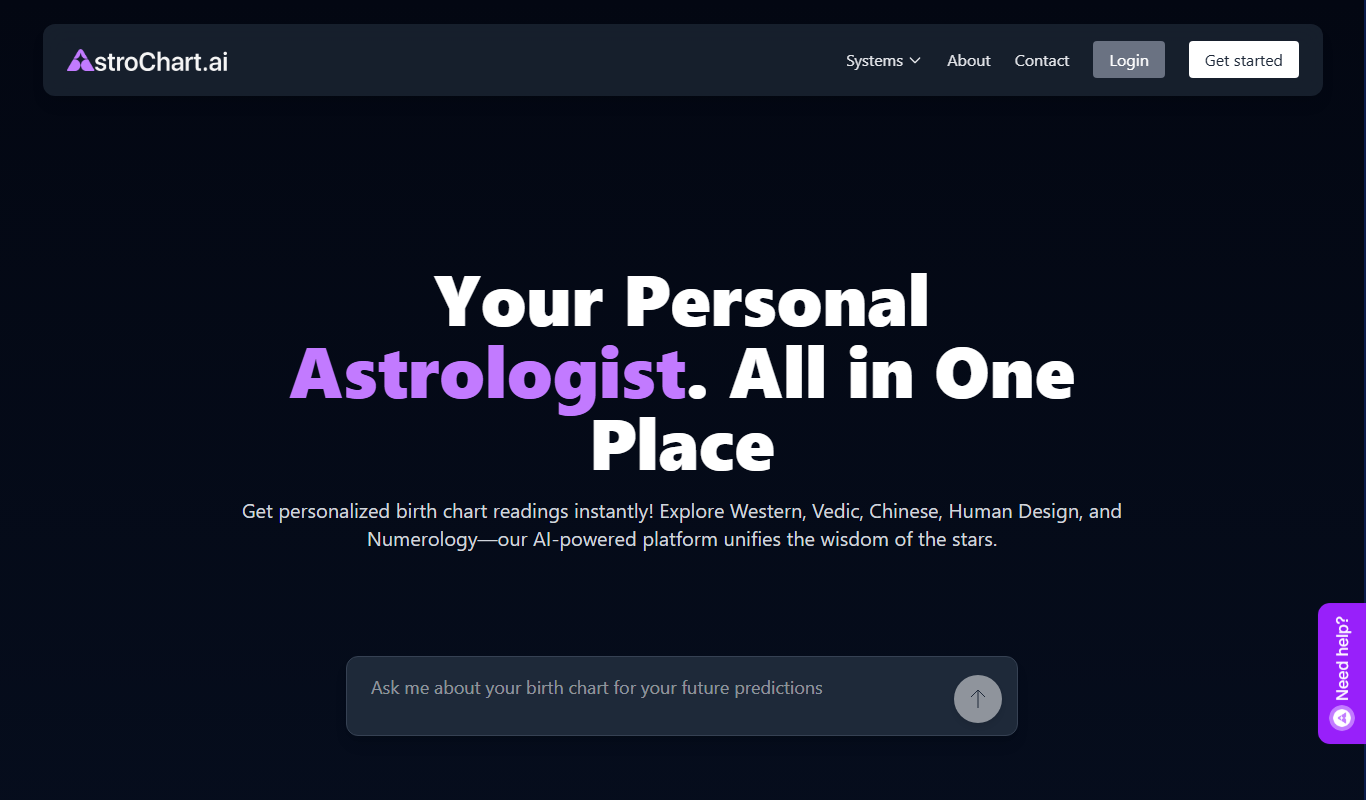
AstroChart.ai
AstroChart.ai is an AI-driven platform that creates personalized astrology birth charts and detailed interpretations based on your birth data, helping users understand their astrological profile easily online.