

Rapid Resizer Outline Maker for Vectorizing and Crafting Scalable Designs
Rapid Resizer Outline Maker refers to the Picture Stencil Maker on Rapid Resizer, a web-based tool for turning photos or drawings into stencils and patterns for crafts and cutting projects.
- Best for
- Craft and Pattern Design
- Key capability
- Automatic Image Tracing
Save Rapid Resizer Outline Maker, follow its updates and vote on it — everything stays in your account.
Sign in or create a free accountWhat is Rapid Resizer Outline Maker?
Rapid Resizer Outline Maker refers to the Picture Stencil Maker on Rapid Resizer, a web-based service that turns photos or drawings into stencils and patterns for crafting. The Picture Stencil Maker is included in the Designer and Pro plans; the official tools are the Picture and Letter Stencil Makers.
Key features of Rapid Resizer Outline Maker
Rapid Resizer offers the Picture Stencil Maker and the Letter Stencil Maker; the Picture Stencil Maker is included in the Designer and Pro plans.
Automatic Image Tracing
Transforms raster images into clean vector outlines with minimal manual effort.
Adjustable Detail and Smoothing
Control the complexity and smoothness of the outlines to suit different project requirements.
Scalable Vector Output
Produces designs that can be resized without losing quality, ideal for various crafting and design applications.
Multiple Export Formats
Supports exporting outlines in formats compatible with popular cutting machines and graphic design software.
Web-Based Accessibility
Accessible from any device with a web browser, no installation required.
Pros and cons of Rapid Resizer Outline Maker
Pros
- Easy to use with intuitive interface
- Produces clean, scalable vector outlines
- Supports multiple export formats
- No software installation needed
- Affordable subscription pricing
Cons
- Limited advanced vector editing features
- Requires internet connection to use
Key use cases for Rapid Resizer Outline Maker
Craft and Pattern Design
Create precise vector outlines from images for crafting projects such as quilting, woodworking, and sewing patterns.
Digital Art Vectorization
Convert raster images into scalable vector outlines for use in digital art, graphic design, and print projects.
Sign Making and Vinyl Cutting
Generate clean outlines suitable for sign making and vinyl cutting machines to produce professional quality designs.
Educational Use
Assist educators and students in creating visual aids and design templates for art and design classes.
Custom Stencil Creation
Design custom stencils by converting images into outlines that can be cut and reused for painting or etching.
How Rapid Resizer Outline Maker works
- 1
Upload Image
Start by uploading a photo or drawing you want to convert into an outline.
- 2
Adjust Settings
Customize the level of detail and smoothing to refine the vector outline according to your needs.
- 3
Generate Outline
The tool processes the image and creates a scalable vector outline.
- 4
Download or Export
Save your outline in formats compatible with cutting machines or design software for further use.
Who is using Rapid Resizer Outline Maker
Rapid Resizer Outline Maker pricing
Basic
$39/year
Basic plan billed per year.
Designer
$59/year
Includes the Picture Stencil Maker.
Pro
$119/year
Includes the Picture Stencil Maker, with a 30-day money-back guarantee.
Plans and prices are as published by the vendor and can change. Check the official site before you buy. Open the pricing page (opens in a new tab)
Frequently asked questions about Rapid Resizer Outline Maker
You can upload common image formats such as JPG, PNG, BMP, and GIF.
Yes, the tool exports vector outlines compatible with many popular cutting machines.
The tool supports images up to a certain size; very large files may require resizing before upload.
No installation is required as Rapid Resizer Outline Maker is fully web-based.
It depends on your specific needs and how you plan to use the tool. The official website and documentation are the best sources for the latest details.
Integration support depends on the tool and its available connectors or API. Check the official documentation or integrations page to confirm what is supported.
Some tools offer a free plan or trial with limited features. Availability can vary, so confirm on the official website.
Conclusion
Photos and drawings are the raw material here: a user uploads one, adjusts the level of detail and smoothing, and saves the outline in formats for cutting machines or design software. On Rapid Resizer the feature is called the Picture Stencil Maker, and it is included in the Designer and Pro plans. Crafting drives most of its use cases, from quilting, woodworking and sewing patterns to sign making and vinyl cutting. The service is designed for crafters and hobbyists, sign makers and vinyl cutters, and educators and students in art and design.
It runs in a web browser on any device, so no installation is required. Access is sold by subscription with no free trial: Basic costs $39/year, Designer $59/year and Pro $119/year.
Sources
Sign in to review this tool.
Sign In to ReviewNo reviews yet
Be the first to share how this tool worked for you.
Ask about pricing, limits, or how it compares — or answer someone else.
Sign In to AskNo questions yet
Have a question about using or paying for this tool? Be the first to ask.
Featured on TiorAI



Alternative Tools
Explore similar AI tools that might fit your needs

Vector Magic
Vector Magic is an AI-driven tool that converts bitmap images into editable vector graphics, supporting formats like SVG and EPS for design and print use.
More AI Art Generator tools
Other tools in the same category, for when this one is not quite the fit.

A1 Art
A1 Art is a web-based AI image generator that creates digital artwork from text prompts, offering free and subscription plans for users.
QuickDraw
QuickDraw is a free web-based AI drawing game by Google that guesses your sketches in real-time using machine learning.
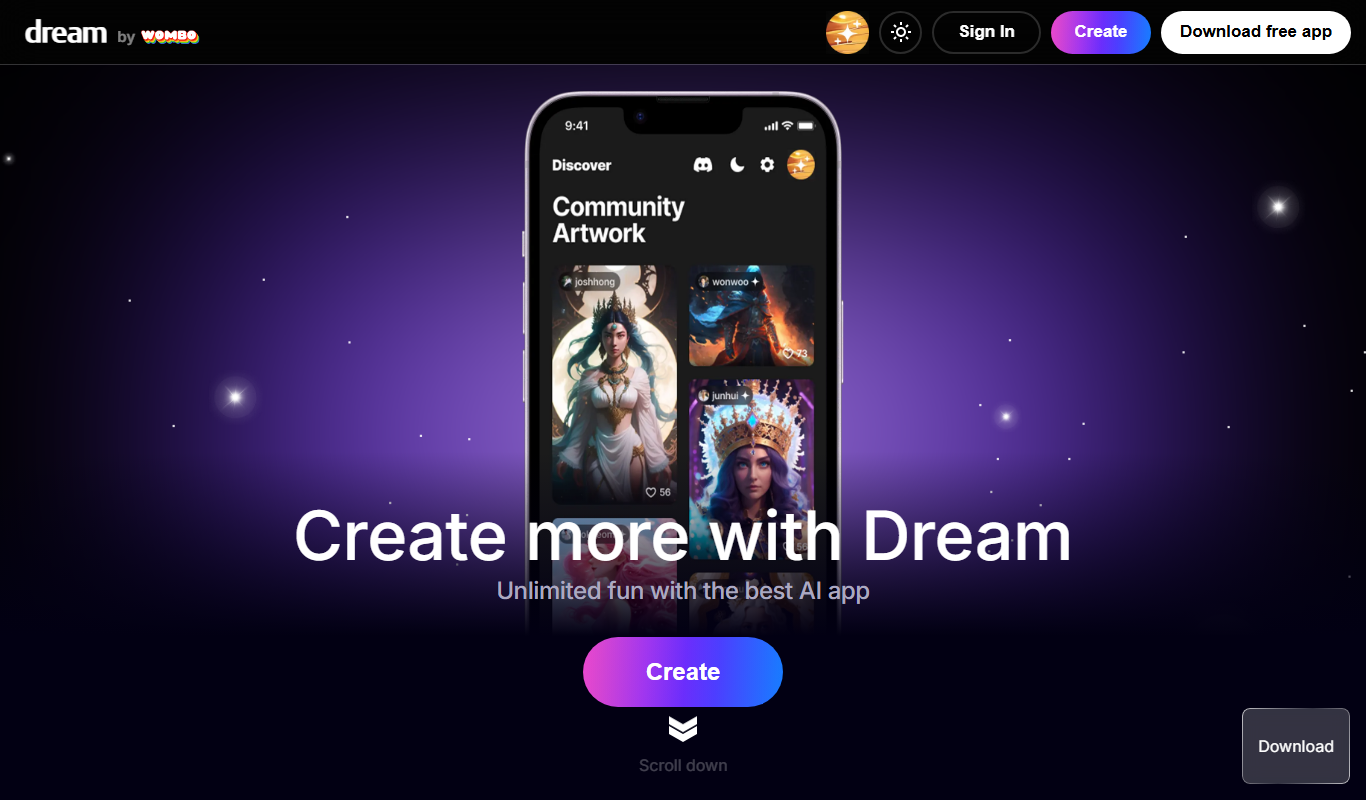
Wombo
Wombo is an AI-powered platform that generates unique digital artwork from text prompts, offering multiple art styles and easy-to-use tools accessible via web and mobile apps.

Neural.love Art Generator
Neural.love Art Generator is an AI-powered web tool that creates unique digital artworks from text prompts or images using neural networks, offering features like style transfer and image upscaling.

insMind Ghibli Image Generator
insMind Ghibli Image Generator is a web-based AI tool that transforms photos into artwork inspired by Studio Ghibli’s animation style using AI style transfer.
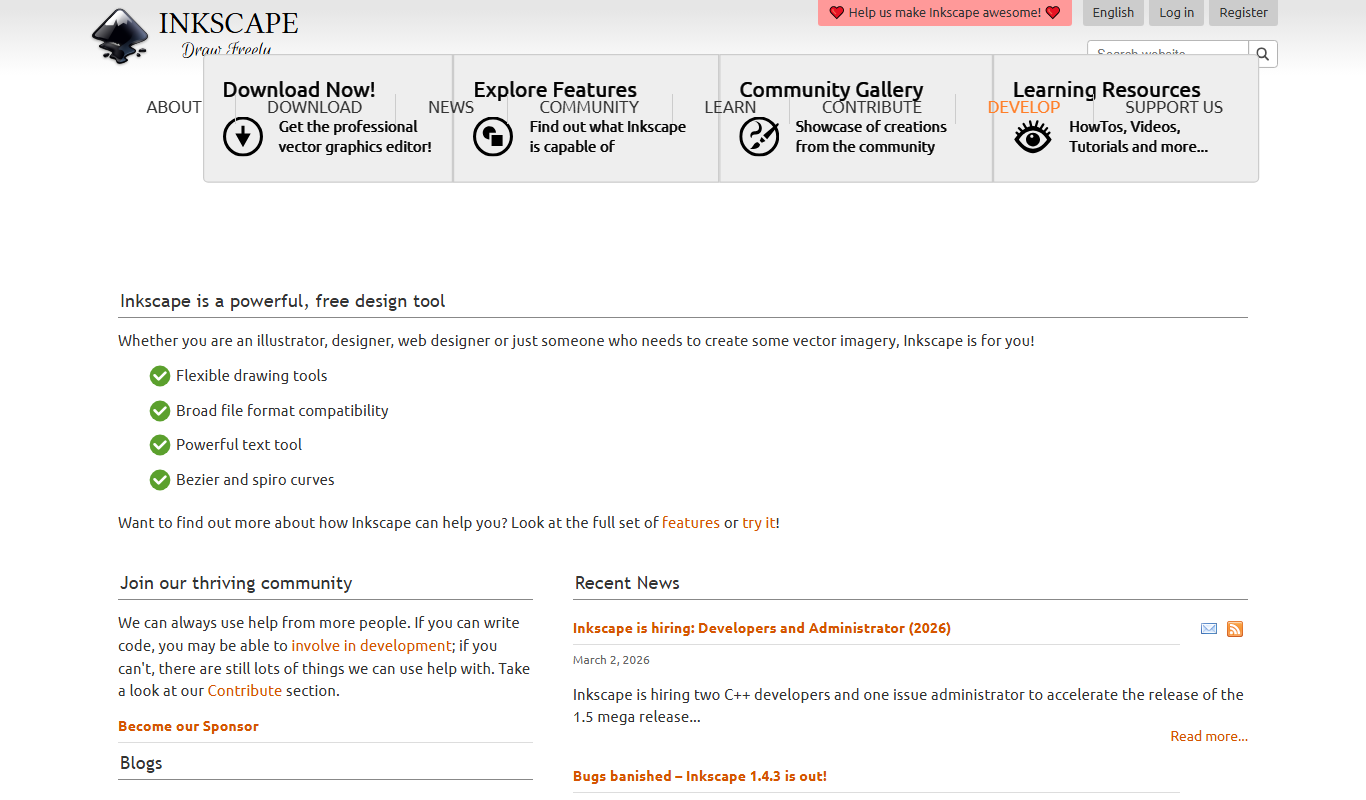
Inkscape
Inkscape is a free and open source vector graphics editor used for creating and editing scalable vector images with advanced tools for illustration and graphic design.
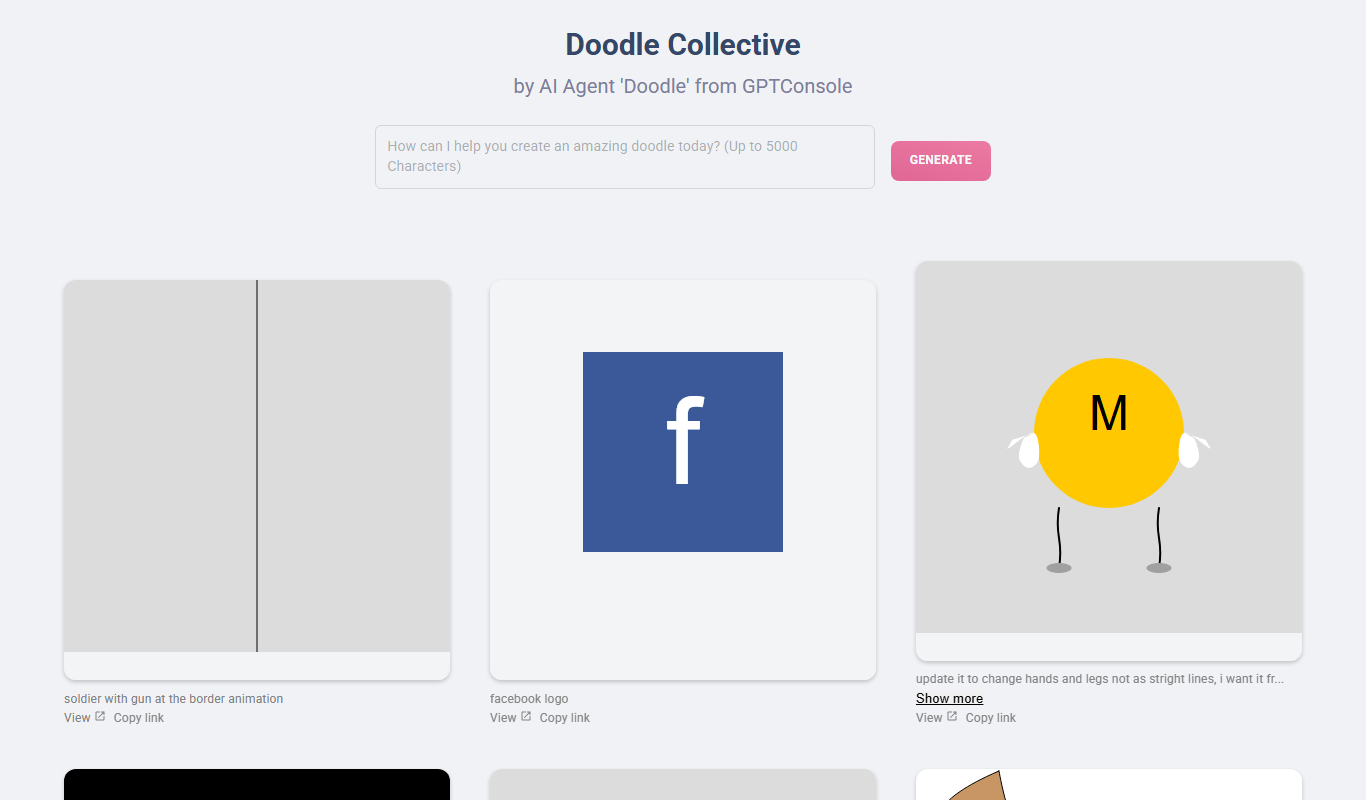
Doodle Collective
Doodle Collective is an AI art generator that transforms text prompts into unique digital images, suitable for creative projects and marketing.
SketchAR
SketchAR is an augmented reality app that projects virtual sketches onto physical surfaces, enabling users to trace and learn drawing interactively on mobile devices.