

Neural.love Art Generator AI for Creative Image and Art Generation
Neural.love Art Generator is an AI-powered web tool that creates unique digital artworks from text prompts or images using neural networks, offering features like style transfer and image upscaling.
- Best for
- Digital Art Creation
- Key capability
- Text-to-Image Generation
Save Neural.love Art Generator, follow its updates and vote on it — everything stays in your account.
Sign in or create a free account
What is Neural.love Art Generator?
Neural.love Art Generator is a web-based AI tool that uses advanced neural networks to create unique and high-quality digital artworks from text prompts or image inputs. It leverages artificial intelligence to transform ideas into visually compelling art pieces, making creative expression accessible to users without traditional artistic skills.
Key features of Neural.love Art Generator
The tool offers text-to-image generation, style transfer, and image enhancement features. Users can input descriptive prompts to generate artwork, apply artistic styles to existing images, and enhance image quality with AI-powered upscaling.
Text-to-Image Generation
Create original artworks from simple text descriptions using AI.
Style Transfer
Apply famous art styles or custom filters to your images.
AI Image Upscaling
Enhance image resolution and quality without losing detail.
User-Friendly Web Interface
Accessible platform with intuitive controls for all skill levels.
Pros and cons of Neural.love Art Generator
Pros
- Easy-to-use interface suitable for beginners
- Supports both text-to-image and style transfer
- Offers image upscaling for higher quality outputs
- Flexible pricing plans including a free tier
Cons
- Limited language support beyond English
- Free plan has restrictive daily credit limits
- No dedicated desktop or mobile apps
Key use cases for Neural.love Art Generator
Digital Art Creation
Generate unique digital artworks using AI-powered neural networks for personal or commercial projects.
Creative Content Generation
Produce creative images and art assets for marketing, social media, and branding purposes.
Concept Visualization
Visualize concepts and ideas quickly by generating AI-based art to support design and storytelling.
Artistic Experimentation
Explore new artistic styles and experiment with AI-generated art to inspire creativity.
How Neural.love Art Generator works
- 1
Enter a Text Prompt or Upload an Image
Start by typing a descriptive prompt or uploading an image to guide the AI in generating art.
- 2
Select Art Style and Settings
Choose from various artistic styles and customize parameters like resolution and detail level.
- 3
Generate Artwork
The AI processes the input and creates a unique piece of art based on your selections.
- 4
Download or Enhance
Download the generated artwork or use enhancement tools to improve image quality.
Who is using Neural.love Art Generator
Neural.love Art Generator pricing
Free
$0/month
Limited daily credits for image generation and basic features.
Premium
$9.99/month
Increased credits, faster processing, and access to advanced features.
Pro
$29.99/month
Highest credit limits, priority support, and full feature access.
Plans and prices are as published by the vendor and can change. Check the official site before you buy. Open the pricing page (opens in a new tab)
Frequently asked questions about Neural.love Art Generator
Yes, generated artworks can be used commercially, but users should review the terms of service for specific licensing details.
You can input text prompts or upload images to generate or modify artwork.
Free users have daily credit limits, while paid plans offer higher or unlimited credits depending on the subscription.
Currently, the interface and prompts are primarily supported in English.
It depends on your specific needs and how you plan to use the tool. The official website and documentation are the best sources for the latest details.
Yes, it can help with that use case depending on how you configure it and what features are available. You’ll get the best results with clear inputs and a defined goal.
Pricing depends on the plan and included features. For the most accurate and up-to-date details, check the official pricing page.
Yes, it can help with that use case depending on how you configure it and what features are available. You’ll get the best results with clear inputs and a defined goal.
Conclusion
Each piece starts with typing a descriptive prompt or uploading an image to guide the AI. Before generation, users choose from various artistic styles and set parameters like resolution and detail level. Beyond text-to-image generation, users can apply artistic styles to existing images and enhance image resolution with upscaling.
The service is designed for digital artists, illustrators and graphic designers as well as creative hobbyists. Access follows a freemium model: the free plan comes with limited daily credits, while paid plans offer higher credit limits. Those daily credit limits on the free plan are described as restrictive.
Sources
Sign in to review this tool.
Sign In to ReviewNo reviews yet
Be the first to share how this tool worked for you.
Ask about pricing, limits, or how it compares — or answer someone else.
Sign In to AskNo questions yet
Have a question about using or paying for this tool? Be the first to ask.
Featured on TiorAI



More AI Art Generator tools
Other tools in the same category, for when this one is not quite the fit.
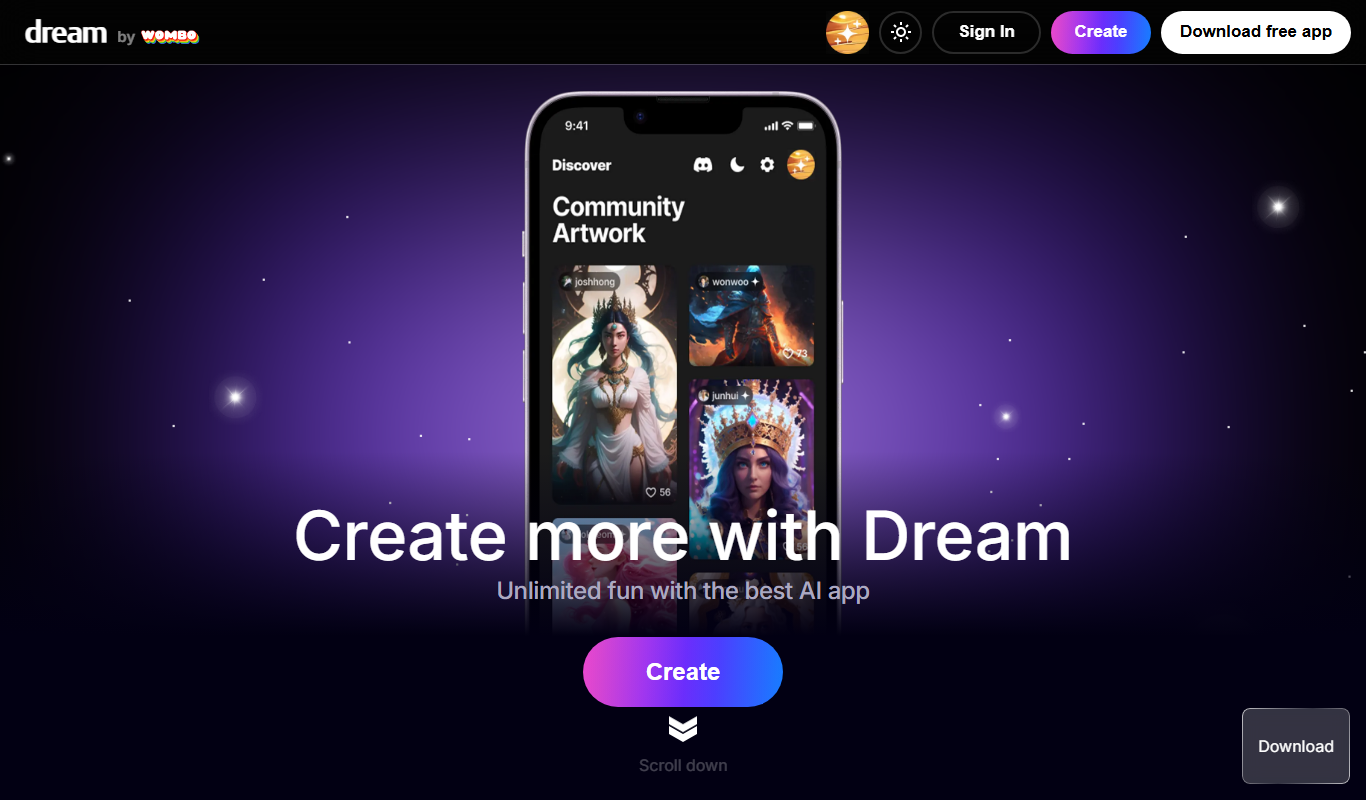
Wombo
Wombo is an AI-powered platform that generates unique digital artwork from text prompts, offering multiple art styles and easy-to-use tools accessible via web and mobile apps.
Rapid Resizer Outline Maker
Rapid Resizer Outline Maker refers to the Picture Stencil Maker on Rapid Resizer, a web-based tool for turning photos or drawings into stencils and patterns for crafts and cutting projects.

insMind Ghibli Image Generator
insMind Ghibli Image Generator is a web-based AI tool that transforms photos into artwork inspired by Studio Ghibli’s animation style using AI style transfer.
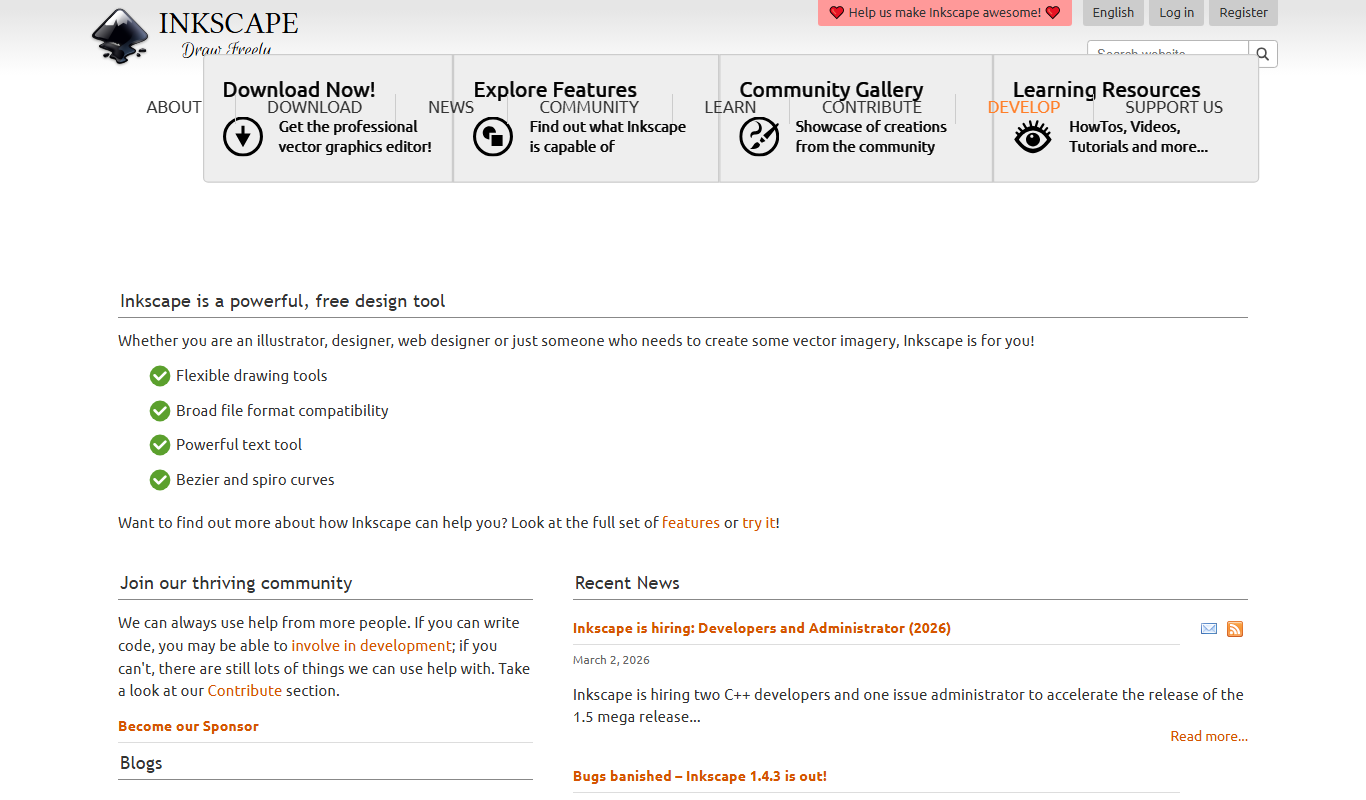
Inkscape
Inkscape is a free and open source vector graphics editor used for creating and editing scalable vector images with advanced tools for illustration and graphic design.
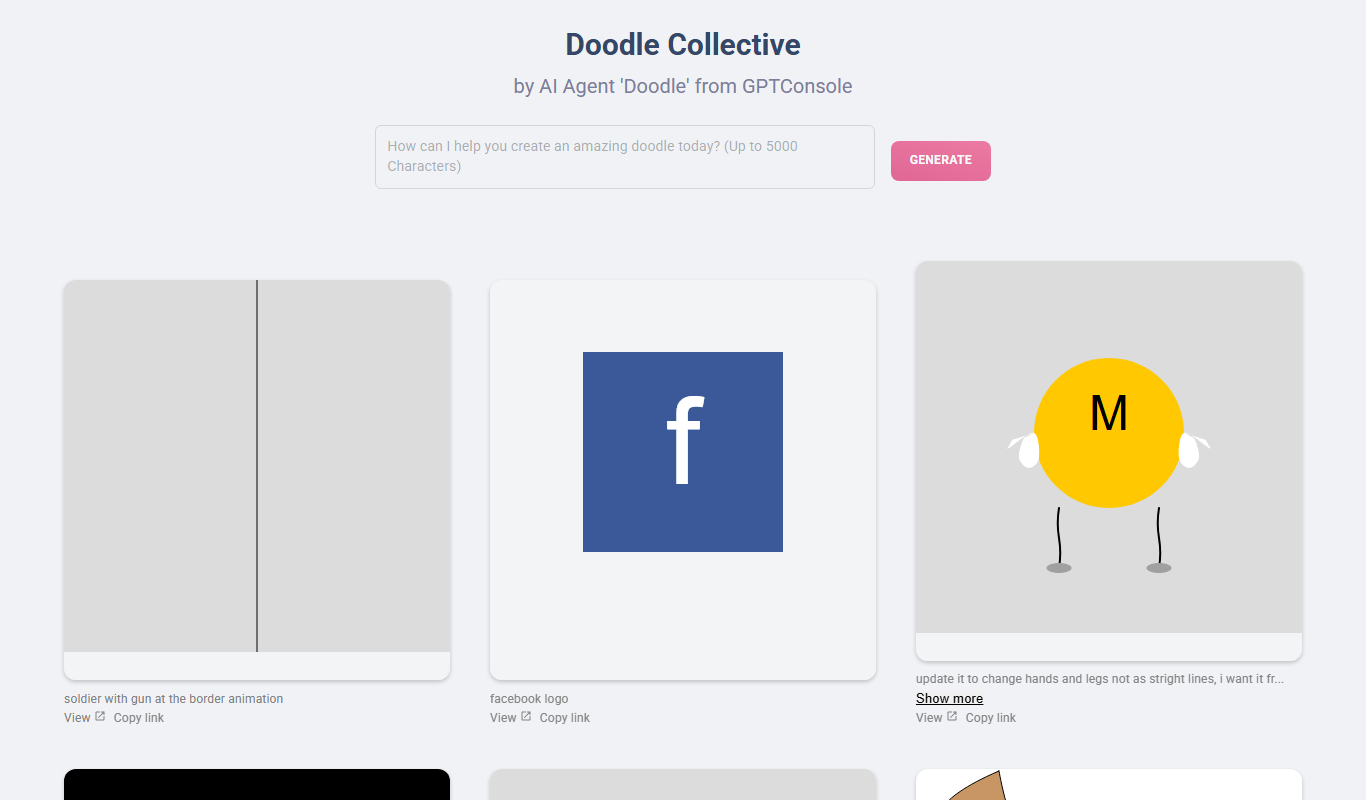
Doodle Collective
Doodle Collective is an AI art generator that transforms text prompts into unique digital images, suitable for creative projects and marketing.
SketchAR
SketchAR is an augmented reality app that projects virtual sketches onto physical surfaces, enabling users to trace and learn drawing interactively on mobile devices.

Heurist Imagine
Heurist Imagine is an AI image and video generator that runs models such as FLUX, Stable Diffusion and Veo 3 on decentralized infrastructure, paid pay-as-you-go with crypto.

Story Diffusion Gen | Story Character
Story Diffusion Gen is an AI-powered web platform that generates character-consistent images, videos and comics from text prompts for visual storytelling.